 ProMapRanker
Best AI Coding Tools in 2026

Key takeaways
- GitHub Copilot remains the cheapest complete paid seat for most developers, at $10 per month for Pro, with a limited free tier.
- Cursor is our pick for developers who want an editor built around agents and multi-file edits, starting at $20 per month.
- Claude Code suits terminal-first developers and large refactors, and it is included with Claude Pro at $20 per month.
- Free and open source options such as Cline and Zed are real alternatives, but they still need a model provider or a paid plan for heavy use.
- Usage-based billing is now common, so check how agent mode, chat and completions are counted before you commit.
Quick comparison
| Pick | Great for | Pricing starts at | Free tier | |
|---|---|---|---|---|
 GitHub Copilot GitHub Copilot | GitHub-centered teams | $10 per month | Yes | Visit |
 Cursor Cursor | AI-native editing | $20 per month | Yes | Visit |
 Claude Code Claude Code | Terminal-based refactors | $20 per month | No | Visit |
 Windsurf Windsurf | Cursor-style agentic IDE | $20 per month | Yes | Visit |
 Tabnine Tabnine | Regulated and private teams | $39 per user per month | Free trial | Visit |
 Zed Zed | Fast native editing | $10 per month | Yes | Visit |
 JetBrains AI JetBrains AI | IntelliJ and PyCharm users | $10 per month | Free trial | Visit |
 Cline Cline | Model choice and control | Free | Yes | Visit |
 Replit Replit | Prototypes and beginners | $20 per month | Yes | Visit |
The best AI coding tools
These tools all write code, but they differ in where you work, how much control you keep, and how the bill grows. We compared official pricing pages, feature pages and public documentation to separate the editor, the assistant and the agent.
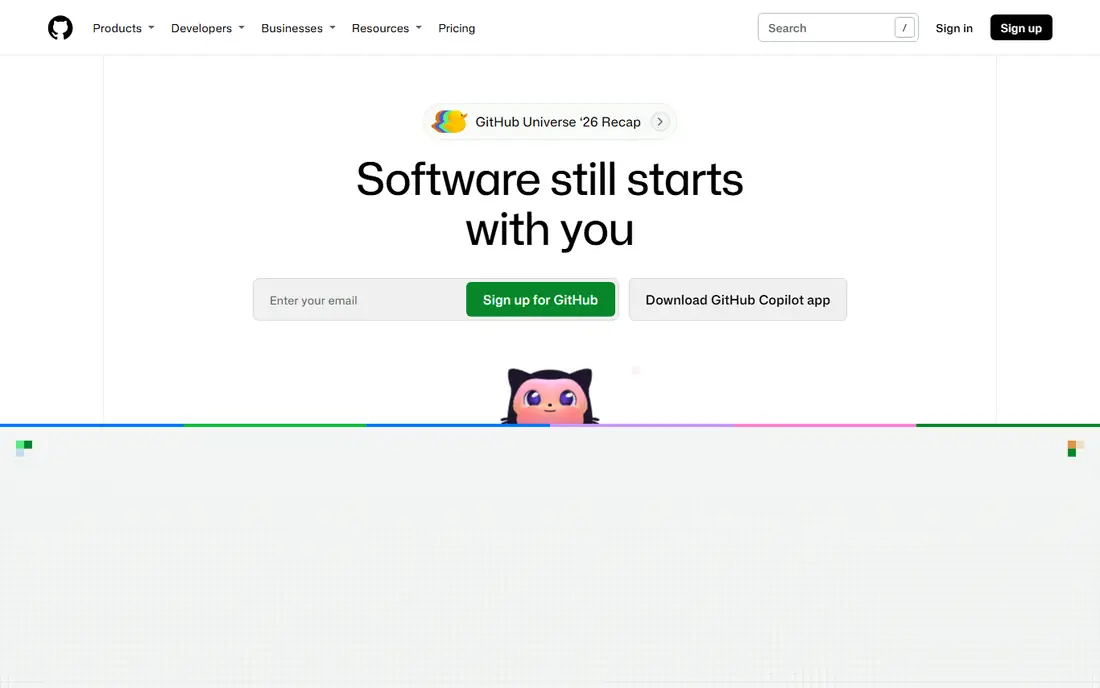
GitHub Copilot is the safe default if your code, issues and pull requests already live on GitHub. Completions and Next Edit suggestions stay included without consuming credits on paid plans, while agent mode, chat and code review draw down AI credits. That split matters, because a developer who mostly accepts completions will see a very different bill from one who hands whole tasks to the agent.
The integration is the real strength. Copilot sits inside editors developers already use, and the coding agent can work on an issue in the background and open a pull request for review. The catch is review discipline. Copilot output still needs tests and a careful read, especially on unfamiliar code, and usage limits mean heavy agent users should watch their credit balance early in the month.
- Works in VS Code, JetBrains and Neovim
- Agent mode turns issues into pull requests
- Free tier for light use
- Agent, chat and review work now draws on usage credits
- Model choice on the free tier is limited
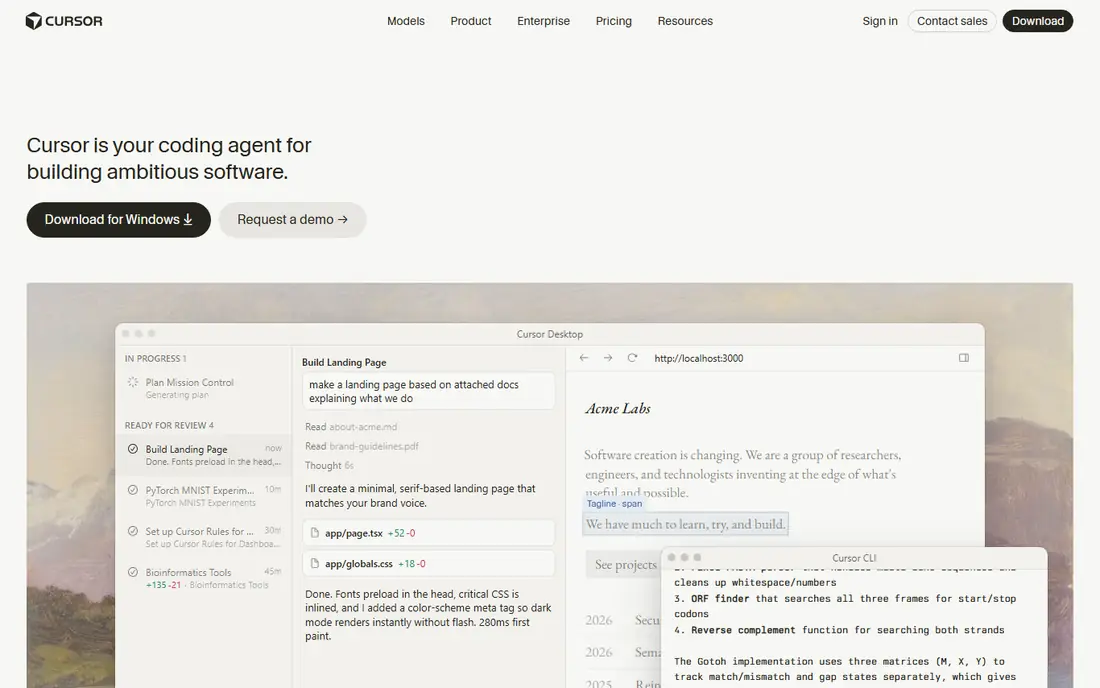
Cursor is a full editor, not a plugin, and that difference shows in everyday work. Agent mode can edit across files, run terminal commands and work on background tasks while you keep coding. For developers who want the AI to carry a feature from description to working code, Cursor feels more direct than a completion tool bolted onto another editor.
The Hobby tier is useful for trying the workflow, but it is limited. Pro at $20 per month is the realistic starting point, and daily agent users may need higher tiers or extra usage. Our pick for most people who want one AI editor is Cursor, provided they accept that agent work is metered and that they will still review every change.
- Full editor built around agents
- Multi-file edits and background agents
- Several models to choose from
- Heavy agent use can push costs well past the Pro price
- A new editor to learn for some teams

Claude Code runs in your terminal and is built for work that spans many files, such as refactors, migrations and codebase-wide changes. It can read a repository, plan a change and carry it out in steps, with subagents handling parts of the task in parallel. Developers who already live in the terminal tend to like this approach, because the tool meets them where they work.
Pricing is bundled with Claude Pro at $20 per month, with higher Max plans for heavier use, or pay-per-token through the API. That makes it easy to try if you already pay for Claude, but there is no free tier for Claude Code itself. It is also the tool where careful prompting and testing matter most, since a confident-sounding refactor can still miss an edge case.
- Strong reasoning across large codebases
- Works in the terminal and in supported editors
- Parallel subagents for bigger tasks
- No free tier
- Terminal-first workflow will not suit every developer
Windsurf, formerly from Codeium and now associated with Devin Desktop, is the closest direct rival to Cursor for many developers. Its Cascade workflow plans a change, then carries it out across files, which suits developers who want the tool to handle the middle steps of a feature. Completions are fast, and the free tier gives enough room to judge the editor before paying.
Pro at $20 per month is the usual entry point for regular use. The main drawback is change itself. The product has been through rebranding and ownership shifts, so plan names and credit rules deserve a fresh check on the vendor site before you buy. If you like Cursor but want a second option with a similar feel, Windsurf is the first one to test.
- Agentic IDE with a Cascade planning workflow
- Fast completions
- Light free quota to try it
- Pricing and ownership have changed, so check current plan names
- Agent credits can add up
Tabnine is aimed at teams where privacy and control matter more than the lowest price. It offers deployment options for regulated environments, including setups that keep code inside company infrastructure, and it adds code review and governance features on top of completions. That focus makes it a common choice for banks, health care teams and large enterprises with strict policies.
The trade-off is cost and simplicity. At $39 per user per month for the code assistant, with a higher agentic tier, Tabnine is not the budget pick for solo developers. It also lacks a free tier, though a trial is available. Choose it when your security team has a say in the purchase, not when you just want cheap completions.
- Privacy-focused deployment options
- Code review and governance features
- Works across major editors
- Higher starting price than Copilot or Cursor
- No free tier for ongoing use
Zed is a native editor that prizes speed. It opens fast, stays responsive on large files and supports real-time collaboration, which makes it appealing to developers who found Electron-based editors sluggish. Its AI features include edit predictions and chat, and you can bring your own model key if you prefer to pay a provider directly.
Pro at $10 per month is modest, and the editor itself is free. The limit is depth. Zed does not yet match the agentic workflows of Cursor, Claude Code or Windsurf, and its extension library is smaller than VS Code. Pick Zed if speed and a clean editor matter most, and pair it with another agent if you need heavy multi-file automation.
- Very fast native editor
- Multiplayer editing
- Bring-your-own-key option for AI models
- Smaller extension ecosystem than VS Code
- AI features are less deep than Cursor or Copilot agents
JetBrains AI makes sense if you already pay for IntelliJ IDEA, PyCharm, WebStorm or another JetBrains IDE. The assistant lives inside the IDE, with completions, chat and the Junie coding agent for multi-step tasks. Because it understands JetBrains project models, it often fits Java, Kotlin and Python workflows better than a generic plugin.
AI Pro at $10 per month is the entry point, with limited free access for trying it. The obvious limit is scope. If your team splits across VS Code, JetBrains and other editors, JetBrains AI only covers part of the team. It is a strong second tool for JetBrains shops, and a weak reason on its own to switch editors.
- Built into JetBrains IDEs
- Understands Java, Kotlin, Python and other JetBrains languages well
- Junie agent for larger tasks
- Less useful outside JetBrains IDEs
- AI features vary by IDE and plan
Cline is an open source coding agent that runs inside VS Code and lets you choose your model provider. That freedom is the point. You can switch models when prices change, test a new model on the same task, or keep costs visible by paying the provider directly. A paid ClinePass option exists for managed access, but the tool itself is free.
The cost is effort. You need an API key, you need to watch token usage, and you need to set guardrails so the agent does not make changes you did not approve. For developers who like control, that is a fair trade. For teams that want one bill and one support contact, a packaged tool such as Copilot or Cursor will be simpler.
- Open source
- Use almost any model provider
- Runs inside VS Code
- No vendor lock-in
- You pay your model provider separately
- Setup takes more work than a packaged tool
Replit is the easiest way to go from an idea to a running app without installing anything. You describe what you want, and its agent builds a prototype in the browser, with hosting and sharing built in. That makes it a good fit for beginners, hackathons, side projects and product managers who want a working demo before involving engineers.
Serious engineering teams will hit limits sooner. Large codebases, complex local tooling and strict deployment rules are better served by a local IDE plus an agent such as Cursor or Claude Code. Replit Core at around $20 per month is reasonable for prototyping, but treat it as a builder for early work, not as your only development environment.
- Browser-based workspace with instant setup
- Prompt-to-app building
- Easy sharing and deployment
- Not a replacement for a full local IDE on large projects
- Agent credits and hosting costs add up
How we picked these
We compared official pricing pages, product documentation and public reviews for tools that are on sale and supported in October 2026. We favoured tools that cover different workflows, including editors, plugins, terminal agents and browser builders, rather than listing nine versions of the same autocomplete. We excluded tools that are discontinued or no longer available to new users. Prices are entry paid prices in US dollars before tax, and we note where usage credits change the real cost.
What to check before you pay
Start with the workflow, not the model name. An editor-first tool suits developers who want AI inside every edit, while a terminal agent suits developers who batch larger changes. A plugin suits teams that refuse to change editors. Write down your top three tasks, such as completions, bug fixes or refactors, and test each shortlisted tool on the same task before paying.
Watch the credit model
Headline prices now hide a second price. Completions are often unlimited on paid plans, while agent mode, chat and review draw on credits or tokens. Ask how many credits a typical agent task uses, what happens when you run out, and whether unused credits roll over. A $20 plan that stops mid-task is more expensive in lost time than a $39 plan that finishes the job.
Check privacy and code use
Read the privacy page before you connect a private repository. Some vendors offer zero-retention or enterprise options, while others use data under default consumer terms. Regulated teams should shortlist Tabnine, enterprise tiers of Copilot and Claude, or a bring-your-own-key setup, and should confirm the setting in writing rather than assuming it.
Test on your own codebase
A demo on a small sample project tells you little. Give each finalist a real file from your codebase, a real bug report and a real refactor, then check the diff, run the tests and time the review. The best AI coding tool is the one whose output you can trust fastest, not the one with the longest feature list.
Frequently asked questions
Which AI tool is best for coding?
There is no single winner, because the best choice depends on your editor and your task. GitHub Copilot is the best value for GitHub teams, Cursor is the best all-round AI editor, and Claude Code is the best terminal agent for large refactors. Test two or three on the same real task before you decide.
What is the best AI tool for coding for beginners?
Replit is the easiest start, because it runs in the browser and turns a description into a working prototype. GitHub Copilot is also beginner-friendly inside VS Code, since completions help while you learn. Beginners should still read the generated code and run tests, since AI output can look correct while hiding a bug.
Are there free AI coding tools?
Yes. GitHub Copilot, Cursor, Windsurf, Zed and Cline all offer free tiers or a free tool, though limits differ. Cline is free as software but you pay a model provider for tokens. Free tiers suit learning and light use, while daily professional use usually needs a paid plan.
Is AI-generated code safe to use?
AI code needs the same review as human code, including tests, security checks and a read of the diff. Avoid pasting secrets or sensitive code into tools without checking the vendor privacy terms. Enterprise plans and private deployment options exist for teams with stricter rules.
Do AI coding tools replace developers?
No. They speed up completions, boilerplate and routine refactors, but they do not replace design judgment, debugging or accountability for a release. Developers who review carefully and test well get the most value, while teams that accept output without checking it take on real risk.
Sources
See where you really rank - block by block
ProMapRanker scans Google Maps across a grid of your service area. Simple monthly plans from $19, white-label on every plan.
Start freeKeep reading
 zoom alternatives
Best Zoom Alternatives in 2026
Compare Zoom alternatives in 2026, with free meeting limits and prices, so you can pick the best alternative to Zoom for your team, class, or community.
Read → which software is best for remote work
Which Software Is Best for Remote Work in 2026
Answering which software is best for remote work, we compare Slack, Zoom, Asana, Notion, Teams and more, with pricing and honest tradeoffs in 2026 now.
Read → which ai tool is best for content writing
Which AI Tool Is Best for Content Writing in 2026
Wondering which ai tool is best for content writing? We compare ChatGPT, Claude, Jasper, Grammarly, and more on price, quality, and best use in 2026 now.
Read →