 ProMapRanker
Best AI Coding Tools for Developers: 2026 Prices and Picks

Teams inside JetBrains IDEs · Pricing starts at: See website
Direct answer
JetBrains AI Assistant is the first pick on this list for teams inside JetBrains IDEs. Listed starting prices: Claude Code from $17 per month, Cursor from $8 a month and Replit from $18 a month, billed yearly. Look at Claude Code for terminal-first agentic coding, and at GitHub Copilot for end-to-end work across editor and GitHub. Details, prices and limits for the rest of the 5 tools are below.
This ProMapRanker guide covers 5 AI coding tools for developers. Each profile lists a starting price, free plan details, strengths and drawbacks, so you can drop poor fits quickly.
Key takeaways
- Number one here is JetBrains AI Assistant, a fit for teams inside JetBrains IDEs.
- A free plan is available from 2 of the 5 tools: Claude Code, Cursor.
- Before buying Cursor, weigh this: agent handoffs need clear task scoping.
- For the cheapest start, look at Cursor: $8 per month.
- For building apps from a description, Replit is worth a look.
Quick comparison
| Pick | Great for | Pricing starts at | Free tier | |
|---|---|---|---|---|
| JetBrains AI Assistant | Teams inside JetBrains IDEs | See website | Not stated | Visit |
 Claude Code | Terminal-first agentic coding | $17 per month | Yes | Visit |
 GitHub Copilot | End-to-end work across editor and GitHub | See website | Not stated | Visit |
 Cursor | Handing off tasks to coding agents | $8 a month | Yes | Visit |
 Replit | Building apps from a description | $18 a month, billed yearly | Not stated | Visit |
The 5 tools in detail
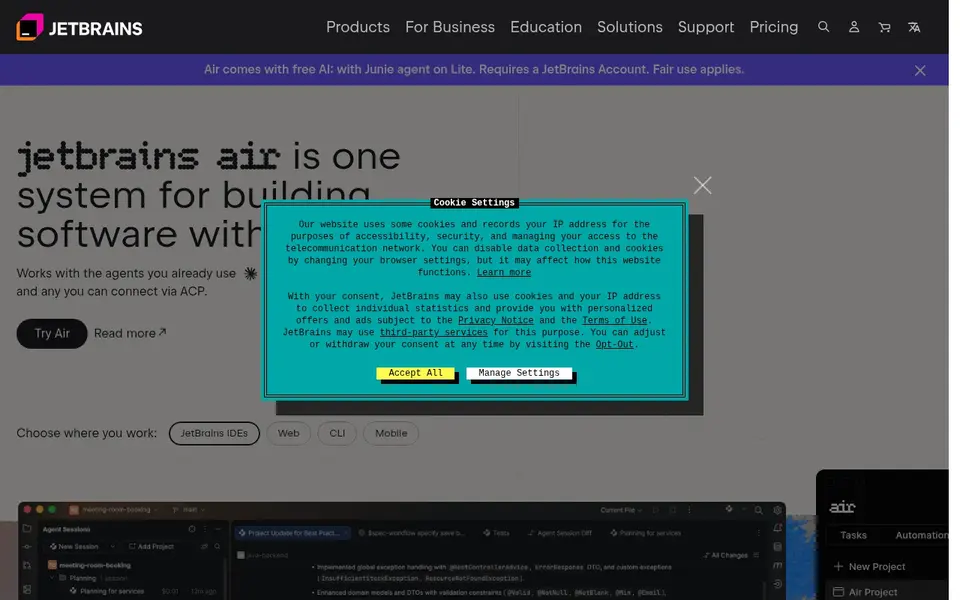
JetBrains AI Assistant makes the most sense for teams inside JetBrains IDEs. The emphasis on bringing your own agents means the value relies on which agents you already run, and setup choices can add overhead.
Developers and teams already working in JetBrains tools are the most natural audience, especially those who want to keep their existing agents whereas adding AI assistance to their environment. Pricing for JetBrains AI Assistant is not stated here, so ask the vendor for current figures. Free access: Not stated.
Drawbacks to consider: Most valuable within the JetBrains ecosystem.
- Supports ACP-compatible agents
- Centered on building software with agents
- Agent adaptability can add setup decisions

Claude Code makes the most sense for terminal-first agentic coding. Since it runs commands and edits files, it rewards users who review changes carefully and keep version control in order.
Trade-offs to know: Terminal-first approach is not for everyone.
Entry price for Claude Code: $17 per month. Claude Code has a free plan.
- Available in the terminal and IDE
- Understands the codebase before acting
- Needs comfort with agent-driven edits
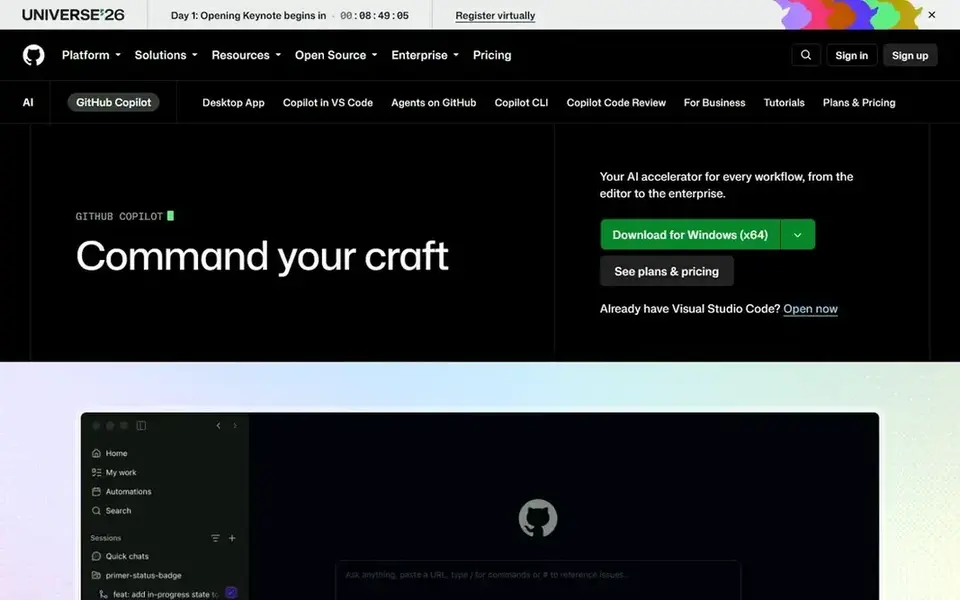
In short, GitHub Copilot is for end-to-end work across editor and GitHub. Since Copilot spreads across multiple surfaces, the experience is wide instead of narrowly specialized.
Teams outside GitHub will get less from the platform-level features. Check the vendor site for GitHub Copilot pricing; none is listed in this comparison. Free options: Not stated.
Watch-outs: Value relies on how much you use GitHub.
- Supports the path from open issue to merged pull request
- Desktop and on GitHub
- Breadth of surfaces can take time to learn
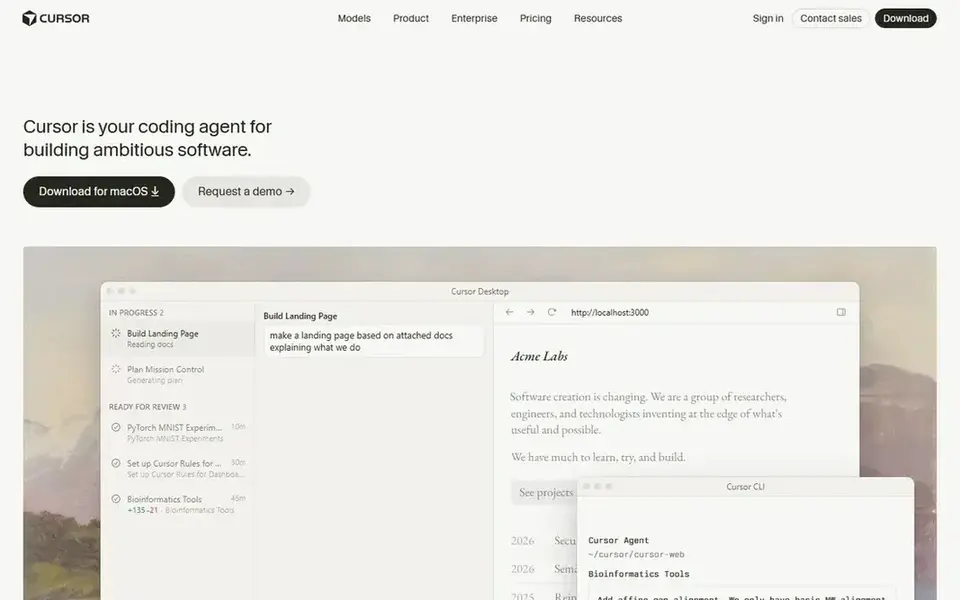
For handing off tasks to coding agents, Cursor is a natural candidate. If your workflow is centered on GitHub issues and pull requests instead of task handoffs, GitHub Copilot may be the more natural starting point.
Cursor cost at the entry level: $8 per month. Free access exists with Cursor.
The main drawbacks: Agent handoffs need clear task scoping.
- Built around developer productivity
- Agent-centered workflow for turning ideas into code
- Less aligned with GitHub-native workflows
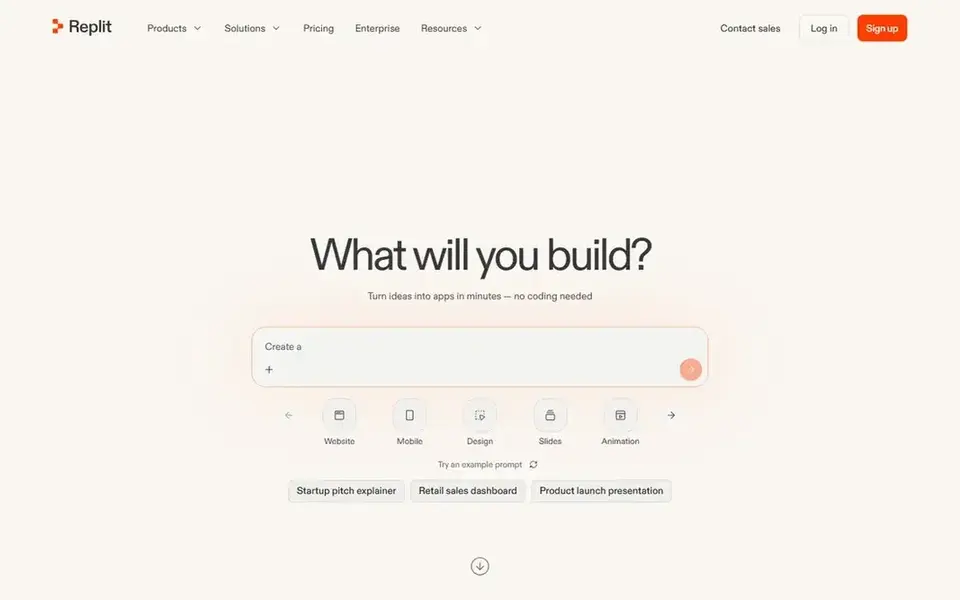
Replit is a good fit for building apps from a description. Developers who require an agent embedded in their own project should look at Claude Code or GitHub Copilot instead.
Replit starts at: $18 per month, billed annually. As for free access: Not stated.
Drawbacks to consider: Less suited to deep codebase work.
- Framed as requiring no coding
- Quick path from idea to running project
- Aimed more at building than maintaining
Pre-purchase checklist
- Get a written quote from JetBrains AI Assistant and GitHub Copilot; the list shows no starting price for them.
- Check what the free option really includes: Claude Code and Cursor offer a free plan, and usage caps differ.
- Before choosing JetBrains AI Assistant, weigh its main limit: most valuable within the JetBrains ecosystem.
- Ask GitHub Copilot whether prices are locked for the first term and what happens at renewal.
- Ask Cursor how an export works before you move any records in; an easy exit lowers the risk.
Frequently asked questions
Can I try these tools before paying?
Often, yes. Claude Code and Cursor have a free plan. Use your own data and a real task during the test, and check what the free tier or trial limits before you rely on it. Each of the 5 options in this AI coding tools for developers guide has its own card above with the price, free plan and limits.
Is JetBrains AI Assistant the right pick for everyone comparing AI coding tools for developers?
No single tool suits every team. JetBrains AI Assistant comes first because it fits teams inside JetBrains IDEs, while Claude Code suits terminal-first agentic coding and GitHub Copilot suits end-to-end work across editor and GitHub. Match the tool to your own size, budget and workflow before deciding.
Which options for AI coding tools for developers have a free plan?
Claude Code and Cursor offer a free plan in this list. Free plans usually cap users, projects or features, so check the limits on the vendor page.
Do these tools publish their prices?
Not all of them. JetBrains AI Assistant and GitHub Copilot publish no starting price, so expect a quote request for those. The rest, Claude Code included, show a starting price, though seats and billing terms still change the final cost.
Sources
See where you really rank - block by block
ProMapRanker scans Google Maps across a grid of your service area. Simple monthly plans from $19, white-label on every plan.
Start freeBrowse all guides
← Best AI Chat Testing Platforms in 2026Best AI Desktop Database Software (2026) →
 best cloud database platform for ai agents
Best Cloud Database Platform for AI Agents (2026)
6 best cloud database platform for AI agents, with entry costs, free tiers and the buyer each one serves. Short, factual notes on every option. Start here.
Read → best ai node.js developers software
2026 Guide to the Best AI Node.js Developers Software
Comparing the best AI node.js developers software? 5 contenders, each with entry cost, free tier and best-fit buyer. Short verdicts, no fluff. Prices checked.
Read → best ai low-code mobile app builder software
Best AI Low-Code Mobile App Builder Software in 2026
Best AI low-code mobile app builder software in 2026: 5 contenders with entry costs and free tiers. Weaknesses are named for every tool. Full profiles inside.
Read → top custom software development company
Top Custom Software Development Company in 2026
Looking for a top custom software development company? We compare 9 firms for web, mobile, and enterprise software, covering strengths and fit for 2026.
Read → best pdf compressor software
PDF Compressor Software Buyer's Guide
Need the best PDF compressor software? We compare 7 tools on cost, free access and who each suits. Weak spots flagged for every entry. Reviewed this month.
Read → best cross browser testing tools
Best Cross Browser Testing Tools in 2026
Compare the best cross browser testing tools, from BrowserStack and Sauce Labs to LambdaTest and Playwright. See pricing and real device options for teams.
Read →More in Developer Tools · All guides A to Z by date · Latest guides