 ProMapRanker
PDF Compressor Software Buyer's Guide

Direct answer
Start with Foxit PDF Editor if you need business Acrobat alternative. Alternatives: Sejda for straightforward browser-based compression, and Adobe Acrobat for maximum quality and control. The other 4 tools in the list cover narrower or pricier cases.
Key takeaways
- The list opens with Foxit PDF Editor, aimed at business Acrobat alternative.
- 5 of 7 tools offer a free plan: Sejda, HiPDF, Smallpdf, iLovePDF, PDF24 Tools.
- PDF24 Tools fits fully free, no limits.
- For the cheapest start, look at iLovePDF: Premium $4/month.
- What to know about Adobe Acrobat first: pricey for compression alone.
Quick comparison
| Pick | Great for | Pricing starts at | Free tier | |
|---|---|---|---|---|
 Foxit PDF Editor | Business Acrobat alternative | $10.99/month | Free trial (14 days) | Visit |
 Sejda | Straightforward browser-based compression | $7.50/month | Yes | Visit |
 Adobe Acrobat | Maximum quality and control | $23.99/month (annual, billed per month) | Free trial (7 days) | Visit |
 HiPDF | Free online compression with AI extras | Free | Yes | Visit |
 Smallpdf | Refined all-in-one PDF toolkit | $9/month | Yes | Visit |
 iLovePDF | Ample free level for occasional use | Premium $4/month (billed yearly) | Yes | Visit |
 PDF24 Tools | Fully free, no limits | Free | Yes | Visit |
PDF Compressor Software compared in detail
ProMapRanker compared 7 tools for PDF compressor software. The goal is a practical shortlist: published prices, free plan facts, best-fit use cases and honest limits for every entry.
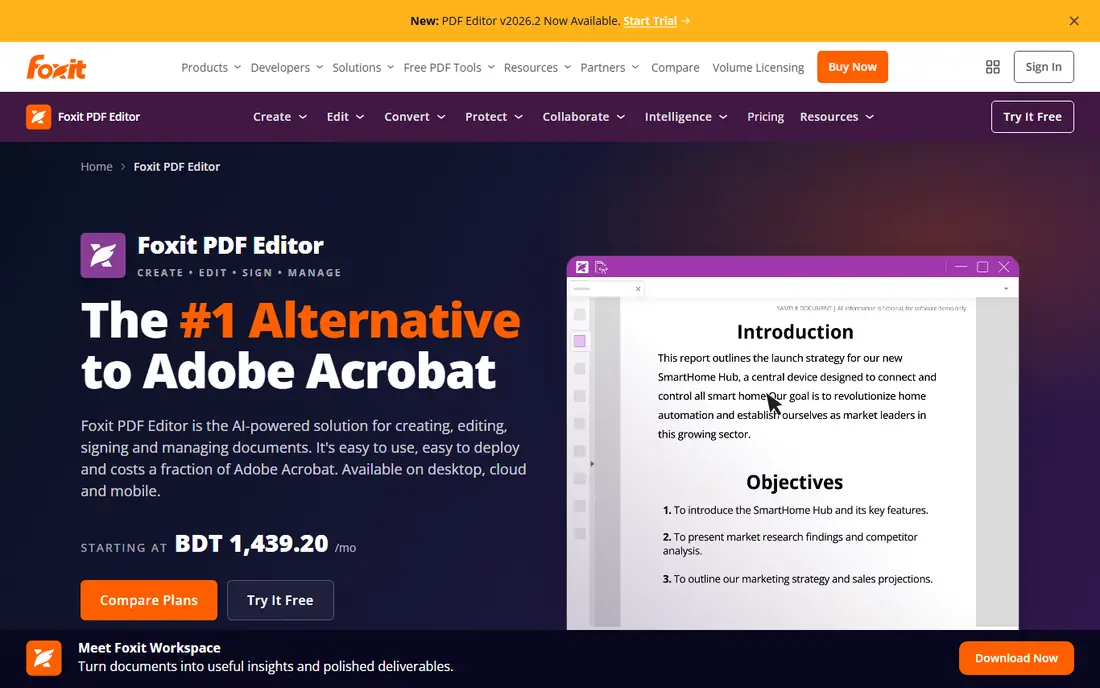
Foxit PDF Editor is a good fit for business Acrobat alternative. Foxit has spent years positioning itself as the business alternative to Acrobat, and on price it gives: subscriptions start at $10.99 per month, and unlike Adobe it still sells a perpetual license for buyers who refuse subscriptions. On top of that, small firms standardizing on one PDF product should shortlist Foxit alongside Acrobat and compare the three-year cost, because the gap is significant at scale.
Worth adding: the 2026 edition bundles an AI assistant with monthly credits, Smart Redact for automatic PII removal. A document management system with version control. The 14-day trial needs no credit card, which makes evaluation painless. Worth adding: compression lives inside a full editing suite with OCR, form creation, and e-signatures. So this is a complete Acrobat replacement instead of a single-purpose shrinker. The starting price for Foxit PDF Editor: $10.99/month. Trial and free access: Free trial (14 days).
Watch-outs: No free level.
- Perpetual license choice
- 44% less expensive than Acrobat per its own comparison
- Interface can feel busy
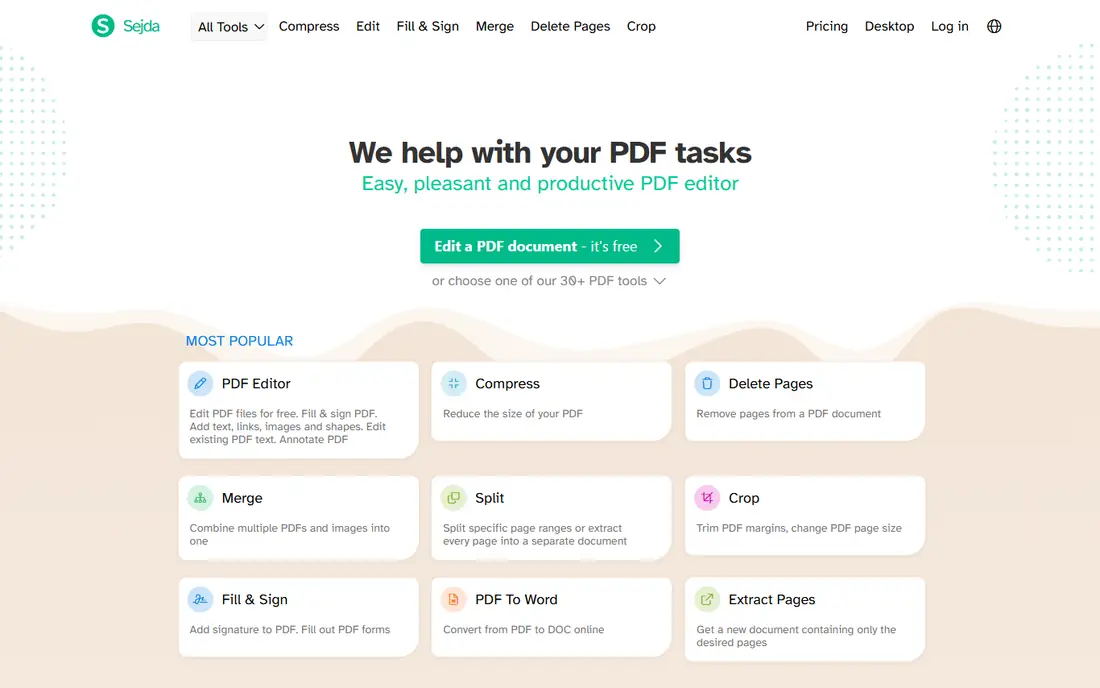
Sejda is designed for straightforward browser-based compression. No account, no onboarding tour, no upsell maze before your first compression. In daily use, the free level permits only a handful of tasks per hour, which is fine for the odd file and frustrating for batch work.
Worth adding: Sejda lacks the AI extras and e-sign suites of its larger rivals, but it never pretends otherwise. It is the right pick for buyers who want a straightforward tool that respects their privacy without a ramp-up time. Sejda cost at the entry level: $7.50/month. A free plan is available with Sejda.
Limits to weigh: Free level caps tasks per hour.
- Desktop app processes files locally
- Clean no-nonsense design
- Smaller feature set than rivals
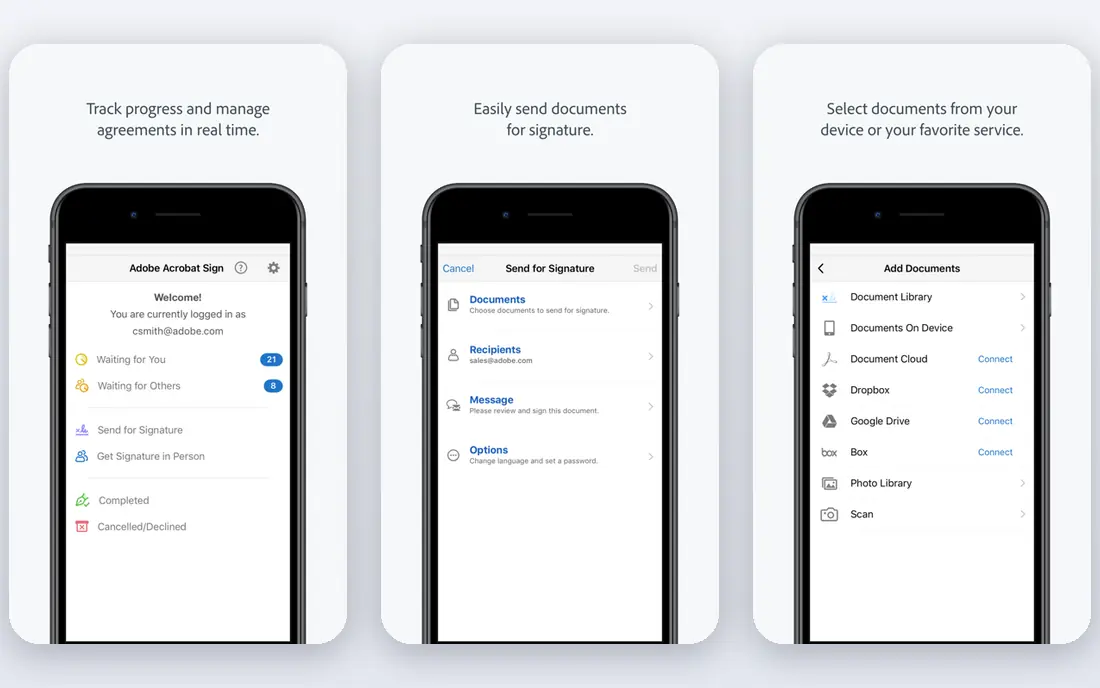
Adobe Acrobat makes the most sense for maximum quality and control. The original PDF company still makes the best compressor, and it is not close when quality matters. Skip it if you just have to email a smaller file twice per month.
Watch-outs: Subscription only for new customers.
In daily use, Acrobat's PDF Optimizer lets you downsample images to exact DPI targets, subset embedded fonts, discard hidden layer data, and preview the size savings before you commit. For scanned documents, the built-in OCR keeps text searchable after compression, which less expensive tools commonly break. The 7-day trial is genuinely handy for a one-off project, and the free online compressor manages small files without an account. From a buyer's view, buy it if PDFs are central to your business. What you pay to start with Adobe Acrobat: $23.99/month. Free plan details: Free trial (7 days).
- Granular optimization controls
- Batch processing
- Pricey for compression alone
Choose HiPDF for free online compression with AI extras. HiPDF is Wondershare's free online suite, and the compressor gives you high, medium, and low settings with fast results.
Expect Wondershare branding and prompts toward its premium desktop products; that is the business model. Entry price for HiPDF: Free. A free plan is available with HiPDF.
What to check first: Wondershare upsells throughout.
- AI summarizer and translator built in
- Clean modern interface
- Advanced features gated behind account
Smallpdf works best for refined all-in-one PDF toolkit. For occasional users, the free level's limits will push you toward the genuinely free choices below. Beyond that, Smallpdf feels like the Apple product of PDF tools: everything is where you expect it, the compression slider provides entry-level and capable modes.
The entire suite, convert, merge, sign, edit, AI summarize, lives under one $9 monthly subscription. For teams that touch PDFs daily and value a frictionless experience, the Pro plan earns its keep. You get two tasks a day, which vanishes quick during a busy week, and capable compression sits behind the paywall. Worth adding: every file uploads to Smallpdf's servers, so confidential documents deserve a second thought. Entry price for Smallpdf: $9/month. Smallpdf offers a free plan.
Drawbacks to consider: Uploads leave your computer.
- Cleanest interface in the category
- Capable mobile apps
- Free level restricted to 2 tasks a day
iLovePDF serves ample free level for occasional use. Three compression modes, extreme, recommended, and low, provide you a real choice between file size and fidelity, and the free level is more forgiving than Smallpdf's before it asks for money. Also, like most online tools, your files travel to iLovePDF's servers for processing, which rules it out for regulated industries.
Drawbacks to consider: Ads on the free level.
But for students, freelancers, and small offices compressing a handful of files a week, the combination of a usable free level and the cheapest premium plan is hard to beat. For everyday use, the interface is functional instead of beautiful, and free users see upgrade prompts. iLovePDF cost at the entry level: Premium $4/month. Free access exists with iLovePDF.
- Cheapest premium plan here
- Desktop app for offline work
- Cloud processing like the rest
PDF24 Tools serves fully free, no limits. Every tool, including the compressor, works without an account, without daily caps, and without feature gates, funded by advertising on the site.
Trade-offs to know: Interface looks dated.
For the privacy-conscious, the free PDF24 Creator desktop app brings the entire toolkit offline so files never upload anywhere. From a buyer's view, compression quality is solid for everyday documents, though it lacks the fine-grained optimization controls of Acrobat. PDF24 Tools starts at: Free. Free access exists with PDF24 Tools.
- No account needed
- Offline Creator app available
- Ad-supported pages
How these tools were picked
Each tool was reviewed on what its vendor publishes: price, plan limits, core features and stated drawbacks. We did not run hands-on tests. Seat minimums, billing terms and add-ons can move the real cost, so the starting prices here are a guide and not a quote. The sequence is a judgement call: typical use case first, then pricing transparency, then free access. Use the profiles to check fit.
What to confirm before you sign up
- Prices are a starting point; iLovePDF shows Premium $4/month to start, so verify what your seat count would cost.
- Read the fine print on the free plans from Sejda, HiPDF, Smallpdf and others; seat, project and feature caps differ.
- Run a trial of Foxit PDF Editor and Adobe Acrobat with real work before paying for a year; your own workflow is the best test.
- Before choosing Foxit PDF Editor, weigh its main limit: no free level.
- Ask whether iLovePDF integrates with your current software, and whether that comes standard or as an add-on.
- Make sure PDF24 Tools lets you export your data in a format another tool can read.
Frequently asked questions
Which options for PDF compressor software have a free plan?
Sejda, HiPDF, Smallpdf, iLovePDF and PDF24 Tools offer a free plan in this list. Free plans usually cap users, projects or features, so check the limits on the vendor page. Several others offer a trial instead.
Can I try these options before paying?
Often, yes. Sejda, HiPDF, Smallpdf and others have a free plan and Foxit PDF Editor and Adobe Acrobat offer a free trial. Use your own data and a real task during the test, and check what the free tier or trial limits before you rely on it.
How are the tools for PDF compressor software ordered?
The order follows typical fit for PDF compressor software, with Foxit PDF Editor first and PDF24 Tools last, then price clarity and free access. It is editorial judgement, not a score, so another team could rank the tools differently.
Do these tools publish their prices?
Yes. Every tool from Foxit PDF Editor to PDF24 Tools shows a starting price, though seats, add-ons and billing terms still change the final cost.
Why is my PDF still large after compression?
Normally due to high-resolution images or embedded fonts the tool was not configured to touch. Scanned PDFs are the worst offenders; running OCR first and then compressing frequently beats compressing the raw scan.
Sources
See where you really rank - block by block
ProMapRanker scans Google Maps across a grid of your service area. Simple monthly plans from $19, white-label on every plan.
Start freeKeep reading
 zscaler alternatives
Best Zscaler Alternatives in 2026
Looking for zscaler alternatives? We compare 9 SASE and zero trust platforms on architecture, data protection, pricing, and fit for your network and team.
Read → zapier alternatives free
Best Zapier Alternatives Free in 2026
Nine automation tools for zapier alternatives free in 2026, all with genuinely free tiers, plus free plan limits, starting prices and upgrade paths explained.
Read → which platform is best for online reputation
Which Platform Is Best for Online Reputation in 2026
Wondering which platform is best for online reputation? We compare 8 review, listing, and response tools for small and multi-location businesses and agencies.
Read →