 ProMapRanker
Best Data Scraping Tools for Web Automation in 2026

Key takeaways
- The best web scraping tool for data automation depends on coding skill, site complexity, and how often the job must run.
- Scrapy, Playwright, and Selenium suit developers who want full control, while Octoparse and Apify suit teams that want managed workflows.
- Firecrawl and ScraperAPI suit teams that want an API for clean, structured data without running browsers themselves.
- Lawful collection matters, so respect site terms, robots rules, and applicable law, and avoid personal data you do not need.
- Cost is driven by volume, proxies, and browser time, not only by the monthly plan price, so test with a real target site.
Quick comparison
| Pick | Great for | Pricing starts at | Free tier | |
|---|---|---|---|---|
 Apify | Managed workflows and actors | See website | Yes | Visit |
 Scrapy | Large Python crawls | Free | Yes | Visit |
 Playwright | JavaScript-heavy sites | Free | Yes | Visit |
 Octoparse | No-code visual scraping | See website | Yes | Visit |
 Firecrawl | AI-ready API data | $19 per month | Yes | Visit |
 ScraperAPI | Proxy and API retrieval | $49 per month | Yes | Visit |
 Selenium | Multi-browser automation | Free | Yes | Visit |
 Beautiful Soup | Simple HTML parsing | Free | Yes | Visit |
 Bright Data | Enterprise proxy and scraping | See website | Free trial | Visit |
The best data scraping tools for web automation
Data scraping for web automation means collecting structured data from websites on a schedule, then feeding it into sheets, databases, or other tools. This article covers only lawful collection, such as public data you have a right to collect, with respect for site terms, robots rules, and applicable law. We compared official feature and pricing pages and public product descriptions for tools live in October 2026, across code-first, no-code, and API options.
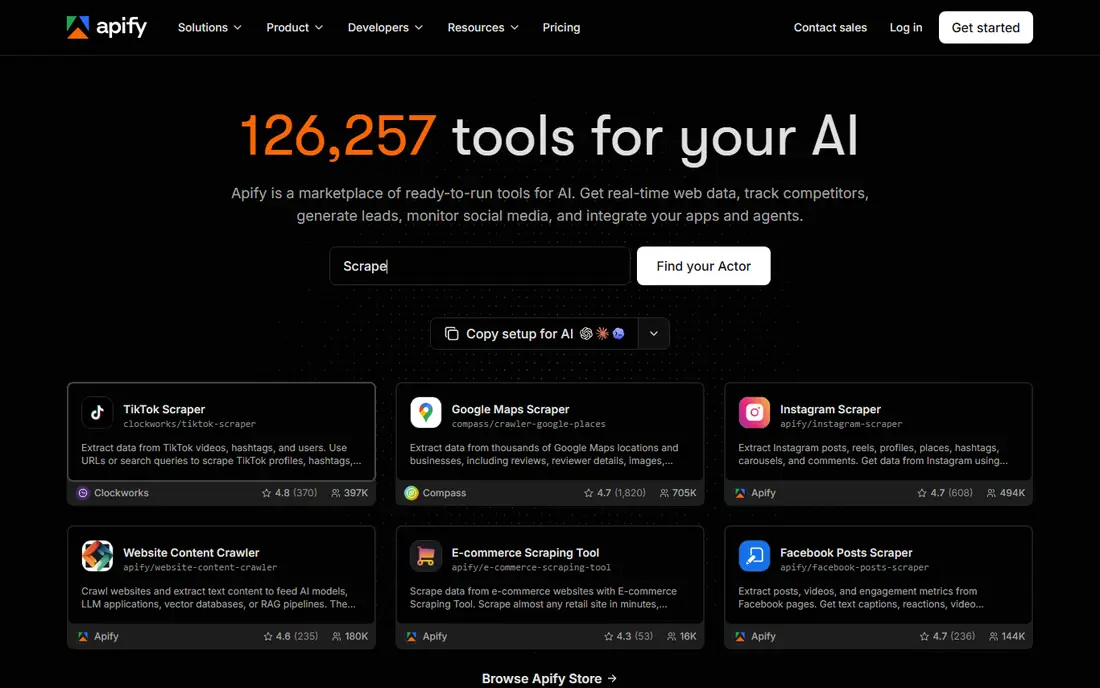
Apify is the full platform pick for teams that run scraping as a recurring job. Actors are reusable programs that scrape, automate browser steps, or process data, and the marketplace offers many ready-made options for common sites. Scheduling, dataset storage, proxy rotation, and webhooks are built in, so a workflow can run end to end without stitching several tools together.
That completeness comes with a learning curve. A simple one-off scrape may be faster in a no-code tool, while Apify pays off when the same job must run daily, handle failures, and feed another system. Check usage pricing carefully, because compute, proxies, and storage can add to the base plan cost.
- Large marketplace of ready-made actors
- Scheduling, storage, and proxies built in
- APIs and integrations for automation
- Pricing varies by usage and plan
- Platform learning curve for custom actors
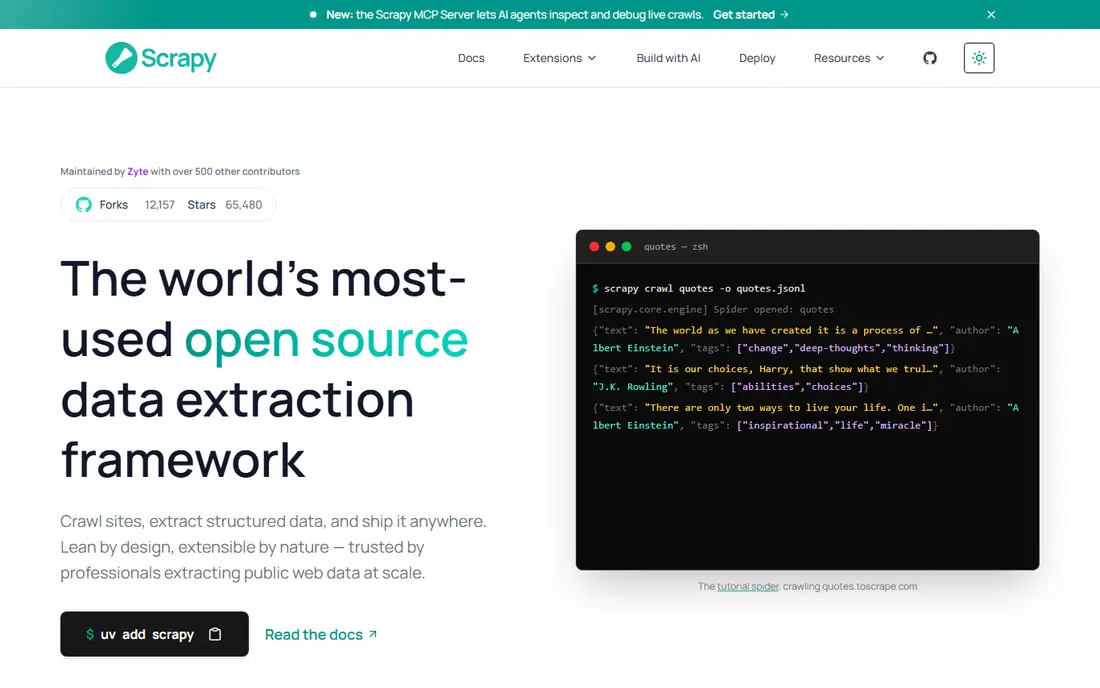
Scrapy is the classic choice for developers building large crawls in Python. It handles requests, parsing, pipelines, and export in a structured way, which helps a data team keep a big project organized. For static or lightly dynamic sites, it is fast and efficient, and its open-source model means no per-page fee.
JavaScript-heavy sites are the limit. Scrapy alone does not render pages like a browser, so teams often pair it with Playwright or a rendering service for dynamic content. That pairing adds complexity, but it gives a developer full control over speed, retries, and data quality.
- Free and open source
- Fast for large static crawls
- Pipelines, middleware, and scheduling options
- Needs Python skill
- JavaScript-heavy sites need extra browser tooling
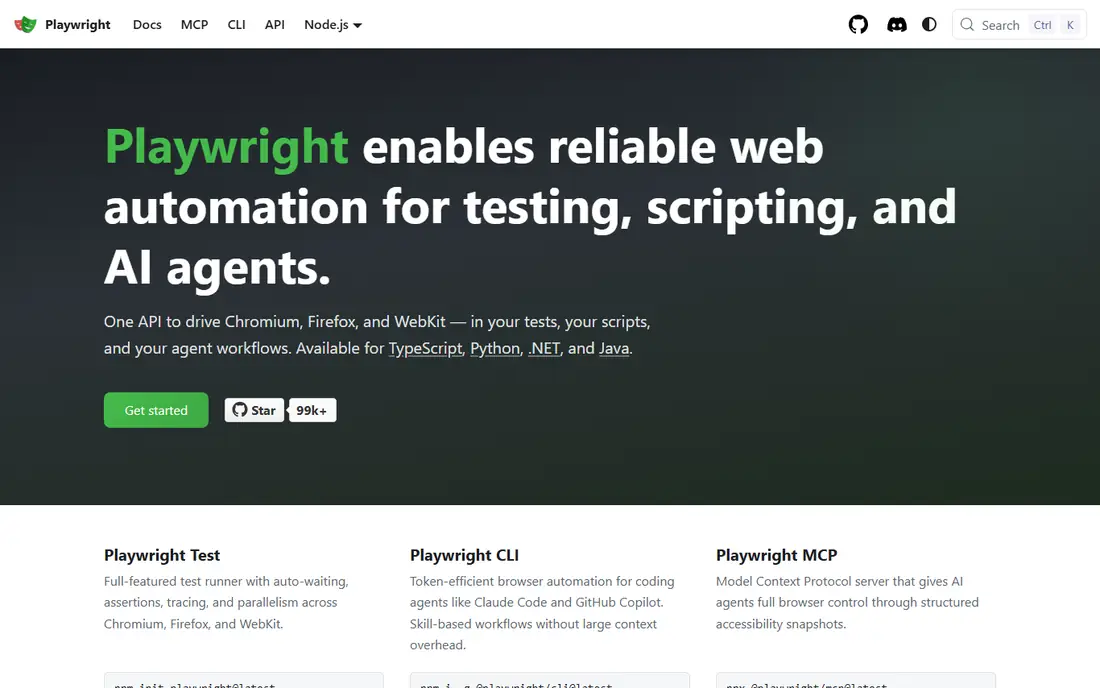
Playwright, built by Microsoft, is the modern browser automation framework for sites that load content with JavaScript. It can click, scroll, wait for elements, and extract data after a page renders, which makes it useful for single-page apps and interactive listings. Support for Chromium, Firefox, and WebKit also helps a team test across browsers.
Playwright is code, not a visual builder, so a non-technical team will need developer help. At scale, browser runs also need servers, queues, and failure handling. For a developer team, though, Playwright offers a clean, current way to automate collection from dynamic sites without paying per page.
- Free and open source
- Supports Chromium, Firefox, and WebKit
- Auto-wait and modern browser automation features
- Code-heavy for simple jobs
- Running browsers at scale needs infrastructure
Octoparse suits business users who need data without writing code. Its visual builder lets a user click fields on a page, set pagination, and export results to sheets or databases. Templates for common site types speed up the first job, and cloud runs let a scrape repeat on a schedule.
No-code does not mean no maintenance. Sites change layouts, add blocks, or change pagination, and a visual scraper needs updates when that happens. Octoparse is best for recurring jobs on stable, public pages, with a named owner who checks outputs and fixes selectors when a run fails.
- Visual point-and-click builder
- Templates for common sites
- Cloud runs and scheduling on paid plans
- Pricing varies by plan
- Complex or changing sites can still need manual fixes
Firecrawl is an API for teams that want clean data without running browsers or parsers themselves. Send a URL, get back Markdown or structured JSON that is ready for analysis or AI pipelines. That simplicity is attractive for teams building search, monitoring, or research tools, where data cleaning would otherwise take most of the time.
The $19 per month starting price covers a set credit allowance in recent public pricing, so volume matters. High-volume jobs should model credit use on a real sample before committing. Firecrawl is also less suited to sites that require login or complex interaction, where a browser framework gives more control.
- API returns clean Markdown and structured JSON
- Handles rendering and cleaning
- Useful for AI and search pipelines
- Newer and smaller community than Scrapy or Playwright
- Protected or complex sites may still fail
ScraperAPI focuses on the retrieval layer: proxies, rotation, headers, and rendering, delivered through a simple API call. For a developer who already has parsing and storage code, that layer removes a common pain point. Structured endpoints for certain data types can further reduce parsing work.
It is not a full no-code platform with visual builders and dashboards for business users. Teams that want scheduling, storage, and monitoring in one place may pair ScraperAPI with their own code or with a workflow tool. Check request limits and rendering costs, since those drive the real monthly bill.
- Handles proxies, rotation, and rendering through an API
- Structured endpoints for common data types
- Free tier for testing
- It is mainly a retrieval API, not a full workflow platform
- High-volume plans cost more
Selenium has been the standard browser automation tool for years, with support for many languages and browsers. Teams with existing Selenium test suites or skills in Java, Python, C#, or Ruby can reuse that knowledge for scraping. Its large community also means many examples and guides are available.
For new scraping projects, Selenium is often slower and more brittle than Playwright, especially on dynamic sites that need auto-waiting and modern browser handling. It still fits legacy systems and teams with deep Selenium experience, but a new team should compare it directly with Playwright before choosing.
- Free and open source
- Broad language and browser support
- Large community and long history
- Slower and more brittle at scale than Playwright for many scraping jobs
- Setup needs care
Beautiful Soup is a parser, not a full scraper. It turns HTML into a structure a Python developer can search and extract from, which makes it ideal for learning and for small, static jobs. Paired with a simple HTTP library, it can collect tables, lists, and article text with little code.
Its limits are clear. Beautiful Soup does not fetch pages, render JavaScript, handle pagination at scale, or schedule runs on its own. Use it for the parsing step inside a larger script, or for a one-off task on a simple page, and choose Scrapy or Playwright when the job grows.
- Free and open source
- Easy to learn for static HTML
- Pairs well with Python requests for small jobs
- Not a crawler or browser
- Needs other tools for fetching, JavaScript, and scheduling
Bright Data suits enterprises that need proxy scale, managed scrapers, and compliance controls in one vendor. Its network and datasets help large teams collect public web data at volume, with tools for rotation, geolocation, and structured output. For a company with a dedicated data team, that scale can justify the cost.
Small teams will likely find Bright Data too complex and too costly for a simple job. Pricing is usage-based and quote-driven, so a small test can still be useful, but the platform is built for volume. Start with a simpler API or framework unless proxy scale is the main constraint.
- Large proxy network and managed scraping tools
- Compliance and enterprise features
- Datasets for common use cases
- Pricing is enterprise-level and usage-based
- Complexity is high for small jobs
How we picked these
We compared official feature pages, pricing pages, and public product descriptions for tools live in October 2026. We included code frameworks, no-code builders, APIs, and enterprise platforms, because data automation spans all of those models. Prices are shown where vendors publish them, and listed as See website where pricing is usage-based or quote-based. We did not claim hands-on testing, and we framed every tool for lawful collection only, respecting site terms, robots rules, and applicable law.
What to check before you automate
Start with permission and scope. Check the site terms, robots file, and any API or data license that applies, and collect only the data you need for a lawful purpose. Avoid personal data unless you have a lawful basis for it, and keep request rates reasonable so your scraper does not harm the target site. If a site offers an official API, use it first, because it is usually more stable and more clearly permitted than scraping.
Next, test on a small sample before automating at scale. Run the scraper on a handful of pages, check the output for missing fields, duplicates, and errors, and confirm that pagination and detail pages work. Set up alerts for failed runs, empty outputs, and layout changes, because a silent failure can feed bad data into a report for weeks. Keep logs of when each run happened and what it collected.
Finally, plan for maintenance. Sites change, and every scraper needs an owner who updates selectors, checks output quality, and retires jobs that are no longer needed. Budget time for that work, not only for setup. A scraper that runs without checks is a liability, while one with clear ownership and lawful scope can be a reliable data source.
Frequently asked questions
What is the best web scraping tool for data automation?
Apify suits managed, recurring workflows, Scrapy and Playwright suit developers who want control, and Octoparse suits no-code teams. Firecrawl and ScraperAPI suit API-first teams. The best choice depends on coding skill, site complexity, and run frequency.
Is web scraping legal?
It depends on the site terms, robots rules, data type, and applicable law. Collect only public data you have a right to use, respect site terms and robots rules, avoid personal data without a lawful basis, and keep request rates reasonable. When in doubt, seek legal advice or use an official API.
Should I use a no-code scraper or code?
Use a no-code tool such as Octoparse for simple, stable pages and small teams without developers. Use code such as Scrapy or Playwright for large, dynamic, or complex jobs that need custom logic and error handling. Many teams start no-code and move to code as volume grows.
How much do data scraping tools cost?
Open-source tools such as Scrapy, Playwright, Selenium, and Beautiful Soup are free, but hosting and developer time still cost money. Firecrawl starts at $19 per month and ScraperAPI starts at $49 per month in recent public pricing, while enterprise platforms are usage-based. Model total cost on real volume, not only the plan price.
How do I handle sites that change often?
Choose a tool with easy selector updates, such as Octoparse or a well-structured Playwright script, and set alerts for empty or changed outputs. Keep a sample of expected output for comparison, and assign an owner to fix failures quickly. Frequent-change sites need more maintenance budget than stable ones.
What is the best data scraping tool for AI pipelines?
Firecrawl is a strong pick for AI pipelines, because it returns clean Markdown and structured JSON from a simple API call. Apify also suits AI pipelines when a workflow needs scheduling, storage, and many site types. Test both on your actual target pages, since output quality varies by site.
Sources
See where you really rank - block by block
ProMapRanker scans Google Maps across a grid of your service area. Simple monthly plans from $19, white-label on every plan.
Start freeKeep reading
 zscaler alternatives
Best Zscaler Alternatives in 2026
Looking for zscaler alternatives? We compare 9 SASE and zero trust platforms on architecture, data protection, pricing, and fit for your network and team.
Read → zapier alternatives free
Best Zapier Alternatives Free in 2026
Nine automation tools for zapier alternatives free in 2026, all with genuinely free tiers, plus free plan limits, starting prices and upgrade paths explained.
Read → which platform is best for online reputation
Which Platform Is Best for Online Reputation in 2026
Wondering which platform is best for online reputation? We compare 8 review, listing, and response tools for small and multi-location businesses and agencies.
Read →