 ProMapRanker
AI Data Extraction Tools: Best Picks of 2026

Enterprise unstructured content automation · Pricing starts at: See website
Direct answer
For enterprise unstructured content automation, Hyperscience is where this list starts. Listed starting prices: Rossum from $18,000 a year. Alternatives: Rossum for transactional document workflows, and Kofax for enterprise workflow automation. The other 3 tools in the list cover narrower or pricier cases.
ProMapRanker put together this guide to AI data extraction tools for readers who want a clear shortlist without reading every vendor page. It compares 6 tools on starting price, free plans, who each one suits and where each one falls short.
Key takeaways
- This list starts with Hyperscience, which is built for enterprise unstructured content automation.
- None of the 6 tools, from Hyperscience to Amazon Textract, has a free plan, so budget for a subscription or use a trial.
- For OCR on scanned PDFs and forms, Amazon Textract is worth a look.
- Check the limits for Hyperscience before you commit: pitched at large organizations.
- Hyperscience, Kofax, Google Document AI and others: pricing is by quote only, so plan time for a sales conversation.
Quick comparison
| Pick | Great for | Pricing starts at | Free tier | |
|---|---|---|---|---|
| Hyperscience | Enterprise unstructured content automation | See website | Not stated | Visit |
 Rossum | Transactional document workflows | $18,000 a year | Free trial | Visit |
 Kofax | Enterprise workflow automation | See website | Not stated | Visit |
 Google Document AI | Pretrained and custom models on Google Cloud | See website | Not stated | Visit |
 Azure AI Document Intelligence | Microsoft-centric document extraction | See website | Not stated | Visit |
 Amazon Textract | OCR on scanned PDFs and forms | See website | Not stated | Visit |
AI Data Extraction Tools, one by one
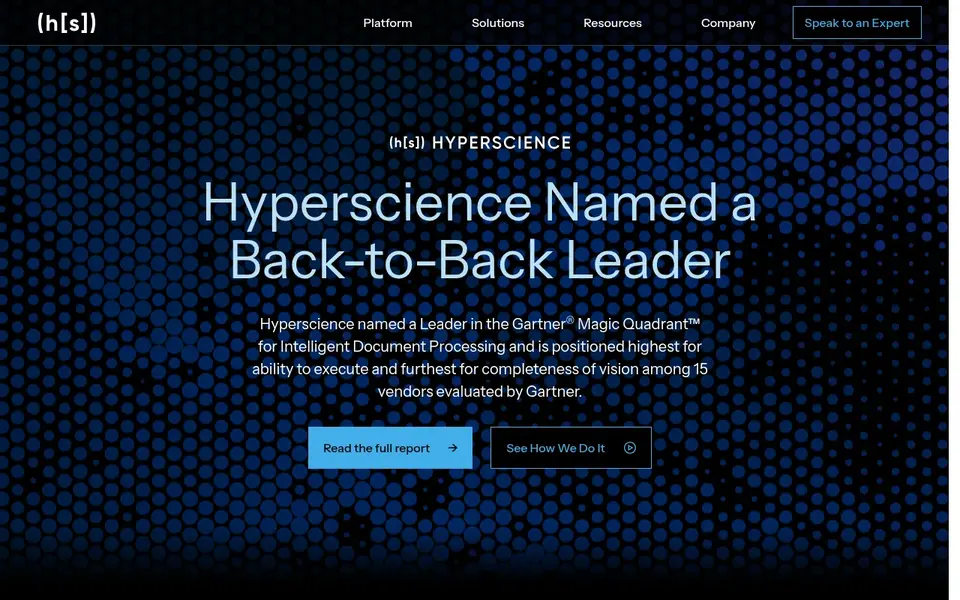
In short, Hyperscience is for enterprise unstructured content automation. Hyperscience presents itself as an enterprise AI system that helps automate document processes and turn unstructured content into structured, actionable data. Its emphasis is on large-scale document handling instead of single-purpose OCR.
On top of that, an enterprise system orientation can mean a longer adoption path and more internal coordination than a light extraction service. Smaller teams may not need that scope. This comparison lists no price for Hyperscience; ask the vendor. Free options: Not stated.
Where it is weaker: Targeted at large organizations.
- Enterprise automation focus
- Turns unstructured content into data
- Heavier to adopt

Rossum serves transactional document workflows. Rossum is an AI document processing option built to automate complicated transactional workflows, reducing manual tasks while aiming to increase accuracy and drive efficiency.
It centers on the kinds of recurring business documents that move transactions forward instead of on general-purpose OCR. On cost, Rossum starts like this: $18,000 per year. Free plan details: Free trial.
Watch-outs: Workflow fit matters.
- Aims at accuracy and efficiency
- Automates manual tasks
- Narrower than general OCR
Where Kofax fits: enterprise workflow automation. Kofax, presented under Tungsten Automation, is described as a provider of AI-powered workflow automation options for global enterprises, pitched at simplifying processes and boosting efficiency. Its scope reaches beyond extraction into broader workflow automation.
That breadth can make the product landscape complicated to navigate and the adoption effort bigger than a narrow extraction service needs. If your goal is restricted to pulling fields from forms, a focused service like Amazon Textract may be simpler to start with. Worth adding: organizations with straightforward needs may find it more than necessary. This comparison lists no price for Kofax; ask the vendor. Trial and free access: Not stated.
The main drawbacks: Complex product landscape.
- Wide process coverage
- AI-powered workflow automation
- Enterprise-scale focus
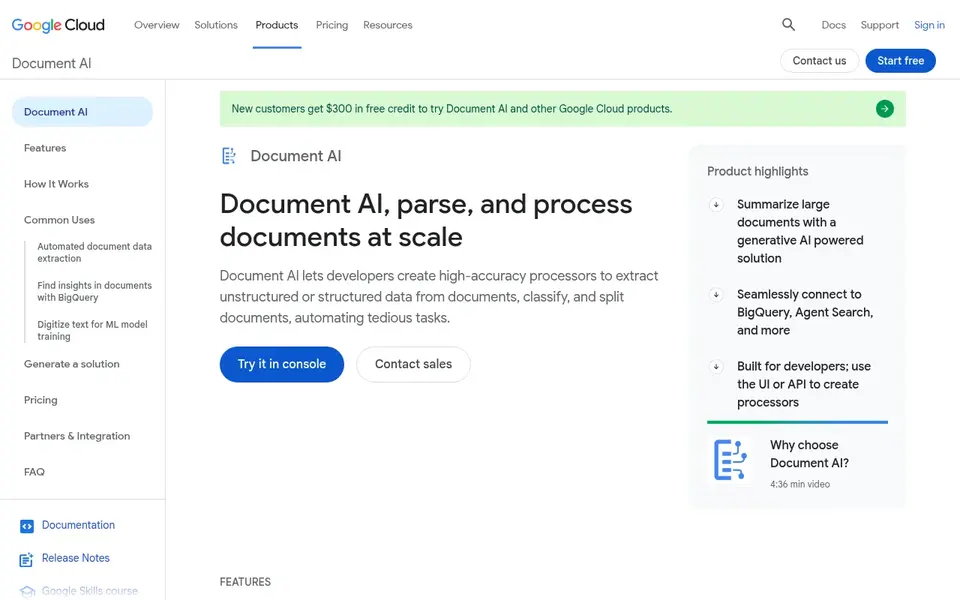
Google Document AI is a good fit for Pretrained and custom models on Google Cloud. The breadth of the suite means more configuration decisions, which can slow teams that just want entry-level extraction. Google Document AI is a suite that contains pretrained models for document processing, a Workbench for building custom models, and a Warehouse for searching and storing processed documents.
Watch-outs: Numerous options to configure.
That combination handles both off-the-shelf extraction and tailoring to your own document types. Like other cloud-native services, it is most natural inside its own ecosystem. This comparison lists no price for Google Document AI; ask the vendor. Free options: Not stated.
- Pretrained document models
- Workbench for custom models
- Google Cloud dependency
Azure AI Document Intelligence
Great for: Microsoft-centric document extraction
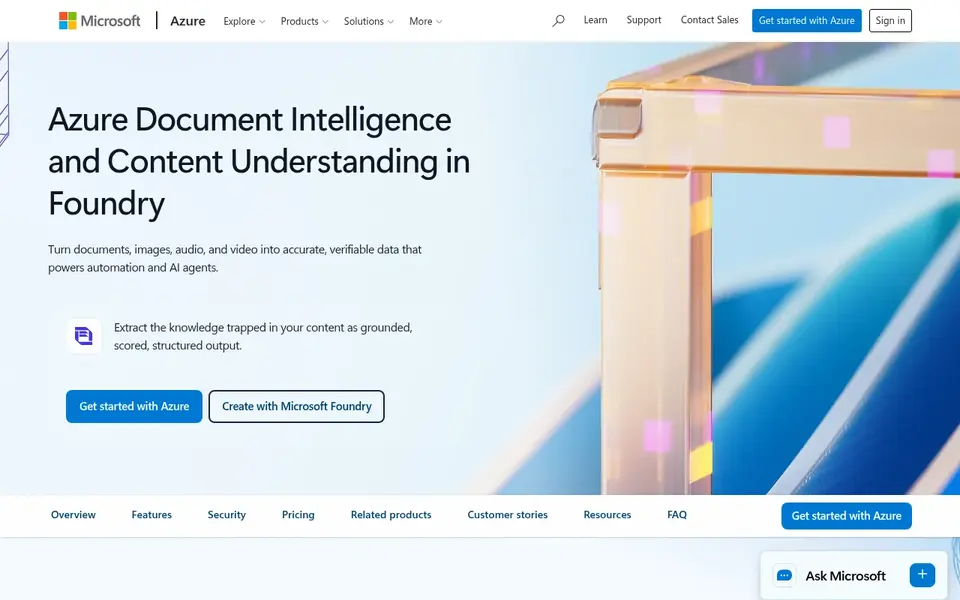
Azure AI Document Intelligence is aimed squarely at Microsoft-centric document extraction. Azure AI Document Intelligence, now part of Azure Content Understanding in Foundry Tools, is a cloud service for pulling text, layout and structured fields out of documents using AI models. It offers pretrained models for typical document types alongside the capacity to build custom models for your own forms.
Honest limits: Tied to Microsoft cloud.
Best features of Azure AI Document Intelligence: structure and fields. On top of that, model quality also relies on how well your document types match pretrained choices or how much effort you put into custom training. Also, since it lives inside Azure, teams outside that ecosystem may find the surrounding setup heavier than they need. Pricing for Azure AI Document Intelligence is not stated here, so ask the vendor for current figures. Trial and free access: Not stated.
- Pretrained and custom models
- Extracts text
- Setup can be involved
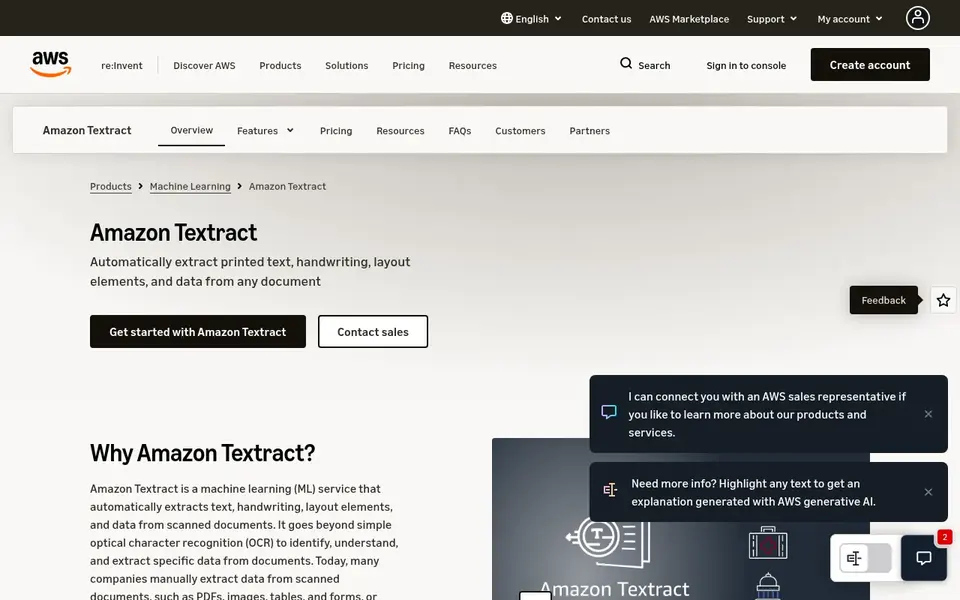
Amazon Textract was built for OCR on scanned PDFs and forms. Amazon Textract is a machine learning service that uses optical character recognition to automatically extract text, handwriting and data from scanned PDF documents, forms and tables.
No starting price is listed for Amazon Textract here; confirm pricing on the vendor site. On free options: Not stated.
Drawbacks to consider: Best value inside AWS.
- Extracts text and handwriting
- Native to AWS
- Complicated layouts need review
Things to verify first
- Ask Hyperscience, Kofax, Google Document AI and others for a written quote, since no starting price is shown.
- Run a trial of Rossum with real work before paying for a year; your own workflow is the best test.
- Before choosing Hyperscience, weigh its main limit: geared toward large organizations.
- Make sure Azure AI Document Intelligence lets you export your data in a format another tool can read.
- A short pilot of Google Document AI with your real workflow tells you more than a feature table.
Frequently asked questions
Does any tool for AI data extraction tools here have a free plan?
No tool in this list, Hyperscience and Amazon Textract included, has a permanent free plan. Rossum offer a trial. Trials and quotes are the usual route, so plan a short evaluation period.
How do these tools deal with tables and handwriting?
Several of the tools described here explicitly mention tables, forms or handwriting, including Amazon Textract and Azure AI Document Intelligence. Confirm current capabilities on each vendor page for your specific document types.
How are the tools for AI data extraction tools ordered?
The order follows typical fit for AI data extraction tools, with Hyperscience first and Amazon Textract last, then price clarity and free access. It is editorial judgement, not a score, so another team could rank the tools differently.
Do these tools publish their prices?
Not all of them. Hyperscience, Kofax, Google Document AI and others publish no starting price, so expect a quote request for those. The rest, Rossum included, show a starting price, though seats and billing terms still change the final cost.
Is Hyperscience the right pick for everyone comparing AI data extraction tools?
No single tool suits every team. Hyperscience comes first because it fits enterprise unstructured content automation, while Rossum suits transactional document workflows and Kofax suits enterprise workflow automation. Match the tool to your own size, budget and workflow before deciding.
Sources
See where you really rank - block by block
ProMapRanker scans Google Maps across a grid of your service area. Simple monthly plans from $19, white-label on every plan.
Start freeBrowse all guides
← AI Data Clean Room Software: 5 Options Compared in 2026ResearchRabbit Alternatives: 5 Tools Compared in 2026 →
 best software for real-time ai data processing
6 Best Software for Real-Time AI Data Processing in 2026
Best software for Real-Time AI data processing: 6 tools compared on price, free plans and fit. Fit and flaws are laid out for each entry. Skim the table first.
Read → best machine learning tools for data integration
Best Machine Learning Tools for Data Integration in 2026
Weighing the best machine learning tools for data integration? We lined up 5 products by cost, free access and fit. Real limits included. Numbers first.
Read → best ai etl tools
AI ETL Tools: Best Picks of 2026
Shortlisting the best AI ETL tools? 5 products compared on cost, free access and ideal buyer. Weak spots flagged for every entry. Skim the table first.
Read → best app for sports card values
Best App for Sports Card Values in 2026
Find the best app for sports card values, with scanners, sold-price checks, collection tracking, and grading data compared for collectors in detail today.
Read → data annotation alternatives
Best Data Annotation Alternatives in 2026
Compare the best data annotation alternatives for image, video, text, and LLM training data, with platform and workforce options in 2026 for your team.
Read → best data extraction software
Best Data Extraction Software in 2026
We compared the best data extraction software for 2026, covering no-code scrapers, APIs, and open tools, with pricing and legal limits noted and our top pick.
Read →More in Data & Analytics · All guides A to Z by date · Latest guides