 ProMapRanker
Best Data Annotation Alternatives in 2026


Full labelling platform with workforce options · Pricing starts at: Free
Key takeaways
- Labelbox and SuperAnnotate suit teams that want a full platform with model-assisted labelling and quality review.
- Scale AI suits enterprises that want a managed workforce and scale for complex or high-volume projects.
- Snorkel AI suits teams that want to build training data with weak supervision and programmatic labelling.
- Encord, V7, Dataloop, and CVAT suit teams that want specialist editors, automation, or an open-source starting point.
Quick comparison
| Pick | Great for | Pricing starts at | Free tier | |
|---|---|---|---|---|
| Labelbox | Full labelling platform with workforce options | Free | Yes | Visit |
 Scale AI | Managed labelling at enterprise scale | See website | No | Visit |
 SuperAnnotate | Multimodal labelling with workflows | See website | No | Visit |
 Snorkel AI | Programmatic data development | See website | No | Visit |
 Encord | Annotation with automation and curation | See website | No | Visit |
 V7 | Vision labelling with AI assistance | See website | No | Visit |
 CVAT | Open-source annotation tool | Free | Yes | Visit |
The best data annotation alternatives
Match the data type first, then check whether you need a workforce, automation, or full control over hosting.
This guide treats data annotation alternatives plainly as data annotation platform and tool alternatives. That means software and services that help teams label images, video, text, audio, and other data for machine learning, plus options for model-assisted labelling, quality review, and workforce support. It is not a guide to a single company with a similar name, and the tools below are chosen because they label training data, not because they share a brand name. Teams choose these platforms for different reasons. Some need a strong editor for images and video, some need text and LLM feedback tools, and some need a managed workforce to label at scale. Pricing is often custom for larger projects, so we note where a free tier, open-source option, or published starting point exists, and where you should request a quote for your actual volume and data type.
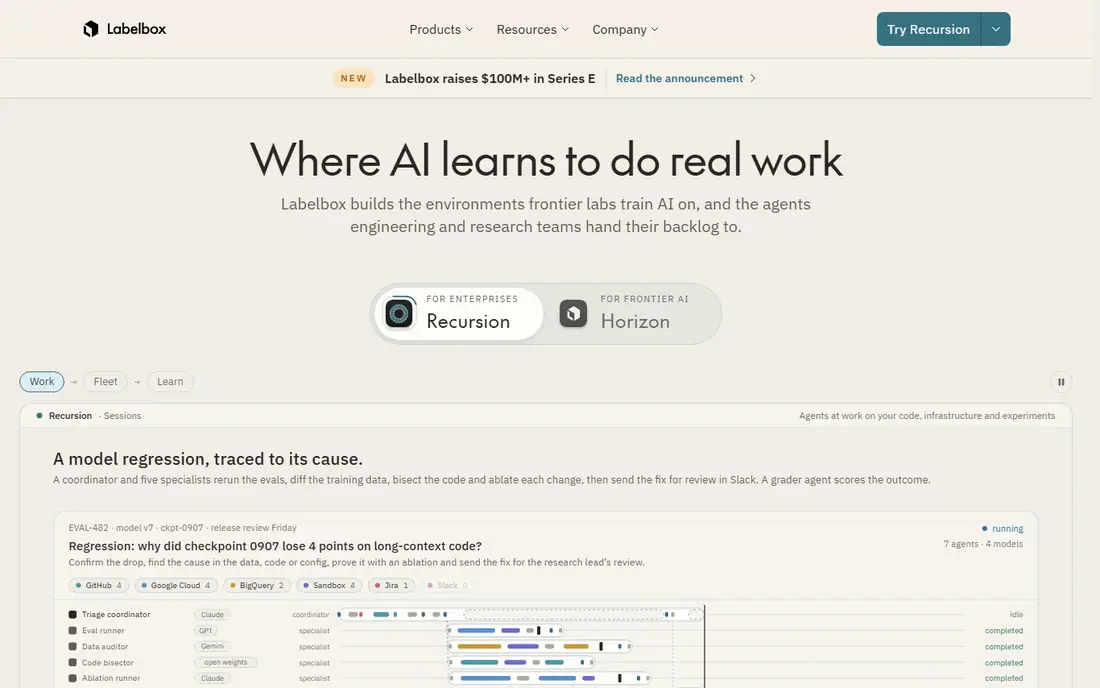
Labelbox gives machine learning teams a central place to label data, review quality, and iterate on datasets. The free Developer tier covers a limited number of labelled assets and users, which is enough to test the editor and workflow before a larger commitment. Paid plans add model-assisted labelling, workforce options, review tools, and controls for larger teams, and you can use your own annotators, a managed workforce, or a mix of both.
The main limit is cost transparency at scale. Paid pricing is custom, and managed workforce hours are charged separately, so a team should model asset volume, annotator hours, and review time before signing. Labelbox is also a platform first, so teams still need clear labelling guidelines, gold-standard examples, and a quality process. If you want flexibility on who labels and how review works, Labelbox is a strong starting point.
- Free Developer tier for small projects
- Image, video, text, and LLM tools
- Model-assisted labelling
- Paid plans are custom for larger use
- Workforce hours are charged separately
- Costs rise with volume

Scale AI is best known for large, complex labelling projects, including autonomous vehicle data and generative AI training data. It combines a global workforce with automation and quality controls, so a team can hand over a large dataset and receive labelled data with checks for accuracy and consistency. That managed model suits enterprises that need speed and scale more than they need to run the labelling operation themselves.
The trade-off is price and fit for small teams. Pricing is custom and enterprise projects often carry high minimums, so a startup with a small dataset may get better value from a self-serve platform or an open-source tool. Scale AI also works best when the task is well defined, because complex edge cases still need clear guidelines and feedback loops. For a large, well-scoped project, it remains one of the strongest managed options.
- Large managed workforce
- Strong quality controls
- Tools for images, video, text, and generative AI data
- Custom enterprise pricing
- Not a low-cost self-serve tool
- Smaller projects may find minimums high
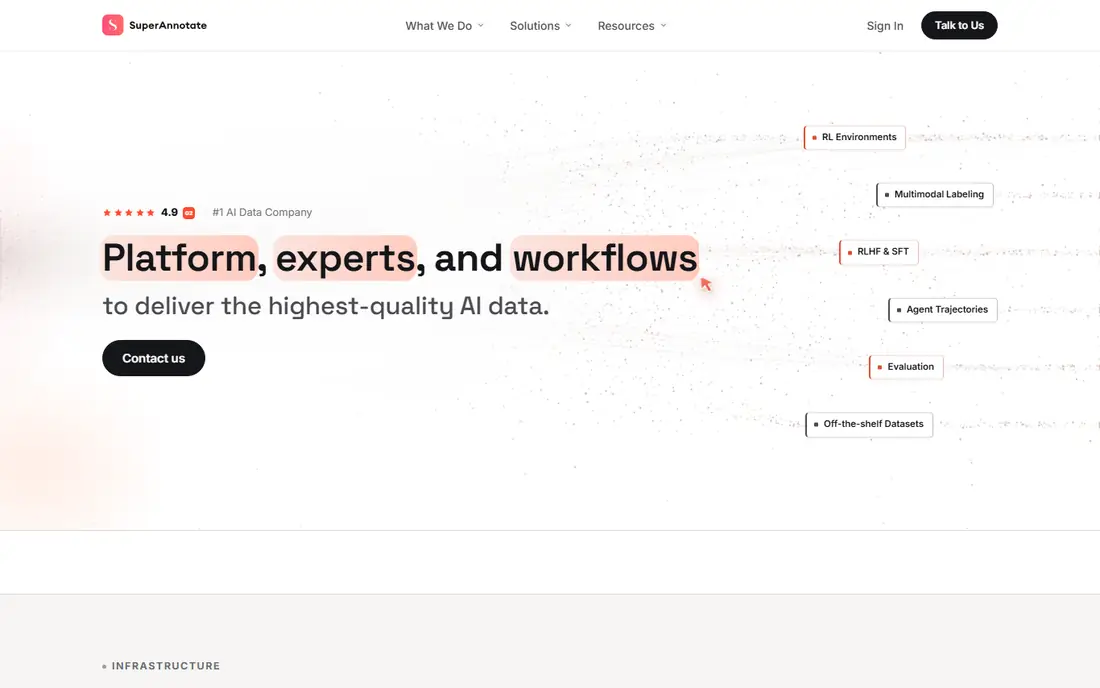
SuperAnnotate covers image, video, text, and audio labelling in one platform, with custom workflows, roles, and review cycles that suit teams with strict quality steps. It also supports LLM annotation tasks such as question answering, instruction tuning, image captioning, and feedback loops, which makes it useful for teams building or fine-tuning models, not just for computer vision. Analytics and project management tools help managers track throughput and reviewer agreement.
Pricing is a limit for quick comparison. The public plan page lists Starter, Pro, and Enterprise tiers without clear dollar prices for every scope, so teams need a quote based on volume, data type, and compute needs. Workflow setup also takes planning, because custom statuses and roles only help if labelling guidelines are clear. If you need multimodal labelling with strong QA, SuperAnnotate deserves a trial and a written quote.
- Image, video, text, and audio labelling
- Custom workflows and QA roles
- LLM annotation including RLHF
- Published dollar prices are limited
- Enterprise quotes needed for large projects
- Setup needs workflow planning
Snorkel AI takes a different approach from a traditional labelling editor. It helps teams build training data programmatically, using weak supervision, labelling functions, and data-centric tools to generate and improve datasets faster than manual labelling alone. That approach suits teams with data science skills who want to iterate on data quality, test labelling rules, and manage datasets as a governed asset rather than a one-off task.
Snorkel AI is enterprise focused and it is not the simplest choice for a team that only needs to draw boxes on images. It works best when a team can write and test labelling logic, review model errors, and manage data versions. Pricing is custom, so small teams should request a quote and compare it with a self-serve editor. If your bottleneck is labelling speed and you have data expertise in house, Snorkel AI offers a distinct and useful path.
- Weak supervision and programmatic labelling
- Data-centric development tools
- Enterprise data controls
- Enterprise focus
- Needs data science skills
- Not a simple point-and-click labelling editor for every team
Encord combines annotation editors with automation, data curation, and model-assisted labelling, so teams can pre-label with a model, correct the results, and focus human time on hard cases. That loop can cut labelling time for image and video projects, especially when the same object classes appear across many frames or images. Curation tools help teams find rare cases, duplicates, and labelling errors before training.
Encord pricing is custom, and automation value depends on having a useful starting model and clean class definitions. Teams should run a pilot on a real sample, measure time saved against manual labelling, and check how review and consensus work for edge cases. Encord suits computer vision teams that want automation inside the labelling workflow, rather than as a separate step after labelling is done.
- Image, video, and audio annotation
- Model-assisted labelling
- Data curation and active learning
- Custom pricing
- Automation needs model setup
- Smaller teams may need a trial to judge value
V7, also known as V7 Labs, focuses on image and video labelling with AI assistance, workflow management, and dataset tools. Annotators can use model-assisted labelling, tracking, and segmentation tools, while managers can set review steps and track dataset quality. That focus suits robotics, medical imaging, retail, and other vision-heavy projects where precise masks and boxes matter more than text labelling volume.
V7 is vision led, so teams whose main need is text, audio, or LLM feedback may find a broader platform a better fit. Pricing is custom, and the value of AI assistance depends on the quality of the starting model and the clarity of labelling rules. A pilot with real images and a clear quality check is the best way to judge V7, because vision labelling quality shows quickly in a sample and hides poorly in a sales demo.
- Image and video labelling
- AI-assisted tools
- Workflow and dataset management
- Custom pricing
- Vision focus means text and LLM tools are less central
- Setup needs planning
CVAT is the open-source starting point for teams that want full control and no licence fee for the core tool. It supports image, video, and 3D annotation, with tools for boxes, polygons, tracking, and segmentation, and it can be self-hosted inside your own infrastructure. That control suits research teams, startups with engineering time, and organisations with strict data hosting rules that rule out a cloud platform.
The cost is engineering time, not a licence. You must host, update, secure, and back up CVAT, and you must recruit or manage annotators yourself, because CVAT does not include a managed workforce. Commercial support and enterprise options exist through separate providers, but the core open-source path is do-it-yourself. If you have engineering capacity and want to keep data in house, CVAT is a strong, low-cost alternative. If you need a managed service, pick a platform with workforce support.
- Free self-hosted open-source tool
- Image, video, and 3D annotation
- Active community
- Self-hosting and maintenance are your job
- No managed workforce included
- Enterprise features need separate setup
How we picked these
We compared official feature pages, pricing pages, app store listings, and public help pages for each product, and we checked that each one is still offered in October 2026. We gave weight to fit for the stated use, clear pricing, and limits that a new user would meet in the first month. We left out products that had closed, changed into a different kind of tool, or did not match the topic closely enough, even when they were well known in another category. We did not claim hands-on testing. Our notes come from what vendors publish and what their public documentation says about plans, features, and restrictions. Prices change often, so we used the vendor page or app store listing as the source and wrote See website where a current price was not published clearly.
How to choose a data annotation platform
Start with data type and task. Image and video labelling needs boxes, masks, tracking, and segmentation. Text labelling needs entity, classification, and span tools. LLM work needs comparison, ranking, and feedback tools. A platform that is strong on vision may be weak on LLM feedback, and vice versa, so list the exact tasks before you compare editors. A short pilot on your own data will expose gaps faster than a feature list. Next, decide who labels. Self-serve platforms suit teams with their own annotators and reviewers. Managed platforms suit teams that want to outsource labelling and quality checks. Open-source tools suit teams with engineering time and strict hosting rules. That choice affects cost more than the editor, because workforce hours, review time, and hosting can exceed the platform fee. Then check quality controls. Look for consensus labelling, gold-standard tests, reviewer roles, audit trails, and agreement metrics. Ask how edge cases are handled, how guidelines are updated, and how errors are corrected after training. A platform without clear review steps will produce data that looks complete but trains a model on inconsistent labels, which is costly to fix later. Finally, check security and exports. Confirm data hosting, access controls, single sign-on, and compliance options for your industry, and confirm that you can export labels in a standard format without lock-in. Test an export early, including images, labels, and metadata, so you are not tied to one vendor when a project ends or a better tool appears.
Frequently asked questions
What is a data annotation alternative?
In this guide it means a platform or tool that labels training data for machine learning, such as images, video, text, audio, or LLM feedback data. It includes self-serve editors, managed workforce services, programmatic labelling tools, and open-source editors, depending on the team and task.
Is there a free data annotation tool?
Yes. CVAT is free as open-source software for self-hosting, and Labelbox offers a free Developer tier for small projects. Free in this category usually means a limited tier or self-hosting, not a managed workforce, so budget for annotator time and hosting where those apply.
How much do data annotation platforms cost?
Many enterprise platforms use custom pricing based on volume, data type, workforce hours, and features. Self-serve and open-source options can be much cheaper in licence fees but still need annotator and engineering time. Request a quote on a real sample volume and include review and export costs in the total.
Do I need a managed workforce?
Not always. If you have trained annotators in house, a self-serve platform gives you more control. If you need scale, speed, or specialist annotators for a large project, a managed workforce can be faster, but you still need clear guidelines and quality checks to get consistent labels.
How do I judge labelling quality?
Use gold-standard examples, consensus checks, reviewer agreement, and spot audits on a sample of labels. Track error types, not just overall accuracy, and update guidelines when the same edge case causes repeated disagreements. Quality work should happen during labelling, not only after a model is trained.
Sources
See where you really rank - block by block
ProMapRanker scans Google Maps across a grid of your service area. Simple monthly plans from $19, white-label on every plan.
Start freeKeep reading
 zscaler alternatives
Best Zscaler Alternatives in 2026
Looking for zscaler alternatives? We compare 9 SASE and zero trust platforms on architecture, data protection, pricing, and fit for your network and team.
Read → zapier alternatives free
Best Zapier Alternatives Free in 2026
Nine automation tools for zapier alternatives free in 2026, all with genuinely free tiers, plus free plan limits, starting prices and upgrade paths explained.
Read → which platform is best for online reputation
Which Platform Is Best for Online Reputation in 2026
Wondering which platform is best for online reputation? We compare 8 review, listing, and response tools for small and multi-location businesses and agencies.
Read →