 ProMapRanker
Best Data Extraction Software in 2026

Key takeaways
- Octoparse and Browse AI suit non-developers who want point-and-click extraction, while Apify suits developers who want ready-made scrapers.
- Firecrawl suits AI and language-model pipelines that need pages turned into clean Markdown or JSON.
- Bright Data, Zyte, and Diffbot suit large-scale or protected-site work, but their pricing is usage-based and needs careful budgeting.
- Only extract data you have a right to use, and always check a site terms of use and robots file before running a large job.
Quick comparison
| Pick | Great for | Pricing starts at | Free tier | |
|---|---|---|---|---|
 Octoparse | No-code scraping without coding | $69 per month | Yes | Visit |
 Apify | Ready-made scrapers on a cloud platform | See website | Yes | Visit |
 Firecrawl | AI pipelines needing clean page data | $16 per month | Yes | Visit |
 Browse AI | Monitoring pages without code | $19 per month | Yes | Visit |
 ParseHub | Visual scraping for complex pages | $189 per month | Yes | Visit |
 ScrapingBee | Simple scraping API for developers | $49 per month | Free trial | Visit |
 Bright Data | Large-scale collection on protected sites | See website | Free trial | Visit |
 Diffbot | Structured data from any page by AI | See website | Free trial | Visit |
 Zyte | Pay-per-success extraction at scale | See website | Free trial | Visit |
The best data extraction software
Data extraction software pulls structured information from web pages, documents, and feeds, so you can analyze prices, listings, research, or leads without copying by hand. We compared official pricing pages, feature descriptions, and plan limits for tools live in October 2026, covering no-code tools, APIs, and enterprise platforms.
Octoparse remains the first tool many non-developers try, because you build a task by clicking the data you want on a page instead of writing selectors. It handles pagination, login flows, and scheduled cloud runs, and it ships with templates for common sites such as job boards and shopping pages. The free tier, with local runs and a monthly row limit, is enough to learn the tool and run small jobs.
The cost story needs care. The Standard plan is listed at 69 dollars per month on annual billing, but proxies and other add-ons are billed separately, so a job on a protected site can cost more than the subscription suggests. Test your hardest target site on the free tier first, and price the add-ons before you promise a budget.
- Point-and-click task builder
- Cloud scheduling and templates
- Local free tier
- Proxies and add-ons cost extra
- Complex sites still need patience to configure
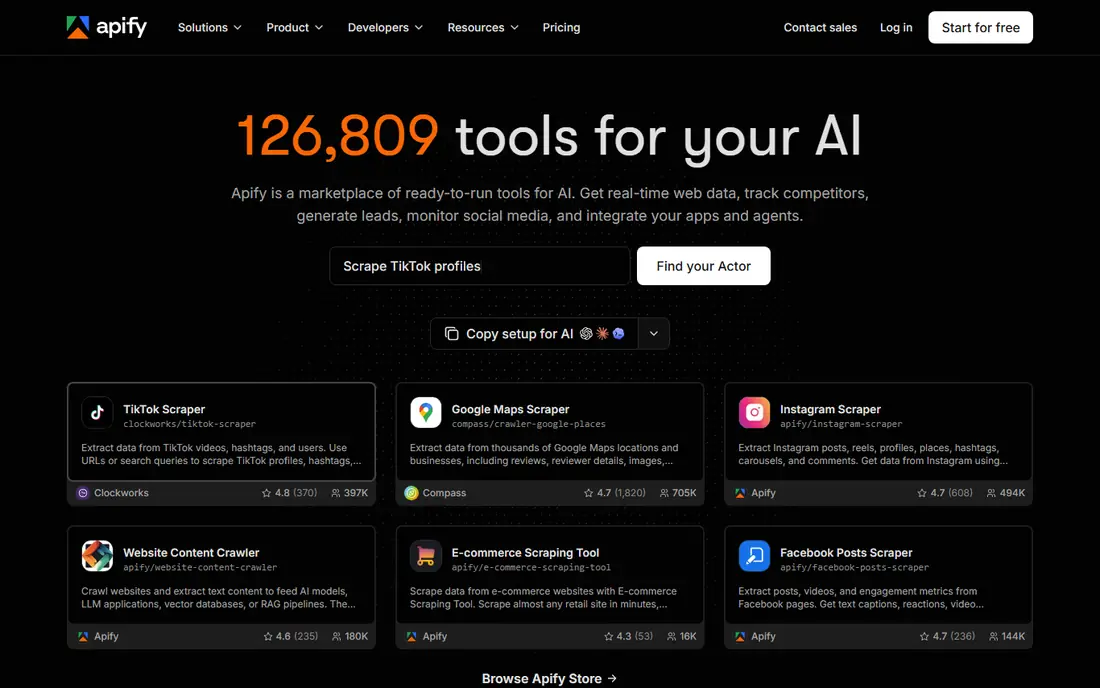
Apify is a cloud platform where you can run ready-made scrapers, called Actors, for common sites, or build your own with code. That marketplace saves time when someone has already built a scraper for your target, and the platform handles scheduling, proxies, storage, and API access. Developers can also run custom code on the same infrastructure.
The limits are cost control and quality. Actors vary in upkeep and accuracy, so check reviews and recent runs before relying on one, and usage-based pricing means a large or frequent job can grow beyond a simple monthly plan. For teams that need many different scrapers without managing servers, Apify is a flexible and practical platform.
- Large marketplace of ready-made scrapers
- Cloud scheduling and storage
- Developer-friendly API
- Marketplace quality varies by actor
- Usage-based costs can grow fast
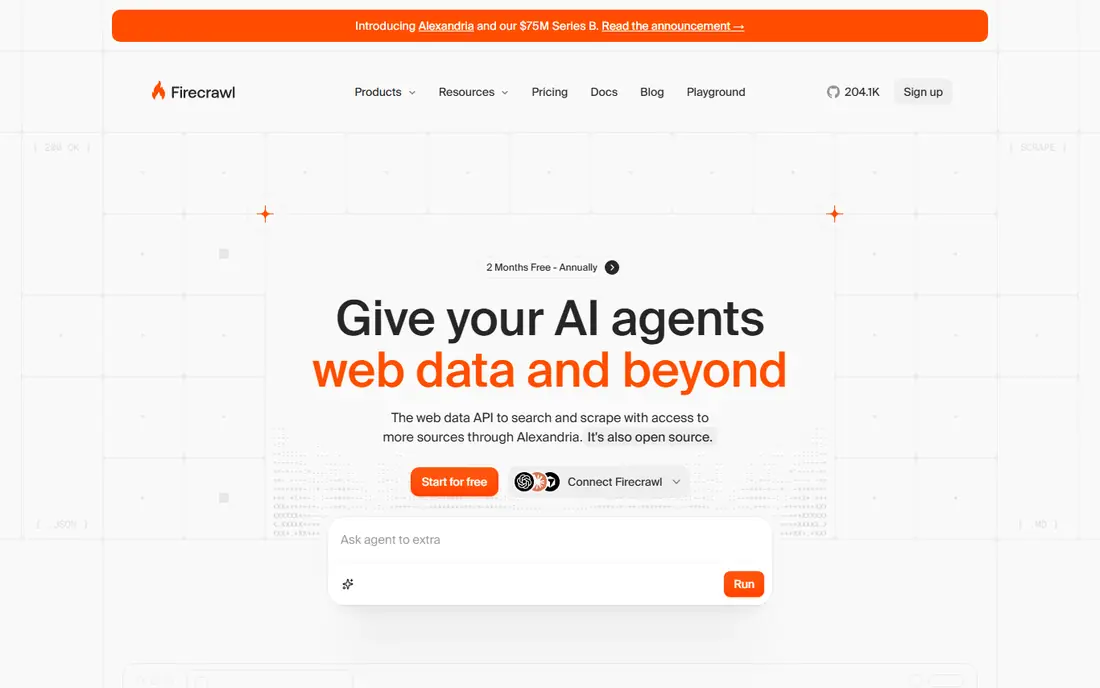
Firecrawl is built for AI and language-model workflows. Instead of returning raw HTML, it converts pages into clean Markdown or structured JSON that an agent, search tool, or database can use directly. It handles crawling, JavaScript rendering, and extraction through a simple API, which makes it easy to feed fresh web data into a research or support tool.
The pricing model is credit-based, with the entry plan listed at 16 dollars per month in recent comparisons, so a large crawl with JSON extraction costs more than a simple scrape. It is also an API-first tool, not a visual builder, so non-developers may prefer Octoparse or Browse AI. For developers building AI features, Firecrawl is one of the cleanest options.
- Pages converted to clean Markdown or JSON
- Crawling and extraction APIs
- Free tier for testing
- Usage is credit-based, so large crawls add up
- Less suited to visual no-code users
Browse AI suits people who want to extract data and watch it change, without writing code. You train a robot by clicking the data you want, then schedule it to revisit the page and alert you when prices, listings, or tables change. The Personal plan is listed at 19 dollars per month on annual billing, with a limited free tier for testing.
The limits are credits and control. Costs depend on pages or rows processed, so monitoring many pages can use credits faster than expected. Browse AI also gives you less control over complex logic than a coded scraper. For price tracking, list monitoring, and small research jobs, it is one of the easiest tools to start with.
- Point-and-click training
- Change monitoring and alerts
- Scheduling handled for you
- Credit costs depend on pages or rows
- Less control than a coded scraper
ParseHub is a visual scraper that handles complex, interactive pages well, including forms, maps, dropdowns, and infinite scroll. You build a project by clicking through a page in its desktop app, then run it in the cloud on a schedule and pull results through an API. The free tier covers small projects, which is enough to test a difficult page.
The main barrier is price. The paid plan is listed at 189 dollars per month, which is steep compared with Octoparse or Browse AI, and ParseHub does not bundle native proxies, so protected sites need your own proxy setup. For teams with complex pages and a budget to match, ParseHub is a capable and proven tool.
- Visual builder for complex, interactive pages
- Desktop app plus cloud runs
- API access
- Paid plan starts at 189 dollars per month
- No native proxies, so you bring your own
ScrapingBee is for developers who want a simple API without managing browsers or proxies. You send a URL, and it returns the page HTML or extracted data, handling JavaScript rendering, proxy rotation, and anti-bot measures behind the scenes. The Freelance plan is listed at 49 dollars per month, with a free trial credit allowance for testing.
The cost detail to watch is credits. JavaScript rendering and premium proxies use multipliers, so a heavy job can burn credits faster than a simple fetch. ScrapingBee is not a visual tool, so non-developers will need a developer to set it up. For a developer who only needs reliable fetching, it is a clean and low-maintenance API.
- Simple API call returns rendered HTML or JSON
- Proxies and headless browsers handled
- Easy to integrate
- Credit multipliers for JavaScript and premium proxies
- No visual builder
Bright Data is the enterprise end of this list. It offers a large proxy network, web scraper APIs, and hundreds of ready-made scrapers for e-commerce, search, travel, and other data, with tools for compliance and data governance. That scale makes it the choice for companies collecting data from protected or high-volume sites on a regular basis.
The downsides are price and complexity. Pricing is usage-based across proxies, scraper APIs, and datasets, so a small team can find the bill hard to predict, and enterprise plans run far above the tools above. If you only need occasional extraction, start with a simpler tool. If scale, reliability, and compliance matter, Bright Data is built for that job.
- Very large proxy network
- Hundreds of ready-made scrapers
- Enterprise compliance tools
- Complex pricing
- Enterprise costs can be high
- Overkill for small jobs
Diffbot uses AI to turn any web page into structured data, without requiring you to write rules for each site layout. You send a URL, and it returns articles, products, discussions, or other structured fields, which suits research, media monitoring, and knowledge-graph work. Its API design fits teams building data products rather than one-off spreadsheets.
The limits are price transparency and fit. Larger use is priced on a custom basis, so small teams should test the trial and confirm costs before building on it. Diffbot is also API-first, so non-developers will need help to use it well. For teams that need structured data from many different page layouts, its AI approach saves a lot of rule-writing.
- AI extraction from any page without custom rules
- Knowledge graph features
- API-first design
- Custom enterprise pricing for larger use
- Less suited to simple point-and-click users
Zyte, formerly Scrapinghub, offers a scraping API that charges only for successful responses, with pricing that varies by site difficulty and by HTTP or browser mode. That pay-per-success model helps teams that waste money on blocked requests with other tools, and Zyte handles proxies, browsers, and anti-bot measures automatically. It also puts a clear focus on compliant, lawful collection.
The trade-offs are complexity and variable cost. Browser-mode requests cost more than simple HTTP requests, and you need developer setup to integrate the API. Zyte is best for teams with ongoing, large-scale extraction needs who want predictable success-based billing. For a one-off small job, a no-code tool will be faster to start.
- Pay only for successful responses
- Automatic handling of anti-bot measures
- Strong compliance focus
- Pricing varies by site difficulty
- Developer setup required
How we picked these
We compared official pricing pages, feature descriptions, and plan limits for extraction tools live in October 2026. We kept tools that cover distinct needs: no-code extraction, ready-made cloud scrapers, AI pipelines, page monitoring, simple APIs, and enterprise scale. We left out pure proxy sellers, browser extensions that only copy tables, and tools that could not be tied to a live product.
What to check before you pay
Check the legal side first. Only extract data you have a right to use, respect a site terms of use and robots file, avoid personal data you do not need, and do not use extraction to bypass paywalls or login protections. Many sites also offer an official API, which is cleaner and more stable than scraping.
Then test on your hardest target site, not your easiest one. Check whether JavaScript rendering, login, pagination, and anti-bot measures work, and measure the real credit or proxy cost for a full run. Finally, plan storage and cleaning: raw extracted data still needs deduplication, formatting, and quality checks before it is useful.
Frequently asked questions
What is the best data extraction tool for a beginner?
Octoparse and Browse AI are the best starting points for beginners, because both use point-and-click setup and offer free tiers. Octoparse suits one-off extraction jobs, while Browse AI suits ongoing monitoring with alerts.
What are the best data extraction tools for developers?
Apify, Firecrawl, ScrapingBee, and Zyte suit developers best, because all four offer APIs, scheduling, and cloud infrastructure. Firecrawl is best for AI pipelines, ScrapingBee for simple fetching, and Zyte for pay-per-success scale.
Is web scraping legal?
It depends on what you collect, how you collect it, and where you use it. Public facts, prices, and listings are often treated differently from copyrighted text, personal data, or content behind a login. Check the site terms, respect robots rules, and get legal advice for large or commercial projects.
How much does data extraction software cost?
Costs range from free for small jobs to hundreds of dollars per month for large or protected-site work. No-code tools start around 19 to 69 dollars per month, APIs start around 16 to 49 dollars per month plus usage, and enterprise platforms are usage-based.
Can I extract data from any website?
No. Some sites block automated access, some data is protected by terms or copyright, and some pages need a login or payment. If a site offers an official API, use it first, and if a site blocks your scraper, do not try to evade that block without legal advice.
Sources
See where you really rank - block by block
ProMapRanker scans Google Maps across a grid of your service area. Simple monthly plans from $19, white-label on every plan.
Start freeKeep reading
 zscaler alternatives
Best Zscaler Alternatives in 2026
Looking for zscaler alternatives? We compare 9 SASE and zero trust platforms on architecture, data protection, pricing, and fit for your network and team.
Read → zapier alternatives free
Best Zapier Alternatives Free in 2026
Nine automation tools for zapier alternatives free in 2026, all with genuinely free tiers, plus free plan limits, starting prices and upgrade paths explained.
Read → which platform is best for online reputation
Which Platform Is Best for Online Reputation in 2026
Wondering which platform is best for online reputation? We compare 8 review, listing, and response tools for small and multi-location businesses and agencies.
Read →