 ProMapRanker
Best AI Code Generators: 2026 Prices and Picks


Developers who want a terminal agent for large codebases · Pricing starts at: $20 a month (Pro, $17 billed yearly)
Direct answer
Claude Code comes first here, mainly for developers who want a terminal agent for large codebases. Listed starting prices: Claude Code from $20 a month (Pro, $17 billed yearly), Cursor from $8 a month (Plus) and GitHub Copilot from $10 a month (Pro). If your case is different, Cursor suits solo developers who want an AI editor with agent mode and GitHub Copilot suits developers who work in VS Code and GitHub daily. Details, prices and limits for the rest of the 6 tools are below.
This ProMapRanker guide covers 6 AI code generators. Each profile lists a starting price, free plan details, strengths and drawbacks, so you can drop poor fits quickly.
Key takeaways
- Claude Code takes the first slot, best suited to developers who want a terminal agent for large codebases.
- Cursor is the lowest-priced starter here at $8 per month.
- Free plans exist at 5 of 6 tools (Cursor, GitHub Copilot, Amazon Q Developer, Replit, Kiro).
- One limit worth knowing about Cursor: new customers buy through The X Subscription, not the old Pro plan.
Quick comparison
| Pick | Great for | Pricing starts at | Free tier | |
|---|---|---|---|---|
| Claude Code | Developers who want a terminal agent for large codebases | $20 a month (Pro, $17 billed yearly) | No | Visit |
 Cursor | Solo developers who want an AI editor with agent mode | $8 a month (Plus) | Yes | Visit |
 GitHub Copilot | Developers who work in VS Code and GitHub daily | $10 a month (Pro) | Yes | Visit |
 Amazon Q Developer | AWS teams with Java and.NET modernisation work | $19 per user/month (Pro) | Yes | Visit |
 Replit | Solo builders who want to build and host apps in the browser | $25 per month (Core, $20 billed annually) | Yes | Visit |
 Kiro | Developers who want spec-first agent work from AWS | $20 per user/month (Pro) | Yes | Visit |
AI Code Generators profiles

Claude Code works best for developers who want a terminal agent for large codebases. Pro sets the baseline for usage, Max hands 5 times or 20 times Pro usage per session based on the level.
Team seats start at $25 per month for Standard and $125 per month for Premium. Also, choose Claude Code if you want a solid agent for multi-file work and you already use Claude. Starting cost for Claude Code: $20 per month. Claude Code has no free plan.
Drawbacks to consider: usage limits use five-hour windows plus weekly limits, with no fixed message count stated.
- Shares usage with Claude chat
- IDE and desktop access
- Not included on the Free plan
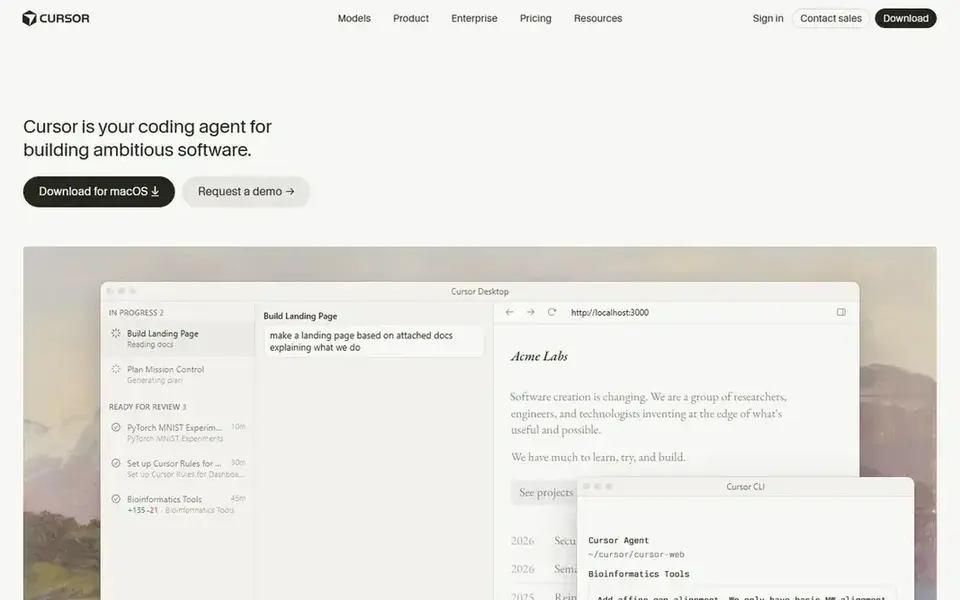
Cursor makes the most sense for solo developers who want an AI editor with agent mode. New customers choose Plus at $8 per month or $80 per year, Premium at $30 per month or $300 per year, Super at $100 per month or $1,000 per year, and Ultra at $200 per month or $2,000 per year.
The starting price for Cursor: $8 per month. Cursor offers a free plan.
Trade-offs to know: Claude and other external models bill at API rates on top.
- Agent mode edits across files in the editor
- Legacy Pro users keep $20 a month
- Not the old Pro plan
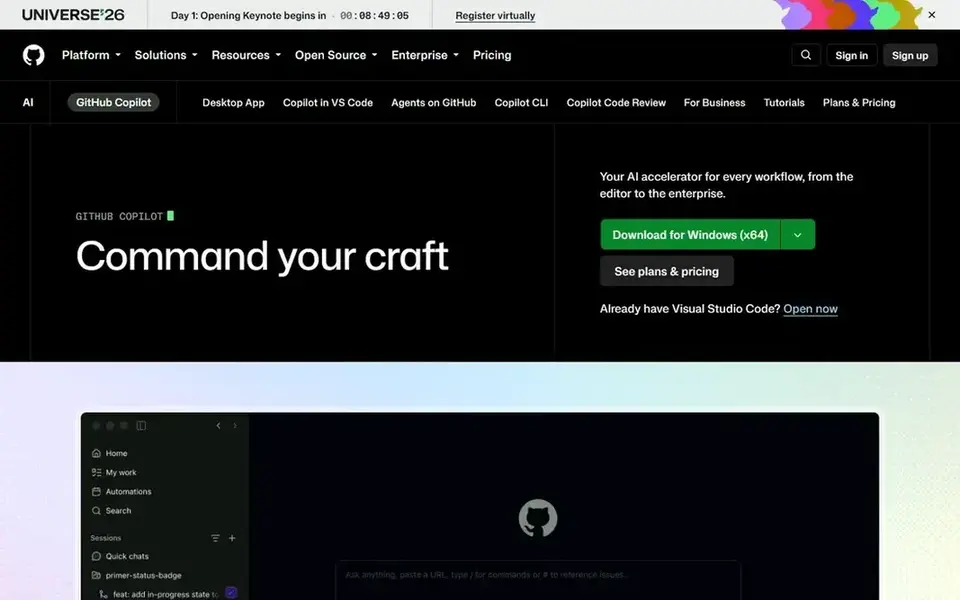
For developers who work in VS Code and GitHub daily, GitHub Copilot is a natural candidate. One AI credit is worth $0.01, so the included allowance is worth $15 per month.
What to check first: Chat and agent use draws from a monthly AI credit allowance of 1,500 on Pro.
GitHub Copilot starts at: $10 per month. GitHub Copilot includes a free tier. Strengths: Visual Studio and Xcode.
- Cloud agent and code review included on Pro
- Works in VS Code, JetBrains
- Premium models need Pro+ at $39 a month

Choose Amazon Q Developer for AWS teams with Java and.NET modernisation work. Amazon Q Developer Pro costs $19 per user per month, billed monthly, with the first month prorated by days remaining. Beyond that, Pro raises the Java and.NET transformation allowance to 4,000 lines per user per month, pooled at account level, with additional lines at $0.003 per line submitted.
Honest limits: AWS will end support for the IDE plugins on 30 April 2027 and points users to Kiro.
More specifically, the Free level hands 50 agentic requests per month and 1,000 lines of Java transformation per month. AWS states that on 30 April 2027 it will discontinue support for Amazon Q Developer IDE plugins. It points users to Kiro for similar IDE capabilit The starting price for Amazon Q Developer: $19 per user/month. Free access exists with Amazon Q Developer.
- Free level gives 50 agentic requests per month
- Java transformation allowance of 4,000 lines per month on Pro
- Pro agentic request limit is stated only as included with limits, with no number given

Think of Replit for solo builders who want to build and host apps in the browser. Pro costs $100 per month, or $95 per month billed yearly, and comes with $100 in monthly credits with a one-month rollover and up to 15 collaborators.
Where it is weaker: Agent work is metered by effort, so one complicated build can use the monthly allowance quick.
For everyday use, the Starter plan is free with a small daily credit grant and 1 hosted project. Price to start with Replit: $25 per month. Free access exists with Replit.
- Core bundles $25 in monthly credits and up to 5 collaborators
- Browser workspace needs no local setup
- Monthly credits on Core do not roll over
Kiro works best for developers who want spec-first agent work from AWS. Pro costs $20 per user per month with 1,000 credits, Pro+ costs $40 with 2,000 credits, Pro Max costs $100 with 5,000 credits, and Power costs $200 with Worth adding: choose Kiro if you like a written spec before the agent writes code, and if you work in the AWS world.
Where it falls short: Add-on credits cost $0.04 each.
Kiro cost at the entry level: $20 per user/month. You can start on Kiro without paying.
- Pro provides 1,000 credits per month
- Free level provides 50 credits per month
- Twice the $0.02 value of included Pro credits
Selection criteria
Each tool was reviewed on what its vendor publishes: price, plan limits, core features and stated drawbacks. We did not run hands-on tests. Plan names, prices and limits change often. Treat the figures here as a starting point and verify them with the vendor. The order reflects how well each tool fits the most common buying scenario for AI code generators, then price clarity, then free plan access. It is a starting point, not a verdict.
A buyer's checklist
- Check the vendor page for the current price: Cursor starts at $8 per month here, and seats or billing terms can move it.
- Check what the free option really includes: Cursor, GitHub Copilot, Amazon Q Developer and others offer a free plan, and usage caps differ.
- Before choosing Claude Code, weigh its main limit: not included on the Free plan.
- Compare total cost, not headline price: for Amazon Q Developer, add extra seats, add-ons and any usage-based charges.
- Find out whether the entry plan of Claude Code covers your must-haves or only a trimmed-down version.
Frequently asked questions
Do these tools publish their prices?
Yes. Every tool from Claude Code to Kiro shows a starting price, though seats, add-ons and billing terms still change the final cost.
How are the tools for AI code generators ordered?
Claude Code sits first and Kiro last because the order follows typical fit for AI code generators, then price clarity and free access. It is a judgement call, so read each profile for fit and limits.
Which is a good match for teams that require private deployment?
The first pick on this list is Claude Code, because it suits developers who want a terminal agent for large codebases. Cursor is better for solo developers who want an AI editor with agent mode, and GitHub Copilot for developers who work in VS Code and GitHub daily. Check price and limits against your own needs before choosing.
Which options for AI code generators have a free plan?
Cursor, GitHub Copilot, Amazon Q Developer, Replit and Kiro offer a free plan in this list. Free plans usually cap users, projects or features, so check the limits on the vendor page.
Can I try these tools before paying?
Often, yes. Cursor, GitHub Copilot, Amazon Q Developer and others have a free plan. Use your own data and a real task during the test, and check what the free tier or trial limits before you rely on it.
Sources
See where you really rank - block by block
ProMapRanker scans Google Maps across a grid of your service area. Simple monthly plans from $19, white-label on every plan.
Start freeBrowse all guides
← AI Agents for Coding: Best Picks of 20262026 Guide to the Best AI Driven Data Integration platform →
 best vector graphics software
2026 Guide to the Best Vector Graphics Software
6 options for the best vector graphics software, with entry costs, free tiers and the buyer each one serves. Pros and cons for every tool. Compare quickly.
Read → best sql database management tools for ai agents
5 Best SQL Database Management Tools for AI Agents for 2026
Best SQL database management tools for AI agents in 2026: 5 contenders with entry costs and free tiers. Every pick includes one clear drawback. No hype.
Read → best emerging ai software
2026 Guide to the Best Emerging AI Software
Shortlisting the best emerging AI software? 7 products compared on cost, free access and ideal buyer. Each entry gets a plain verdict. Refreshed for 2026.
Read → best penetration testing tools
Best Penetration Testing Tools in 2026
Compare the best penetration testing tools for authorised testing in 2026, from network mapping and web testing to scanning, with free and paid options.
Read → best mobile application management software
Best Mobile Application Management Software in 2026
Compare the best mobile application management software in 2026 for iOS, Android, Windows and macOS, covering app deployment, policies, pricing and security.
Read → best software testing tools
Best Software Testing Tools in 2026
Looking for the best software testing tools? We compare 9 testing tools for web, mobile, API and test management, including top API automation options.
Read →More in Developer Tools · All guides A to Z by date · Latest guides