 ProMapRanker
2026 Guide to the Best Vector Graphics Software

Mac designers who want a native app · Pricing starts at: $12 per user/month (billed annually)
Direct answer
For Mac designers who want a native app, Sketch is where this list starts. Listed starting prices: Sketch from $12 per user/month, Boxy SVG from $0.83 per user/month and Adobe Illustrator from $22.99 per user/month. Boxy SVG is better for low cost SVG editing in a browser, and Adobe Illustrator is better for professional logos, icons, and print work. Prices, free plans and limits for all 6 tools follow.
ProMapRanker compared 6 tools for vector graphics software. The goal is a practical shortlist: published prices, free plan facts, best-fit use cases and honest limits for every entry.
Key takeaways
- Sketch takes the first slot, best suited to Mac designers who want a native app.
- Figma suits product and interface design teams.
- The cheapest monthly starting price in the list is $0 per user/month, offered by Affinity.
- Free plans exist at 3 of 6 tools (Affinity, Linearity Curve, Figma).
- A fair warning about Adobe Illustrator: no free plan, only a short trial.
Quick comparison
| Pick | Great for | Pricing starts at | Free tier | |
|---|---|---|---|---|
| Sketch | Mac designers who want a native app | $12 per user/month (billed annually) | Free trial (30 days) | Visit |
 Boxy SVG | Low cost SVG editing in a browser | $0.83 per user/month (billed annually) | Free trial | Visit |
 Adobe Illustrator | Professional logos, icons, and print work | $22.99 per user/month (billed yearly) | Free trial (7 days) | Visit |
 Affinity | Professional vector work with no monthly fee | $0 per user/month (billed yearly) | Yes | Visit |
 Linearity Curve | Vector design on Mac and iPad | $8 per user/month (billed yearly) | Yes | Visit |
 Figma | Product and interface design teams | $16 per user/month (billed yearly) | Yes | Visit |
6 options for vector graphics software in detail
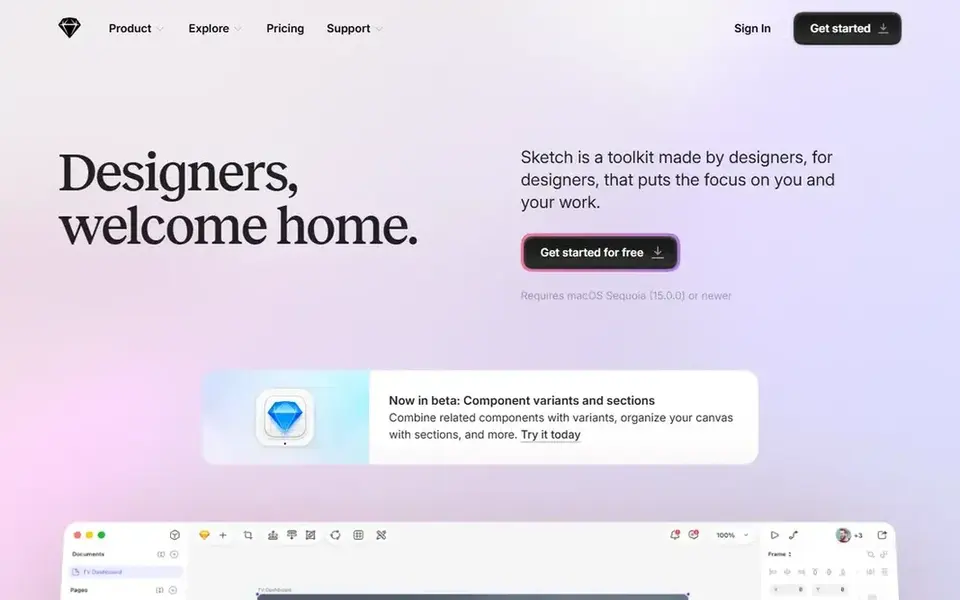
Pick Sketch if this describes you: Mac designers who want a native app. A detail that sets Sketch apart is the Mac-only licence.
That licence has no trial and no collaboration features. Starting cost for Sketch: $12 per user/month. Trial and free access: Free trial (30 days).
Downsides: only a 30-day trial.
- Symbols and shared libraries for design systems
- Quick native Mac app with offline work
- No free plan
Boxy SVG was built for low cost SVG editing in a browser. The Premium plan is listed at $9.99 a year, which works out to $0.83 a month on an annual basis. It runs on Windows, Mac, Linux, and Chromebook, and in a browser, with keyboard shortcuts you can change to match your habits.
Limits to weigh: Fewer illustration and print tools than Illustrator.
For everyday use, the narrow focus is both the strength and the limit. It does not try to match Illustrator for print layout, color management, or complicated illustration. What you pay to start with Boxy SVG: $0.83 per user/month. As for free access: Free trial.
- Runs on Windows, Mac, Linux, Chromebook
- Very low yearly cost for SVG work
- Narrow focus on SVG files only
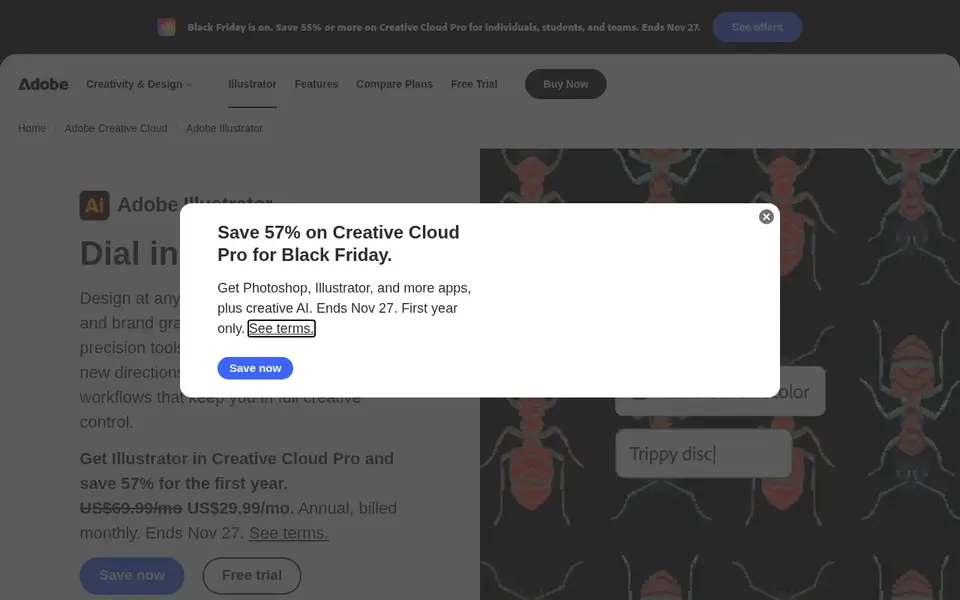
Adobe Illustrator is a good fit for professional logos, icons, and print work. Adobe Illustrator remains the reference tool for vector work in studios, agencies, and print shops. A student and teacher plan is listed at $19.99 a month for the first year through Creative Cloud Pro.
Watch-outs: No free plan.
In practice, at $22.99 a month, one year costs $275.88, and there is no one-time purchase choice. Worth adding: the team plan costs $37.99 per license a month, with 1 TB of storage. Entry price for Adobe Illustrator: $22.99 per user/month. Trial and free access: Free trial (7 days).
- Deep pen, type
- Color tools
- Only a short trial
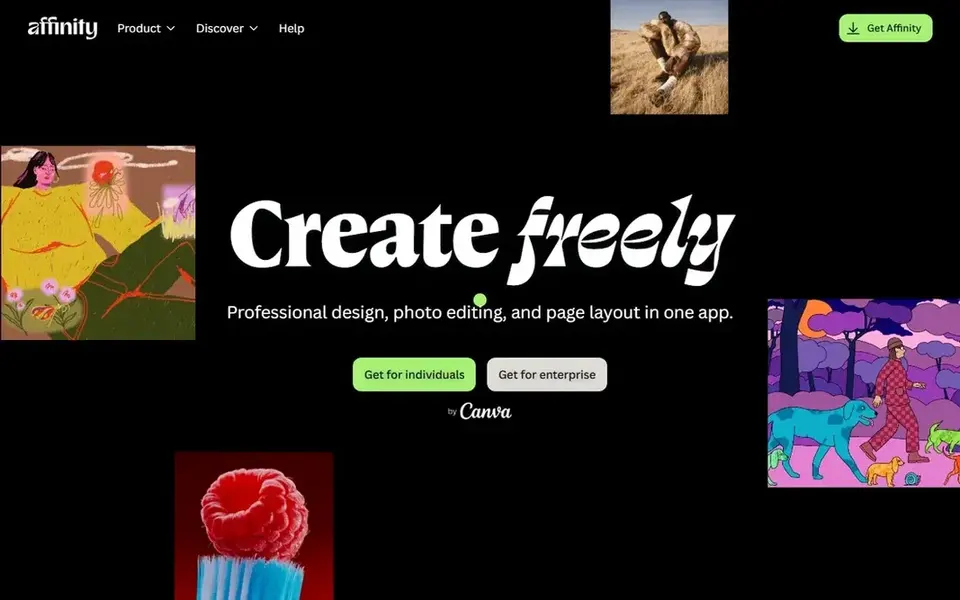
Affinity works best for professional vector work with no monthly fee. Canva Pro is listed at $144 a year for one person.
Trade-offs to know: iPad version of the unified app was still in development in 2026.
Price to start with Affinity: $0 per user/month. Free access exists with Affinity.
- Full professional toolset with no monthly fee
- Vector, photo
- AI tools need a Canva subscription plan
In short, Linearity Curve is for vector design on Mac and iPad. Different AI actions use different amounts of credits, so per month of heavy AI work can use the allowance quicker than per month of manual drawing.
Watch-outs: Live collaboration is restricted.
Entry price for Linearity Curve: $8 per user/month. You can start on Linearity Curve without paying.
- Clean interface that fits iPad and Apple Pencil work
- Contains Linearity Move for animation
- AI work is metered in credits, so costs are harder to forecast
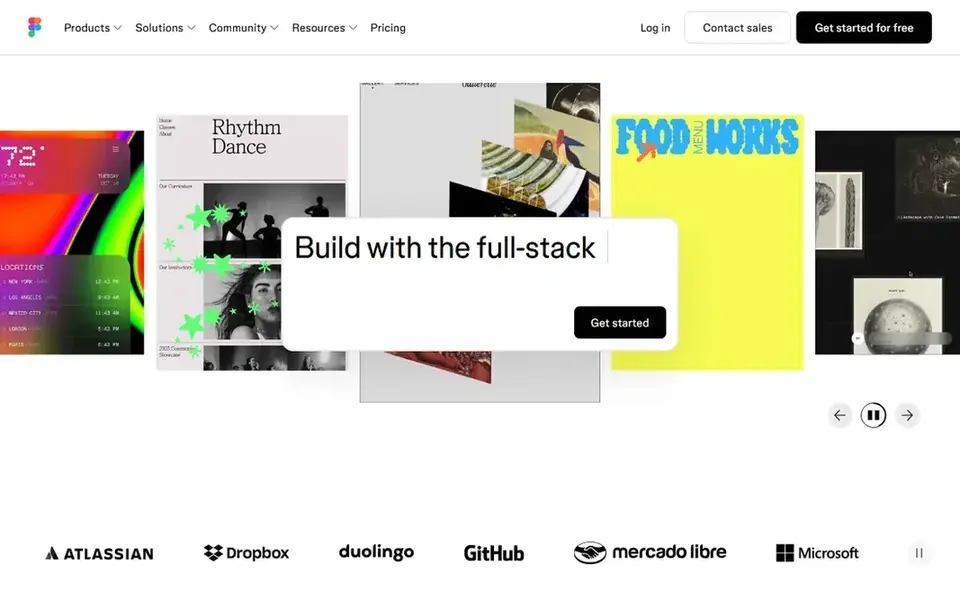
Where Figma fits: product and interface design teams. The Starter plan is free, with 3 Figma design files and 3 FigJam boards, which fits a solo test or a very small project.
The starting price for Figma: $16 per user/month. Figma includes a free tier.
Limits to weigh: Full seats cost $16 each, so large teams add up quick.
- Live collaboration in a browser
- Developer handoff
- Offline work is restricted
Things to verify first
- Confirm the entry price on the vendor page: Affinity starts at $0 per user/month, but seat counts and billing terms change the total.
- Check what the free option really includes: Affinity, Linearity Curve and Figma offer a free plan, and usage caps differ.
- Use real work to test the free trial from Sketch, Boxy SVG and Adobe Illustrator, rather than a demo project.
- Before choosing Sketch, weigh its main limit: Mac only, so Windows and Linux teammates cannot edit.
- Check the support hours and onboarding help Adobe Illustrator offers; smaller vendors vary a lot here.
- A short pilot of Linearity Curve with your real workflow tells you more than a feature table.
Frequently asked questions
Is Sketch the right pick for everyone comparing vector graphics software?
No single tool suits every team. Sketch comes first because it fits Mac designers who want a native app, while Boxy SVG suits low cost SVG editing in a browser and Adobe Illustrator suits professional logos, icons, and print work. Match the tool to your own size, budget and workflow before deciding.
How much does the best vector graphics software cost?
Start with Sketch if you need Mac designers who want a native app. Boxy SVG is the better match for low cost SVG editing in a browser, and Adobe Illustrator for professional logos, icons, and print work. The best choice depends on budget, team size and workflow.
How are the tools for vector graphics software ordered?
The order follows typical fit for vector graphics software, with Sketch first and Figma last, then price clarity and free access. It is editorial judgement, not a score, so another team could rank the tools differently.
Do these tools publish their prices?
Yes. Every tool from Sketch to Figma shows a starting price, though seats, add-ons and billing terms still change the final cost.
Which is a good match for logo design?
For most readers this guide would start with Sketch, built for Mac designers who want a native app. Boxy SVG is the alternative for low cost SVG editing in a browser, and Adobe Illustrator for professional logos, icons, and print work. The right answer depends on budget and workflow.
Can I try these options before paying?
Often, yes. Affinity, Linearity Curve and Figma have a free plan and Sketch, Boxy SVG and Adobe Illustrator offer a free trial. Use your own data and a real task during the test, and check what the free tier or trial limits before you rely on it.
Sources
See where you really rank - block by block
ProMapRanker scans Google Maps across a grid of your service area. Simple monthly plans from $19, white-label on every plan.
Start freeBrowse all guides
← 5 Best SQL Database Management Tools for AI Agents for 2026AI Agents for Coding: Best Picks of 2026 →
 best emerging ai software
2026 Guide to the Best Emerging AI Software
Shortlisting the best emerging AI software? 7 products compared on cost, free access and ideal buyer. Each entry gets a plain verdict. Refreshed for 2026.
Read → best ai tools for javascript developers
AI Tools for JavaScript Developers in 2026: Top 6 Compared
Shortlisting the best AI tools for JavaScript developers? 6 products compared on cost, free access and ideal buyer. Each pick comes with its main catch.
Read → best ai technology for app builders
AI Technology for App Builders: 6 Options Compared in 2026
6 best AI technology for app builders, compared on pricing, free plans and best-fit use. Notes on cost and gaps for each tool. Current for November 2026.
Read → best api security platforms for enterprise
Best API Security Platforms for Enterprise in 2026
Compare the best API security platforms for enterprise on discovery, runtime protection, testing, and blocking, so you can protect APIs from shadow endpoints.
Read → best chore app
Best Chore App in 2026: 9 Apps Compared
Best chore app guide comparing Sweepy, Tody, Cozi, FamilyWall and more for families, couples and roommates, with free plans, points and allowance tools.
Read → best crossfit software
Best CrossFit Software in 2026
Compare the best crossfit software in 2026, with gym management, WOD tracking, programming, and athlete apps for boxes and home training sessions today.
Read →More in Developer Tools · All guides A to Z by date · Latest guides