 ProMapRanker
Best CrossFit Software in 2026

Key takeaways
- Wodify, PushPress, Zen Planner, and Gymdesk cover box management, with different strengths in programming, billing, and simplicity.
- SugarWOD and Beyond the Whiteboard suit athletes, with SugarWOD free for gym members and Beyond the Whiteboard strong on personal records.
- Street Parking and TrainHeroic suit home and remote training, with structured programming for athletes without a box.
- GOWOD fills a specific gap, with mobility testing and daily routines for athletes who need better movement.
- This is general fitness information only, not medical advice, and new athletes should learn movements with a qualified coach.
Quick comparison
| Pick | Great for | Pricing starts at | Free tier | |
|---|---|---|---|---|
 Wodify | Boxes with deep programming | See website | No | Visit |
 SugarWOD | Athlete WOD tracking | Free | Yes | Visit |
 Beyond the Whiteboard | Personal records and data | $7.99 per month | Free trial | Visit |
 PushPress | Boxes starting free | Free | Yes | Visit |
 Zen Planner | Established membership gyms | $99 per month | Free trial | Visit |
 Gymdesk | Simple all-round gym management | $75 per month | Free trial | Visit |
 Street Parking | Home CrossFit programming | $19 per month | No | Visit |
 GOWOD | Mobility routines | $13.99 per month | Yes | Visit |
 TrainHeroic | Coach-led team training | See website | No | Visit |
The best crossfit software
We compared official pricing pages, feature descriptions, and recent published guides for tools that are live for CrossFit boxes and athletes. Our pick for most boxes is PushPress for a low-risk start, with Wodify as the deeper programming choice, while athletes at a box should simply use the app their gym already runs.
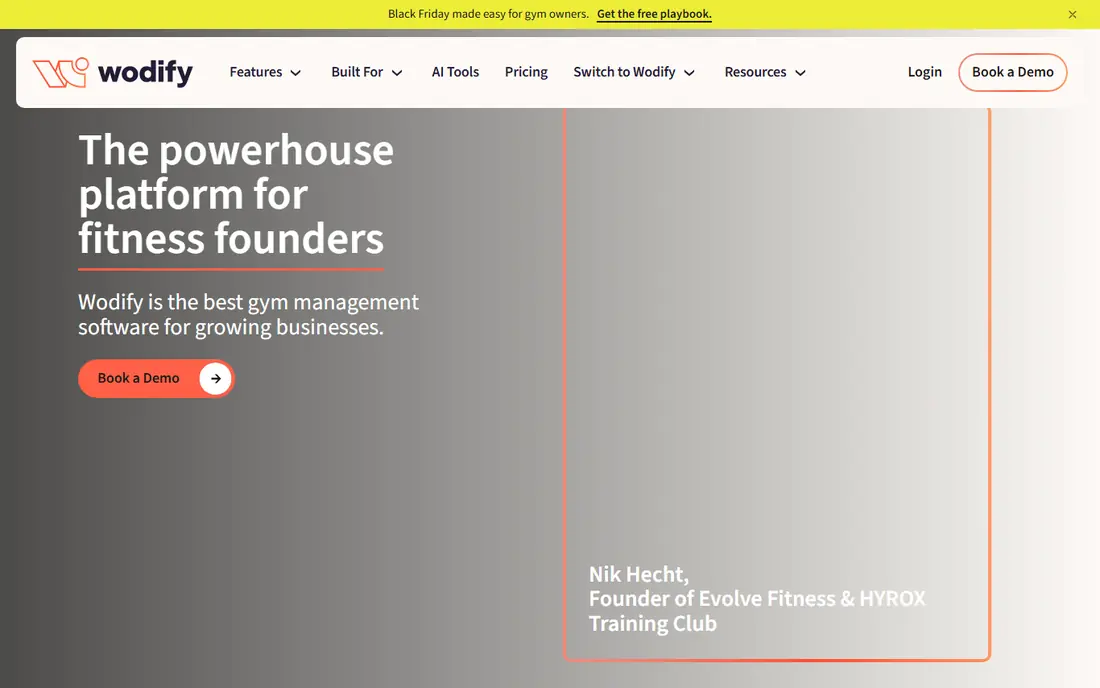
Wodify is built around CrossFit training, with workout programming, performance logging, leaderboards, and athlete profiles at its centre. Coaches can programme workouts, members can log scores and personal records, and the gym can manage memberships, classes, and retail sales in the same system. That depth suits boxes where programming and community results drive daily culture.
Published pricing for Wodify has varied widely, from around 79 dollars to around 199 dollars per site per month depending on tier and source, so check the current Wodify pricing page and ask what each tier includes. Wodify is priced for boxes that use its depth daily. Smaller boxes or general gyms may find PushPress or Gymdesk cheaper and simpler, while performance-focused affiliates will value Wodify's tracking most.
- Deep WOD programming and performance tracking
- Leaderboards and athlete profiles
- Membership and retail tools
- Premium pricing for small boxes
- Implementation takes commitment
- Less suited to non-CrossFit gyms
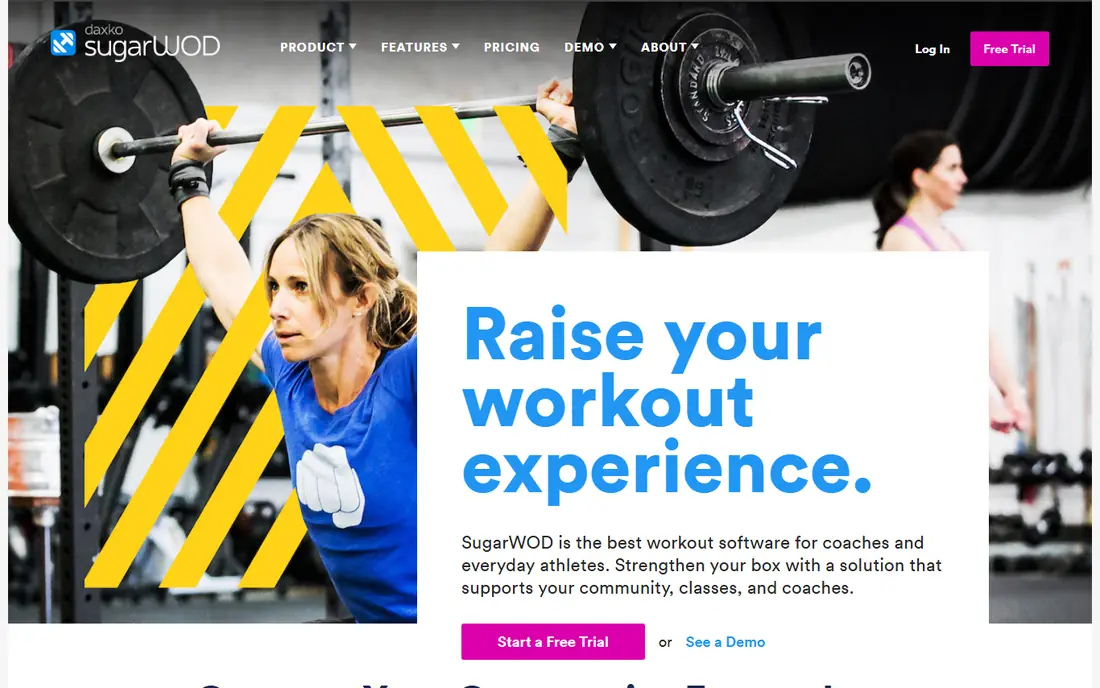
SugarWOD is the athlete-facing app many CrossFit members already know. You log workout scores, track personal records, follow your gym's daily workout, and see friends' results on leaderboards. The interface is simple, which matters at 6 a.m. when you want to log a score and move on, rather than learn a new system.
SugarWOD is free for athletes whose gyms use the platform, while gyms pay for the management side, so check with your box before signing up alone. SugarWOD does not run billing, memberships, or full gym operations on its own, so owners need another system or a partner platform for those jobs. For athletes, though, SugarWOD remains one of the easiest trackers to use every day.
- Free for athletes at member gyms
- Simple workout logging
- Social feed and leaderboards
- It is a tracker, not full gym management
- Gym must run SugarWOD for full use
- Limited programming tools alone
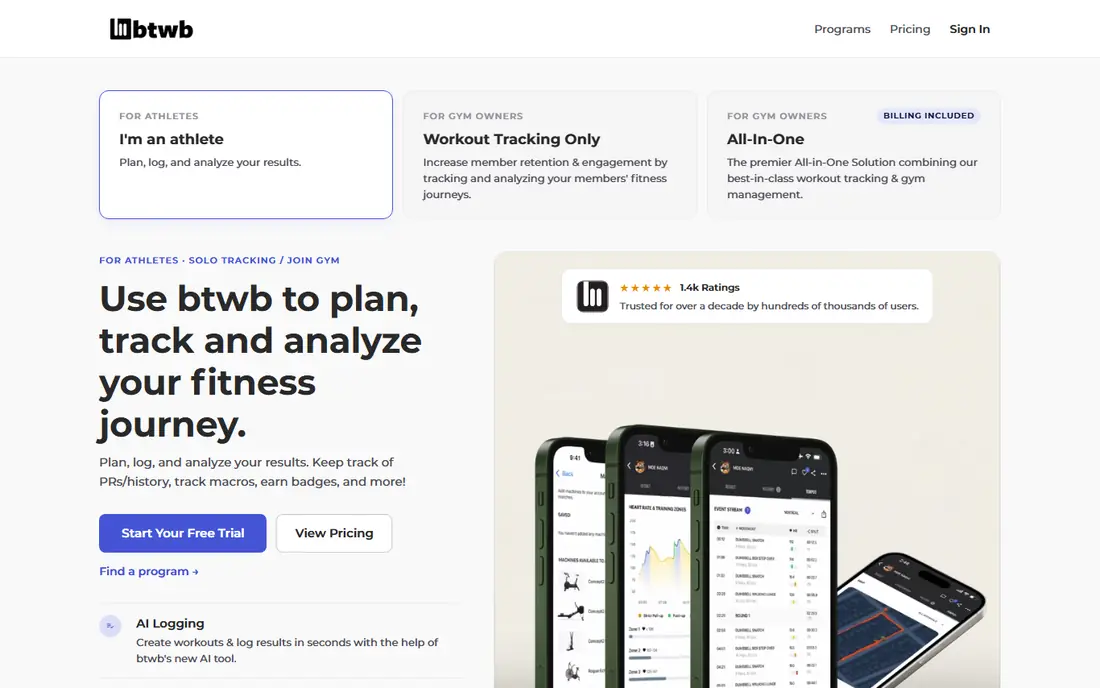
Beyond the Whiteboard, often called BTWB, is a tracking platform for athletes who want to know whether they are actually improving. It logs workouts, personal records, and history, with analytics that show trends over time rather than a single score. A 30-day trial lets you test it, and published pricing puts individual plans at 7.99 dollars per month.
BTWB suits athletes who train at different gyms, follow their own programming, or want a portable record that survives a gym change. It has grown toward gym management, but its heart remains athlete data, so owners who need billing and marketing should compare it with PushPress or Zen Planner. If your training question is whether your lifts and times are moving, BTWB gives you the clearest answer.
- Strong personal record tracking
- Workout history and analytics
- Programming and gym tools growing
- Monthly cost for individual athletes
- Newer to full gym management
- Interface rewards data lovers most
PushPress is a CrossFit-native management platform with a genuinely free Core plan, which makes it the lowest-risk start for a new box. Members can book classes, manage accounts, and use the member app, while owners handle memberships and scheduling. Paid Pro plans start around 159 dollars per month, with Max plans higher, and add-ons for growth and training.
The honest catch is the full stack cost. Lead capture, email, and SMS tools sit in a Grow add-on published around 329 dollars per month, so a fully loaded PushPress setup can reach around 500 dollars per month. The free tier also carries card processing rates, published around 4.99 percent plus 30 cents, which can add up. Start free, add paid tiers only for tools you use weekly, and compare the total against Gymdesk or Zen Planner.
- Genuinely free Core plan
- Member app and class booking
- Paid tiers add growth and training tools
- Full marketing stack costs much more
- Payments use Stripe only
- Free tier card rates add cost
Zen Planner is an established gym management platform used by CrossFit boxes, martial arts schools, and fitness studios. It covers memberships, billing, class scheduling, attendance, and reporting, with tiers based on member count. Published pricing starts around 99 dollars per month for up to 45 members, rising with member bands, so a growing box should budget for the next band.
Add-ons change the total. Marketing automation, a branded mobile app, and a custom website have been listed as separate paid modules, so compare the full cost, not just the base price. Zen Planner suits established or multi-location gyms that value mature membership tooling over a modern interface. Newer boxes that want simplicity may prefer Gymdesk or PushPress first.
- Mature membership and billing tools
- Multi-location support
- Class scheduling and attendance
- Interface feels dated to some owners
- Marketing and branded app are paid add-ons
- Support reviews vary
Gymdesk runs a whole gym from one place, with members, leads, billing, class booking, attendance, point of sale, and marketing tools under one login. Its strength is simplicity: coaches can run check-in without a manual, and settings do not fight you. Every plan includes core features, with pricing starting at 75 dollars per month for up to 50 active members and rising by member band.
Gymdesk is a general gym platform rather than a CrossFit specialist, so its WOD tracking is lighter than Wodify or SugarWOD. That trade suits boxes that value simple operations over deep performance data, and many owners pair Gymdesk with SugarWOD for athlete tracking. If your box needs a clean system that staff learn in a day, Gymdesk is a strong, low-friction choice.
- Simple interface
- Every core feature on every plan
- Member app and free gym website
- Reporting is lighter than specialists
- SMS is a paid add-on
- Support is weekdays rather than round the clock
Street Parking provides daily CrossFit-style programming for athletes training at home, in a garage, or while travelling. Workouts include scaling options for different equipment levels, from dumbbells only to a fuller home gym, which helps athletes without access to a box. Published pricing puts Street Parking at 19 dollars per month or 180 dollars per year.
Street Parking does not replace in-person coaching, and athletes who need movement feedback should still work with a qualified coach, especially for complex lifts. It suits beginners at home, busy athletes, and travellers who want a clear daily workout without building their own programme. If you train at a box, use your gym's programming instead, since community and coaching add value Street Parking cannot copy.
- Structured daily programming for home training
- Scaling options for varied equipment
- Community support
- No free tier
- Home focus suits some athletes less than box coaching
- Programming style is fixed
GOWOD focuses on mobility, which is often the limiting factor for CrossFit athletes. A monthly mobility test scores your movement, then the app builds a personalised daily routine from its exercise library, with flows in short, medium, and longer lengths. That structure helps athletes who know they should stretch but never build a consistent routine.
App store listings put GOWOD Premium at 13.99 dollars per month or 124.99 dollars per year, with a free tier covering part of the library. Some users report that free access feels limited after the test, so test the free library before subscribing. GOWOD suits athletes with tight hips, shoulders, or ankles that limit lifts, and it pairs well with any programming tool on this list.
- Monthly mobility test
- Personalised daily routines
- Large exercise library
- Premium needed for full routines
- Some users report free access feels limited
- Needs basic equipment for some flows
TrainHeroic lets coaches deliver programming to athletes and teams, with logging, leaderboards, and messaging to keep a group training together even when members train in different places. Boxes, school teams, and remote coaching groups use it to share workouts, track compliance, and compare results. That coach-led model suits athletes who want guidance and accountability from a real coach, not just a generated workout.
Pricing varies by plan and often requires checking the TrainHeroic site or requesting a quote, so we list it as See website rather than guessing. TrainHeroic is less useful for solo athletes who want a ready-made programme without a coach, since its value comes from the coach-athlete link. If you train with a coach or a team, TrainHeroic gives that relationship a proper training home.
- Coaches deliver programming to teams
- Athlete logging and leaderboards
- Works for boxes and remote teams
- Pricing needs a quote for many plans
- Coach-led model suits teams more than solo athletes
- Setup depends on coach
How we picked these
We compared official pricing pages, feature descriptions, and recent published guides, and we kept only tools that are live for CrossFit boxes or athletes. We favoured a mix of management platforms, athlete trackers, home programming, mobility, and coach-led tools, since CrossFit software covers all of those needs. Prices were taken from vendor pages and recent guides where they varied, and we marked disputed prices as See website rather than guessing.
Choosing the right CrossFit software
Start with who you are. Box owners should choose a management platform first, then add athlete tracking. Athletes at a box should use the gym's app, since leaderboards and community only work when everyone logs in the same place. Home athletes should choose programming first, then add tracking and mobility tools.
For box owners
List the jobs you need weekly: billing, class booking, attendance, programming, and member communication. Price the full stack, including add-ons for marketing and branded apps, not just the headline tier. Trial the member app with coaches, since staff will use it daily, and a system coaches avoid will fail no matter how strong its feature list looks.
For athletes
Pick one tracker and log every workout for a month before judging it. Personal records only help when the history is complete, and a tracker you skip on busy days gives a false picture. Add mobility work only after logging is steady, and learn new movements with a qualified coach, since software can programme a lift but cannot watch your form.
Frequently asked questions
What is the best CrossFit software for a gym?
PushPress is a strong low-risk start with a free Core plan, while Wodify suits boxes that want deep programming and performance data. Zen Planner and Gymdesk suit established gyms that value mature membership tools or simple operations.
What are the best CrossFit apps for athletes?
SugarWOD suits athletes at a member gym, since it is free for them and simple to log. Beyond the Whiteboard suits athletes who want portable personal records and analytics across gyms.
What is the best WOD app for home training?
Street Parking suits home training with structured daily programming and scaling for varied equipment. TrainHeroic suits athletes who train with a coach or team, while GOWOD adds mobility routines.
Is SugarWOD free?
SugarWOD is free for athletes whose gyms use the platform, while gyms pay for the management side. Check with your box, since full use depends on your gym running SugarWOD.
How much does CrossFit software cost?
Costs range from free athlete apps and a free PushPress Core plan to around 75 dollars per month for Gymdesk, 99 dollars per month for Zen Planner, and higher tiers for Wodify and full PushPress stacks. Individual athlete plans, such as Beyond the Whiteboard at 7.99 dollars per month, cost far less than box platforms.
Do I need CrossFit software if I train alone?
No, but a tracker and a programme help. Log workouts in SugarWOD or Beyond the Whiteboard, follow Street Parking or a coach on TrainHeroic for programming, and add GOWOD if mobility limits your lifts.
Sources
See where you really rank - block by block
ProMapRanker scans Google Maps across a grid of your service area. Simple monthly plans from $19, white-label on every plan.
Start freeKeep reading
 zoro.to alternatives
Best Zoro.to Alternatives in 2026
We compare the best zoro.to alternatives in 2026, listing only legal licensed anime streaming services, from Crunchyroll to free options for fans today.
Read → zip alternatives
Best Zip Alternatives in 2026
We compare the best zip alternatives for buy now, pay later in 2026, covering pay-in-4 plans, fees, spending limits, and credit reporting options today.
Read → yesware alternatives
Best Yesware Alternatives in 2026
Compare the best yesware alternatives for sales email tracking, templates, and sequences, with current pricing and honest tradeoffs for small sales teams.
Read →