 ProMapRanker
Best Chore App in 2026: 9 Apps Compared

Key takeaways
- Sweepy and Tody are the best cleaning-first picks, with schedules based on rooms and how dirty things actually get.
- Cozi and FamilyWall suit whole-family planning, because chores sit next to calendars, lists and meal plans.
- Sweepy, Tody, Cozi and FamilyWall all have usable free plans, so test one for two weeks before you pay.
- For kids, points and rewards work only if parents approve tasks and keep rewards small, clear and consistent.
Quick comparison
| Pick | Great for | Pricing starts at | Free tier | |
|---|---|---|---|---|
 Sweepy | turning cleaning into a shared game | See website | Yes | Visit |
 Tody | cleaning schedules based on real need | Free | Yes | Visit |
 Cozi | whole-family calendar and lists | Free | Yes | Visit |
 FamilyWall | calendar, chat and budget in one app | Free | Yes | Visit |
 S'moresUp | gamification for kids | $4.99 per month | Yes | Visit |
 Homey | chores linked to allowance | $4.99 per month | Yes | Visit |
 Chorsee | simple chore and allowance tracking | See website | Yes | Visit |
 Homsy | streaks and routines for kids | See website | Yes | Visit |
 BeTidy | detailed cleaning plans | See website | Yes | Visit |
The best chore apps
We compared chore assignment, scheduling, rewards, family sharing and price, and kept only apps that still work in October 2026. The list covers the best chore apps for families, the best chore app for couples, and a simple chart option for roommates.
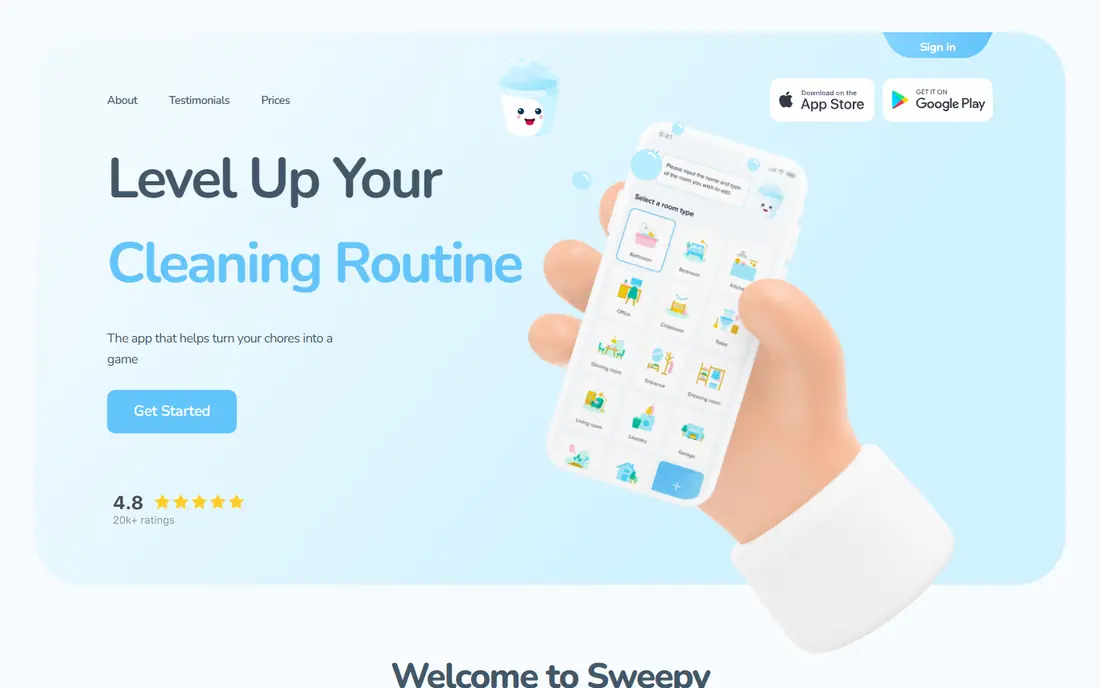
Sweepy is the best starting point for households that struggle with cleaning. It builds a schedule by room, assigns tasks, and uses points and a leaderboard to make progress visible. That game layer helps when one person ends up doing most of the work unnoticed.
The limit is scope. Sweepy is a cleaning app first, not a full family calendar or meal planner. Pair it with a shared calendar if you also need school runs and appointments in one place. Check the paid features in your app store before you subscribe.
- Auto-generated schedules
- Points and leaderboard
- Room-based tasks
- Paid features vary by store
- Cleaning focus, not full family planning
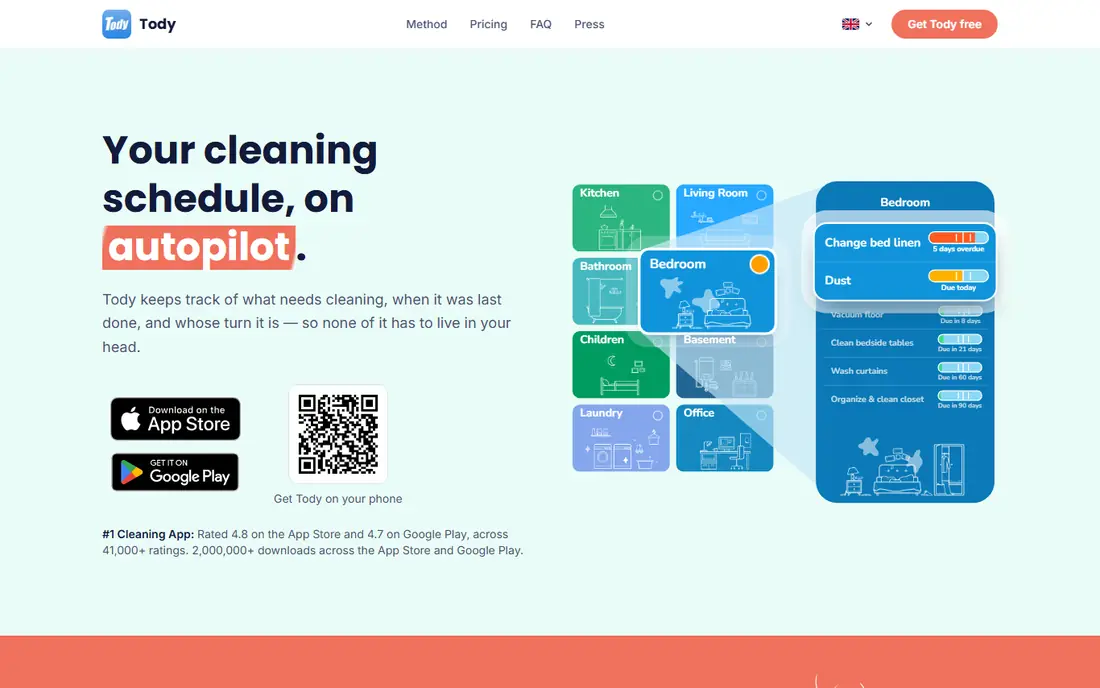
Tody takes a different approach to cleaning. Instead of fixed weekly lists, it shows how dirty each task has become, so you clean what needs it most. That flexibility suits households with shifting schedules and different standards for each room.
The trade-off is motivation. Tody has no points or leaderboard, so it suits adults and older teens who already accept the routine. If your kids need rewards to start, pair Tody with a separate reward chart, or choose Sweepy instead.
- Visual dirtiness indicator
- Flexible scheduling
- Simple interface
- No points system
- Paid upgrade needed for some sync features
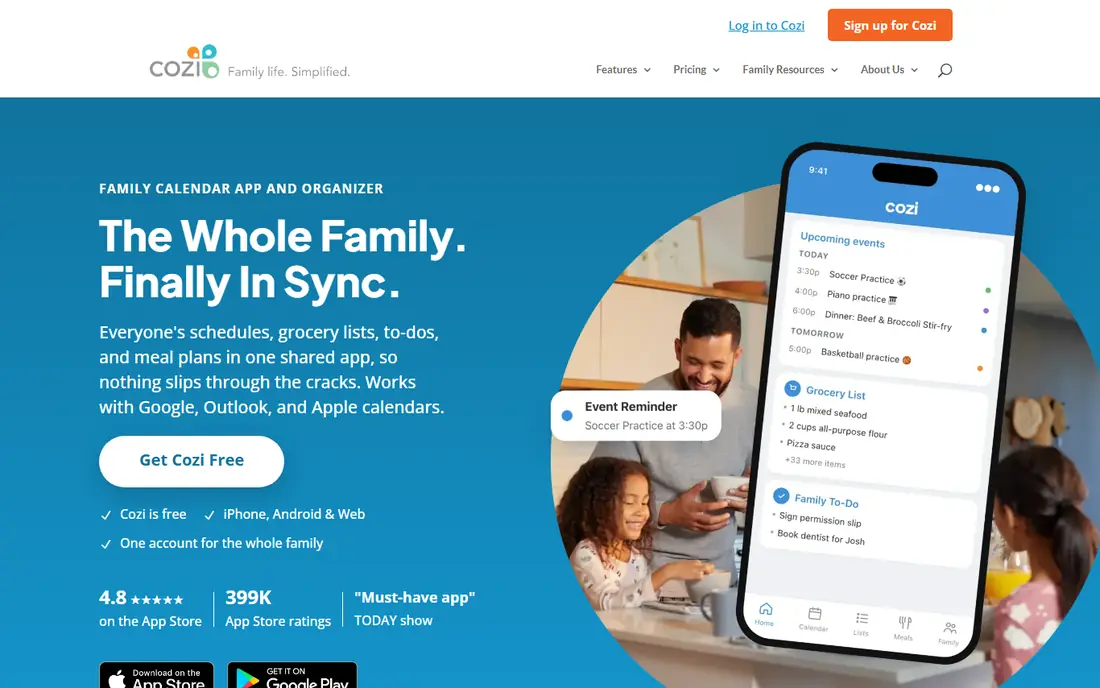
Cozi is the best free family organizer in this list. It combines a shared calendar, shopping lists, to-do lists and meal planning in one app that the whole family can open. Chores sit inside that wider plan, which helps when the calendar is the real bottleneck.
Chore tools are basic. There are no points, leaderboards or allowance links, so Cozi suits families who need coordination more than motivation. The Gold plan removes ads and adds features, but most families can start free and stay free.
- Shared calendar
- Lists
- Meal planning
- Free core plan
- Ads on free plan
- Chore features are basic compared with specialists
FamilyWall packs the most into one family app. It offers a shared calendar, lists, chat, meal planner, budget tools and optional location sharing, plus chore and task lists. For families who want one hub instead of five apps, it is the strongest all-in-one pick.
The caution is privacy. Location sharing is powerful and sensitive, so agree as a family who can see it and when it turns off. Teens in particular should have a say. You can use the calendar and chores without turning location on at all.
- Shared calendar
- Family chat
- Location and budget tools
- Meal planner
- Location features need a family talk about privacy
- Paid plan for full features
S'moresUp is the best pick when kids need motivation to start. It turns chores into a game with points, badges and a visual chart, and parents can approve completed tasks before points land. That approval step keeps the system honest.
The game layer works best for younger kids. Older teens may find it childish, and the monthly price adds up over a year. Use it for a trial month, and keep rewards small and immediate so the habit survives when novelty fades.
- Strong gamification
- Chore charts
- Smart home links in some plans
- Monthly price adds up
- Best for younger kids, less for teens
Homey is the best chore app for families who want chores to teach money skills. Parents can set paid jobs and unpaid responsibilities separately, track allowance, and, in the US, transfer earned money to a child account. Saving jars help kids set goals.
The limits are geographic and financial. Bank transfer is US only, and full money features need a paid plan. Parents should also talk about money openly, because an app alone does not teach budgeting. Keep jobs, pay and responsibilities clear from day one.
- Allowance tracking
- Bank transfer in the US
- Saving jars
- Bank transfer is US only
- Paid plan needed for full money features
Chorsee suits families who want a clean, simple chore chart without a large platform. Setup is fast, allowance tracking is clear, and the interface stays calm even with several kids. It is a good pick for parents who dislike cluttered apps.
The trade-off is depth. There is no full calendar, meal planner or smart home layer, so larger families may need a second app. If chores and allowance are the only job, Chorsee does it well and stays out of the way.
- Clean interface
- Allowance tracking
- Simple setup
- Smaller feature set
- Less guidance for large families
Homsy focuses on routines and streaks, which helps kids who respond to daily consistency. The chart is simple, streaks stay visible, and parents can set routines that repeat without rebuilding the list each week. That routine focus is its main strength.
The risk is newness. Homsy is smaller than Cozi or FamilyWall, with fewer integrations and less public history. Test it free for two weeks, and make sure export or backup options suit you before you build a long routine inside it.
- Streak gamification
- Routine focus
- Simple charts
- Newer and smaller than rivals
- Fewer integrations
BeTidy suits households that want a detailed cleaning plan rather than a game. It breaks rooms into specific tasks, schedules them clearly, and tracks progress without points or leaderboards. Adults who like a thorough plan will prefer it to a playful app.
The limit is scope and community. BeTidy is cleaning only, and its user base is smaller than Sweepy or Tody, so help and templates are thinner. Check the current purchase option in your app store, because some listings show a lifetime option and others show a subscription.
- Detailed cleaning plans
- Room schedules
- Lifetime option in some listings
- Cleaning only
- Smaller community than Sweepy or Tody
How we picked these
We compared official app descriptions, pricing pages and October 2026 chore app guides, and we kept only apps that still work and offer chore assignment in the US. We weighed scheduling, rewards, family sharing, price and free access, and we left out OurHome, which reports show was unpublished and unmaintained.
We did not claim hands-on testing. Our picks reflect stated features and pricing, plus the practical test of whether a family will still open the app after two weeks. Check age ratings and privacy settings before you add kids.
How to pick a chore app that survives week three
Start with the real problem. If cleaning is the issue, pick Sweepy, Tody or BeTidy. If coordination is the issue, pick Cozi or FamilyWall. If motivation is the issue, pick S'moresUp or Homey. One clear job beats a long feature list that nobody uses.
Next, agree the rules before you download. Decide who assigns tasks, who approves them, what a point is worth, and what happens when a task is missed. Write those rules in the app notes if you can. A chore app fails when the rules change every week, not when the app lacks a feature.
Finally, run a two-week trial with one app only. Put it on every phone, turn on reminders, and review progress at the same time each week. Keep rewards small, immediate and consistent, and drop the app if only one person still opens it. A paper chart that everyone uses beats an app that only parents open.
Frequently asked questions
What is the best chore app for families?
Sweepy and Tody lead for cleaning, Cozi and FamilyWall lead for whole-family planning, and S'moresUp leads for younger kids who need gamification. The best family pick depends on whether cleaning, coordination or motivation is the main problem.
What is the best free chore app?
Cozi, Tody, FamilyWall and Sweepy all have usable free plans, and Chorsee and Homsy also offer free access. Start free for two weeks, and pay only when you hit a real limit, such as sync, ads or advanced features.
What is the best chore app for couples?
Tody and Sweepy work well for couples, because both handle fair rotation and visible progress without child-focused games. Cozi also works if you need a shared calendar and lists alongside chores.
What is the best chore chart app?
For a simple chart, Chorsee and Homsy are the cleanest picks, while S'moresUp gives the most game-like chart for kids. A chart works only if tasks are approved promptly and rewards stay small and consistent.
Do chore apps work for kids?
They can, when parents approve tasks, keep rewards clear, and review progress weekly. Gamification helps younger kids start, but it does not replace a conversation about shared responsibility. Check age ratings and privacy settings before adding a child.
Sources
See where you really rank - block by block
ProMapRanker scans Google Maps across a grid of your service area. Simple monthly plans from $19, white-label on every plan.
Start freeKeep reading
 zoho inventory alternatives
6 Alternatives to Zoho Inventory, Compared on Price and Fit
Zoho Inventory alternatives: 6 tools compared on price, free plans and fit. Katana leads the list for manufacturers. Fit and flaws are laid out for each entry.
Read → zoho crm alternatives
Best Zoho CRM Alternatives (2026)
Need Zoho CRM alternatives? We compare 7 tools on cost, free access and who each suits. Every pick gets a straight assessment. Built for quick decisions.
Read → zelle alternatives
Best Zelle Alternatives in 2026
Compare the best Zelle alternatives for sending money to friends, paying sellers and moving funds abroad, with honest notes on fees, speed and safety in 2026.
Read →