 ProMapRanker
5 Best AI Assistants for Project Management in 2026

Custom AI workspace and automation · Pricing starts at: $10 per member a month
Direct answer
Our first pick is Notion, best for custom AI workspace and automation. Listed starting prices: Notion from $10 per member a month, ClickUp from $9 per user per month and Asana from $10.99 per user a month. If your case is different, ClickUp suits all-in-one productivity with AI and humans and Asana suits human-agent teamwork on critical workflows. The other 2 tools in the list cover narrower or pricier cases.
ProMapRanker put together this guide to AI assistants for project management for readers who want a clear shortlist without reading every vendor page. It compares 5 tools on starting price, free plans, who each one suits and where each one falls short.
Key takeaways
- Notion is the opening pick, best for custom AI workspace and automation.
- 5 of 5 tools offer a free plan: Notion, ClickUp, Asana, Trello, Monday.com.
- Monday.com fits AI workspace for people and agents.
- For the cheapest start, look at Trello: $5 per user per month.
- A fair warning about ClickUp: breadth can overwhelm new users.
Quick comparison
| Pick | Great for | Pricing starts at | Free tier | |
|---|---|---|---|---|
| Notion | Custom AI workspace and automation | $10 per member a month | Yes | Visit |
 ClickUp | All-in-one productivity with AI and humans | $9 per user per month | Yes | Visit |
 Asana | Human-agent teamwork on critical workflows | $10.99 per user a month | Yes | Visit |
 Trello | Straightforward visual task and to-do tracking | $5 per user a month | Yes | Visit |
 Monday.com | AI workspace for people and agents | $9 per seat a month | Yes | Visit |
AI Assistants for Project Management, one by one
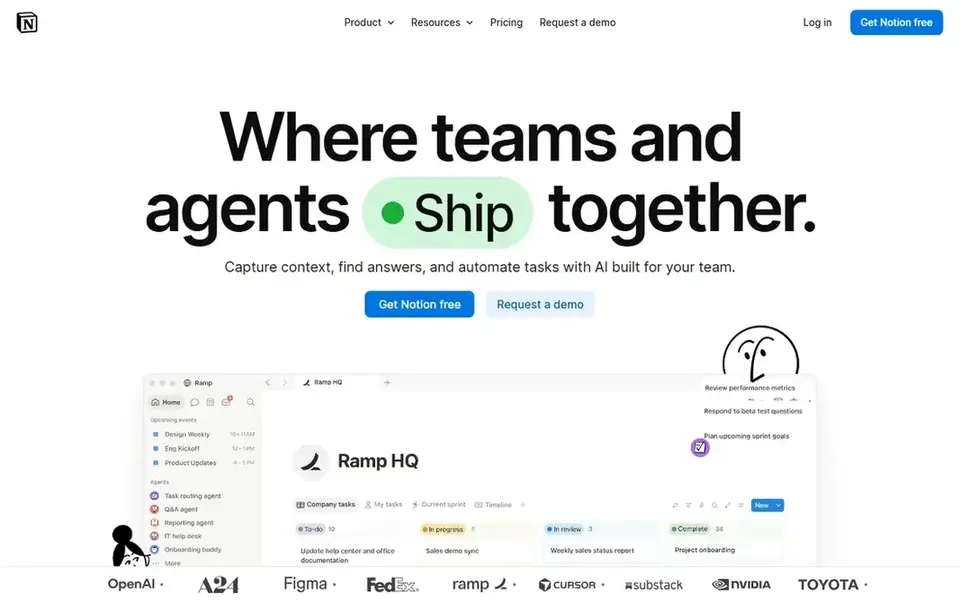
In short, Notion is for custom AI workspace and automation. Since Notion is highly adaptable, teams must decide how to structure projects and may need templates to begin.
It is not a dedicated project management system from day one, so heavy scheduling needs may call for a specialized tool. Organizations comfortable designing their own workspace structure will get the most from it. Starting cost for Notion: $10 per member per month. Notion has a free plan.
The main drawbacks: Adaptable structure needs design decisions.
- Automate busywork in one workspace
- Build custom agents
- Project tracking relies on templates
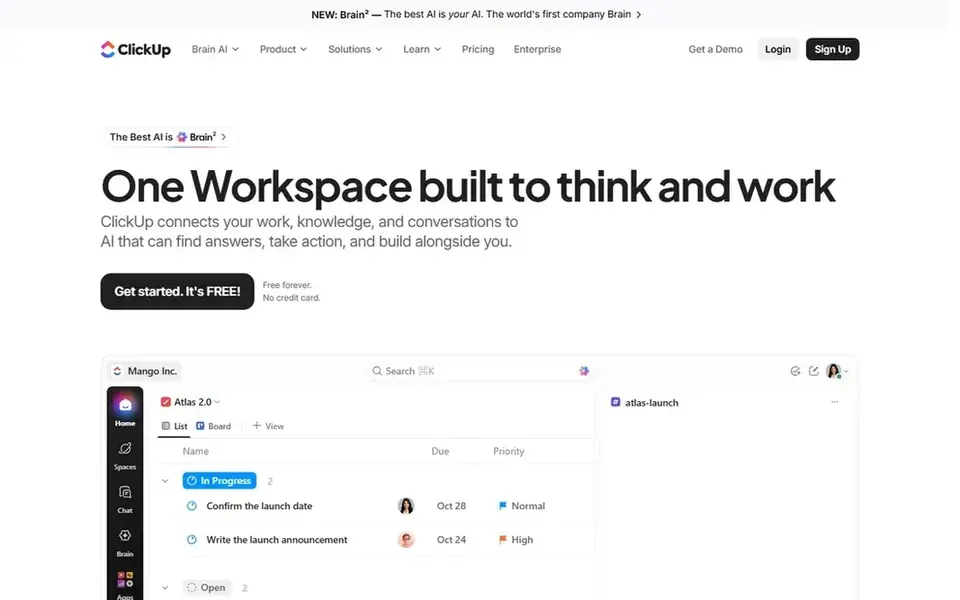
ClickUp is built with all-in-one productivity with AI and humans in mind. If you want a narrow, focused tool, a more straightforward choice may work better.
Drawbacks to consider: Needs configuration to match team processes.
What works well: Positions software, AI. In daily use, AI features are part of a broader product instead of a standalone assistant. ClickUp cost at the entry level: $9 per user per month. You can start on ClickUp without paying.
- Merges tasks, docs, goals, chat
- Wide feature set in one app
- Breadth can overwhelm new users
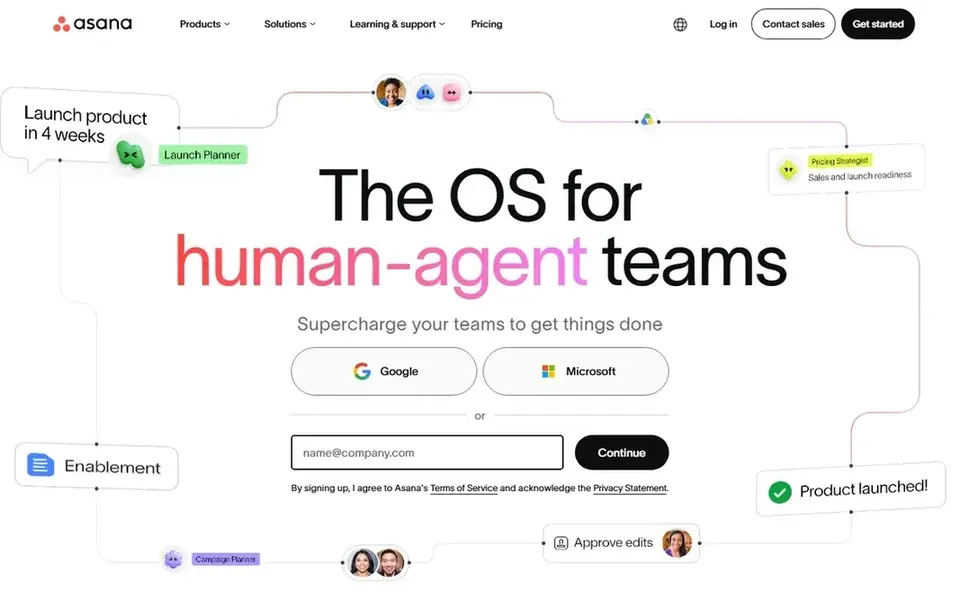
Asana was built for human-agent teamwork on critical workflows. On top of that, if you need a light visual board, consider a more straightforward choice.
Where it is weaker: May need setup to align agents with processes.
Asana may feel heavy for very small teams or straightforward personal task lists. Its agent capabilities rely on how workflows are configured, so teams without process discipline may see less benefit. Asana cost at the entry level: $10.99 per user per month. Free access exists with Asana.
- Automates and executes critical workflows
- Capable planning and work management focus
- Advanced governance relies on configuration
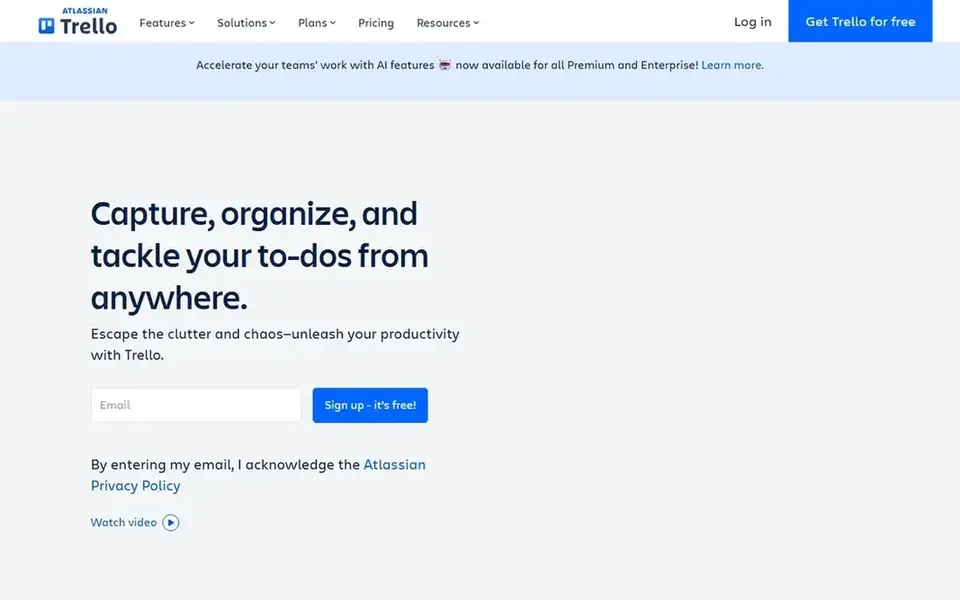
Trello was built for straightforward visual task and to-do tracking. Teams needing advanced reporting, governance, or deep agent workflows should look to other choices.
Points against: AI assistance is not the primary focus.
It performs best for light planning and personal productivity. Trello cost at the entry level: $5 per user per month. A free plan is available with Trello.
- Inbox and planner features
- Accessible on mobile
- Less suited to complicated enterprise programs
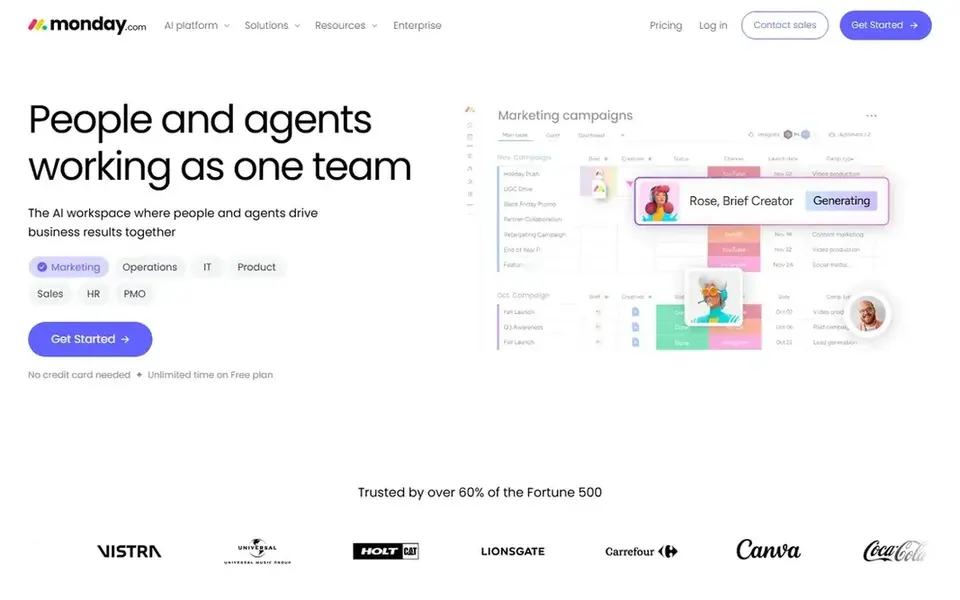
Monday.com targets AI workspace for people and agents. Monday.com is positioned as an AI workspace where agents work side by side with people to execute, handle, and operate work. Organizations seeking a shared workspace for mixed human and agent work are a solid fit.
More specifically, for a strictly visual, card-based approach, other tools may be more straightforward. As for the details, the product's adaptability means teams have to define workflows carefully to avoid clutter. What you pay to start with Monday.com: $9 per seat per month. Monday.com has a free plan.
Honest limits: Adaptability can need thoughtful setup.
- Supports execution and operations together
- Adaptable workspace for business results
- Agent value relies on clear workflows
Our selection method
Selection started from tools commonly considered for AI assistants for project management, then narrowed to 5 that have clear pricing information or a clear quote process. Treat prices as a snapshot: vendors change plans often, so check the vendor site for the figure that applies today. The ranking is editorial: typical fit first, then clear pricing, then free access. If your needs are unusual, read the profiles rather than relying on position.
Pre-purchase checklist
- Prices are a starting point; Trello shows $5 per user per month to start, so verify what your seat count would cost.
- Check what the free option really includes: Notion, ClickUp, Asana and others offer a free plan, and usage caps differ.
- Read the limits listed for Notion first: adaptable structure requires design decisions.
- Compare total cost, not headline price: for Notion, add extra seats, add-ons and any usage-based charges.
- Ask ClickUp which support channels and response times come with the plan you would buy.
Frequently asked questions
Do these tools publish their prices?
Yes. Every tool from Notion to Monday.com shows a starting price, though seats, add-ons and billing terms still change the final cost.
Which options for AI assistants for project management have a free plan?
Notion, ClickUp, Asana, Trello and Monday.com offer a free plan in this list. Free plans usually cap users, projects or features, so check the limits on the vendor page.
Can AI agents replace project managers?
Agents can help automate routine work and support execution, but human judgment remains important for priorities and decisions. Treat AI as assistance within your project process.
Is Notion the right pick for everyone comparing AI assistants for project management?
No single tool suits every team. Notion comes first because it fits custom AI workspace and automation, while ClickUp suits all-in-one productivity with AI and humans and Asana suits human-agent teamwork on critical workflows. Match the tool to your own size, budget and workflow before deciding.
What should I look for in an AI assistant for project management?
Focus on how the assistant supports your existing workflows, like planning, automation, and task execution. Check whether AI agents can work within your project structure and respect permissions. Also confirm integrations and reporting before choosing.
How do I evaluate AI features without hands-on testing?
Review vendor documentation and homepage descriptions for specific capabilities and limits. Ask vendors how agents access data and what controls exist. Confirm details on vendor sites, since features and terms can change.
Sources
See where you really rank - block by block
ProMapRanker scans Google Maps across a grid of your service area. Simple monthly plans from $19, white-label on every plan.
Start freeBrowse all guides
← AI AR Collaboration Tools in 2026: Top 5 ComparedBest AI Meeting Assistant for Nonprofit Boards (2026) →
 best project management software for real estate agents
6 Best Project Management Software for Real Estate Agents for 2026
Best project management software for real estate agents: 6 tools compared on price, free plans and fit. Cost notes and weak points included. Straight answers.
Read → best ai tools for task automation
Best AI Tools for Task Automation in 2026
Best AI tools for task automation in 2026: 6 contenders with entry costs and free tiers. Plain-spoken summaries throughout. Current for November 2026.
Read → best ai remote support software
Best AI Remote Support Software: 2026 Prices and Picks
Best AI remote support software in 2026: 6 contenders with entry costs and free tiers. The weak spots sit next to the strengths. Skim the table first.
Read → best secure remote access tools
Best Secure Remote Access Tools in 2026
Compare the best secure remote access tools for 2026, with enterprise controls, pricing, and help choosing a safe remote tool for support or remote work.
Read → best note-taking app for students free
Best Free Note-Taking Apps for Students in 2026
Compare the best note-taking app for students free, with handwriting, search, sync, and study tools that cost nothing to start using in class and at home.
Read → top ediscovery software
Top eDiscovery Software in 2026
Top ediscovery software compared for law firms and in-house teams, with pricing notes, review strengths and honest limits for each platform in 2026 today.
Read →More in Project Management & Productivity · All guides A to Z by date · Latest guides