 ProMapRanker
Best AI Remote Support Software: 2026 Prices and Picks

AI-powered service at scale · Pricing starts at: See website
Direct answer
If you need AI-powered service at scale, Salesforce Service Cloud is the first tool to look at here. Listed starting prices: Zendesk from $19 agent/month premium yearly. GoTo Resolve is the stronger choice for unified endpoint management with support, while Freshdesk suits omnichannel ticketing with automatic workflows. The remaining 3 options are covered below with prices and limits.
If you are comparing AI remote support software, this page covers 6 tools in one place: what each is best for, what it costs to start, whether it has a free plan, and the main limit to know about.
Key takeaways
- Salesforce Service Cloud is the opening pick, best for AI-powered service at scale.
- Salesforce Service Cloud, TeamViewer and the 4 others all need a premium plan or a trial, since no free plan is listed.
- TeamViewer is the one to check for practical remote desktop support.
- Starting prices begin at $19 agent/month premium yearly with Zendesk.
- A fair warning about Freshdesk: remote device control is not the core focus.
Quick comparison
| Pick | Great for | Pricing starts at | Free tier | |
|---|---|---|---|---|
| Salesforce Service Cloud | AI-powered service at scale | See website | Not stated | Visit |
 GoTo Resolve | Unified endpoint management with support | See website | Free trial | Visit |
 Freshdesk | Omnichannel ticketing with automatic workflows | See website | Not stated | Visit |
 N-able Take Control | Managed service providers resolving issues quick | See website | Not stated | Visit |
 Zendesk | AI agents resolving issues end to end | $19 agent/month premium yearly | Free trial | Visit |
 TeamViewer | Practical remote desktop support | See website | Free trial | Visit |
The 6 tools in detail
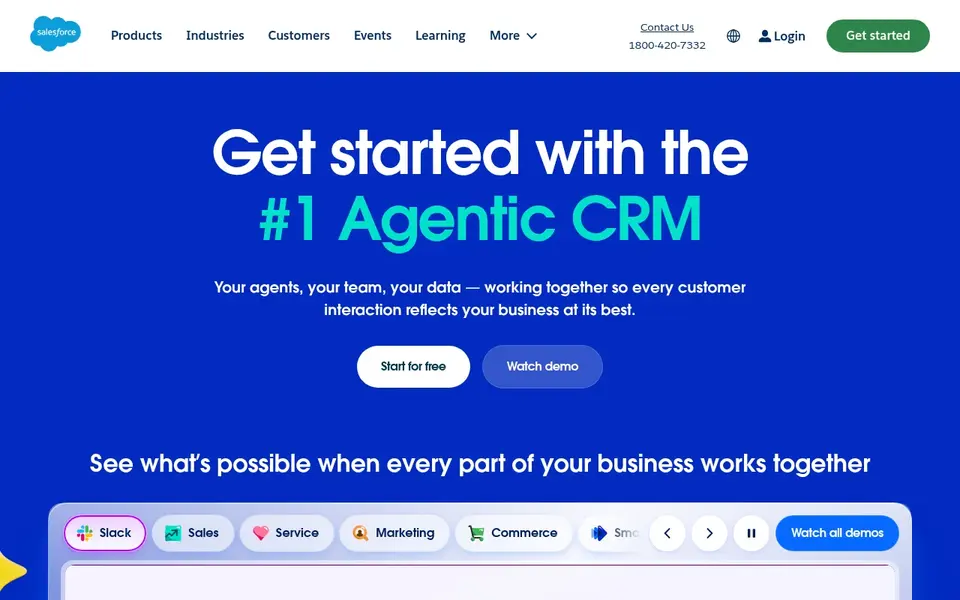
Salesforce Service Cloud was built for AI-powered service at scale. Service Cloud is a service system rather than a remote control tool, so practical device troubleshooting needs a separate product. From a buyer's view, teams with modest support volumes may also find the platform broader than their needs, making a more straightforward service or remote access tool a more practical fit.
Drawbacks to consider: Remote device control is not its role.
Worth adding: bigger service organizations should evaluate it seriously. Salesforce Service Cloud is customer service software powered by AI, positioned to help teams produce connected, efficient and scalable service that customers appreciate. Salesforce Service Cloud shows no starting price here, so confirm the cost on the vendor site. Free options: Not stated. Best features of Salesforce Service Cloud: Built to scale with service teams.
- AI-powered customer service focus
- Pitched at connected
- Wide system may need dedicated administration
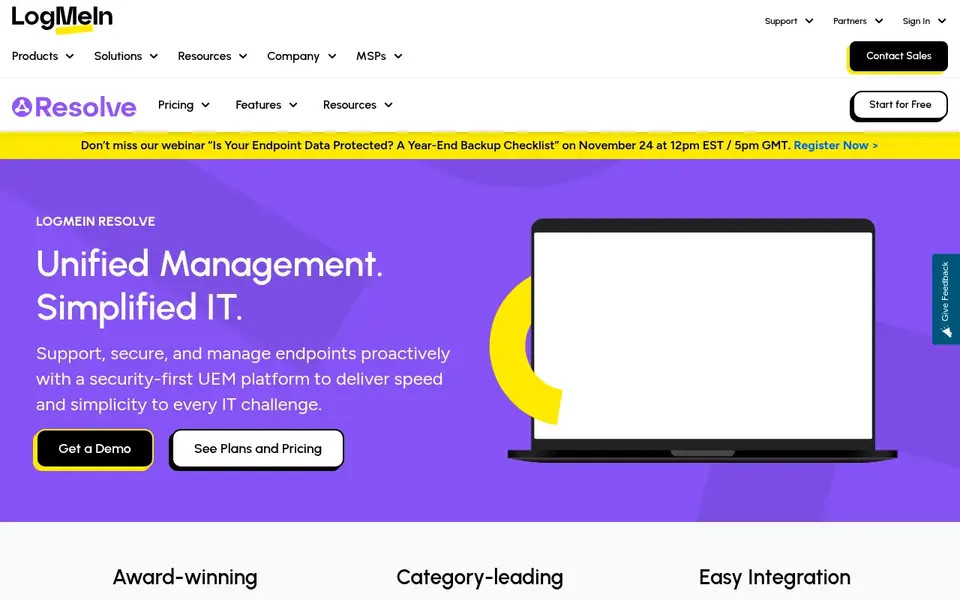
Think of GoTo Resolve for unified endpoint management with support. GoTo Resolve is presented as unified endpoint management software, positioned to help organizations stay on top of their IT landscape with management tools matched to expanding organizations. IT departments managing plenty of devices will see the appeal.
Limits to weigh: IT management focus may exceed straightforward support needs.
Beyond that, if your requirement is purely remote access with minimal administration overhead, a lighter remote control tool may suit you better. Also, since its emphasis is IT management, teams that only need occasional remote sessions may find it broader than necessary. No starting price is listed for GoTo Resolve here; confirm pricing on the vendor site. Free access: Free trial.
- Endpoint oversight in one tool
- Geared toward expanding organizations
- Feature depth can need onboarding
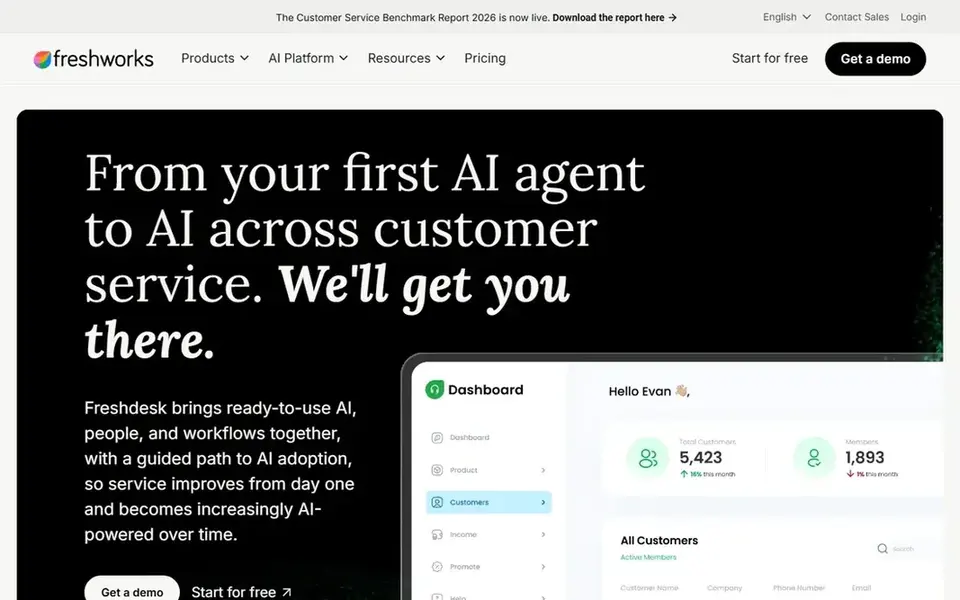
Pick Freshdesk if this describes you: omnichannel ticketing with automatic workflows. Freshdesk is an AI-powered customer service option centered on omnichannel ticketing and automatic workflows. It is positioned to boost agent productivity and deliver smooth customer experiences, making it a fit for support teams that deal with requests across multiple channels and want automation to cut repetitive work.
In daily use, if your priority is screen sharing and device troubleshooting instead of queue and workflow management, a remote access product may be the better starting point. In daily use, Freshdesk is oriented toward service tickets instead of direct remote control of endpoints. So it performs best alongside a dedicated remote support tool. Freshdesk does not show a starting price in this comparison, so check the vendor site for current pricing. As for free access: Not stated.
Honest limits: Remote device control is not the core focus.
- AI features geared toward agent productivity
- Omnichannel ticketing in one place
- Advanced automation may need configuration
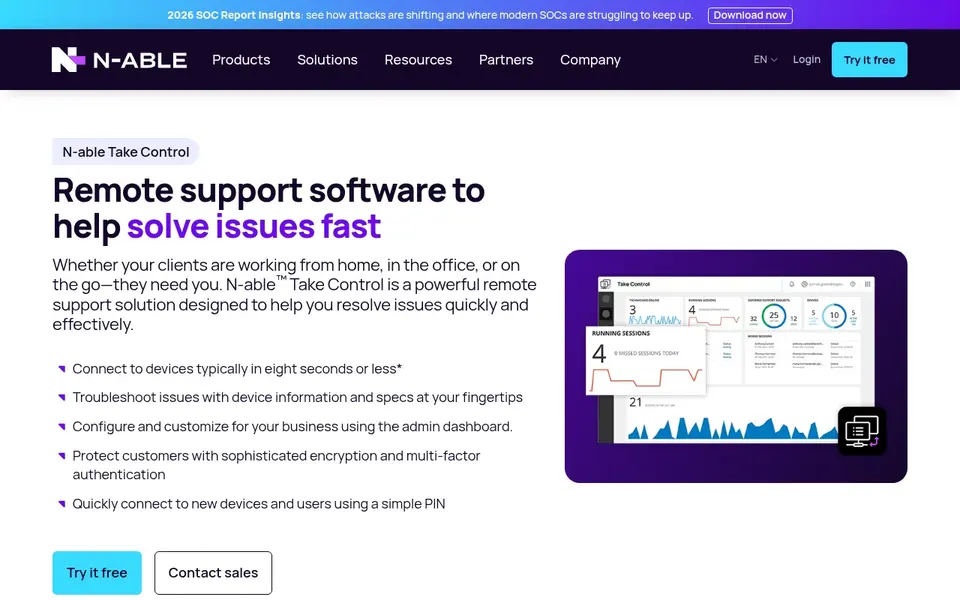
Think of N-able Take Control for managed service providers resolving issues quick. N-able Take Control is a remote control and support tool that helps managed service providers resolve issues swiftly whereas delivering solid customer service. Take Control is narrower than an AI-driven customer service system, so organizations wanting automated ticket handling or omnichannel engagement will need extra software.
It is the better fit when fast remote control for several client sites is the central requirement. In daily use, providers wanting a purpose-built support tool should contain it. Check the vendor site for N-able Take Control pricing; none is listed in this comparison. Free plan details: Not stated.
Where it falls short: Narrower than full service desk suites.
- Designed with MSP workflows in mind
- Remote control aimed at support
- Best value for managed service contexts
Pick Zendesk if this describes you: AI agents resolving issues end to end. Teams seeking a single hub for AI-driven customer support should place it high on a shortlist.
Organizations whose primary requirement is direct remote control of devices should weigh dedicated remote access tools instead, whereas those prioritizing AI resolution across channels can start here. Since it is a full service product, smaller teams may find the breadth heavier than needed for straightforward remote troubleshooting. Zendesk cost at the entry level: $19 agent/month premium yearly. Trial and free access: Free trial.
Points against: May be more product than small teams need.
- Wide customer service system
- AI agents geared toward full resolution
- Setup depth varies by support model
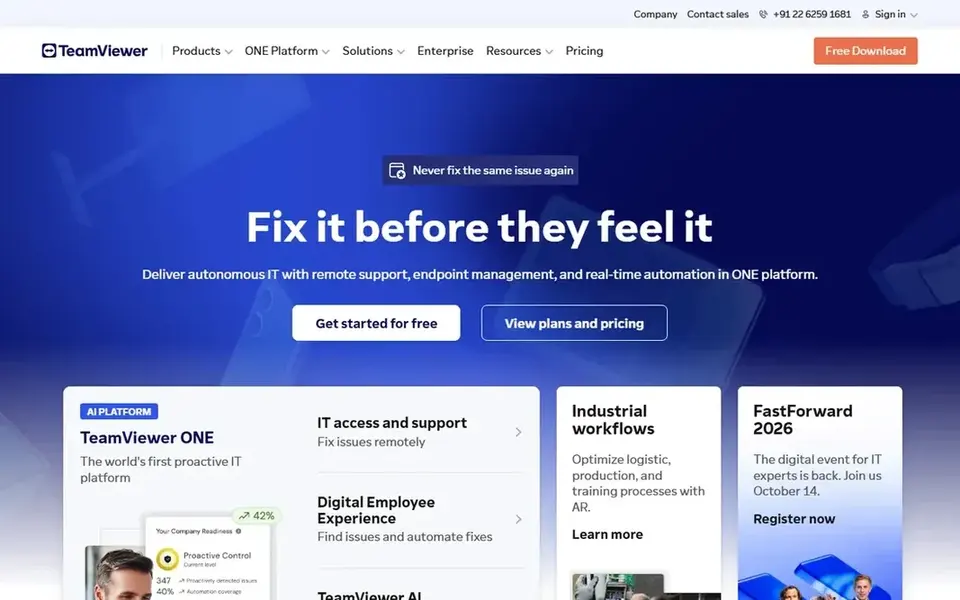
Choose TeamViewer for practical remote desktop support. TeamViewer is a digital workplace system whose core strength is remote desktop access: connecting to remote computers, offering remote support and collaborating online.
It works well as the practical layer beneath a broader service desk. No starting price is listed for TeamViewer here; confirm pricing on the vendor site. As for free access: Free trial.
Watch-outs: Ticketing depth is restricted compared with service suites.
- Online collaboration features included
- Remote desktop access and control
- Less centred on AI service workflows
How the list was put together
Pricing pages, product documentation and feature lists were the main sources, and every entry carries at least one honest drawback. Plan names, prices and limits change often. Treat the figures here as a starting point and verify them with the vendor. The order reflects how well each tool fits the most common buying scenario for AI remote support software, then price clarity, then free plan access. It is a starting point, not a verdict.
A buyer's checklist
- Confirm the entry price on the vendor page. For Salesforce Service Cloud, GoTo Resolve, Freshdesk and others that means a quote rather than a fixed price.
- Run a trial of GoTo Resolve, Zendesk and TeamViewer with real work before paying for a year; your own workflow is the best test.
- Read the limits listed for Salesforce Service Cloud first: wide system may need dedicated administration.
- Look at the help docs and support options for TeamViewer before you commit.
- Before rolling out GoTo Resolve, verify the integrations your workflow depends on.
Frequently asked questions
Do these tools publish their prices?
Not all of them. Salesforce Service Cloud, GoTo Resolve, Freshdesk and others publish no starting price, so expect a quote request for those. The rest, Zendesk included, show a starting price, though seats and billing terms still change the final cost.
How are the tools for AI remote support software ordered?
Salesforce Service Cloud sits first and TeamViewer last because the order follows typical fit for AI remote support software, then price clarity and free access. It is a judgement call, so read each profile for fit and limits.
Can I try these options before paying?
Often, yes. GoTo Resolve, Zendesk and TeamViewer offer a free trial. Use your own data and a real task during the test, and check what the free tier or trial limits before you rely on it.
Does any tool for AI remote support software here have a free plan?
A permanent free plan is not offered by Salesforce Service Cloud, TeamViewer or the other tools here. GoTo Resolve, Zendesk, TeamViewer offer a trial. Plan a short evaluation period instead.
Sources
See where you really rank - block by block
ProMapRanker scans Google Maps across a grid of your service area. Simple monthly plans from $19, white-label on every plan.
Start freeBrowse all guides
← Best AI Note Taking App for Meetings (2026)Best AI Tools for Task Automation in 2026 →
 best platforms for creating ai workflows
Best Platforms for Creating AI Workflows in 2026
Shortlisting the best platforms for creating AI workflows? 5 products compared on cost, free access and ideal buyer. Real limits included. See the full list.
Read → best enterprise tools for ai project management
5 Best Enterprise Tools for AI Project Management in 2026
Best enterprise tools for AI project management in 2026: 5 contenders with entry costs and free tiers. Each pick lists its main limit. Updated for 2026.
Read → best ai note-taking software for therapists
6 Best AI Note-Taking Software for Therapists in 2026
Best AI Note-Taking software for therapists: 6 contenders ranked by fit, with entry costs and free tiers. The catches are listed up front. Clear verdicts.
Read → best integration software
Best Integration Software in 2026
7 options for the best integration software, with entry costs, free tiers and the buyer each one serves. We note where every tool falls short. Choose faster.
Read → notepad++ alternatives
Best Notepad++ Alternatives in 2026
Need notepad++ alternatives? We compare 9 free and paid text editors for Windows, Mac, and Linux on speed, features, and which writer or coder each suits.
Read → jira alternatives
Best Jira Alternatives in 2026
Jira alternatives compared for project management, with eight tools for agile teams, cross-functional work and simple Kanban, plus pricing in 2026 now.
Read →More in Project Management & Productivity · All guides A to Z by date · Latest guides