 ProMapRanker
Best Notepad++ Alternatives in 2026

Key takeaways
- Visual Studio Code is the best free starting point for most people, since it runs on every major system and handles code well.
- Sublime Text and Zed suit users who want speed above all, especially with large files.
- Kate, Vim, and Emacs offer free, powerful options for users who like keyboard control and deep customisation.
- BBEdit and CotEditor are the strongest native choices for Mac users who want a clean, fast editor.
- UltraEdit fits data heavy work with very large files, though its price puts it in the professional bracket.
Quick comparison
| Pick | Great for | Pricing starts at | Free tier | |
|---|---|---|---|---|
 Visual Studio Code | Most coders and writers | Free | Yes | Visit |
 Sublime Text | Fast editing of large files | See website | Free trial | Visit |
 Zed | Speed and a minimal feel | Free | Yes | Visit |
 Kate | Free cross platform editing | Free | Yes | Visit |
 BBEdit | Professional Mac text work | $59.99 | Free trial | Visit |
 CotEditor | Simple native Mac editing | Free | Yes | Visit |
 UltraEdit | Very large files and data | See website | Free trial | Visit |
 Vim | Keyboard driven editing | Free | Yes | Visit |
 Emacs | Deep customisation | Free | Yes | Visit |
The best notepad++ alternatives
Notepad++ is Windows only, fast, and free, which is why it has lasted so long. The editors below cover the same ground on Mac and Linux too, and several add features Notepad++ lacks, from built in Git support to better handling of huge files.
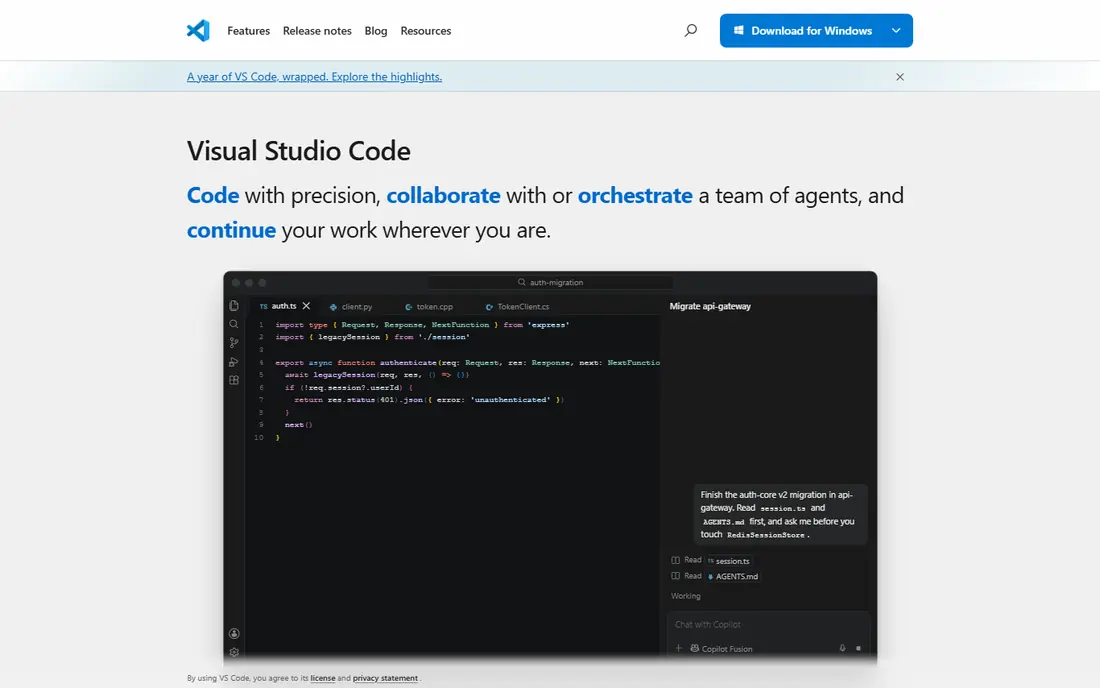
Visual Studio Code, usually called VS Code, is our pick for most people leaving Notepad++. It opens quickly enough for daily editing, yet it can grow into a full coding setup with extensions for almost every language. Built in Git support and an integrated terminal mean common tasks stay inside one window.
The cost of that power is weight. VS Code uses more memory than Notepad++ and can feel like overkill for a quick note edit. Beginners may also spend time choosing extensions. If you edit code most days, that trade is worth it. If you only edit plain text, a lighter editor below may suit you better.
- Free on Windows, Mac, and Linux
- Huge extension range
- Built in Git and terminal
- Heavier than a plain text editor
- Extension choices can overwhelm beginners
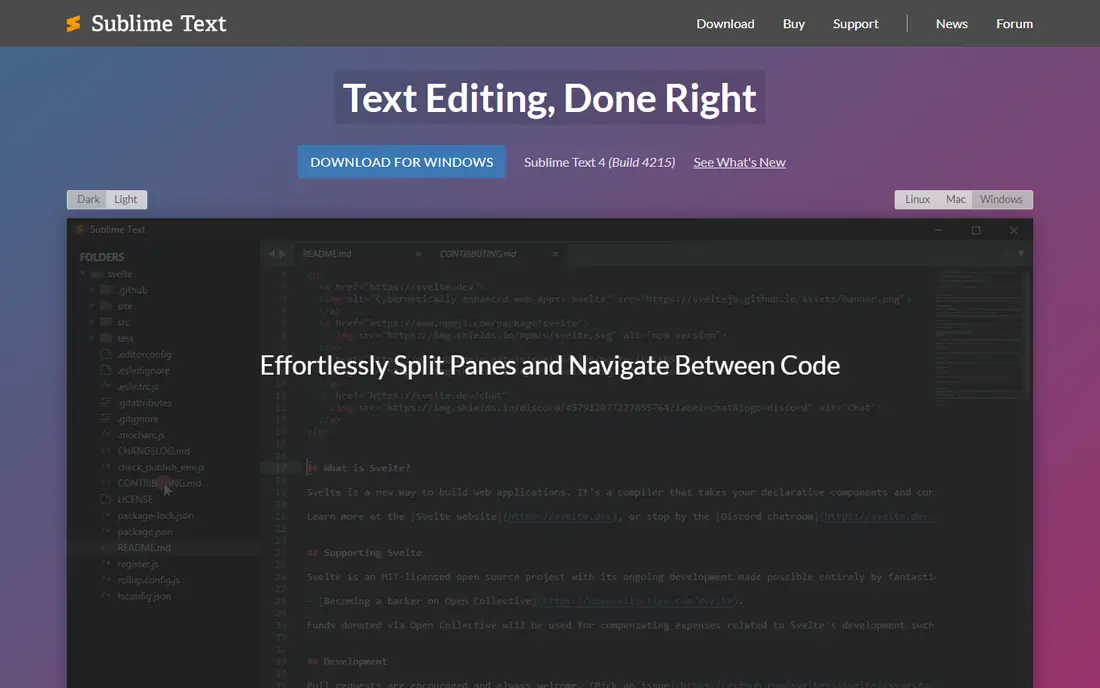
Sublime Text has a reputation for speed that it still earns. It opens large files without the lag that slows many editors, and multi cursor editing makes bulk changes quick. The interface stays out of the way, which suits writers and coders who want an editor, not a full development environment.
The licence is paid for ongoing use, though an evaluation version is available. It also ships with fewer built in tools than VS Code, so Git and debugging need extra setup. If speed is your top priority and you are happy to add tools as needed, Sublime Text remains a strong choice.
- Very fast startup
- Handles large files well
- Multi cursor editing
- Paid license for continued use
- Fewer built in coding tools than VS Code
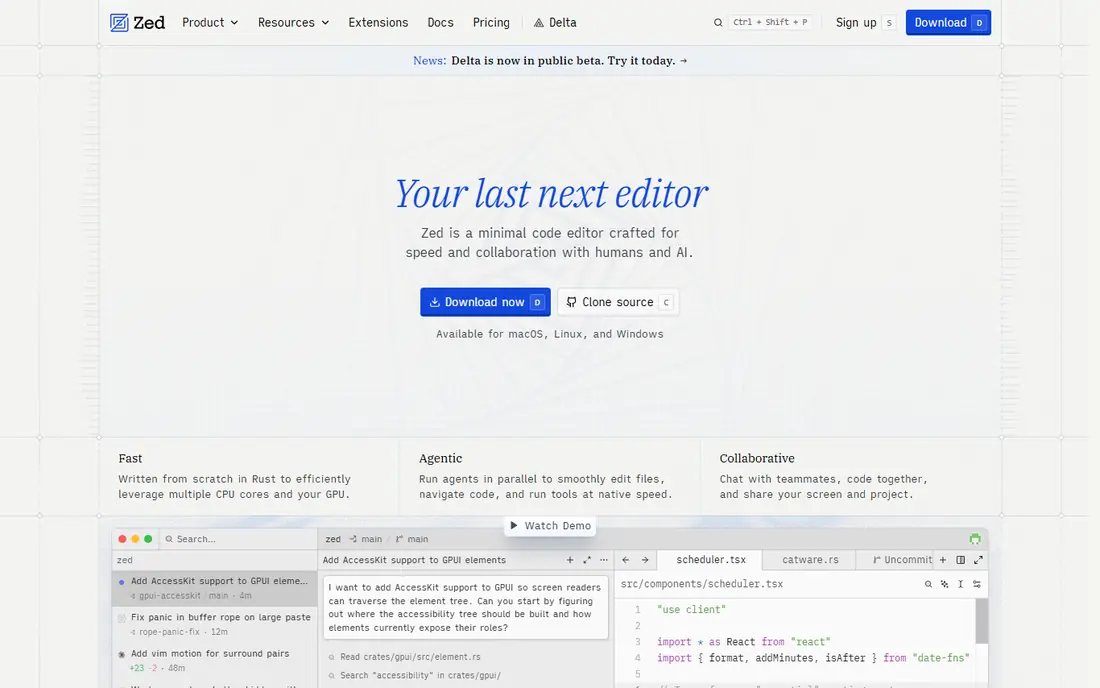
Zed is a newer editor built for speed, with a minimal interface that stays responsive even on busy projects. It runs on Windows, Mac, and Linux, and it includes collaboration tools that let team members edit together. For users who found VS Code heavy, Zed feels like a fresh start without giving up modern features.
Its ecosystem is younger, so the extension range is smaller than VS Code, and some workflows are still maturing. That matters less for general editing and more for niche languages. If you value startup speed and a clean workspace, Zed is worth a trial alongside VS Code.
- Very fast and light
- Clean modern interface
- Collaboration features
- Younger ecosystem than VS Code
- Some features still maturing
Kate is a free editor that quietly covers a lot of ground. It offers syntax highlighting, split views, sessions that restore open files, and a plugin system, all without a price tag. It runs on Windows, Mac, and Linux, which makes it a good pick for mixed system households and workplaces.
The interface is practical rather than polished, and Kate gets less attention than VS Code or Sublime Text. That can mean fewer tutorials and a smaller community for help. For a free, capable, cross platform editor that stays light, Kate deserves more attention than it usually gets.
- Free and open source
- Runs on Windows, Mac, and Linux
- Strong session support
- Interface feels utilitarian
- Less well known outside Linux circles
BBEdit has been a Mac text editor for decades, and that history shows in its text tools. Multi file search, text transformations, and project handling are all strong, and the app feels native on macOS in a way cross platform editors rarely do. A free mode covers basic editing, with paid features available after purchase.
It is Mac only, so Windows and Linux users need a different pick. The price is also a factor if you only need basic editing, since free editors cover that well. For Mac users who edit text professionally, BBEdit is a reliable long term choice.
- Native Mac performance
- Powerful search and text tools
- Free mode for basic use
- Mac only
- Paid features cost extra beyond the free mode
CotEditor is the closest Mac answer to the simple, fast feel of Notepad++. It is free, native, and light, with syntax highlighting and a clean interface that suits notes, config files, and light coding. It opens fast and stays out of the way, which is exactly what many Notepad++ users want.
It does not try to be a full coding environment, so users who need debugging, Git integration, or a large extension range will outgrow it. For everyday Mac text editing, that simplicity is the point. Pair it with a heavier editor for big projects if you need both.
- Free and native on Mac
- Fast and light
- Clean interface
- Mac only
- Fewer coding features than VS Code
UltraEdit is built for work that breaks other editors, including very large log files and data heavy documents. It handles files that would slow or crash lighter editors, and its data tools suit system administrators and analysts. It runs on all three major systems, which helps mixed teams.
Pricing is subscription based, which puts it in the professional bracket rather than the free editor group. The interface also feels more traditional than modern editors. If you regularly open files in the hundreds of megabytes, UltraEdit earns its price. For normal editing, a free editor is enough.
- Handles huge files
- Strong data tools
- Runs on Windows, Mac, and Linux
- Paid subscription model
- Interface can feel dated
Vim is a keyboard driven editor that runs in a terminal and on every major system. Once learned, it lets users edit without touching a mouse, which many developers find faster for long sessions. It is free, light, and available almost everywhere, including remote servers.
The learning curve is real. Vim uses modes for editing and commands, which confuses new users at first. That investment pays off for people who edit text all day, but casual users may prefer a conventional editor. If you are willing to learn its keys, Vim is one of the most efficient editors ever made.
- Free everywhere
- Extremely fast once learned
- Works in a terminal
- Steep learning curve
- Modal editing confuses new users
Emacs is less an editor than a platform you shape to your work. It is free, runs on Windows, Mac, and Linux, and can be extended with packages for email, notes, coding, and project management. Users who invest in learning its Lisp based customisation can build an editing setup that matches their habits exactly.
That power comes with a learning curve and a default interface that looks dated next to modern editors. New users should expect time spent on setup. For users who want one tool they can shape for years, Emacs remains a serious and rewarding choice.
- Free and highly customisable
- Huge package range
- Runs everywhere
- Steep learning curve
- Default interface feels old fashioned
How we picked these
We compared official feature pages, pricing pages, and platform support for editors that are live in October 2026 and cover the core Notepad++ jobs: fast plain text editing, syntax highlighting, and multi file work. We included free and paid options, and native Mac and Linux picks, since Notepad++ itself is Windows only. Prices shown are vendor prices where confirmed; otherwise we wrote See website.
How to pick the right editor
Start with your system and your main job. Mac users should try CotEditor or BBEdit first, Windows users can start with VS Code or Sublime Text, and Linux users have Kate, Vim, and Emacs as strong free options. Next, test with a real file: open a large log, a code project, and a plain note, and see which editor stays fast. Finally, resist installing dozens of extensions on day one. Add tools only when a real task needs them, since a clean editor stays fast and predictable for longer.
Frequently asked questions
What are alternatives to Notepad++?
Visual Studio Code, Sublime Text, Zed, Kate, BBEdit, CotEditor, UltraEdit, Vim, and Emacs are the strongest alternatives. VS Code suits most users, Sublime Text and Zed suit speed fans, and BBEdit and CotEditor suit Mac users. The best pick depends on your system and whether you mainly edit text or code.
Is there a Notepad++ alternative for Mac?
Yes. BBEdit and CotEditor are native Mac editors, and Visual Studio Code, Sublime Text, Zed, Kate, Vim, and Emacs all run on Mac too. CotEditor is closest to the simple Notepad++ feel, while BBEdit offers deeper professional text tools. Try both free options before paying for a licence.
What is the best free alternative to Notepad++?
Visual Studio Code is the best free all round alternative, thanks to its extension range and cross platform support. Kate is a strong free lighter option, and Vim and Emacs are free for users who like keyboard control. For a simple free Mac editor, CotEditor is hard to beat.
Is Sublime Text free?
Sublime Text offers an evaluation version, but continued use requires a paid licence. Check the vendor site for current licence terms before you rely on it for work. If you need a fully free editor, VS Code, Kate, and Zed cover similar ground at no cost.
Can I use Notepad++ on Linux or Mac?
Notepad++ is built for Windows, so Mac and Linux users should pick a native alternative instead of forcing it to run elsewhere. VS Code, Sublime Text, and Kate run on all three systems, which makes switching machines simpler. That also avoids compatibility problems with plugins and updates.
Sources
See where you really rank - block by block
ProMapRanker scans Google Maps across a grid of your service area. Simple monthly plans from $19, white-label on every plan.
Start freeKeep reading
 zscaler alternatives
Best Zscaler Alternatives in 2026
Looking for zscaler alternatives? We compare 9 SASE and zero trust platforms on architecture, data protection, pricing, and fit for your network and team.
Read → zapier alternatives free
Best Zapier Alternatives Free in 2026
Nine automation tools for zapier alternatives free in 2026, all with genuinely free tiers, plus free plan limits, starting prices and upgrade paths explained.
Read → which platform is best for online reputation
Which Platform Is Best for Online Reputation in 2026
Wondering which platform is best for online reputation? We compare 8 review, listing, and response tools for small and multi-location businesses and agencies.
Read →