 ProMapRanker
Wix Alternatives in 2026: 8 Products Compared


Design-led sites and portfolios · Pricing starts at: $19 per month
Key takeaways
- Squarespace is the closest like-for-like swap for most Wix users, with curated templates and selling built in from the entry plan.
- WordPress.com and Hostinger suit budget-conscious users best, with free or very low cost entry plans.
- Shopify suits stores best, while Webflow suits designers who want precise control over layout and code.
- Framer suits fast marketing sites, and GoDaddy suits users who want the quickest setup with a domain included.
Quick comparison
| Pick | Great for | Pricing starts at | Free tier | |
|---|---|---|---|---|
| Squarespace | Design-led sites and portfolios | $19 per month | No | Visit |
 WordPress.com | Flexible blogs and content sites | $4 per month | Yes | Visit |
 Shopify | Online stores at scale | $29 per month | No | Visit |
 Webflow | Designer-built sites with control | $14 per month | Yes | Visit |
 Framer | Fast, modern marketing sites | $10 per month | Yes | Visit |
 Hostinger Website Builder | Lowest cost hosted site | $2.99 per month | No | Visit |
 GoDaddy Website Builder | Quickest beginner setup | $9.99 per month | No | Visit |
 Duda | Agencies building client sites | $19 per month | No | Visit |
The best Wix alternatives match your site type, not just the editor you liked
Wix is an all-in-one builder, so an alternative should be judged on the job your site actually does. A portfolio needs strong templates, a store needs checkout and product tools, a blog needs content tools, and an agency needs client management. The eight builders below cover those jobs, and none of them is Wix itself. Prices are entry paid plans on annual billing unless stated, before tax.
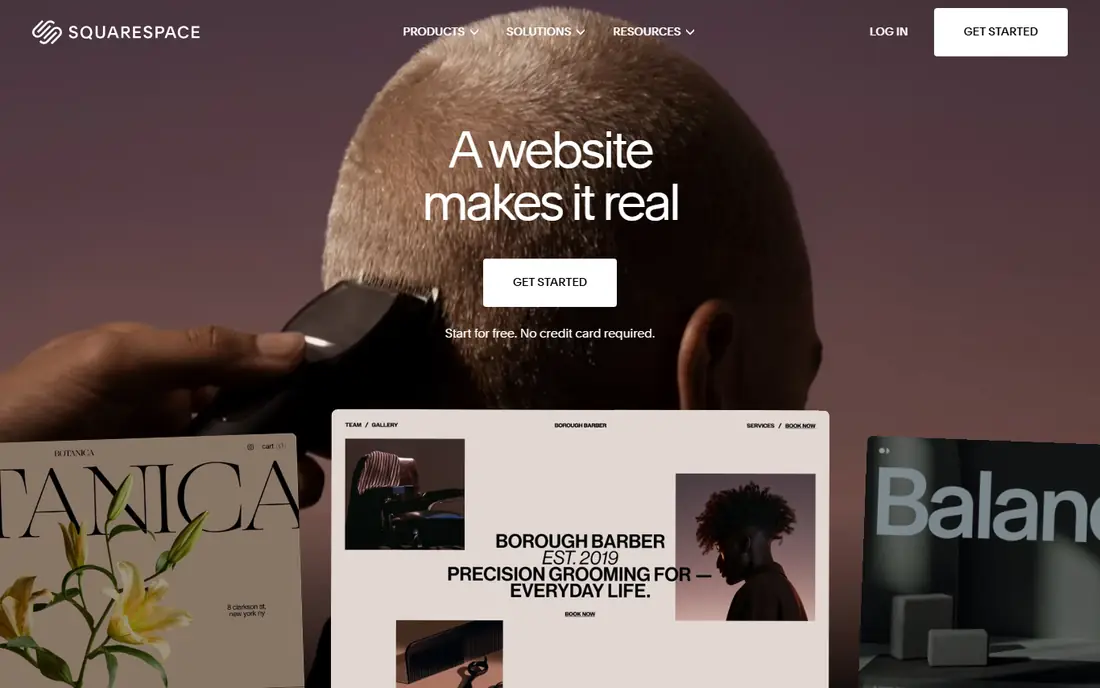
Squarespace is the alternative most Wix users try first, and for good reason. Its templates are curated and design-led, so it is hard to produce a messy site even with little design experience. Hosting, SSL, analytics and basic selling sit in one price, and the built-in scheduling tool suits service businesses that take appointments.
Pricing starts at $19 per month for Basic on annual billing, with Core at $29 per month adding more commerce features. There is no free plan, only a trial, so you pay from launch. The main limit is flexibility: template structure constrains custom layouts more than Webflow does, and very large stores will outgrow it. For portfolios, service businesses and small stores, Squarespace is the safest swap.
- Curated, high quality templates
- Selling and scheduling built in
- Hosting and SSL included
- Fewer templates than larger libraries
- Large-catalog stores are weaker than Shopify
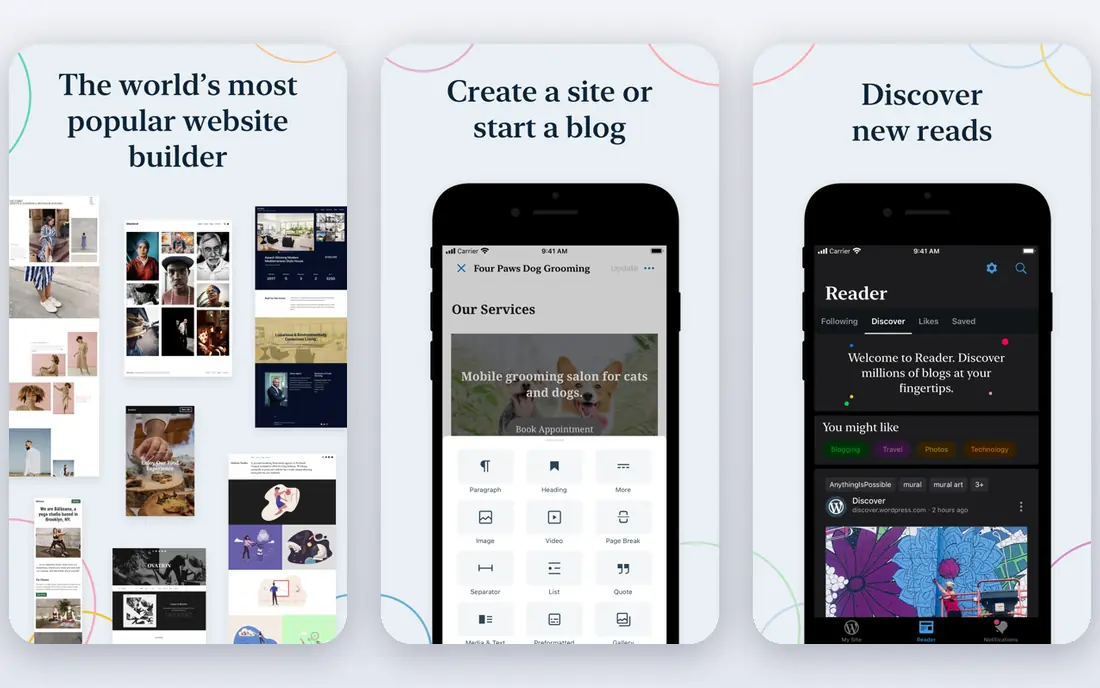
WordPress.com is the hosted version of WordPress, and it suits content-heavy sites best. The free plan lets you publish with WordPress branding and ads, while paid plans start at $4 per month on annual billing and remove ads and add a domain in year one on some plans. Blogging, categories, tags and SEO controls are stronger here than on most drag-and-drop builders.
The catch is that full plugin access, custom themes and advanced commerce need Business or Commerce plans, which cost more. That tiering can surprise users who expect the open WordPress.org experience on a $4 plan. WordPress.com fits bloggers, publishers and small businesses that want content flexibility and are willing to step up a plan as the site grows.
- Free plan to start
- Huge theme and plugin ecosystem on higher plans
- Strong blogging tools
- Plugin access needs higher plans
- Design control varies by plan
- Ads on the free plan

Shopify is the clear pick if selling is the main job of your site. Basic starts at $29 per month on annual billing, or $39 per month billed monthly, with product management, checkout, discounts, shipping and payment tools built in. The app store adds reviews, subscriptions, bundles and marketing tools that smaller builders cannot match.
Content sites are the weak spot. Blog and landing page design is more constrained than on Squarespace or Webflow, and the fixed URL structure for products and collections needs workarounds for some SEO plans. Transaction fees and app costs also raise the total beyond the headline plan price. If your site is a store first and a brochure second, Shopify is worth the premium.
- Best checkout and product tools here
- Large app store
- Strong payment and shipping options
- Content pages are more constrained than a site builder
- Apps and transaction fees add cost
Webflow gives designers near-complete control over layout, interaction and animation, with clean code output that other builders cannot match. Site plans start around $14 to $15 per month on annual billing for a basic site, with a free Starter plan for building and staging. The CMS handles structured content such as blog posts, case studies and listings well.
That control has a cost in learning time. Webflow expects you to understand web layout, and its pricing splits across workspaces, site plans and commerce plans, which can confuse first-time buyers. Webflow fits designers, agencies and startups that want a custom-looking site without hiring a developer for every change, and that are willing to learn the tool.
- Precise layout and animation control
- Clean code output
- CMS for structured content
- Steeper learning curve
- Site, workspace and commerce costs can stack
Framer is built for fast marketing sites and landing pages with modern animation and clean typography. The free plan lets you publish with limits, while paid plans start at $10 per month on annual billing for Basic, with Pro at $30 per month adding more CMS items and features. Templates are strong for startups, SaaS products and portfolios.
Framer is not a store builder. If you need checkout, product variants and shipping, Shopify or Squarespace will serve you better. CMS caps also matter: Basic allows 1,000 CMS items and Pro allows 2,500, so large content sites need a higher plan. Framer fits teams that want a sharp marketing site live quickly, without the weight of a full commerce platform.
- Fast, animated modern sites
- Free plan to publish with limits
- Easy to start from a template
- No built-in store
- CMS limits on lower plans
- Localization and bandwidth can raise cost
Hostinger Website Builder is the cheapest hosted route on this list, with introductory pricing around $2.99 per month on a 48-month term, renewing at $10.99 per month. Hosting is included, and an AI generator can produce a first draft site from a short description, which helps users who want to get online fast on a tight budget.
The intro price is the main caution. It requires a long prepaid term, and renewal pricing is much higher, so judge the builder on the renewal price if you plan to keep the site for years. Design control is also more limited than on Squarespace or Webflow, and templates can feel generic. Hostinger fits simple sites, side projects and budget-first launches where low cost matters more than custom design.
- Very low introductory price
- Hosting included
- AI site generator for a quick first draft
- Intro price needs a long prepaid term and renews higher
- Design control is limited
GoDaddy Website Builder aims at users who want a site live today, not a design project. Plans start at $9.99 per month, with a domain included on annual plans in many offers, and the editor guides you through sections, text and images step by step. That simplicity makes it the easiest builder on this list for a first-time user.
The trade-off is depth. Design customization and SEO controls are more basic than on Squarespace, Webflow or WordPress.com, and selling features sit on higher plans starting around $24.99 per month. GoDaddy fits a local business that needs a clear, simple site with contact details, hours and services, and that values speed over custom design.
- Fastest setup for beginners
- Domain and hosting in one account
- Simple editor
- Design and SEO controls are basic
- Selling needs higher plans
Duda is built for agencies and freelancers who build sites for clients at scale. Plans start at $19 per month on annual billing, with client management, white-label options, team roles and content collection tools that solo builders do not need. Templates for local businesses, restaurants and service firms are strong, and sites can be duplicated and customized per client.
For a single site owner, Duda can feel like more tool than needed, and its agency features only pay off when you manage several sites. Solo users may get better value from Squarespace or WordPress.com. Duda fits agencies that want to build, launch and manage many client sites from one dashboard, with branding that hides the builder from the end client.
- Client management and white-label tools
- Strong templates for local businesses
- Team collaboration
- Less known to solo users
- Higher plans needed for full agency features
How we picked these
We compared official pricing pages, free plan terms, template quality, commerce features and app store listings for website builders available in October 2026, plus public reviews. We kept only builders with a current, bookable product and a clear price or free plan, and we left out builders that had closed or merged without a standalone offering. Site type fit, price transparency and ease of use decided the order, with the closest Wix swap ranked first.
What to check before you move
List what your current site must keep: domain, email, store products, blog posts, forms and SEO URLs. Confirm whether the new builder imports that content, or whether you will rebuild pages by hand. Check renewal pricing, not just the intro price, and confirm whether a custom domain, SSL and email are included or extra. A short trial with a real page, not just a template preview, will show whether the editor suits you before you move a live site.
Frequently asked questions
Is Squarespace really the closest Wix alternative?
For most users, yes. Squarespace matches Wix on all-in-one hosting, templates, selling and ease of use, with a more curated template set. Webflow offers more design control, and WordPress.com offers more content flexibility, but neither is as close a like-for-like swap.
Can I move my domain from Wix to another builder?
Yes. You can transfer a domain to a new registrar or point its DNS to a new builder, though the exact steps depend on where the domain is registered. Keep the domain active during the move, and do not cancel Wix hosting until the new site is live and tested.
Which Wix alternative is free?
WordPress.com, Webflow and Framer all offer free plans with limits, such as branded subdomains, ads or CMS caps. Hostinger, Squarespace, Shopify, GoDaddy and Duda offer trials but no ongoing free plan, so check trial length before you start building.
Which builder is best for an online store?
Shopify is best for stores at scale, with the strongest checkout, product and app tools. Squarespace suits small stores with fewer products, while WordPress.com Commerce and Duda also handle selling for smaller catalogs. Framer is not a store builder.
Do I need coding skills for Webflow or Framer?
No coding is required to build a site on either tool, but Webflow rewards users who understand layout and design concepts. Framer is easier for a first marketing site, while Webflow gives more control once you learn its system.
Will my Google rankings drop if I switch builders?
Rankings can dip temporarily during any move, especially if URLs, titles or content change. Keep the same URLs where possible, set redirects for changed pages, and keep titles and key content intact. A careful move usually recovers rankings within weeks.
Sources
See where you really rank - block by block
ProMapRanker scans Google Maps across a grid of your service area. Simple monthly plans from $19, white-label on every plan.
Start freeKeep reading
 webflow alternatives
Best Webflow Alternatives in 2026
Looking for webflow alternatives? We compared 8 website builders on design control, CMS, hosting and price, so you can build without the learning curve.
Read → squarespace alternatives
Best Squarespace Alternatives in 2026
We compared the best Squarespace alternatives for portfolios, stores, blogs and client work, with current pricing, free plans and honest trade-offs in 2026.
Read → redbubble alternatives
Best Redbubble Alternatives in 2026
Best Redbubble alternatives compared for artists and sellers, covering marketplaces, print partners and storefronts, fees, control and who buys there.
Read →