 ProMapRanker
Best Webflow Alternatives in 2026

Key takeaways
- Framer is our pick for most design-led sites, because it combines a visual editor, animations and hosting at a lower entry price.
- WordPress suits blogs and large content sites, because no other builder matches its plugin ecosystem.
- Wix and Squarespace suit small businesses that want an all-in-one site without managing hosting or code.
- Webstudio and Carrd suit technical teams and single-page sites that want lower cost and more control.
- Check CMS limits, export options and hosting lock-in before you build, since moving a site later is costly.
Quick comparison
| Pick | Great for | Pricing starts at | Free tier | |
|---|---|---|---|---|
 Framer | Design-led marketing sites | $10 per month | Yes | Visit |
 Wix | Small business all-in-one sites | $17 per month | Yes | Visit |
 Squarespace | Portfolios and creative brands | See website | Free trial | Visit |
 WordPress | Blogs and large content sites | Free | Yes | Visit |
 Duda | Agencies and client sites | $19 per month | Free trial | Visit |
 Webstudio | Technical teams and open code | $15 per month | Yes | Visit |
 Shopify | Online stores | $29 per month | Free trial | Visit |
 Carrd | Single-page sites | $9 per year | Yes | Visit |
The best webflow alternatives
This list covers alternatives only. Each builder below offers a different balance of design control, ease of use, CMS depth and hosting, and we compared official feature pages, pricing pages and public reviews.
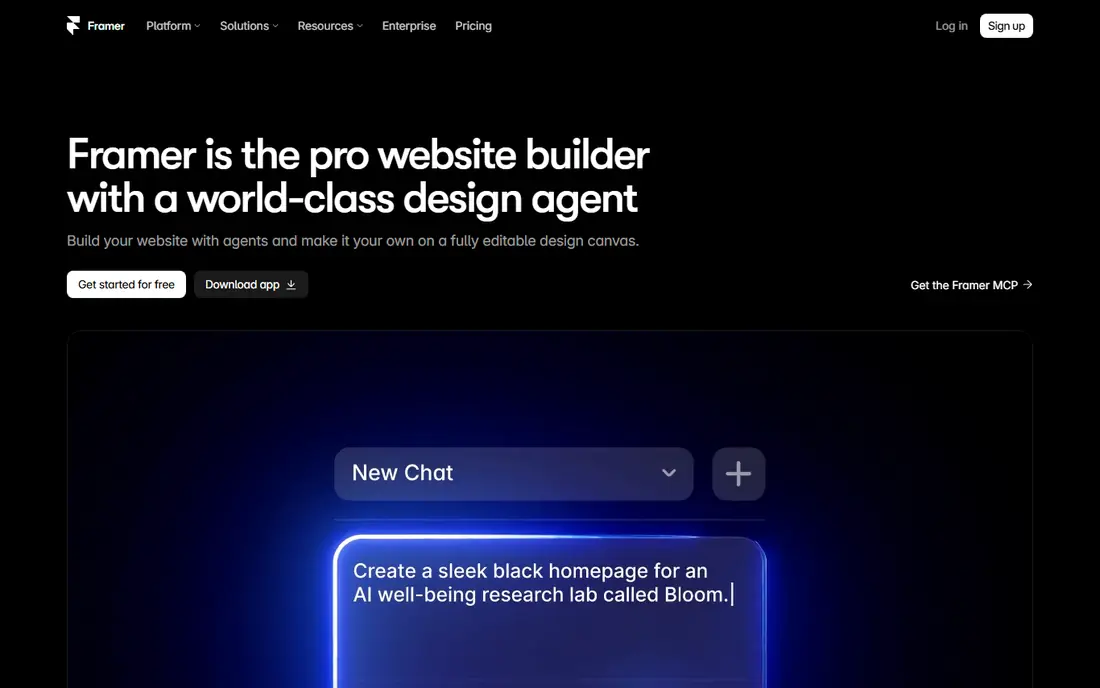
Framer is the closest direct alternative for a design-led marketing site. Its canvas feels like a design tool, animations are built in, and hosting is included, so a landing page or launch site can go live quickly. At 10 dollars a month for Basic in recent listings, it also undercuts many rivals on entry price.
The CMS limits matter for larger sites. Basic caps pages, collections and CMS items, and Pro raises those caps at 30 dollars a month. A blog with many posts, case studies and resources may outgrow Basic fast. For a focused marketing site of 10 to 30 pages, Framer is hard to beat.
- Visual editor with animations
- Hosting included
- Fast publishing
- CMS caps on lower plans
- Custom domain requires a paid plan
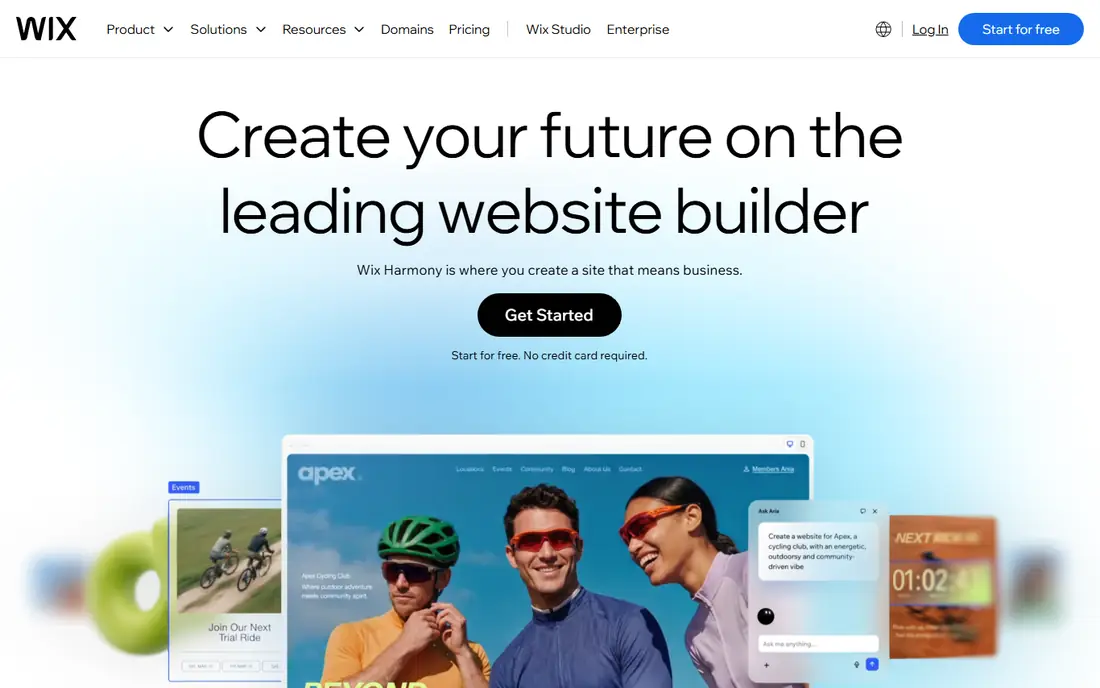
Wix suits a small business that wants a site, bookings, events and basic e-commerce in one place. Templates are plentiful, the editor is approachable, and business apps cover many daily needs without extra plugins. The free plan lets you build and test before paying, though it shows ads and uses a subdomain.
Control is the trade. On a large, complex site, Wix offers less precise layout control than a design-led builder, and you cannot export your code to host elsewhere. If you value simplicity and an all-in-one package over precise control, Wix is a practical choice.
- Large template library
- Built-in business apps
- Free plan to start
- Less design control on large projects
- No code export
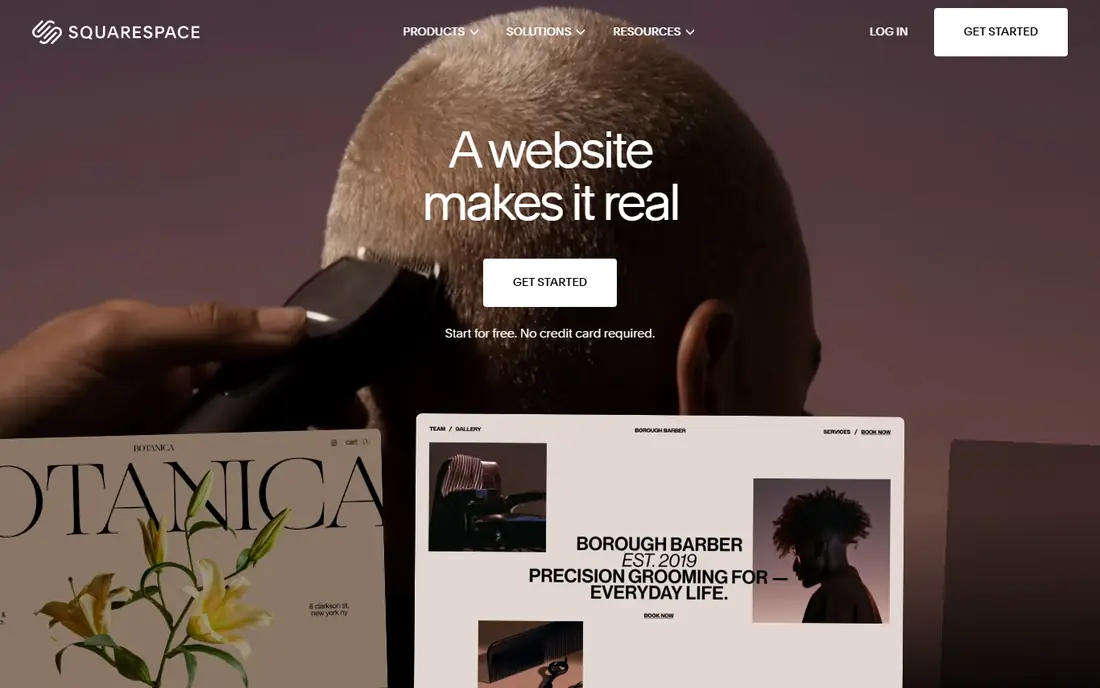
Squarespace is the gentlest builder on this list for a creative brand. Templates are polished, hosting and domains are managed for you, and the editor keeps design choices clean without exposing layout code. For a portfolio, a small store or a service business, that polish saves time and avoids design mistakes.
The limit is customisation depth. You work within template structures, so a highly custom layout or a complex CMS need may frustrate a designer. Pricing has varied across recent listings, so check the current pricing page before committing. For a beautiful site with minimal learning, Squarespace remains a strong pick.
- Polished templates
- All-in-one hosting and domains
- Good e-commerce basics
- Customisation is template-led
- Pricing varies across recent listings
WordPress is the most versatile alternative, especially for blogs and large content sites. The software itself is free and open source, and tens of thousands of plugins cover SEO, e-commerce, membership, multilingual content and more. You choose your host, you own your code, and almost any developer can work on the site.
That freedom comes with maintenance. Updates, backups, security and performance are your job, or your agency's job, and a heavy plugin stack can slow a site. Hosting costs extra, so the free software is not a free site. For a content-heavy site that needs flexibility, WordPress is still the best long-term bet.
- Open source
- Huge plugin ecosystem
- Hosting of your choice
- Updates, backups and security are your responsibility
- Performance depends on hosting and plugins
Duda is built for agencies that build many client sites. White-label tools, client management, team workflows and fast templates help an agency produce sites at volume without rebuilding the same structure each time. That focus makes it a strong business tool, not just a design tool.
A single personal site owner may find Duda less appealing, since its strengths show at agency scale. The template library is smaller than Wix, and the entry price at 19 dollars a month in recent listings reflects its agency focus. For a team building client sites regularly, Duda earns its place.
- Client management and white-label tools
- Fast site building
- Team workflows
- Smaller template library than Wix
- Less suited to a single personal site
Webstudio appeals to technical teams that want a visual builder without giving up code ownership. It is open source, self-hosting is possible, and Pro starts at 15 dollars a month billed annually in recent listings. That combination suits teams that want design speed plus the freedom to host and extend their site.
The community is smaller than WordPress or Wix, so templates, plugins and support are thinner. Complex content may need an external CMS connected to the builder. If your team is comfortable with that setup, Webstudio offers a rare mix of visual editing and open code.
- Open source
- Self-hosting possible
- Visual builder with code access
- Smaller community
- External CMS may be needed for complex content
Shopify is the right alternative when selling is the main job of the site. It covers products, payments, shipping, discounts and order management in one platform, with a large app store for extra features. Store templates are polished, and the checkout is built for conversion, which matters more than a custom layout for most shops.
Content pages are more constrained than on a general builder, and app subscriptions can raise the monthly total beyond the 29 dollar Basic plan in recent listings. If your site is mainly a blog or portfolio with a small shop attached, a general builder may fit better. If selling is the core, Shopify leads.
- Full e-commerce platform
- Payments, shipping and apps
- Strong store templates
- Content pages are more constrained
- Monthly cost plus app costs can grow
Carrd is the cheapest real alternative on this list, and the simplest. It builds single-page sites for portfolios, link pages, landing pages and personal profiles, with a custom domain on paid plans starting at 9 dollars per year in recent listings. For a one-page need, it is faster and cheaper than any full builder.
The limit is right in the name: one page. There is no CMS depth, no multi-page blog and no serious e-commerce. If your site needs more than a single page, Carrd is not a replacement. If it does not, Carrd saves you money and time every year.
- Very low price
- Fast single-page builds
- Custom domain on paid plans
- Single page only
- No CMS or e-commerce depth
How we picked these
We compared official feature pages, pricing pages and public reviews for each builder. We included builders that can publish a live website with hosting or a clear hosting path, and we left out the product this article is meant to replace. Where pricing varied across sources, we wrote See website rather than publishing a figure we could not support.
How to choose a website builder
Start with the site type, not the design tool. A store needs checkout, payments and product management. A blog needs a strong CMS, categories and archives. A portfolio needs polished templates and fast image loading. A landing page needs speed and simple publishing. Match the builder to that type first, and design control second.
Next, check CMS limits on the plan you will actually buy. Page counts, collection counts, CMS item caps and blog features differ widely, and a cheap plan that caps your content will force an upgrade mid-project. List your expected page and post counts before comparing prices, and choose a plan that fits them with room to grow.
Then check exit options. Can you export code, export content, or move your domain easily? A builder that locks hosting and code may be fine for a small site, but it becomes costly if you later need a custom feature or a new platform. WordPress and Webstudio offer the most ownership here, while all-in-one builders offer the most convenience.
Finally, build a test page before you commit. Use the free plan or trial to build your actual homepage, not a demo template, and check mobile layout, loading speed and editing ease. A builder that feels fast on a template but slow on your real content is not the right builder for your site.
Frequently asked questions
What are the best webflow alternatives for beginners?
Wix and Squarespace are the best beginner picks, because both offer polished templates, managed hosting and a gentle editor. Framer is also approachable for design-minded beginners, while WordPress suits beginners who are willing to learn hosting and plugins for greater flexibility.
Which webflow alternative is cheapest?
Carrd is cheapest for a single-page site, at 9 dollars per year for a paid plan. WordPress software is free, though hosting costs extra. Framer offers a free plan and a 10 dollar a month Basic plan, which is the lowest entry among full multi-page builders on this list.
Is Framer better than other webflow alternatives for design?
Framer leads for design-led marketing sites, thanks to its visual canvas, built-in animations and fast publishing. For a large blog or a complex CMS site, WordPress offers deeper content tools, and for a store, Shopify offers stronger e-commerce. Choose Framer when design and speed matter most.
Can I move my site away from these builders later?
It depends on the builder. WordPress and Webstudio offer the most ownership, since you can host code yourself. Wix, Squarespace, Framer and Shopify make moving harder, because hosting and site structure are tied to the platform. Export your content regularly, even if you plan to stay.
What is the best alternative to webflow for an online store?
Shopify is the best store alternative, because it covers products, payments, shipping and checkout in one platform. Wix and Squarespace also offer e-commerce basics for smaller shops. If your store is small and content matters more than selling, a general builder with a shop add-on may be enough.
Sources
See where you really rank - block by block
ProMapRanker scans Google Maps across a grid of your service area. Simple monthly plans from $19, white-label on every plan.
Start freeKeep reading
 wix alternatives
Wix Alternatives in 2026: 8 Products Compared
Compare the best Wix alternatives in 2026 for portfolios, stores and blogs, with current prices, free plans and the right builder by site type in this guide.
Read → squarespace alternatives
Best Squarespace Alternatives in 2026
We compared the best Squarespace alternatives for portfolios, stores, blogs and client work, with current pricing, free plans and honest trade-offs in 2026.
Read → redbubble alternatives
Best Redbubble Alternatives in 2026
Best Redbubble alternatives compared for artists and sellers, covering marketplaces, print partners and storefronts, fees, control and who buys there.
Read →