 ProMapRanker
Windows 11 Alternatives in 2026

Key takeaways
- Most Windows 11 alternatives here are free, with Linux systems offering the widest choice for older and newer PCs alike.
- Zorin OS and Linux Mint are the easiest switches for Windows users, thanks to familiar menus, taskbars and included office software.
- ChromeOS Flex suits browser-first users and older PCs, but it does not support Android apps and it is not designed for dual-boot use.
- macOS is a real alternative only if you buy or already own a Mac, since it is not sold as a standalone system for ordinary PCs.
Quick comparison
| Pick | Great for | Pricing starts at | Free tier | |
|---|---|---|---|---|
 Ubuntu | Most switchers wanting a supported free system | Free | Yes | Visit |
 Linux Mint | Windows users wanting a familiar desktop | Free | Yes | Visit |
 Zorin OS | Switchers wanting Windows-like layouts | Free | Yes | Visit |
 Fedora | Users wanting newer software on a free system | Free | Yes | Visit |
 elementary OS | Users wanting a clean, simple desktop | Free | Yes | Visit |
 Debian | Advanced users wanting a stable free base | Free | Yes | Visit |
 ChromeOS Flex | Browser-first users reviving older PCs | Free | Yes | Visit |
 macOS | Apple hardware owners wanting a polished system | Free with a Mac | Yes | Visit |
The best windows 11 alternatives
We compared official download pages and system descriptions for operating systems that can replace Windows 11 on a PC or Mac in October 2026. Windows 11 itself is not listed, since this article covers alternatives only.
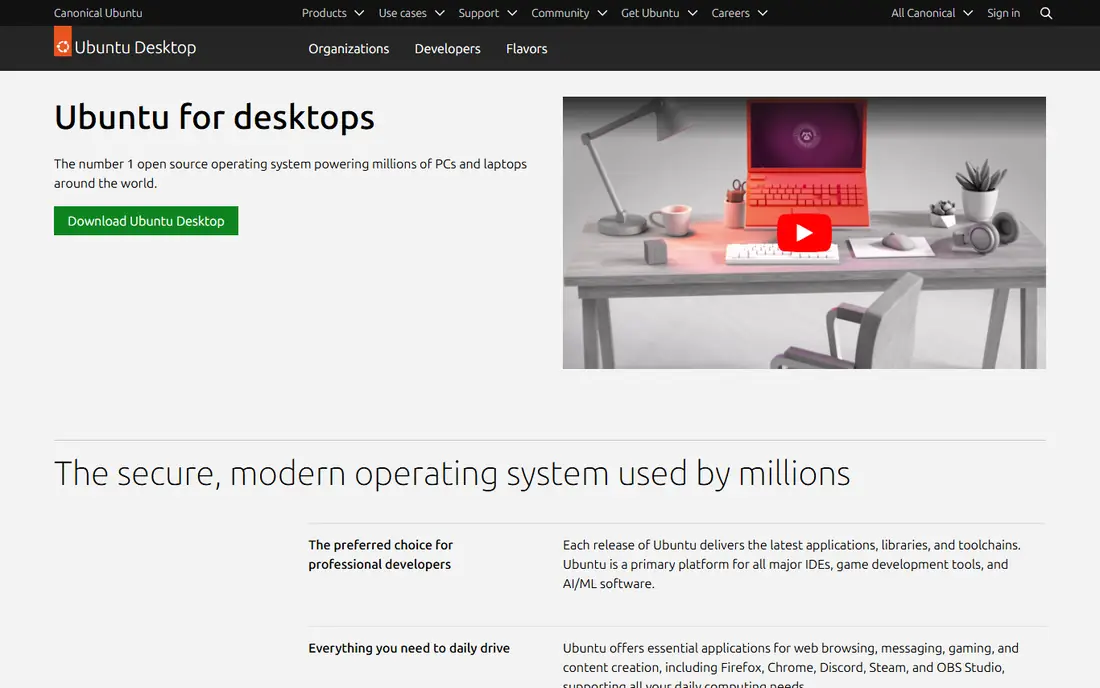
Ubuntu is the safest first Linux choice for most switchers. It has long-term support releases with years of updates, a huge community for troubleshooting, and broad hardware support. The desktop includes a browser, office tools and an app store, so a new user can browse, write documents and handle email without buying software.
The adjustment is the desktop itself. Ubuntu uses GNOME by default, which places activities and workspaces differently from a Windows taskbar and Start menu. Users who want a closer Windows look may prefer Linux Mint or Zorin OS, while users who accept a new layout will find Ubuntu well supported.
- Large community and documentation
- Long-term support releases
- Wide hardware and software support
- Default desktop looks different from Windows
- Some Windows-only apps need workarounds
- Snap package system divides opinion
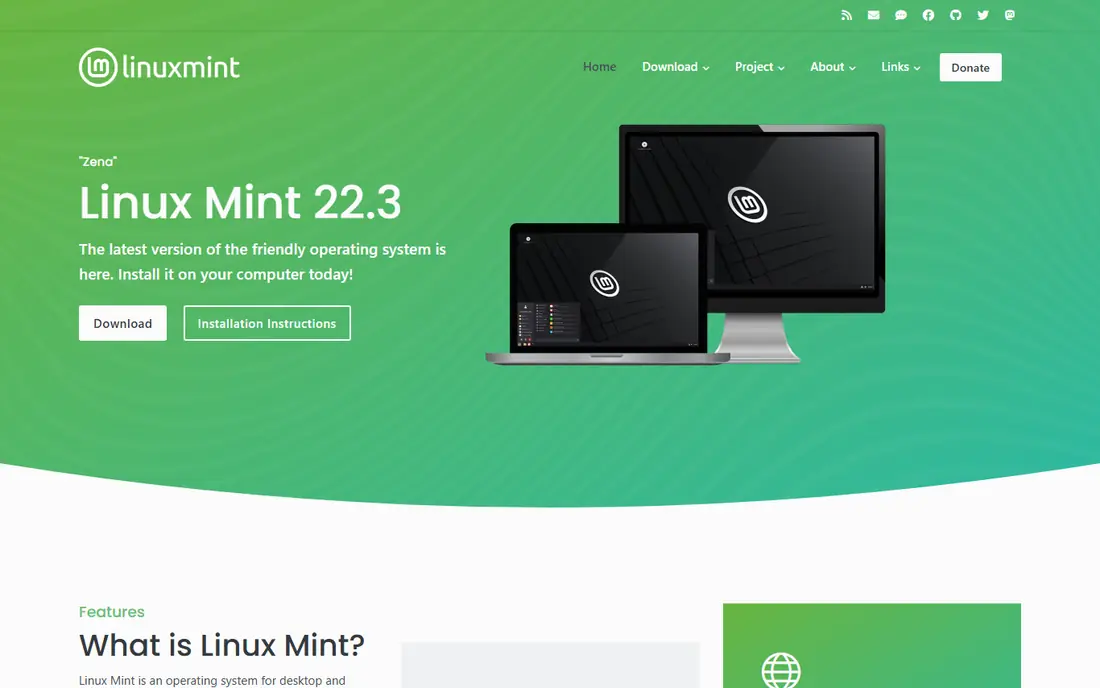
Linux Mint, especially its Cinnamon edition, is built for people leaving Windows. The menu, taskbar and system tray sit where Windows users expect them, and the system includes office software, a browser and media tools out of the box. It is based on Ubuntu, so it inherits much of Ubuntu's stability and software range.
Mint trades the newest updates for stability, so very new hardware may need a newer kernel or a wait for the next release. Gamers and users with specialist hardware should check driver support before installing. For everyday desktop work on a typical PC, Mint is one of the easiest switches available.
- Cinnamon desktop feels close to classic Windows
- Stable Ubuntu-based system
- Multimedia codecs included
- Newer hardware support can lag Ubuntu
- Fewer desktop choices than some distros
- Gaming setup needs extra steps
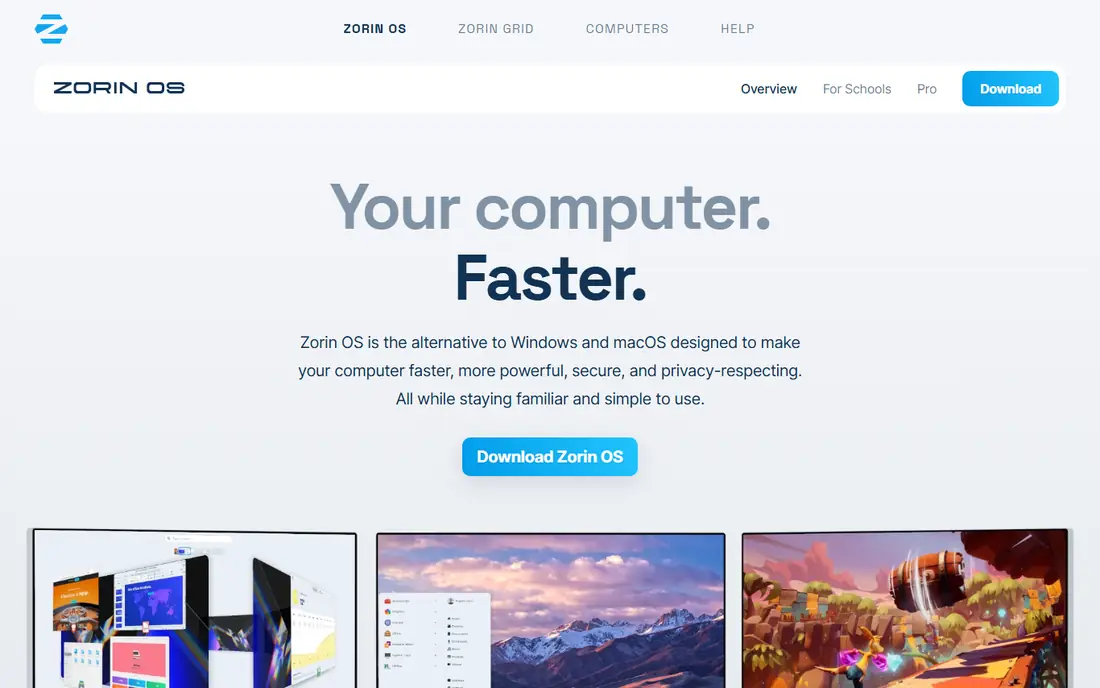
Zorin OS is designed around the switch itself. Its Core edition is free, its layouts can resemble Windows, and it can run from a USB drive so you can test it without touching your current system. It ships with LibreOffice, a browser and media apps, and it can run many Windows apps through compatibility tools, though not every Windows program will work.
The paid Pro edition adds extra layouts, apps and support, but Core covers the needs of most switchers. As with any Linux system, check that your printer, Wi-Fi and specialist software work from the USB test before installing. Zorin OS 18 receives updates until at least June 2029, according to its own site.
- Core edition is free
- Layouts can mimic Windows or macOS styles
- Can run from USB before installing
- Paid Pro edition adds layouts and apps
- Upgrade path between major versions has had issues
- Some Windows apps still need compatibility tools
Fedora suits users who want newer software without paying for an operating system. Each release brings a recent kernel, desktop and toolchain, which helps with newer hardware and developer tools. Security features are strong by default, and Fedora's community documentation is clear.
The cost of that freshness is a shorter support window, with new releases roughly every six months and older releases reaching end of life sooner than Ubuntu long-term releases. Users who want a system they can leave alone for years may prefer Ubuntu or Mint, while users who like staying current will enjoy Fedora.
- Newer kernels and software than long-term releases
- Strong security defaults
- Good developer support
- Shorter support window per release
- Some proprietary codecs need extra setup
- Faster change can surprise new users
elementary OS takes a different approach, with a clean desktop that hides complexity and keeps apps consistent. It is pay-what-you-want, with a free download option, and it includes a curated app centre plus standard tools for browsing, mail and documents. For a user who finds Windows busy, that restraint can feel like a relief.
The smaller ecosystem is the trade. Some Linux apps are available, but the range is narrower than Ubuntu, and users who like deep customisation may feel boxed in. elementary OS fits a simple daily computer, a family PC or a writing machine better than a specialist workstation.
- Clean, consistent design
- Pay-what-you-want download
- Focused app centre
- Smaller software range than Ubuntu
- Customisation is more limited
- Some Windows habits need relearning
Debian is the foundation under Ubuntu and Mint, and it appeals to users who value stability above all. Its stable release changes slowly, its software repository is vast, and it runs on a wide range of hardware, including older machines. Many servers and embedded systems use Debian for the same reason: it rarely surprises you.
That stability comes with older software versions and a setup that assumes more knowledge. New users may struggle with firmware for Wi-Fi cards or with newer hardware. Debian is best for confident users, or as the base under a friendlier system, rather than as a first switch for a casual Windows user.
- Very stable and long-lived
- Huge software repository
- Basis for Ubuntu, Mint and many other systems
- Software can be older than other distros
- Setup needs more knowledge
- Hardware firmware may need manual steps
ChromeOS Flex turns an older PC or Intel Mac into a browser-first computer. It is free for personal use, it boots quickly, updates happen in the background, and most work happens in Chrome and web apps. For a student laptop, a kitchen PC or a shared family computer, that simplicity is enough, and it can extend the life of hardware that struggles with Windows 11.
The limits are firm. ChromeOS Flex does not include Android apps from Google Play, it is not designed to dual-boot alongside Windows, and features such as fingerprint readers, Thunderbolt and some Wi-Fi chips may not work. Check the certified model list and test from USB before installing, since installing normally erases the drive.
- Free for personal use
- Fast boot and automatic updates
- Simple management and strong sandboxing
- No Google Play Android apps
- Not designed for dual boot
- Some hardware features may not work
macOS is the polished alternative for people who already own, or plan to buy, a Mac. It includes Safari, Mail, office-compatible apps and a consistent design, and it works closely with iPhone and iPad for messages, photos and files. Updates are free for supported Macs, and the system is well suited to creative work, office work and general use.
The catch is hardware. macOS is not sold as a standalone operating system for ordinary PCs, so switching to macOS normally means buying a Mac. Users who want to keep their current PC should choose a Linux system or ChromeOS Flex instead, while users already in the Apple system will find macOS the most straightforward move.
- Polished, consistent system
- Strong privacy controls
- Deep integration with iPhone and iPad
- Requires Apple hardware
- Not sold for ordinary PCs
- Software and upgrade choices are tied to Apple
How we picked these
We compared official download and product pages for operating systems that run on ordinary PCs or Macs and can replace Windows 11 in October 2026. We included free Linux systems, ChromeOS Flex and macOS, and we excluded Windows 11 itself. Where a system is free only with hardware, such as macOS with a Mac, we stated that plainly.
How to switch without losing your files
Back up before you install anything. Copy documents, photos and browser bookmarks to an external drive or cloud storage, and note which Windows programs you rely on each week. That list will tell you whether a Linux system, ChromeOS Flex or a Mac will cover your work, or whether you still need Windows for one specialist app.
Next, test from USB. Ubuntu, Mint, Zorin OS, Fedora and ChromeOS Flex can all run from a USB drive without installing, which lets you check Wi-Fi, sound, printing and screen scaling. Use that test for a full day of normal tasks if you can, rather than a five-minute look at the desktop.
Finally, check app replacements in advance. LibreOffice covers most office documents, browsers cover most web work, and many creative tools have Linux versions or web versions. If a Windows-only program has no good replacement, consider keeping Windows on a second machine or in a virtual machine, rather than forcing a switch that breaks your work.
Frequently asked questions
What are the alternatives to Windows 11?
Ubuntu, Linux Mint, Zorin OS, Fedora, elementary OS and Debian are free Linux alternatives, ChromeOS Flex is a free browser-first alternative, and macOS is the alternative for Apple hardware. Each covers browsing, office work and media, with different strengths for gaming, older PCs and specialist software.
What are the alternatives to Windows 10?
The same systems apply, since Windows 10 support has ended for most users. Linux Mint and Zorin OS are popular for older Windows 10 PCs, ChromeOS Flex suits browser-first use, and Ubuntu suits users who want long-term support.
Is there a free alternative to Windows?
Yes. Ubuntu, Linux Mint, Zorin OS Core, Fedora, elementary OS, Debian and ChromeOS Flex are all free for personal use. Some offer paid editions with extra layouts, apps or support, but the core systems cost nothing to download and use.
Can Linux replace Windows 11 for everyday use?
For browsing, email, office documents, media and many games, yes. Linux systems include office software and browsers, and many Windows apps have Linux or web versions. Specialist Windows-only software, some games with anti-cheat tools, and certain hardware drivers remain the main gaps.
Should I switch to ChromeOS Flex or Linux?
Choose ChromeOS Flex if almost all your work happens in a browser and you want the simplest possible system on an older PC. Choose Linux, such as Mint or Zorin OS, if you want desktop apps, offline work, local files and more control over the system.
Sources
See where you really rank - block by block
ProMapRanker scans Google Maps across a grid of your service area. Simple monthly plans from $19, white-label on every plan.
Start freeKeep reading
 which software is best for pdf page removal
Which Software Is Best for PDF Page Removal in 2026
Find which software is best for pdf page removal, from free online tools to desktop editors, with page controls, privacy, safety, and pricing compared.
Read → when i work alternatives
Best When I Work Alternatives in 2026
Looking for when i work alternatives? We compare 8 scheduling apps for hourly teams, covering pricing, free plans, time clocks and the best fit for business.
Read → the best tool for keyword analysis
The Best Tool for Keyword Analysis in 2026
Find the best tool for keyword analysis with our 2026 comparison of 10 keyword analysis software tools on data depth, difficulty scores and price today.
Read →