 ProMapRanker
Which API Documentation Platform Is the Best in 2026

Key takeaways
- Mintlify and ReadMe are our top picks for polished public developer portals, but both jump sharply in price once you leave the free tier.
- GitBook is the friendliest choice when non-developers also edit docs, while Redocly and Scalar suit teams that keep specs in Git.
- Stoplight and SwaggerHub are strongest for design-first work and OpenAPI governance, not for marketing-style guides.
- Postman and Apidog make sense when docs live next to testing, since the same workspace holds collections, mocks, and references.
Quick comparison
| Pick | Great for | Pricing starts at | Free tier | |
|---|---|---|---|---|
 Mintlify | Polished docs-as-code portals | $450 per month | Yes | Visit |
 ReadMe | Interactive developer hubs with metrics | $250 per month | Yes | Visit |
 GitBook | Mixed technical and non-technical teams | $65 per site per month | Yes | Visit |
 Stoplight | Design-first API work and governance | See website | Yes | Visit |
 SwaggerHub | OpenAPI collaboration at scale | See website | Yes | Visit |
 Redocly | Spec-driven reference docs in Git | See website | Yes | Visit |
 Postman | Docs alongside API testing | See website | Yes | Visit |
 Scalar | Light, open source OpenAPI docs | Free | Yes | Visit |
 Apidog | Design, testing, and docs in one tool | $9 per user per month | Yes | Visit |
The best api documentation platforms
We compared these platforms on OpenAPI support, editing workflow, interactive reference quality, search and AI help for readers, and published pricing. The best choice depends less on looks and more on who writes the docs and where the spec lives.
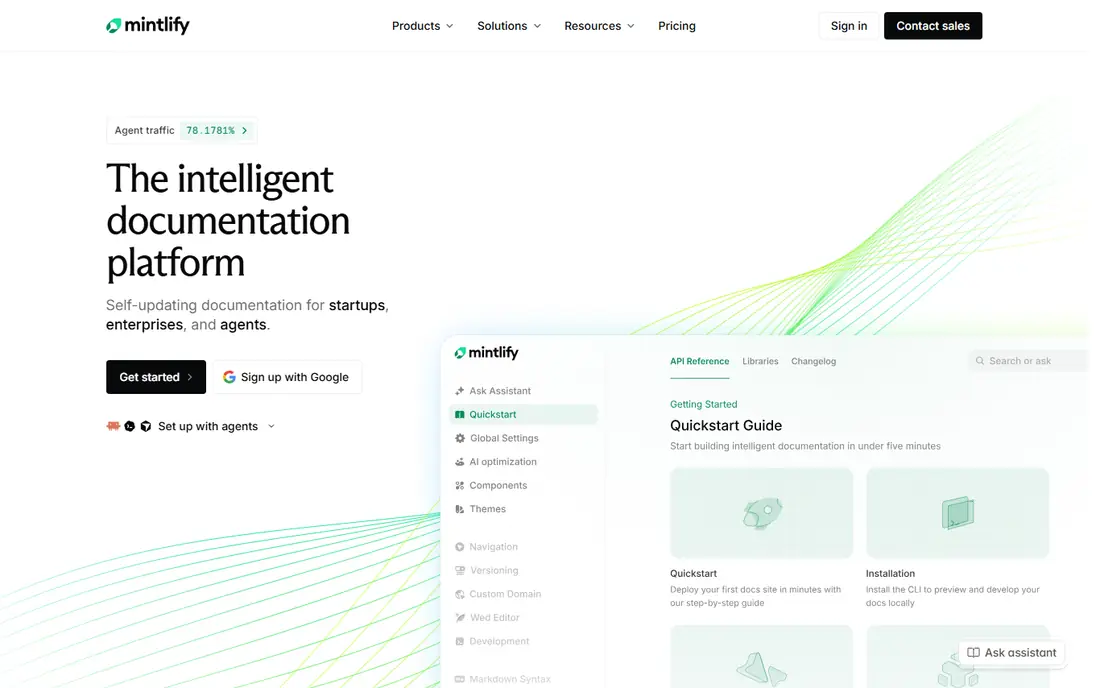
Mintlify is our pick for most teams that want a modern developer portal without hiring a docs designer. Content lives in MDX files in your repository, so changes follow the same review flow as code, and the default output looks finished with very little styling work. OpenAPI references, guides, changelogs, and API playgrounds sit in one site, which keeps readers from bouncing between tools.
The catch is price. The free Starter plan covers a small team but leaves out AI features, and Pro is a large step up for a small company. If your docs are a core part of developer adoption and you can use the AI assistant and automations, the cost is easier to defend. If you only need clean reference pages, a cheaper option below will do the same job.
- Clean default design
- MDX docs in Git
- AI assistant and llms.txt support on paid plans
- Steep jump from free to Pro
- AI answers use a credit pool
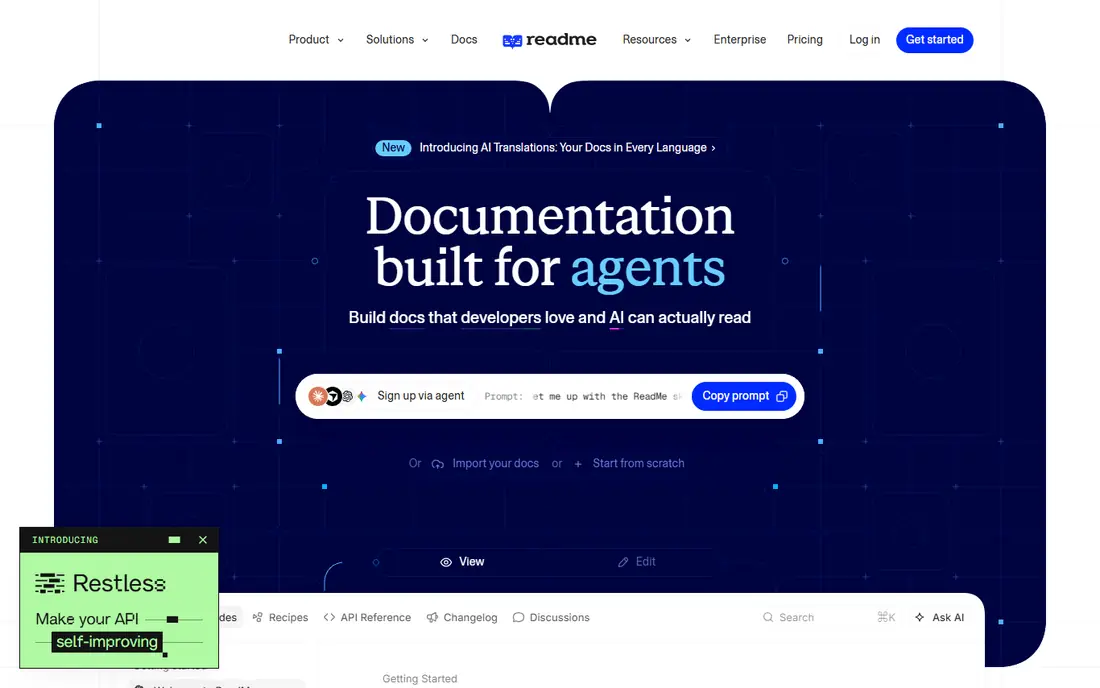
ReadMe stands out because it treats docs as a product surface, not a static manual. Readers can send real requests from the reference, and teams can see which endpoints people actually use and where they get stuck. The editor is friendly for writers and product managers, while bi-directional sync keeps a Git copy for engineers who prefer working in a repository.
The trade-off is that ReadMe is built for public, customer-facing APIs, so internal-only docs may not need its portal features. Pricing also climbs once you add teammates beyond the included seats or switch on the full AI add-on. For an API business where onboarding drives revenue, though, the metrics alone can justify the spend.
- Real try-it requests with reader keys
- Developer metrics and personalized docs
- Bi-directional Git sync
- Paid plan is costly for small teams
- Full AI chat is a paid add-on
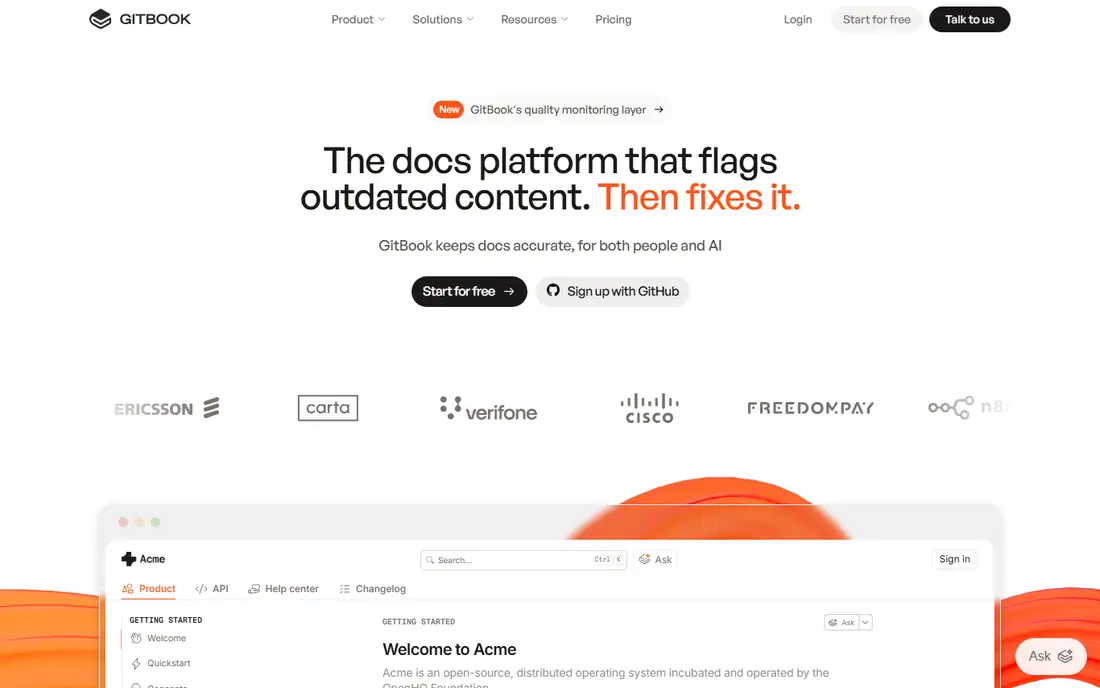
GitBook is the easiest platform on this list for a team where support staff, product managers, and engineers all edit docs. The block editor feels like a normal document editor, and Git Sync keeps a Markdown copy for teams that want version control. API references render with interactive blocks, so it can cover both guides and reference material in one place.
Costs need care, because the headline rate is per site and seats are charged on top. A single-site team with a few editors will find the total reasonable, but a company with many sites should model the full bill before committing. If your writers are not engineers, GitBook still wins on day-to-day editing comfort.
- Visual block editor
- Git Sync for a Markdown mirror
- Interactive API blocks
- Price is per site plus per user
- Reader chat sits on the top plan
Stoplight fits teams that design an API before they build it. The visual editor lets people shape an OpenAPI spec without hand-writing YAML, and built-in linting helps a team keep naming and style rules consistent across services. Mock servers let front-end developers start work before the back end is ready, which shortens the feedback loop on new endpoints.
The honest catch is scope. A solo founder with one API will likely find the governance tooling heavier than needed, and the value shows up most when several teams share standards. For a platform team that reviews many specs, that structure is exactly the point, and Stoplight earns its place.
- Visual spec editor
- Linting and mock servers
- Git-based workflow
- Governance features may be more than a small team needs
- Pricing is not simple to compare
SwaggerHub remains the safe, familiar choice for teams built around OpenAPI. Multiple people can edit and review a spec together, and the tooling around Swagger and OpenAPI is mature, with converters and validators that newer tools are still catching up on. If your company already standardizes on OpenAPI, SwaggerHub slots in without a workflow change.
What it does less well is the polished reader experience. It is a strong place to design and manage specs, but teams that want a branded developer portal with guides, changelogs, and search may pair it with another publishing tool. Treat SwaggerHub as the design hub, and judge it on that job.
- Long-standing OpenAPI tooling
- Real-time collaboration
- Strong spec editing
- Interface feels dated next to newer portals
- Best as a design tool rather than a full portal
Redocly is our pick for engineering teams that want the spec to stay the source of truth. The open source ReDoc renderer produces a clean, readable reference, and the CLI handles linting, bundling, and validation inside continuous integration. Versioning and Git sync mean docs ship with the code release they describe, which reduces the drift that plagues manually updated docs.
Non-developers will find the setup less welcoming than GitBook or ReadMe, since configuration lives in files and the command line. That is a fair trade for teams that already work this way. If your readers are developers and your writers are engineers, Redocly gives a high-quality result without a heavy platform fee.
- Clean three-panel reference
- CLI for linting and bundling
- Docs-as-code workflow
- Setup leans technical
- Hosted portal features sit behind paid plans
Postman makes sense when your team already lives in Postman for API work. Documentation can be generated from collections, so the examples and requests readers see match what developers actually send. That closeness between docs and testing reduces the common problem where examples go stale after an endpoint changes.
The downside is focus. Postman is first a testing and collaboration tool, and its public docs experience is not as polished as Mintlify or ReadMe. Teams that only need internal docs, or that already use Postman daily, will get good value from the free tier. Teams selling an API on the strength of its portal should look higher on this list.
- Docs generated from collections
- Huge existing user base
- Testing and mocks in one workspace
- Docs feel secondary to testing
- Public portal polish lags dedicated docs tools
Scalar is the lightest serious option here, and it is our pick for open source projects and small teams on a tight budget. It renders an OpenAPI spec as a clean, searchable reference with an interactive client, and because it is open source, you can host it yourself and keep full control. Setup is quick when the spec already exists.
What you give up is the full portal: guided tutorials, changelogs, analytics, and AI search are thinner or absent compared with paid platforms. Many teams accept that trade and pair Scalar with a static site for guides. If the reference itself is the product, Scalar is hard to beat on value.
- Free and open source
- Fast setup
- Interactive API client built in
- Fewer portal features than paid tools
- Guides and marketing pages need another tool
Apidog is a strong budget pick for small teams that want one tool for the whole API cycle. You can design a spec visually, run mocks and tests, and publish docs without moving between products, and the entry price undercuts most rivals. For a startup team that cannot justify separate design, testing, and docs subscriptions, that consolidation matters.
The ecosystem is smaller than Postman, so some integrations and community resources are thinner. The published docs also look more functional than beautiful. If your priority is shipping a working API with consistent docs on a small budget, Apidog is a sensible choice.
- Design, mock, test, and docs in one workspace
- Low entry price
- Visual spec editing
- Smaller ecosystem than Postman
- Portal polish lags Mintlify and ReadMe
How we picked these
We compared official feature pages, pricing pages, and app and platform documentation, plus public reviews of each tool, rather than claiming hands-on trials we did not run. We kept only platforms that are actively maintained and that render real API references from specs or collections, and we dropped tools that only host generic wiki pages. Pricing figures come from vendor pages and recent comparisons, and we wrote "See website" wherever published prices conflicted or were quote-only.
Choosing the right platform for your API
Start with who writes and who reads. If engineers own the docs and the spec lives in Git, Mintlify, Redocly, or Scalar will feel natural. If writers and product managers also edit, GitBook or ReadMe will cause fewer fights. If governance across many services is the problem, Stoplight or SwaggerHub deserves the shortlist.
Match the tool to your spec workflow
A design-first team should pick a tool with a visual editor, linting, and mocks before worrying about portal design. A docs-as-code team should check Git sync, preview deployments, and how easily content exports as Markdown. Ask for a trial with your real spec, not a sample, because a messy, large spec exposes weak rendering fast.
Watch the total price, not the headline
Several platforms charge per site, per seat, or per project on top of the base plan, and AI features often sit in a separate add-on or credit pool. Model the cost at your real author count and site count for a year, and confirm what happens when you add a second product. A free tier is a good test, but it is not a promise about the paid bill.
Check the reader experience before you buy
Open the reference on a phone, try the search, and send a real request from the playground if the tool offers one. Check if code samples cover your readers' languages and if versioning handles breaking changes clearly. Good docs reduce support tickets, and a clumsy reference creates them.
Frequently asked questions
Which api documentation platform is the best for a small startup?
For most small startups, Mintlify on its free tier or Scalar for a pure reference gives the best balance of quality and cost. Start free, publish with your real spec, and only move to a paid plan when you need AI help, analytics, or more seats. A paid portal should earn its fee by improving developer sign-ups, not by looking nicer in a demo.
What is the best api documentation tool for OpenAPI specs?
Redocly, Stoplight, and SwaggerHub are the strongest OpenAPI-native choices, since they treat the spec as the source of truth and offer linting, validation, and versioning. Mintlify and ReadMe also render OpenAPI well, but they add portal features on top of that core. Pick the OpenAPI-native tool if spec quality and governance matter more than guides.
Is there a best api documentation software option that is free?
Yes. Scalar and the open source ReDoc renderer are free, and Mintlify, ReadMe, GitBook, Stoplight, SwaggerHub, and Postman all offer free tiers with limits. Free plans usually cap seats, sites, or AI features, so they suit small projects and trials. Check the export path before building a large docs site on a free plan.
Should docs live in Git or in a visual editor?
Docs-as-code in Git suits engineering-led teams that review changes like code and ship docs with releases. A visual editor suits mixed teams where non-developers must fix pages quickly without learning Git. GitBook and ReadMe bridge both worlds with sync, so a mixed team does not have to choose one workflow for everyone.
Do I need AI search or an AI assistant in my docs?
AI search helps when readers ask questions in plain language instead of browsing a reference, and it is most useful for large APIs with many endpoints. For a small API, good search and clear examples matter more. If you do buy AI features, check if answers are metered by credits and what the overage cost looks like.
Sources
- https://www.mintlify.com
- https://www.readme.com
- https://www.gitbook.com
- https://www.stoplight.io
- https://www.swagger.io
- https://www.redocly.com
- https://www.postman.com
- https://www.scalar.com
- https://www.apidog.com
- https://documentation.ai/blog/mintlify-vs-gitbook-vs-readme
- https://readme.com/blog/readme-vs-mintlify
See where you really rank - block by block
ProMapRanker scans Google Maps across a grid of your service area. Simple monthly plans from $19, white-label on every plan.
Start freeKeep reading
 which software is best for pdf page removal
Which Software Is Best for PDF Page Removal in 2026
Find which software is best for pdf page removal, from free online tools to desktop editors, with page controls, privacy, safety, and pricing compared.
Read → when i work alternatives
Best When I Work Alternatives in 2026
Looking for when i work alternatives? We compare 8 scheduling apps for hourly teams, covering pricing, free plans, time clocks and the best fit for business.
Read → the best tool for keyword analysis
The Best Tool for Keyword Analysis in 2026
Find the best tool for keyword analysis with our 2026 comparison of 10 keyword analysis software tools on data depth, difficulty scores and price today.
Read →