 ProMapRanker
Which AI Animation Tool Is Best for Beginners in 2026

Key takeaways
- Animaker and Powtoon are the most beginner-friendly starting points, because templates, characters and drag-and-drop editing keep a first project manageable.
- Vyond suits business and training videos, but its price makes it a better second step than a first trial for most beginners.
- Free plans are useful for learning, but exports are often watermarked or limited, so check export terms before you plan a public video.
- Use only your own images, voices and likenesses, or material you have clear permission to use, when you create animation featuring real people.
Quick comparison
| Pick | Great for | Pricing starts at | Free tier | |
|---|---|---|---|---|
 Animaker | First animated explainers | $15 per month | Yes | Visit |
 Powtoon | Animated presentations | $49 per month | Yes | Visit |
 Vyond | Business and training animation | $99 per month | Free trial | Visit |
 Renderforest | Branded intros and explainers | See website | Yes | Visit |
 Adobe Express | Quick animated social posts | See website | Yes | Visit |
 Steve AI | Script to animation for beginners | See website | Free trial | Visit |
 Animoto | Simple slideshow-style video | See website | Free trial | Visit |
 CapCut | Short animated social clips | See website | Yes | Visit |
The best ai animation tools for beginners
We compared official feature pages, pricing pages and plan limits, and we kept only tools that are live in October 2026 and clearly usable by a beginner. The list favours templates, guided editing and AI help over professional timeline tools that need prior animation skill.
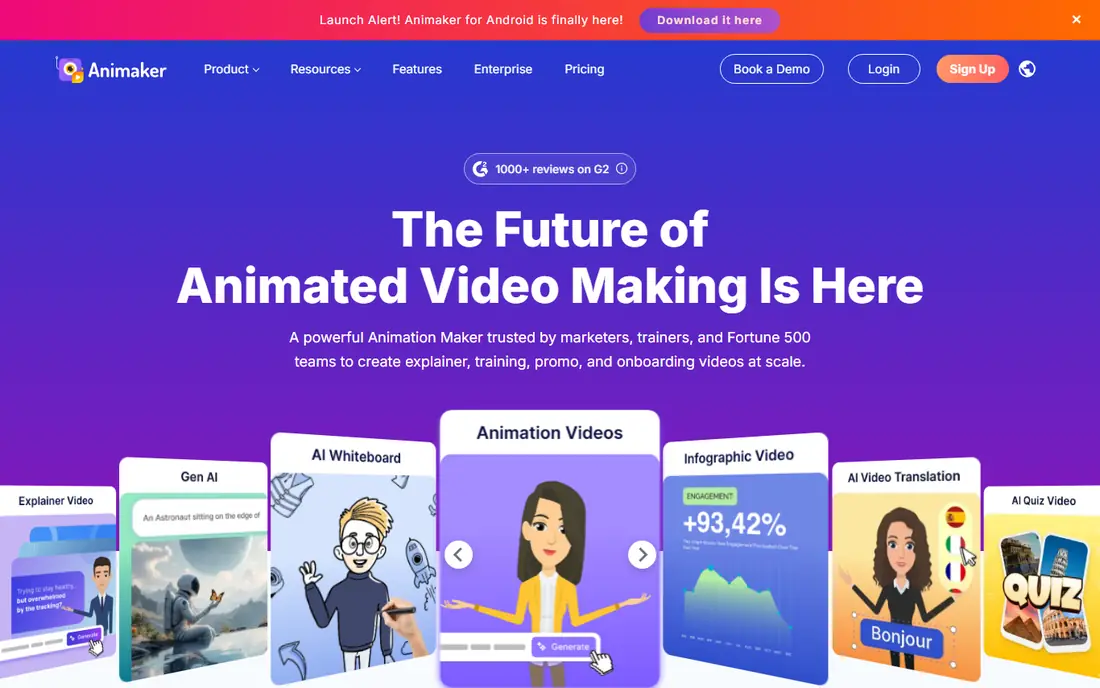
Animaker is our pick for most beginners because it keeps the first project simple. You can start from a template, pick a character, add text and voice, and adjust timing on a timeline that does not assume animation training. The AI tools help turn a script into a first draft, which is useful when the hardest part is getting started.
The free plan is good for learning, but it is not a full publishing plan. Exports carry a watermark and premium assets are limited, so budget for at least the Basic tier if you plan to publish regularly. For a school project or a first test, though, the free plan gives a fair sense of the editor.
- Large template and character library
- Drag-and-drop editor
- AI video and voice tools for first drafts
- Free exports are watermarked
- Higher resolutions and larger libraries sit on paid tiers
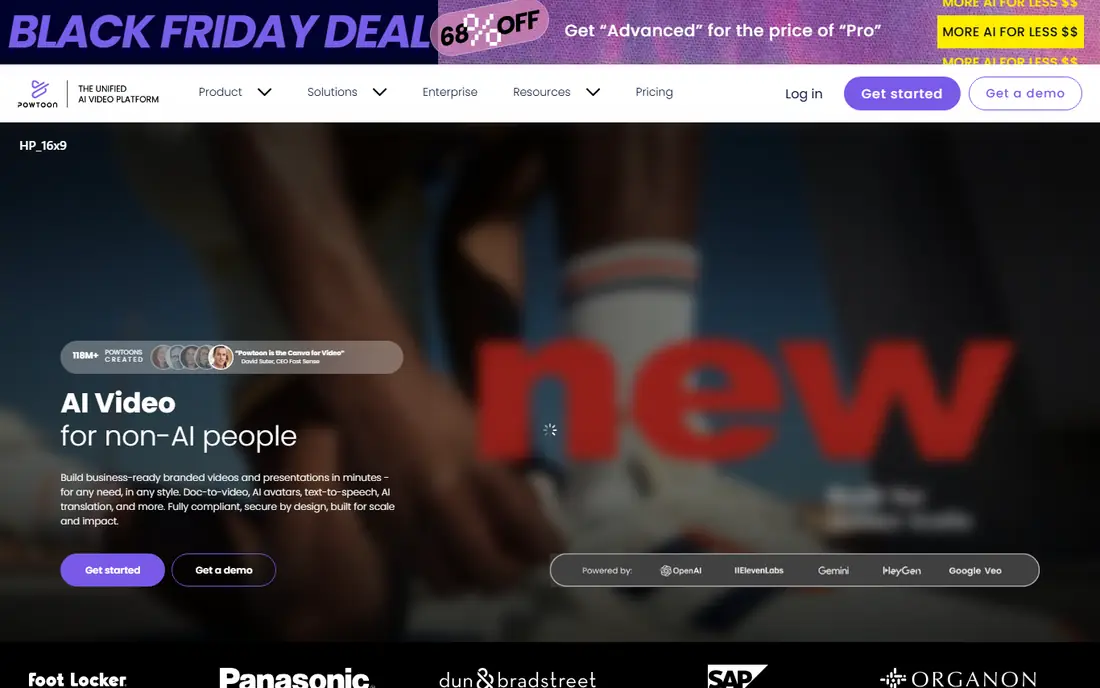
Powtoon suits beginners who think in slides and short scenes rather than a full animation timeline. Templates for explainers, training and marketing help a new creator structure a message, while AI tools assist with scripts and voiceovers. The editor is forgiving, and most first videos can be built by swapping text, images and characters in a template.
Price is the main drawback. Lite starts at $49 per month on monthly billing, with lower annual equivalents, so occasional creators should test the free plan carefully first. If you only need one or two videos, a cheaper tool in this list may be a better fit.
- Presentation-style templates
- AI script and voice tools
- Simple drag-and-drop editing
- Paid entry price is high for occasional use
- Full character and brand controls sit on higher tiers
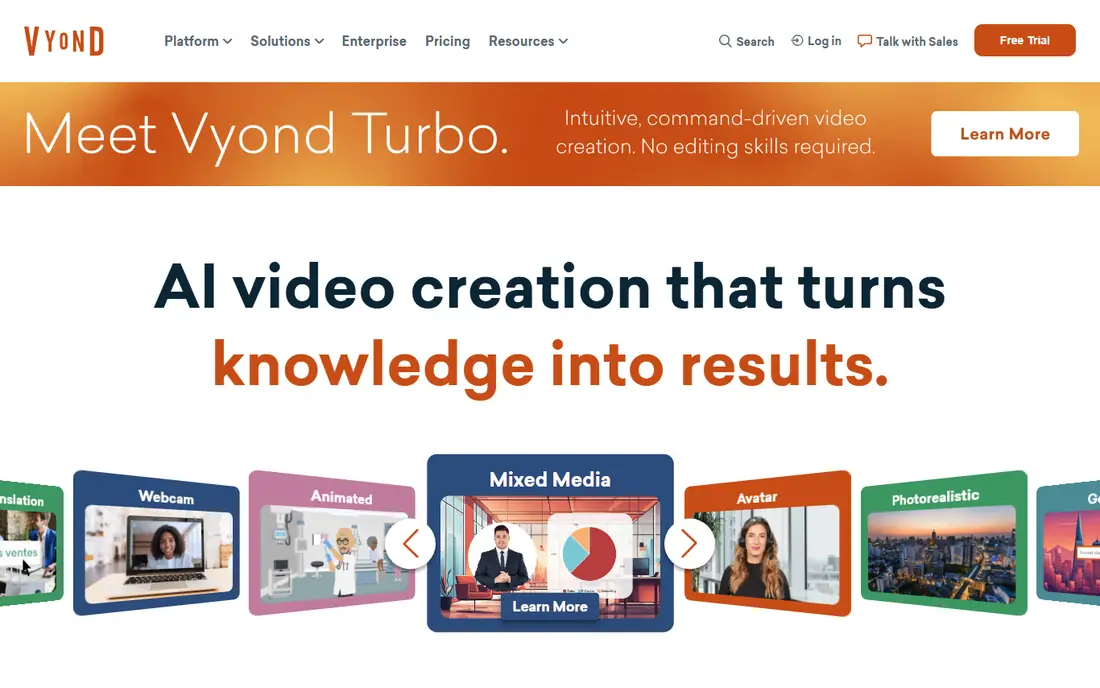
Vyond is the most polished business option here, and it suits trainers, HR teams and small businesses that need consistent, professional-looking videos. Characters, scenes and templates are designed for workplace topics, and AI tools can turn text into a first video draft. For a team that publishes training regularly, that consistency saves time.
For a beginner on a personal budget, Vyond is harder to justify as a first tool. The Starter plan starts at $99 per month on monthly billing, with annual billing lower, and there is no permanent free plan. Try the trial with a real training script, and compare the result with Animaker or Powtoon before committing.
- Polished business characters and templates
- Text-to-video and AI avatar tools
- Strong fit for training content
- No permanent free plan
- Price is high for hobby or occasional use
Renderforest helps a beginner make a clean branded video without building scenes from scratch. Logo animations, intros and explainer templates give a fast result, and branding controls help keep colours and logos consistent. That makes it a good choice for a small business that needs a channel intro or a short product video.
The trade-off is originality. Template-based videos can look similar to other Renderforest videos unless you change text, colours, pacing and music with care. Check the free plan export limits and the paid plan that removes watermarks before you use it for a public launch.
- Ready-made video templates for intros, explainers and logos
- Branding controls
- Browser-based editing
- Template style can feel familiar across videos
- Full exports and higher quality need a paid plan
Adobe Express is a good fit for beginners who mainly need short animated posts, stories and ads rather than a full cartoon. The editor is simple, templates are plentiful, and animation effects can be added to text and images without a timeline. For a marketer who already uses Adobe tools, it also fits a familiar workflow.
It is not the right pick for character-led explainer animation. If your project needs custom characters, lip sync and scene-by-scene storytelling, Animaker, Powtoon or Vyond will suit you better. Use Adobe Express for fast social animation and pair it with a specialist tool for longer explainers.
- Simple editor with templates for social posts
- Animation effects for text and images
- Adobe stock and brand tools on paid tiers
- Not a full character animation studio
- Advanced features need a paid plan or a wider Adobe plan
Steve AI suits beginners who already have text, such as a blog post, script or lesson outline, and want a video draft from it. The tool builds scenes, visuals and voiceover from the script, then lets you edit text, visuals and timing. That workflow lowers the barrier for a teacher, marketer or small creator who does not want to animate scene by scene.
As with all AI video tools, the first draft is a starting point, not a finished video. Check facts, names and claims in the script, replace any visual that does not match the message, and confirm export terms on the trial before you publish. The tool saves time on structure, but a human still owns the final message.
- Script-to-video workflow for blog and marketing text
- Animated and live-action styles
- Simple editing after generation
- Generated drafts still need checking and editing
- Pricing and limits need checking on the current plan page
Animoto is the simplest tool in this list for a beginner who wants a polished video from photos, clips and text. Templates, music and text styles do most of the design work, and the editor stays clear even for a first-time user. It works well for event recaps, product highlights and social posts where the story is carried by images and captions.
The limit is animation depth. Animoto does not offer the character animation, lip sync or scene control found in Animaker or Vyond, so it is a poor fit for a scripted explainer with dialogue. Choose it for speed and simplicity, not for a full animated story.
- Very simple slideshow and template workflow
- Music and text tools for quick videos
- Good for photos and short clips
- Limited character animation
- Not suited to complex storytelling or custom scenes
CapCut suits beginners who make short vertical videos for social platforms. Templates, text animations, effects and music help a new creator publish quickly, and the free plan covers a wide range of basic editing. For a small business or creator focused on short-form content, that speed matters more than character animation depth.
For longer training or explainer videos, CapCut is less suitable. Scene organisation, character control and longer narration are easier in a dedicated animation tool. Use CapCut for short clips and social cut-downs, and keep a specialist animation tool for longer projects.
- Free plan with many editing tools
- Templates and effects for short social video
- Mobile and desktop editors
- Built for short social clips, not long explainers
- Some effects and exports need a paid plan
How we picked these
We compared official feature pages, pricing pages and plan limits for tools that are live in October 2026 and clearly usable by a beginner. We favoured template libraries, guided editors, AI drafting help and a free plan or trial, and we left out professional animation software that needs prior training, as well as tools that only generate short clips with no editing control. We also left out any tool that is not sold as a live consumer product in October 2026.
How to make your first animation
Start with a short script, not a long one. Write the message in plain sentences, keep it under two minutes, and mark where each scene changes. A short first video teaches you the editor, the export settings and the pacing, while a long first video often stalls halfway.
Next, pick one template and change only what matters. Swap the text, colours and logo, pick a voice that fits the audience, and keep transitions simple. Beginners often lose time by trying every effect, while a clean template with clear text usually reads better.
Finally, watch the video with sound on a phone and on a computer before you publish. Check that text is readable, that voice and visuals match, and that any person shown or voiced is used only with clear permission. Fix the weakest scene first, then publish, rather than chasing a perfect first draft.
Frequently asked questions
Which ai animation tool is best for beginners overall?
Animaker is our pick for most beginners, because it combines templates, characters, AI drafting and a free plan in one editor. Powtoon is a close second for presentation-style videos, while Vyond suits business training once budget allows. Start free, make one short video, and upgrade only if exports or libraries block your work.
What are the best ai animation tools for beginners on a free plan?
Animaker, Renderforest, Adobe Express and CapCut all offer free plans that are useful for learning, though exports may be watermarked or limited. Use the free plan to learn the editor and test a real script, then check the paid tier that removes watermarks and adds the resolution you need for publishing.
Do I need animation experience to use these tools?
No, these tools are built for beginners and rely on templates, drag-and-drop editing and AI drafts. Some practice still helps, especially with script writing, timing and voice choice, but you do not need drawing skill or prior animation training to make a clear short video.
How long should a beginner animation be?
For a first project, keep it under two minutes, and for social clips, keep it under one minute where possible. Short videos are easier to script, edit and review, and they hold attention better than a long explainer that repeats the same point. Cut any scene that does not change what the viewer learns or does next.
Can I use AI animation featuring real people?
Only use images, voices or likenesses of real people when you have their clear permission, and avoid creating misleading media that suggests a person said or did something they did not. For training and marketing, use fictional characters, licensed stock, or your own team members with consent, and label AI-generated content where the platform or audience expects it.
How much does a beginner animation tool cost?
Costs range from free for basic plans to $15 per month for Animaker Basic on annual billing, $49 per month for Powtoon Lite on monthly billing, and $99 per month for Vyond Starter on monthly billing, with other tools priced on their plan pages. Budget for the tier that gives clean exports, and check annual billing, which is often lower per month.
Sources
See where you really rank - block by block
ProMapRanker scans Google Maps across a grid of your service area. Simple monthly plans from $19, white-label on every plan.
Start freeKeep reading
 wpforms alternatives
Best WPForms Alternatives in 2026
We compare 9 wpforms alternatives for WordPress forms, with free and paid options, current pricing notes, and honest limits for small business sites in 2026.
Read → windows task scheduler alternatives
Best Windows Task Scheduler Alternatives in 2026
Looking for Windows Task Scheduler alternatives? We compare 9 schedulers for Windows and cross-platform work, from free tools to enterprise automation.
Read → which ai video service is best
Which AI Video Service Is Best in 2026
which ai video service is best? We compare 10 legitimate AI video services on price, avatars, editing and output quality to help you pick the right tool.
Read →