 ProMapRanker
Best WhatsApp Alternatives in 2026

Key takeaways
- Signal and Threema lead on privacy, while Telegram leads on large groups and channels.
- Most alternatives are free for core messaging, with paid extras only for extras such as larger uploads or business hosting.
- Your contacts matter as much as features: an app only works if the people you message use it too.
- Session and Element suit people who want an account without a phone number or a self-hosted option.
Quick comparison
| Pick | Great for | Pricing starts at | Free tier | |
|---|---|---|---|---|
 Signal | Private everyday messaging | Free | Yes | Visit |
 Telegram | Large groups and channels | Free | Yes | Visit |
 Viber | Calls and chats with a wide contact base | Free | Yes | Visit |
 Threema | Messaging without a phone number | See website | No | Visit |
 Wire | Secure team and personal messaging | See website | Yes | Visit |
 Session | Anonymous messaging without a phone number | Free | Yes | Visit |
 Element | Open messaging across servers | Free | Yes | Visit |
 Discord | Community chat, voice and gaming | Free | Yes | Visit |
 Messenger | Chatting with Facebook contacts | Free | Yes | Visit |
The best WhatsApp alternatives
These nine apps cover private chats, large communities, anonymous messaging and ordinary contact-based chat. Pick the one your people will actually use, then keep a second option for the contacts who will not move.
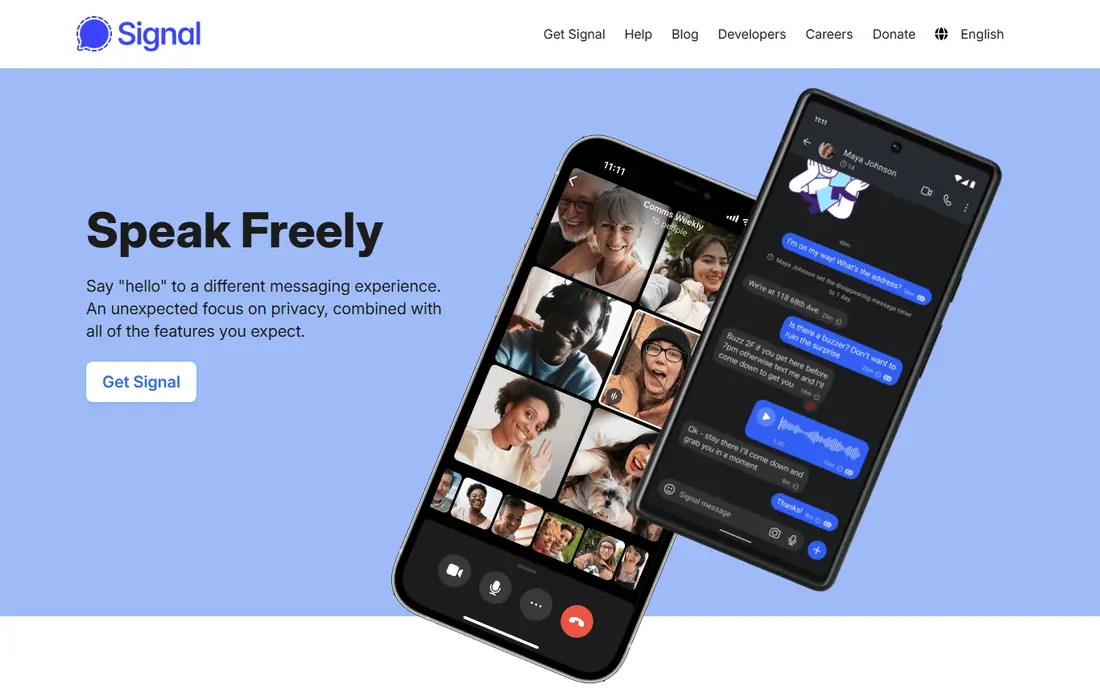
Signal is our pick for most people who want private messaging without a complicated setup. Messages, voice calls and video calls are encrypted by default, and the app does not show ads or sell attention to advertisers. Its interface feels familiar, so moving a small group or a family chat across is straightforward.
The main limit is social, not technical. If your friends and family stay elsewhere, you will still need a second app for them. Signal also keeps its feature set deliberately plain, so people who want channels, bots or huge public groups may find it quiet compared with Telegram.
- Open-source code
- End-to-end encryption by default
- Disappearing messages and no ads
- Smaller contact base than mainstream apps
- Needs a phone number to register
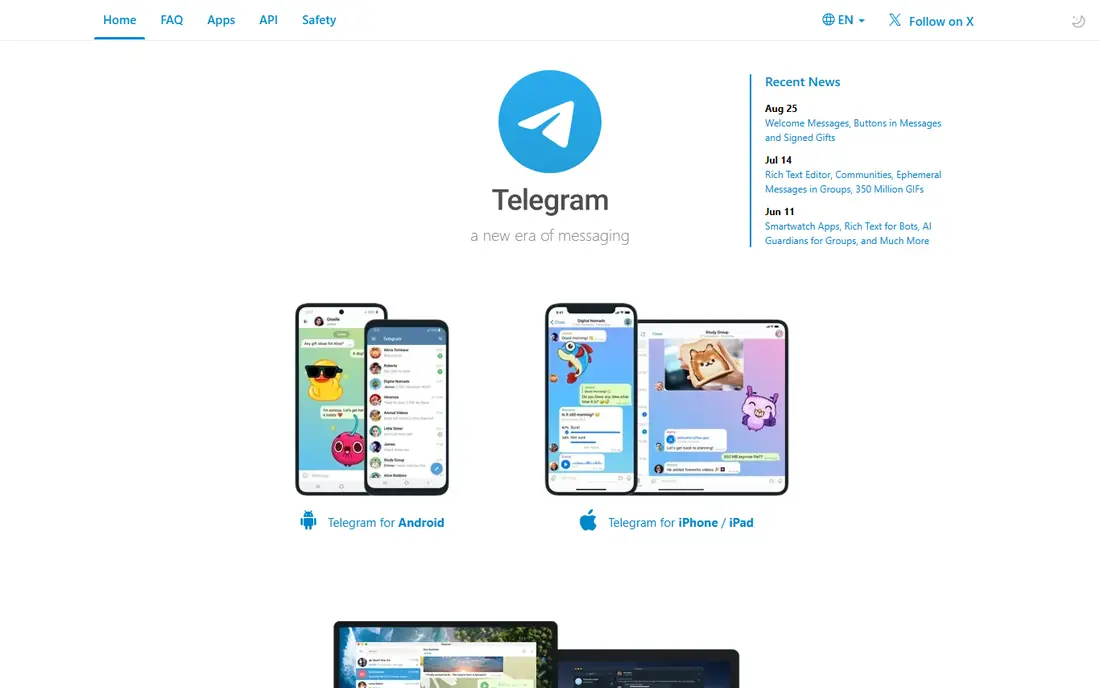
Telegram suits people who run communities, follow channels or share large files. Groups can hold far more members than most rivals, and cloud sync means a conversation started on a phone continues on a desktop without a fuss. Bots, polls and scheduled messages make it handy for clubs, classes and small teams.
Privacy needs a closer look here. Only Secret Chats use end-to-end encryption, and those chats do not sync across devices in the same way. If private one-to-one chat is your priority, use Secret Chats for sensitive talks and keep everyday group chat separate in your mind.
- Very large groups and channels
- Fast cloud sync across devices
- Broad sticker, bot and file sharing options
- Ordinary cloud chats are not end-to-end encrypted by default
- That protection is limited to Secret Chats

Viber is a practical choice if many of your contacts already use it, especially outside the United States. It covers the basics well: text, voice messages, group chats, voice calls and video calls, plus a desktop app for longer conversations. Communities give it a social side that pure private messengers lack.
The trade-off is consistency. Feature availability and some paid extras, such as calls to ordinary phone numbers, differ by region. Check what is included in your country before you promise a group that Viber will replace everything else they use.
- Voice and video calls
- Large stickers and community options
- Available on phones and desktop
- Some features vary by country
- End-to-end encryption does not cover every type of chat in the same way
Threema appeals to people who do not want to hand over a phone number just to send a message. You get an ID instead, and the service is built around keeping stored data to a minimum. Polls, file sharing and group chats cover most everyday needs without a social feed attached.
The cost is the hurdle. A one-time purchase is small in itself, but it still asks every contact to pay before they can talk to you. That makes Threema best for a committed circle, a work team or a family that agrees to move together, rather than casual chats with many different people.
- No phone number needed
- Swiss-based service with a clear privacy stance
- Polls and file sharing
- Paid app, so persuading contacts to join takes more effort
- Smaller user base
Wire started as a secure messenger for teams, and that background still shows in its design. Conversations are encrypted, and guest rooms let you talk to people outside your organisation without giving them a full account. The apps are clean and consistent across phone, desktop and web.
For casual users, Wire can feel more formal than a chat app built for friends. Its strongest plans are aimed at businesses, so a personal user should check the current free tier carefully before relying on it as a main messenger. It works best when privacy and team control matter more than stickers and channels.
- End-to-end encryption
- Guest rooms for outside contacts
- Desktop, web and mobile apps
- Personal free tier is narrower than business plans
- Smaller community than mainstream apps
Session is the option for people who want to stay hard to identify. You create an account from a generated ID, with no phone number or email address attached, and messages travel through a network run by independent nodes rather than one central server. That design is a genuine difference, not a marketing claim.
The price of that design is a smaller crowd and occasional delays. Session lacks the polish, bots and huge groups of mainstream apps, and finding contacts takes more effort because there is no phone-book matching. Treat it as a second, private channel for people who value anonymity over convenience.
- No phone number or email needed
- Messages routed through a decentralised network
- Open-source code
- Smaller network and slower message delivery at times
- Fewer mainstream features
Element is the front door to Matrix, an open network where different servers can talk to each other. That openness matters: you are not locked to one company, and a team can run its own server if it wants full control. Encrypted rooms, voice and video calls and file sharing cover most daily messaging needs.
Openness also brings unevenness. A newcomer who just wants to chat may find server choice and settings confusing, and performance can depend on the server you join. Element suits technically confident users, communities and organisations that want control more than a ready-made contact list.
- Built on the open Matrix network
- You can pick a server or run your own
- Encrypted rooms and calls
- Setup can confuse newcomers
- Experience varies by server and client
Discord works best when your group is a community rather than a family chat. Servers split conversation into channels, voice rooms stay open for drop-in talk, and screen sharing suits gaming, study groups and clubs. The core service is free, and most groups never need to pay.
As a direct replacement for a phone messenger, Discord is clumsy. It is built around servers and usernames, not phone contacts, and its privacy settings deserve a careful pass before you share personal details. Use it for communities and hobby groups, and keep a separate app for close personal chats.
- Servers with text and voice channels
- Screen sharing and community tools
- Free core use
- Not designed as a private one-to-one messenger
- Privacy controls need attention
Messenger makes sense when your contacts are already on Facebook. There is no need to persuade anyone to install a new app, and calls, group chats and photo sharing are all built in. The web version is useful at a desk, and message requests keep strangers partly at arm's length.
The catch is trust. End-to-end encryption is not applied to every chat by default in the same way across all features, and Meta's data practices are a sticking point for privacy-minded users. If you choose Messenger, review encryption settings for each chat and treat it as a convenient option, not a private one.
- Huge existing contact base
- Voice and video calls
- Works in a browser without an app install
- Privacy depends on settings and chat type
- Ads and data practices draw regular criticism
How we picked these
We compared official feature pages, pricing pages, privacy policies and app store listings for each option. We kept only products that are still offered in October 2026 and that fit the topic directly. We checked whether a free tier or trial is real, what the paid plan adds, and where each product falls short, so the list reflects trade-offs rather than marketing claims alone.
Choosing the right alternative for you
Start with your contact list, not the feature list. Ask which app at least half of your regular contacts already have or would install. A technically stronger app that nobody you know uses will sit idle, while a simpler app your group adopts will get used every day.
Next, decide how much privacy you need. For everyday family chat, default encryption and a clear privacy policy may be enough. For sensitive work or activism, look for end-to-end encryption by default, minimal stored data and open-source code, and accept a smaller contact base as the trade-off.
Finally, test calls and groups before you migrate a whole circle. Check voice quality on your connection, try a group with the people who matter most, and confirm desktop or web access if you message from a computer. A short trial avoids moving everyone twice.
Frequently asked questions
Are WhatsApp alternatives really free?
Most alternatives in this list are free for core messaging, calls and group chats. Paid extras usually cover larger file uploads, business hosting or extra features, not basic chatting. Threema is the exception here, with a purchase price rather than a subscription.
Which alternative is best for privacy?
Signal and Threema are the strongest general picks for private messaging, with encryption by default and minimal data collection. Session goes further on anonymity by avoiding phone numbers and central servers, but it has fewer contacts and features.
Can I use these apps without a phone number?
Yes, in some cases. Threema and Session use an ID rather than a phone number, and Element and Discord use usernames and accounts. Signal, Telegram and Viber still rely on a phone number for registration.
Will I lose my chats if I switch?
In most cases, yes, because chats do not transfer between different messaging services. Export or save anything important before you move, tell your groups about the change, and keep the old app installed for a short overlap period.
What is the best alternative for large groups?
Telegram is the strongest pick for very large groups and public channels, with cloud sync and broad file sharing. Discord suits organised communities with separate channels, while Signal and Threema suit smaller, private groups better.
Sources
See where you really rank - block by block
ProMapRanker scans Google Maps across a grid of your service area. Simple monthly plans from $19, white-label on every plan.
Start freeKeep reading
 free alternatives to grok imagine
Free Alternatives to Grok Imagine in 2026
We compared the best free alternatives to grok imagine for image generation, from fast daily credits to design tools, so you can create without paying.
Read → best tools for instagram content creation
Best Tools for Instagram Content Creation in 2026
Compare the best tools for Instagram content creation, from Canva and CapCut to Later and Buffer, on design, video, planning, scheduling, and price in 2026.
Read → best tool to split pdf files
Best Tool to Split PDF Files in 2026
We compared the best tool to split pdf files on split modes, file limits, privacy and price, so you can split a PDF cleanly and keep every page in one go.
Read →