 ProMapRanker
What Tools Are Best for Pixel-Perfect Web Design in 2026


Collaborative interface design and handoff · Pricing starts at: $16 per month
Key takeaways
- Figma is our pick for most teams because it combines precise layout, components, and developer handoff in one collaborative file.
- Webflow is the strongest choice when the design must become a live website with a real CMS, without a separate build step.
- Framer suits designers who want a live site fast, with strong animation and a Figma-like canvas.
- Penpot is the best free and open option, especially for teams that want self-hosting and open file formats.
- Pixel-perfect means more than matching a mockup: check spacing, type, breakpoints, and real content, not just the hero section.
Quick comparison
| Pick | Great for | Pricing starts at | Free tier | |
|---|---|---|---|---|
| Figma | Collaborative interface design and handoff | $16 per month | Yes | Visit |
 Webflow | Design that becomes a live CMS website | See website | Yes | Visit |
 Framer | Fast, design-led live websites | $10 per month | Yes | Visit |
 Penpot | Open source design with self-hosting | Free | Yes | Visit |
 Sketch | Mac-native interface design | See website | Free trial | Visit |
 Lunacy | Free desktop design for Windows and Mac | Free | Yes | Visit |
 Wix Studio | Client websites with responsive design help | See website | Yes | Visit |
 Relume | Fast Webflow and Figma site builds | See website | Yes | Visit |
The best tools for pixel-perfect web design
We compared official pricing pages, feature pages, and design guides for the best tools for pixel-perfect web design, and we kept only tools that still work in October 2026. Pixel-perfect work needs precise control over spacing, type scale, grids, and breakpoints, plus a clean handoff or publish step that preserves those choices. A tool that looks good in a demo but drifts on real content, long headlines, or mobile screens will cost more time than it saves.
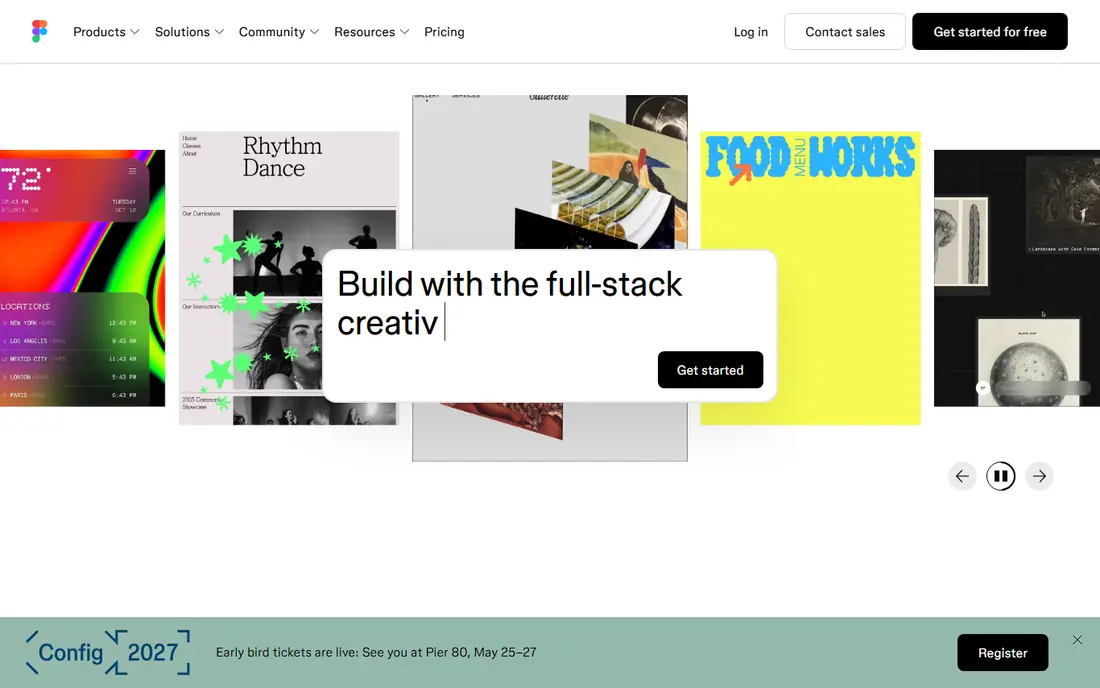
Figma is the default answer for interface design because it puts the whole team in the same file. Designers, developers, writers, and stakeholders open one link, see live cursors, leave comments pinned to the exact element, and never wonder which version is current. Components, variables, and Auto Layout let a team define spacing, type, and color once, then reuse those rules across hundreds of screens.
Pricing needs care. Professional Full seats cost $16 per seat per month billed annually, with Dev and Collab seats at different prices, and a free Starter plan for trying it. Teams often overpay by putting everyone on a Full seat, when engineers who only inspect and stakeholders who only comment need cheaper or free access. For most product and web teams, Figma is our pick, provided the seat mix is set correctly.
- True multiplayer editing in the browser
- Components, variables, and Auto Layout for consistent spacing
- Dev Mode for specs and code handoff
- Per-seat costs climb on larger teams
- Free Starter caps collaborative files
- Serious governance sits on higher tiers
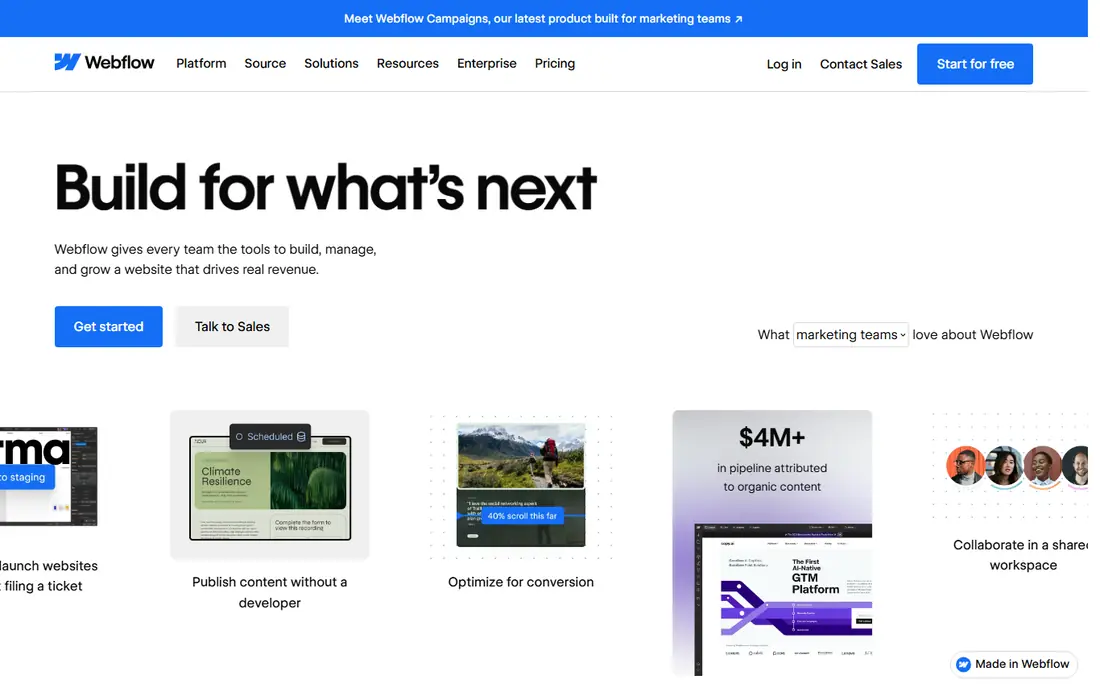
Webflow is the strongest choice when pixel-perfect design must become a real, content-driven website. Its Designer gives visual control over CSS layout, classes, breakpoints, and interactions, while its CMS handles collections, templates, and large content libraries. A marketing team can publish, edit, and localize content without waiting on a developer for every change.
That power comes with a learning curve. Webflow rewards understanding of CSS concepts such as the box model, classes, and breakpoints, and beginners should allow time to learn it properly. Site plans start with a free Starter plan on a Webflow domain, with paid site plans for custom domains and CMS use, plus separate workspace seats for teams. Check the current pricing page for the exact combination your site needs, since site and workspace costs add up.
- Visual CSS control with precise layout
- Powerful CMS for blogs and content sites
- Code export on paid workspaces
- Built-in hosting and SEO tools
- Steeper learning curve than Framer or Wix Studio
- Site and workspace pricing can stack
- Complex logic needs custom code or integrations
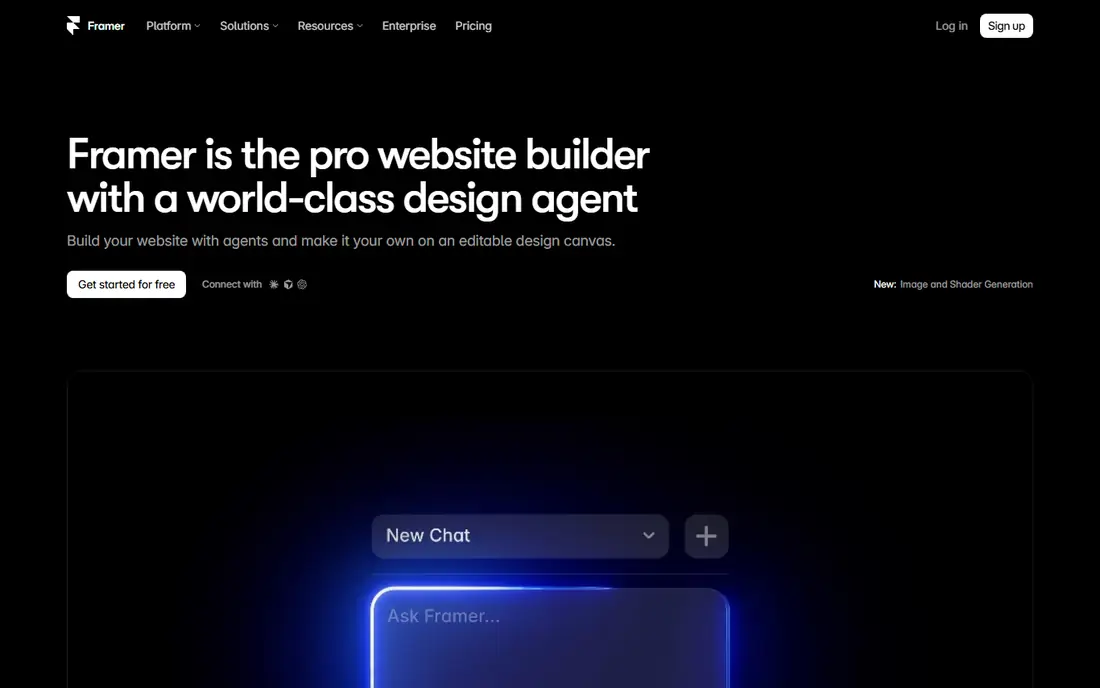
Framer suits designers who want a live site in days, not weeks, and who care most about visual polish and motion. Its canvas feels familiar to Figma users, its animation tools are strong out of the box, and publishing is built in, so a portfolio, landing page, or startup site can go live without a separate build step. Framer also offers AI styling and generation features for faster first drafts.
The limits matter for larger projects. Framer does not export code, has no native e-commerce cart, and its CMS is lighter than Webflow, with collection limits by plan. Basic plans are listed at $10 per month billed annually, with Pro at $30 per month billed annually, and a free plan for testing. For design-led marketing sites, Framer is excellent. For large content operations, Webflow usually fits better.
- Figma-like freeform canvas
- Strong built-in animation
- Fast path from design to published site
- Simple CMS for blogs and portfolios
- No code export
- No native e-commerce
- CMS depth is lighter than Webflow for large sites
Penpot is the best free option for teams that want real design control without per-seat pricing. It offers layout grids, components, prototyping, and collaboration in the browser, with open file formats that avoid lock-in. Teams that need data control can self-host Penpot, which is a rare option among modern design tools.
The trade-off is ecosystem size. Penpot has fewer plugins and templates than Figma, and some teams will miss Figma community files or specific integrations. For product teams, agencies, and public-sector projects that value openness and cost control, those gaps are often acceptable. Start with the free cloud plan, test handoff with developers, and only self-host if your IT rules require it.
- Free professional cloud plan
- Open formats and self-hosting option
- Strong layout, components, and collaboration features
- Smaller plugin ecosystem than Figma
- Fewer ready templates for some niches
- Self-hosting needs technical setup
Sketch remains a solid choice for Mac-based design teams that prefer a native desktop app over a browser tool. It offers symbols, shared libraries, prototyping, and a long-standing plugin ecosystem, and its vector editing feels precise for interface work. Many agencies built their systems in Sketch, and those libraries still work well.
The main limit is platform. Sketch runs on Mac, so mixed-platform teams need a web workspace or a second tool for Windows collaborators. Pricing is listed on the vendor site by workspace and editor, with a trial for testing. Choose Sketch if your team is Mac-based and already invested in its libraries. For cross-platform collaboration, Figma or Penpot will be simpler.
- Mature Mac design tool with symbols and libraries
- Strong plugin ecosystem
- Clean vector editing for interface work
- Mac only, so Windows teams cannot use it directly
- Collaboration needs web workspaces
- Pricing is workspace-based and needs checking
Lunacy, from Icons8, is a free graphic design app for Windows, Mac, and Linux that handles interface and web design work without a subscription for core features. It can open Sketch files, work with Figma files, and includes built-in assets such as icons, photos, and illustrations, which speeds up early mockups. For freelancers, students, and small teams on a tight budget, that free core is a real advantage.
Collaboration and prototyping are lighter than in Figma, and the community is smaller, so teams that need heavy multiplayer work should test those features first. Lunacy fits best as a personal or small-team design tool, or as a free viewer and editor for existing files. For a full product system with many collaborators, Figma or Penpot will scale more cleanly.
- Free desktop app with no subscription for core use
- Reads Sketch and Figma files
- Built-in icons, photos, and illustrations
- Smaller community than Figma
- Collaboration features are lighter
- Advanced prototyping is less deep than Figma
Wix Studio is built for agencies and freelancers who deliver client websites quickly and need responsive layouts that hold up on phone, tablet, and desktop. Its responsive AI and breakpoint tools help adapt a design across screen sizes, while client billing, roles, and site management tools suit agency workflows. Templates and reusable components speed up common site types such as portfolios, services, and small stores.
The trade-off is control. Wix Studio does not offer the same granular CSS control as Webflow, and sites stay on Wix hosting, which matters for teams that want code export or full portability. Pricing is listed on the vendor site by plan, with a free option for trying the editor. Choose Wix Studio when client speed and responsive help matter more than deep CSS control.
- Responsive AI helps adapt layouts across breakpoints
- Client management and billing tools for agencies
- Templates and components for fast builds
- Less precise CSS control than Webflow
- Platform lock-in for hosting
- Pricing varies by site plan and needs checking
Relume speeds up the early phase of a pixel-perfect build: sitemap, wireframes, and component-based pages for Webflow and Figma. A team can generate a structure, pick components, and move into detailed design in Figma or directly into Webflow, rather than starting from a blank page. That structure helps when a project has many similar pages, such as services, case studies, or blog templates.
Relume does not finish a design on its own. AI wireframes and components still need type, spacing, imagery, and breakpoint checks to reach a truly pixel-perfect result. Pricing is listed on the vendor site, with a free plan for trying it and paid plans for full component access. Use Relume to accelerate structure, then do the precise design work in Figma or Webflow.
- AI sitemap and wireframe generation
- Large component library for Webflow and Figma
- Speeds up the first build phase
- Output still needs design refinement
- Value depends on using Webflow or Figma
- Paid plans needed for full libraries and exports
How we picked these
We compared official pricing and feature pages, plus design guides, and we kept only tools that still work in October 2026 and support precise layout control. We favored a mix of design tools, live website builders, and build accelerators, because pixel-perfect work spans mockup, handoff, and published site. We marked pricing as See website where a vendor uses workspace plus site pricing, or where plans vary by region. No tool here was presented as tested by us beyond comparing public pages and guidance.
How to keep a design truly pixel-perfect
Start with a system, not a single page. Define type scale, spacing units, grid columns, and color tokens before you design screens, and use components for buttons, cards, and headers. That system is what keeps a site consistent when real content arrives: long headlines, missing images, and extra form fields will break a one-off mockup, but a good component system absorbs them.
Next, test with real content at every breakpoint. Check phone, tablet, and desktop, and check a page with the longest realistic headline and the shortest one. Look for text overflow, awkward gaps, images that crop badly, and buttons that move when content changes. A design that only works with perfect demo copy is not pixel-perfect, it is only a picture of a website.
Finally, agree on handoff and ownership. If developers build from Figma, use Dev Mode, variables, and clear component names. If designers publish directly, use Webflow or Framer and agree on who owns CMS structure, SEO settings, and redirects. Save final assets, fonts, and tokens in a shared place, so a future update does not drift from the original design.
Frequently asked questions
What tools are best for pixel-perfect web design for most teams?
Figma is the best design tool for most teams, because it combines precise layout, components, and developer handoff in one collaborative file. Webflow is the best choice when the design must become a live CMS website, and Framer suits fast, design-led live sites. Penpot is the best free and open alternative.
Is Figma or Webflow better for pixel-perfect design?
They solve different stages. Figma is better for designing and handing off interfaces, with components, variables, and multiplayer editing. Webflow is better for publishing a live website with precise visual CSS control and a CMS. Many teams use both: design in Figma, then build in Webflow, or design and publish directly in Webflow.
Can I build a pixel-perfect website without code?
Yes, with Webflow, Framer, and Wix Studio, all of which let you design visually and publish without writing code. You still need design judgment for grids, type, spacing, and breakpoints, and complex logic may need custom code or integrations. No-code does not mean no design skill, it means the tool handles the code output.
What is the best free tool for pixel-perfect web design?
Penpot is the strongest free option, with a free cloud plan, open formats, and self-hosting. Lunacy is also free for core desktop design work, and Figma and Webflow offer free plans for trying and small projects. For a team project with collaboration, Penpot or Figma free will usually fit better than a solo desktop tool.
How do I check if a live site matches the design?
Compare the live site with the design at each breakpoint, using real content, not demo copy. Check spacing, type size, line height, image cropping, button states, and form behavior. Use browser inspection tools to measure spacing and type, and keep a checklist for header, hero, sections, footer, and mobile navigation.
Do I need a developer for pixel-perfect web design?
Not always. Framer, Webflow, and Wix Studio let designers publish without a developer for many marketing sites. A developer helps for custom logic, integrations, performance work, large CMS structures, and accessibility fixes. For a product interface, a designer plus a developer handoff in Figma is still the most reliable path.
Sources
See where you really rank - block by block
ProMapRanker scans Google Maps across a grid of your service area. Simple monthly plans from $19, white-label on every plan.
Start freeKeep reading
 wpforms alternatives
Best WPForms Alternatives in 2026
We compare 9 wpforms alternatives for WordPress forms, with free and paid options, current pricing notes, and honest limits for small business sites in 2026.
Read → windows task scheduler alternatives
Best Windows Task Scheduler Alternatives in 2026
Looking for Windows Task Scheduler alternatives? We compare 9 schedulers for Windows and cross-platform work, from free tools to enterprise automation.
Read → which ai video service is best
Which AI Video Service Is Best in 2026
which ai video service is best? We compare 10 legitimate AI video services on price, avatars, editing and output quality to help you pick the right tool.
Read →