 ProMapRanker
What Is the Best Staff Scheduling Tool in 2026

Key takeaways
- Homebase is our pick for most small businesses, because it starts free for a small team at one location and grows into payroll and hiring.
- Deputy is the stronger choice when compliance, overtime rules, and multi-location control matter more than the lowest price.
- When I Work is the simplest low-cost option for a single location that just needs shifts, swaps, and reminders.
- Per-user pricing looks cheap at first, but it can pass flat per-location pricing once your headcount grows, so price the team you will have in six months.
- Test the mobile app with real staff before you commit, since scheduling lives on phones, not on a manager desktop.
Quick comparison
| Pick | Great for | Pricing starts at | Free tier | |
|---|---|---|---|---|
 Homebase | Small businesses starting free | Free | Yes | Visit |
 Deputy | Compliance and multi-location teams | $5 per user per month | Free trial | Visit |
 When I Work | Simple low-cost scheduling | $2.50 per user per month | Free trial | Visit |
 Connecteam | Deskless teams in one app | See website | Yes | Visit |
 7shifts | Restaurants and food service | See website | Yes | Visit |
 Sling | Budget teams needing messaging | See website | Yes | Visit |
 Planday | Shift teams with working-time rules | See website | Free trial | Visit |
 ZoomShift | Small teams wanting simple schedules | See website | Yes | Visit |
The best staff scheduling tools
There is no single winner for every team, because a cafe with six staff and a retail chain with 200 staff have different problems. The tools below cover that range, from free starting plans to compliance-heavy platforms, and each one handles the core job of building shifts, sharing them, and letting staff swap when life changes.
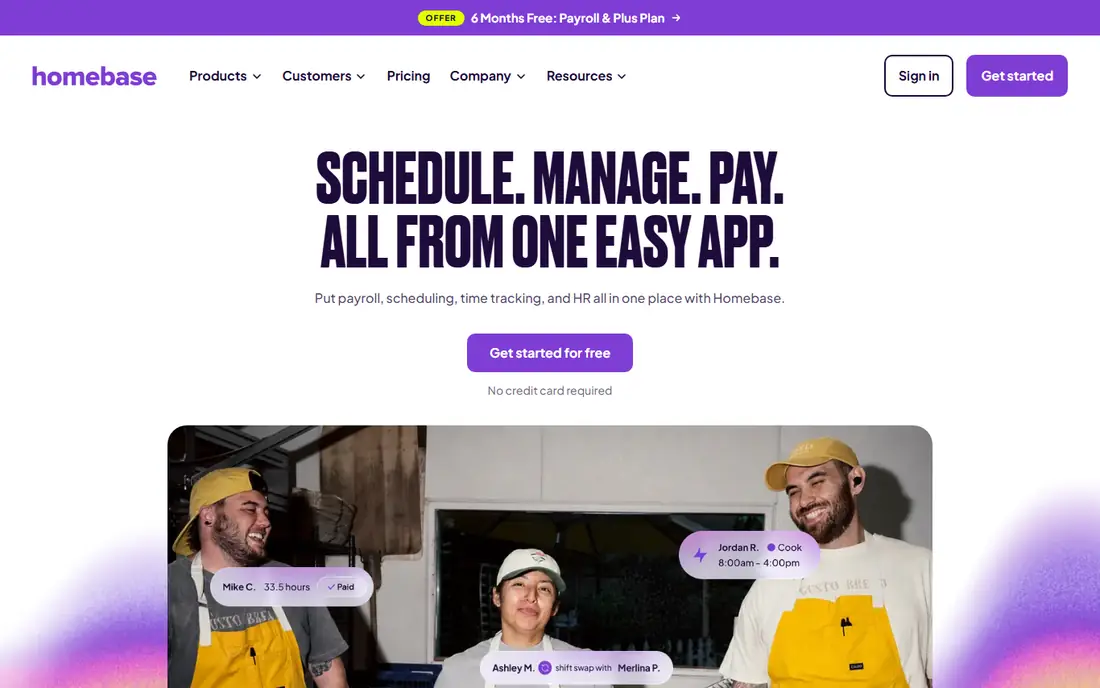
Homebase is the easiest place to start, and that is why it leads this list. A small shop can build a weekly schedule, publish it to staff phones, track time, and handle swaps without paying at first, provided the team fits the free plan limits. When the business grows, the same account can add payroll, hiring, and team messaging, so staff do not need to learn a new app.
The honest limit is scale. Per-location pricing can become costly for a chain, and some forecasting and labor-cost tools are reserved for higher tiers. Start with scheduling and time tracking only, and add payroll later once the schedule routine is settled, rather than switching everything in one week.
- Free basic plan for a small team at one location
- Scheduling, time clocks, and payroll in one app
- Hiring tools included on higher plans
- Paid plans are priced per location, so multi-site costs add up
- Advanced scheduling features sit on higher tiers
- Setup takes time if you add payroll at once
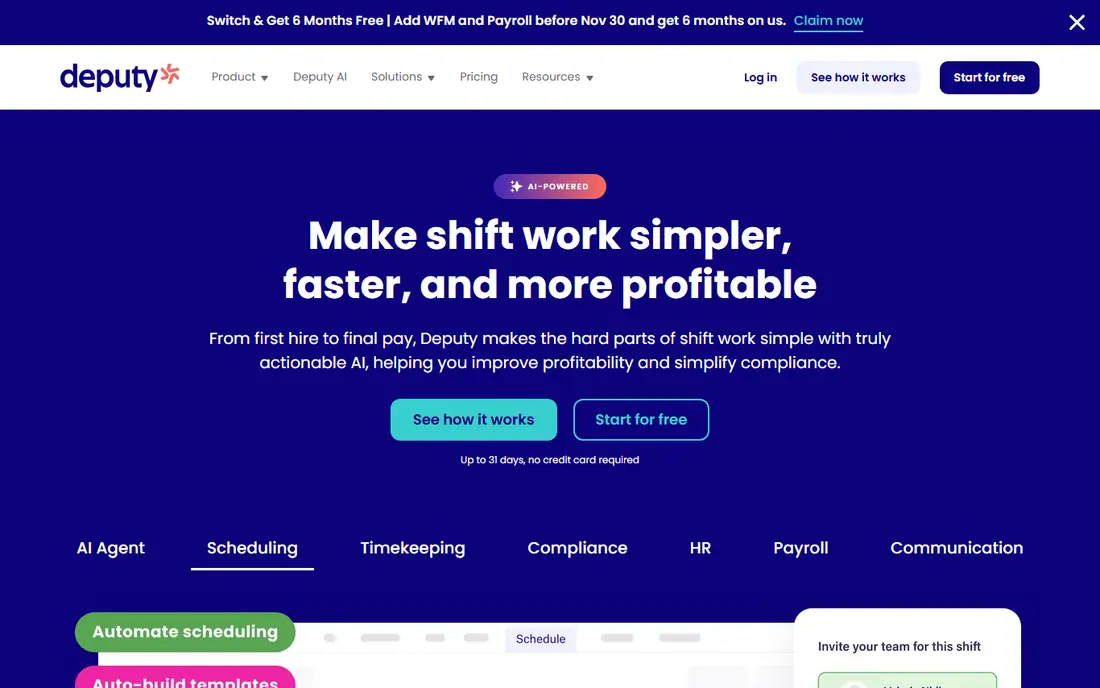
Deputy is built for managers who worry about getting shifts legally right, not just filled. It handles availability, overtime, breaks, and location rules in one schedule view, and it flags conflicts before a shift is published. For retail, hospitality, and healthcare teams with many part-time staff, that control prevents the costly errors that come from manual spreadsheets.
That depth comes with a price and a learning curve. A five-person team will find Deputy more than it needs, and configuring local rules takes an afternoon of focused work. For a growing business with several sites, though, the per-user price is reasonable for the compliance cover and the time saved on manual checks.
- Strong compliance and overtime handling
- Scheduling across locations
- Integrations with payroll and point-of-sale systems
- Higher starting price than simple tools
- Setup needs care for award and overtime rules
- Small teams may not use its full depth
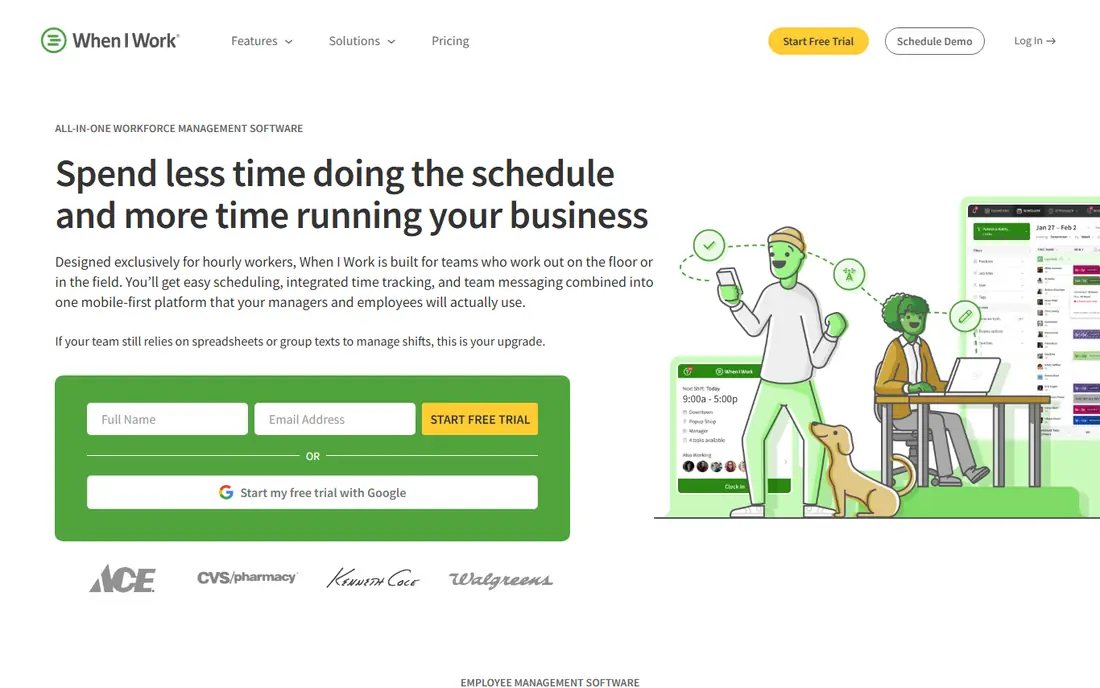
When I Work wins on speed. A manager can create an account, add staff, build the first week, and publish it the same day, without a long setup project. Staff see shifts on their phones, request swaps, set availability, and get reminders, which cuts down on the group-chat chaos that plagues many small teams.
It is not the deepest tool here. If you need detailed labor forecasting, complex overtime rules, or payroll in the same app, you will need a higher tier or a second tool. For a single location with straightforward shifts, that simplicity is a feature, not a weakness, and the low per-user price keeps the monthly bill predictable.
- Low starting price
- Fast to set up
- Shift swaps, availability, and reminders work well on mobile
- Fewer compliance tools than Deputy
- Advanced reporting sits on higher tiers
- Large multi-site teams may outgrow it
Connecteam suits teams that rarely sit at a desk, such as cleaning crews, field service staff, and retail floor teams. Scheduling sits beside team chat, task lists, forms, and a time clock, so a manager does not need four apps to run a shift. Staff get one app for their schedule, messages, and check-ins, which helps adoption.
The trade-off is focus. If you only want scheduling, Connecteam may feel larger than needed, and its pricing for bigger teams should be checked on its site before you budget. It is strongest when you will actually use the messaging and forms alongside the schedule, turning one app into the daily hub for a deskless team.
- Scheduling plus messaging, forms, and time tracking
- Free plan for small teams
- Mobile-first design for staff without desks
- Pricing for larger teams needs a quote or plan check
- Feature breadth can feel busy
- Some tools are stronger than its scheduling alone
7shifts understands restaurant life: split shifts, tip roles, station coverage, and sales-driven staffing. It can forecast labor needs from past sales, help managers schedule to a labor budget, and connect with common restaurant point-of-sale systems. That industry focus means fewer workarounds than a generic scheduler would need.
Outside restaurants, that focus is less helpful, and some features will sit unused. Pricing also needs a careful check, since the free plan covers basics while forecasting and payroll links sit higher up. Restaurant owners should trial it with a real week of sales data, not a blank test week, to see whether the forecast actually helps.
- Built for restaurant scheduling
- Labor forecasting tied to sales
- Point-of-sale integrations
- Free plan for basic scheduling
- Best fit is restaurants, less so for other industries
- Payroll and advanced tools need higher plans
- Pricing varies by plan
Sling is a good budget pick for teams that want scheduling and messaging without paying from day one. The free tier covers the essentials: build shifts, publish them, let staff swap, and message the team in the same app. For a small cafe, gym, or shop, that is often enough to replace a spreadsheet and a group chat.
Paid plans add labor-cost tracking, reporting, and more control, and teams that grow will likely need them. Sling also has fewer payroll and point-of-sale integrations than Homebase or Deputy, so check your current tools before you commit. If messaging is the main gap in your current routine, Sling closes it at a low cost.
- Free scheduling essentials
- Team messaging built in
- Shift swaps and availability included
- Advanced scheduling and reporting need paid plans
- Smaller integration list than larger rivals
- Support options vary by plan
Planday is popular with shift-based businesses in retail, hospitality, and care, where working-time rules, rest periods, and contract hours matter. It lets managers build schedules that respect those rules, track time against the plan, and send data toward payroll. Multi-site managers can also compare staffing across locations in one view.
The main drawback is friction at the start. Pricing is often quote-based, and setup rewards a careful review of contracts and rules before the first schedule goes live. Teams that only need a simple rota will find Planday heavy, but teams that have been burned by rule breaches will value the guardrails.
- Strong handling of working-time rules
- Scheduling, time tracking, and payroll links
- Suited to multi-site operations
- Quote-based pricing for many teams
- Setup takes longer than simple tools
- Smaller US presence than some rivals
ZoomShift keeps scheduling plain and fast, which is exactly what a small team needs. Managers drag shifts onto a calendar, publish them, and staff confirm, swap, and clock in from their phones. The free plan covers the basics, so a new business can try a real schedule before paying anything.
Growth is where ZoomShift shows its limits. Larger teams that need forecasting, deep compliance, or many integrations will outgrow it sooner than they would Deputy or Homebase. Treat it as a clean starting tool, and move up only when your schedule problems become more complex than filling shifts.
- Free plan for basic scheduling
- Simple drag-and-drop schedule builder
- Time clock and messaging included
- Fewer advanced features than larger platforms
- Integration list is smaller
- Best suited to small teams
How we picked these
We compared official pricing pages, feature pages, and app listings, and we favored tools that still offer scheduling for hourly teams in October 2026. We looked for a mix of free starting plans, low per-user options, and compliance-heavy platforms, so a reader can match a tool to team size rather than just price. Where a vendor did not publish a clear starting price, we wrote See website instead of guessing from a review site.
What to check before you choose
Price the team you will have, not the team you have today
Per-user tools charge for every scheduled person, so a team that grows from 10 to 30 staff will see the bill triple. Per-location tools can be cheaper for a large team at one site, but costly for many small sites. Run both models with your expected headcount for the next six months before you pick.
Test swaps, time off, and the mobile app
A schedule tool fails in daily use, not in a demo. During a trial, have two staff members request a swap, one request time off, and one clock in late, and watch how the manager view handles each case. If those steps feel awkward, staff will go back to texting, and the tool will not save time.
Confirm payroll and point-of-sale links
A schedule that does not feed time data into payroll creates weekly manual work. Confirm that your payroll provider and, for restaurants and retail, your point-of-sale system connect to the tool you choose, and ask how often the sync runs. A logo on an integrations page is not proof that the sync works well for your setup.
Frequently asked questions
What is the best staff scheduling tool for a small business?
Homebase is our pick for most small businesses, because it starts free for a small team at one location and adds time tracking and payroll later. When I Work is a close second if you want the lowest per-user price and a very simple setup. Choose based on if you want an all-in-one app or just scheduling.
How much does staff scheduling software cost?
Costs range from free for small teams to a few dollars per user per month for simple tools, and higher for compliance-heavy platforms. Homebase starts free within its limits, When I Work starts at $2.50 per user per month, and Deputy starts at $5 per user per month, based on published pricing. Always check the current plan page, since limits and tiers change.
Can staff swap shifts in these tools?
Yes, all eight tools support some form of shift swapping, though manager approval rules differ. Some let staff swap freely, while others require a manager to approve each change. Set the approval rule during setup so swaps do not create gaps or overtime surprises.
Do these tools work on phones?
Yes, each tool offers a mobile app or a mobile-friendly site for staff, and managers can usually publish schedules from a phone too. Test the app with a few staff members during a trial, since clock-ins, swap requests, and reminders all happen on phones in real use.
What is the difference between per-user and per-location pricing?
Per-user pricing charges for each person on the schedule, so costs grow with headcount. Per-location pricing charges a flat rate per site, which can be cheaper for a large team at one site but costly for many small sites. Model both with your real staff count before you sign up.
Should I pick a free plan or pay from the start?
Start free if your team is small and your shifts are simple, since you can learn the workflow without cost. Pay when you need payroll links, forecasting, compliance controls, or a larger team, because free tiers often limit users, locations, or reports. Move up only when a specific limit starts to slow you down.
Sources
See where you really rank - block by block
ProMapRanker scans Google Maps across a grid of your service area. Simple monthly plans from $19, white-label on every plan.
Start freeKeep reading
 wpforms alternatives
Best WPForms Alternatives in 2026
We compare 9 wpforms alternatives for WordPress forms, with free and paid options, current pricing notes, and honest limits for small business sites in 2026.
Read → windows task scheduler alternatives
Best Windows Task Scheduler Alternatives in 2026
Looking for Windows Task Scheduler alternatives? We compare 9 schedulers for Windows and cross-platform work, from free tools to enterprise automation.
Read → which ai video service is best
Which AI Video Service Is Best in 2026
which ai video service is best? We compare 10 legitimate AI video services on price, avatars, editing and output quality to help you pick the right tool.
Read →