 ProMapRanker
Best Webex Alternatives in 2026

Key takeaways
- Zoom is the most meeting focused alternative, with the widest familiarity among outside guests and clients.
- Microsoft Teams and Google Meet win when your team already pays for Microsoft 365 or Google Workspace, since meetings come with email and files.
- GoTo Meeting and Zoho Meeting are strong value picks when a small number of hosts run meetings for many attendees.
- RingCentral suits teams that want meetings, phone, and messaging in one subscription, while Whereby suits simple browser meetings.
- Jitsi Meet is the best free and self hosted option when privacy and control matter more than polished webinar features.
Quick comparison
| Pick | Great for | Pricing starts at | Free tier | |
|---|---|---|---|---|
 Zoom Workplace | External meetings and webinars | Free | Yes | Visit |
 Microsoft Teams | Teams already on Microsoft 365 | $4 per user per month | Yes | Visit |
 Google Meet | Simple browser meetings for Workspace teams | Free | Yes | Visit |
 GoTo Meeting | A few hosts meeting many attendees | $12 per organizer per month | Free trial | Visit |
 Zoho Meeting | Low cost meetings and webinars | $1 per host per month | Yes | Visit |
 RingCentral | Meetings, phone, and messaging in one plan | See website | Free trial | Visit |
 Whereby | Simple branded browser meetings | $8.99 per month | Yes | Visit |
 Jitsi Meet | Free meetings with self hosting control | Free | Yes | Visit |
The best Webex alternatives
We compared meeting tools that handle everyday video calls, larger team meetings, and webinars, and we kept only tools that are live in October 2026. Webex itself is not listed, since this guide covers alternatives to it.
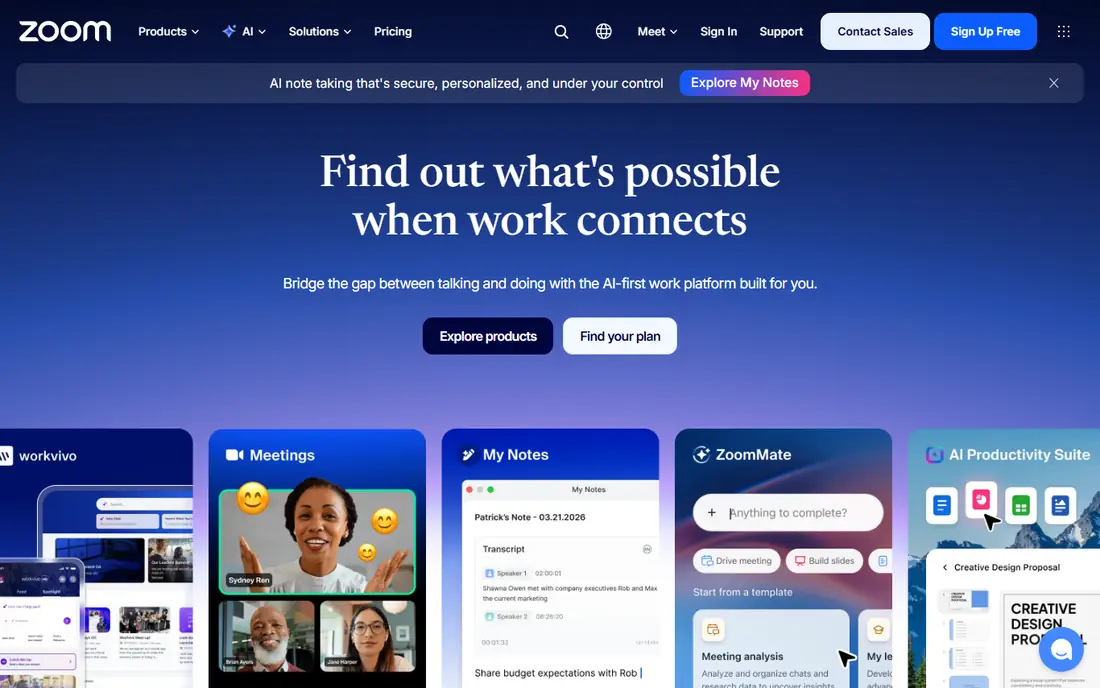
Zoom remains the default meeting tool for many outside facing teams, because clients already know how to join. A link opens in a browser or app, and features such as breakout rooms, recording, captions, and webinar registration cover most meeting and event needs. AI summaries on paid plans also help teams that run back to back calls.
The cost question is real. A standalone Zoom subscription costs more per user than meetings bundled into a suite you already pay for. If most of your meetings are internal and your team already uses Microsoft 365 or Google Workspace, check the bundled option first. If most meetings involve clients, Zoom familiarity often justifies the price.
- Guests join with little friction
- Strong webinar and room options
- Familiar to most clients
- Free group meetings cap at 40 minutes
- Paid plans cost more than bundled suite options
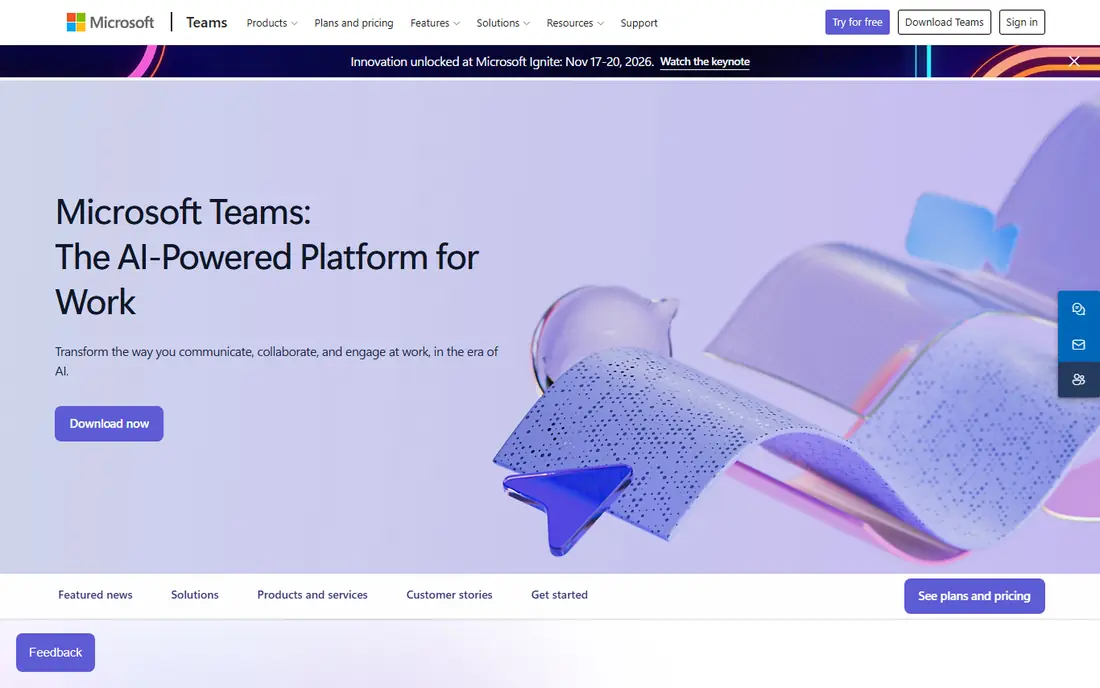
Teams makes sense when your work already lives in Outlook, OneDrive, and Office apps. Meetings, chat, channels, and file sharing sit in one app, and calendar invites carry over without extra setup. For internal teams, that integration removes a layer of copying links and files between tools.
The trade-off is focus. Teams is a full collaboration hub, not just a meeting app, so the interface can feel crowded if you only need video calls. The free version caps group meetings at 60 minutes for up to 100 people, which suits small teams, while paid plans raise capacity and add webinar and town hall options.
- Meetings with chat, files, and Office apps in one place
- Good for large internal teams
- Interface can feel busy
- Full value depends on Microsoft 365
- Some AI features cost extra
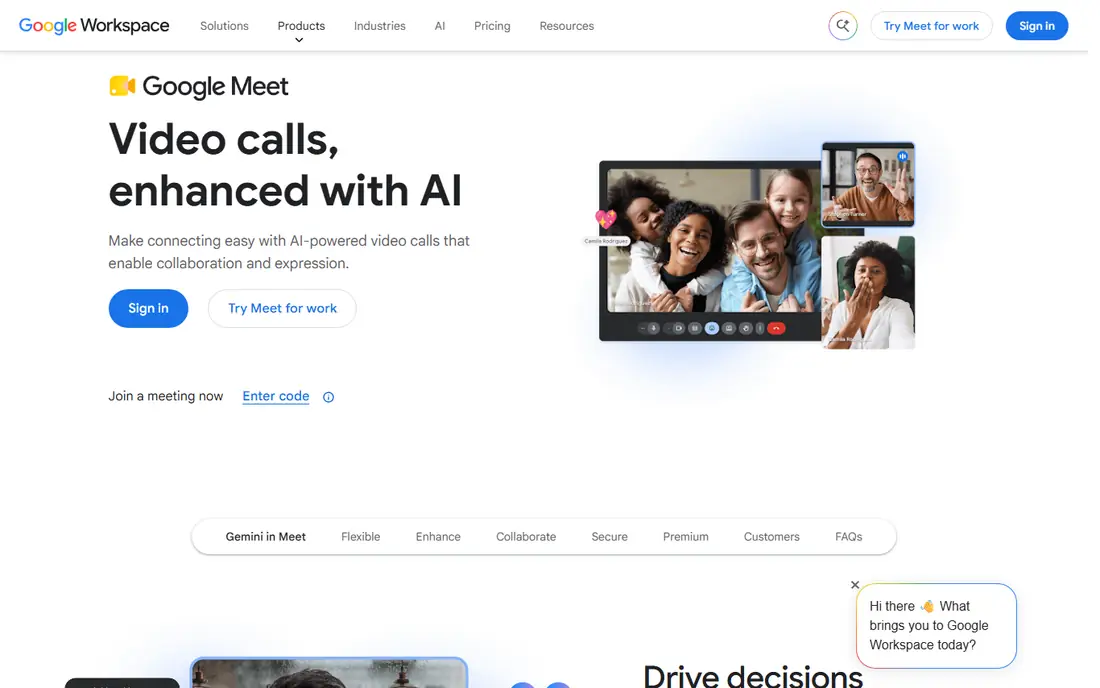
Google Meet is the lightest tool on this list to join. Guests can open a link in a browser, and Workspace users get calendar invites, Drive recordings, and captions without extra software. For internal standups, client check ins, and classes, that simplicity keeps meetings starting on time.
Webinar and large event features are more limited than Zoom or dedicated webinar tools, so check registration, polling, and attendee reporting before you plan a large public event on Meet. For everyday meetings, though, Meet is often the fastest and cheapest option, especially when Workspace is already paid for.
- No install for most guests
- Works well in a browser
- Tight Google Calendar and Drive integration
- Webinar features are lighter than Zoom
- Advanced controls sit on higher Workspace plans
GoTo Meeting uses a per organizer model, which suits teams where only a few people host. Attendees join free, and hosts get scheduling, screen sharing, recording, and drawing tools without a complex setup. For training sessions, sales demos, and support calls, that model keeps costs predictable.
The product is meeting focused rather than a full collaboration suite, so teams that want persistent chat channels and file workspaces may pair it with another tool. Check the attendee cap and recording limits on the plan you choose, since larger training sessions may need a higher tier or a webinar product.
- Simple hosting model
- Good audio quality
- Easy scheduling and screen sharing
- No permanent free plan
- Fewer webinar marketing features than dedicated webinar tools
Zoho Meeting is the budget pick that still covers the basics well. The free plan handles small group meetings, and the paid entry plan is far cheaper than most rivals, which matters for schools, nonprofits, and small businesses with tight budgets. Webinar plans add registration and attendee controls for public sessions.
The design is more functional than polished, and some integrations and AI features lag the largest platforms. If your meetings are straightforward and your budget is the main constraint, Zoho Meeting is a strong value choice. If you need deep webinar marketing or room system support, compare it closely with Zoom or a dedicated webinar tool first.
- Lowest paid starting price here
- Webinar option available
- Works well for Zoho users
- Interface is plainer than larger rivals
- Some advanced features sit on higher tiers
RingCentral suits teams that want one vendor for calls and meetings. Video meetings sit alongside business phone service, team messaging, and contact center options, which helps sales and support teams that switch between phone and video all day. Admin controls and analytics suit larger firms with compliance needs.
That breadth also makes pricing harder to compare with a meeting only tool, since the value depends on whether you use the phone service. If you already pay separately for business phone lines, a bundle can save money. If you only need video meetings, a simpler tool will usually cost less.
- Unified phone, video, and chat
- Good for customer facing teams
- Admin controls for larger firms
- Pricing depends on bundle and seats
- Can be more than a meeting only tool
Whereby focuses on friction free browser meetings. You create a room with a custom link, guests join from a browser, and you can brand the room for a small team or client. That simplicity suits coaches, consultants, clinics, and small teams that meet the same clients regularly.
Whereby is not a full webinar platform, so large public events with registration, ticketing, and detailed reporting are better handled elsewhere. For one to one and small group meetings, though, the clean room model and embed option make it easy to offer video inside your own site or booking flow.
- No downloads for guests
- Custom room links
- Easy to embed in a site or product
- Smaller feature set than large suites
- Larger webinars need another tool
Jitsi Meet is the open option in this list. Anyone can start a meeting from a browser, and organizations can host their own Jitsi server for full control over data and recording. That control appeals to schools, community groups, and teams with privacy or compliance needs that rule out a hosted-only tool.
The trade-off is polish and support. Jitsi does not offer the same webinar marketing, room hardware, or enterprise support as Zoom or Teams, and a self hosted server needs someone to maintain it. For straightforward meetings where cost and control matter most, Jitsi is a credible and genuinely free alternative.
- Free and open source
- No account needed for guests on public instances
- Self hosting option
- No polished webinar suite
- Performance depends on hosting
- Support is community based
How we picked these
We compared official pricing pages, feature documentation, and recent meeting tool comparisons, and we kept tools that support live video meetings in October 2026. We included bundled suite options, standalone meeting tools, a unified communications bundle, a simple browser tool, and an open source option, because Webex users leave for different reasons, from cost to ecosystem fit to control. We did not invent attendee counts or prices, and where pricing varies by bundle, we wrote See website.
What to check before you switch
Start with who joins your meetings. If guests are clients who use many different tools, Zoom familiarity reduces missed joins and support calls. If meetings are mostly internal, the suite you already pay for usually wins on cost and calendar integration. If budget is the driver, Zoho Meeting and Jitsi Meet deserve a close look before you sign a larger contract.
Test audio, captions, and recording first
Run a real meeting with your usual headset, camera, and network, and check audio clarity, caption accuracy, and where recordings land. Those three details cause more daily friction than any feature list. Also check how guests join from a phone, since many clients will join from mobile.
Price webinars separately from meetings
A meeting plan and a webinar plan are different products on several platforms, with different attendee caps and prices. If you run public events, price the webinar tier, registration, and reporting separately, and test a full event with a small audience before a major launch. A tool that handles internal meetings well can still fall short for a public webinar.
Check security and admin controls
Confirm waiting rooms, meeting locks, host controls, and recording permissions, and check whether your industry needs specific compliance or data residency options. Larger teams should also check admin reporting and single sign on, since those features often sit on higher tiers and change the total price.
Frequently asked questions
What is the best Webex alternative for small business?
Zoom suits client facing small businesses, while Teams or Google Meet suit teams already on those suites. Zoho Meeting is the best value pick when budget is tight and meetings are straightforward. Test the free plan of your top two choices with real clients before you pay.
Are there free alternatives to Webex?
Yes, Zoom, Teams, Google Meet, Zoho Meeting, Whereby, and Jitsi Meet all offer a free tier or free use, with time or attendee limits. Jitsi Meet is the most open free option, while the others offer free plans as a route into paid tiers. Free plans suit small meetings, but paid plans are needed for longer sessions and larger groups.
Which alternative is best for webinars?
Zoom offers the most complete webinar option here, with registration, large attendee capacity, and event tools. GoTo and Zoho also offer webinar plans, while Teams and Meet handle smaller internal events well. For a large public webinar, compare registration, polling, reporting, and attendee caps on the webinar tier, not just the meeting tier.
Can guests join without an account?
In most cases yes, guests can join from a link without creating an account, though the host usually needs one. Jitsi Meet and Whereby are especially simple for guests, and Zoom and Meet also allow guest joins from a browser or app. Check the guest flow on your chosen tool with a real outside guest before a client meeting.
Should I switch if my team already uses Microsoft 365 or Google Workspace?
Usually no, unless you need a specific webinar or room feature that the bundled tool lacks. Teams and Meet already cover most internal meetings at no extra cost beyond the suite. Add a standalone tool only for the meetings or events where the bundled option falls short, rather than replacing it for every call.
Sources
See where you really rank - block by block
ProMapRanker scans Google Maps across a grid of your service area. Simple monthly plans from $19, white-label on every plan.
Start freeKeep reading
 wpforms alternatives
Best WPForms Alternatives in 2026
We compare 9 wpforms alternatives for WordPress forms, with free and paid options, current pricing notes, and honest limits for small business sites in 2026.
Read → windows task scheduler alternatives
Best Windows Task Scheduler Alternatives in 2026
Looking for Windows Task Scheduler alternatives? We compare 9 schedulers for Windows and cross-platform work, from free tools to enterprise automation.
Read → which ai video service is best
Which AI Video Service Is Best in 2026
which ai video service is best? We compare 10 legitimate AI video services on price, avatars, editing and output quality to help you pick the right tool.
Read →