 ProMapRanker
Best Vyond Alternatives in 2026

Key takeaways
- Animaker and Powtoon are the closest matches for template-led business explainers with characters and voiceover.
- VideoScribe is the clearest pick when a whiteboard style will help viewers follow a step by step explanation.
- Moovly and Renderforest suit teams that want stock media and ready scenes more than full character animation.
- Doodly and Toonly use desktop style editors and suit makers who prefer a one time style of purchase model, so check current terms before buying.
- Adobe Express is the best fit here for short social clips rather than long training videos.
Quick comparison
| Pick | Great for | Pricing starts at | Free tier | |
|---|---|---|---|---|
 Animaker | Character explainers | $15 per month | Yes | Visit |
 Powtoon | Template presentations | $15 per month | Yes | Visit |
 VideoScribe | Whiteboard explainers | See website | Free trial | Visit |
 Moovly | Stock media videos | See website | Yes | Visit |
 Renderforest | Branded intros and scenes | See website | Yes | Visit |
 Biteable | Fast social videos | See website | Yes | Visit |
 Doodly | Hand drawn whiteboard videos | See website | No | Visit |
 Toonly | Cartoon character explainers | See website | No | Visit |
 Adobe Express | Short social and brand clips | Free | Yes | Visit |
The best vyond alternatives
Vyond works well for business animation, but its price and style are not right for every team. The tools below cover a similar job in different ways, from character scenes to whiteboard drawing and quick social edits.
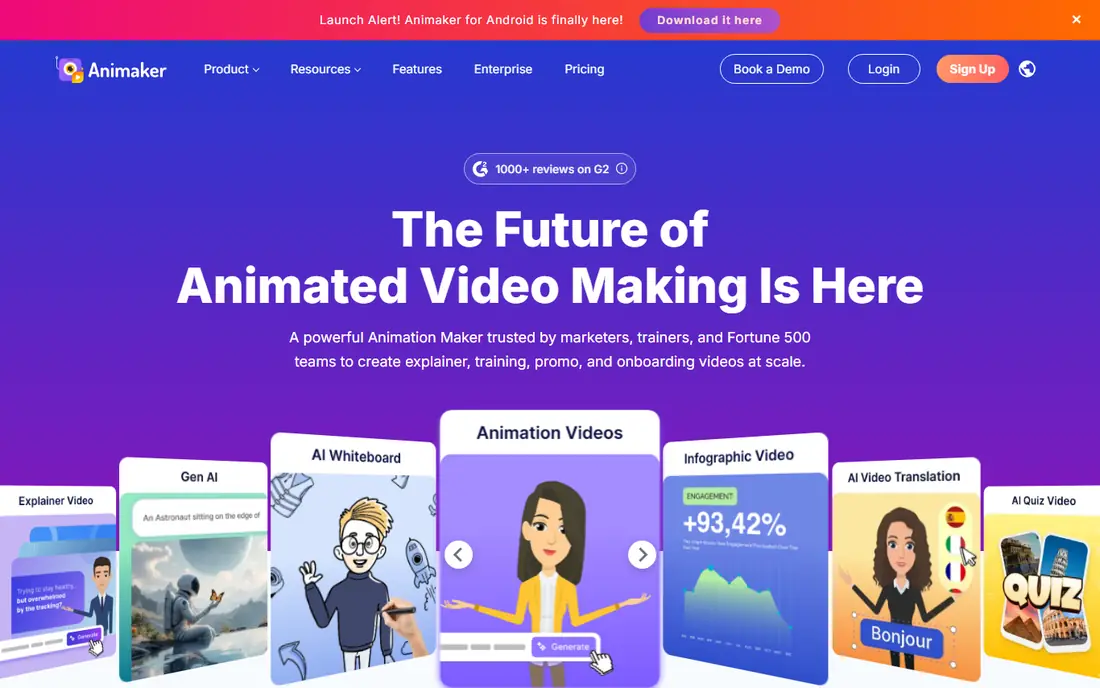
Animaker is the most direct replacement for many Vyond users because it pairs animated characters with scenes, props, music and voiceover in one browser editor. You can build a training clip, a product explainer or a short internal announcement without installing software, and the template library gives a new user a clear starting point. Character building is a real strength, since you can adjust appearance and reuse a character across a series rather than starting fresh each time.
The catch is the limit system. Free work is useful for testing the editor, but watermarked exports are not suited to client or company wide release. Paid plans remove that barrier and add more downloads and longer videos, so check how many finished videos you expect each month before picking a tier. If you make videos weekly, the middle plans make more sense than the entry plan.
- Large character and template library
- Text to speech voices
- Browser based editor
- Free exports carry a watermark
- Monthly download limits apply on lower plans
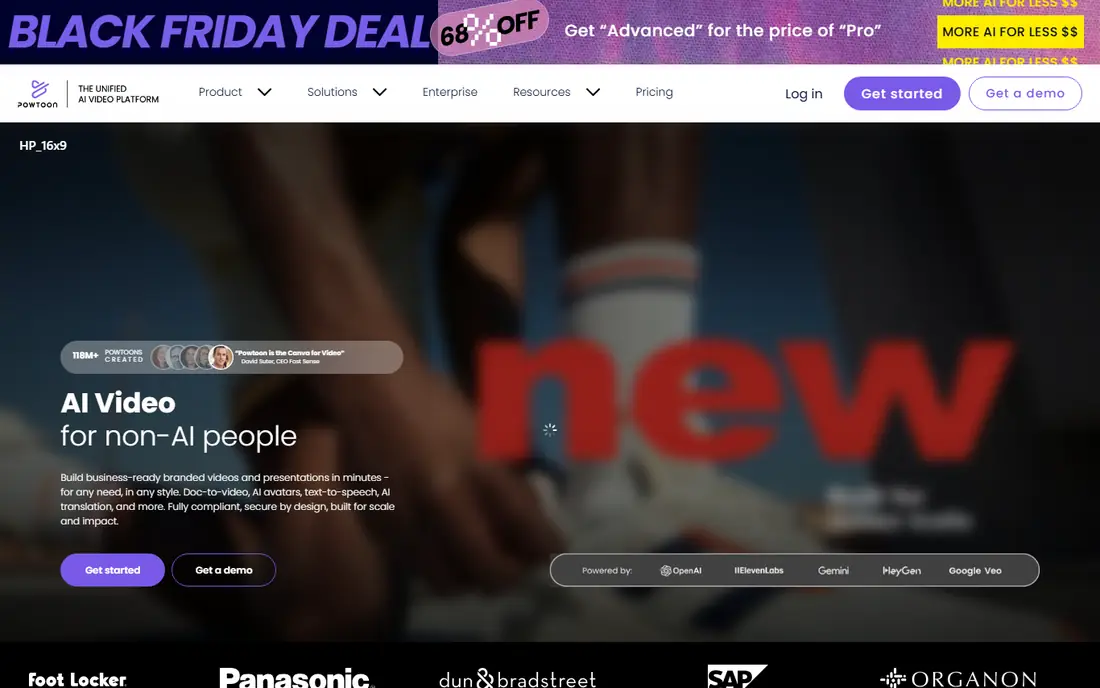
Powtoon suits people who think in slides and scenes rather than in a timeline. You pick a template, swap in your text and images, add a voice track, and export a short video that feels like an animated presentation. That structure helps teachers, trainers and marketers who need a clean result on a deadline, and the library covers common topics such as onboarding, sales pitches and safety training.
The price needs care. The entry paid plan, billed yearly, is far cheaper than paying month to month, and higher plans add full character control, lip sync and more exports. If you only need one or two videos a quarter, start on the free plan and judge the templates before committing. Teams that publish often will get more value from a higher plan than from repeated single month purchases.
- Huge template set for business and education
- Presentation style workflow
- Brand controls on paid plans
- Paid cost rises fast for full features
- Free exports are limited and branded
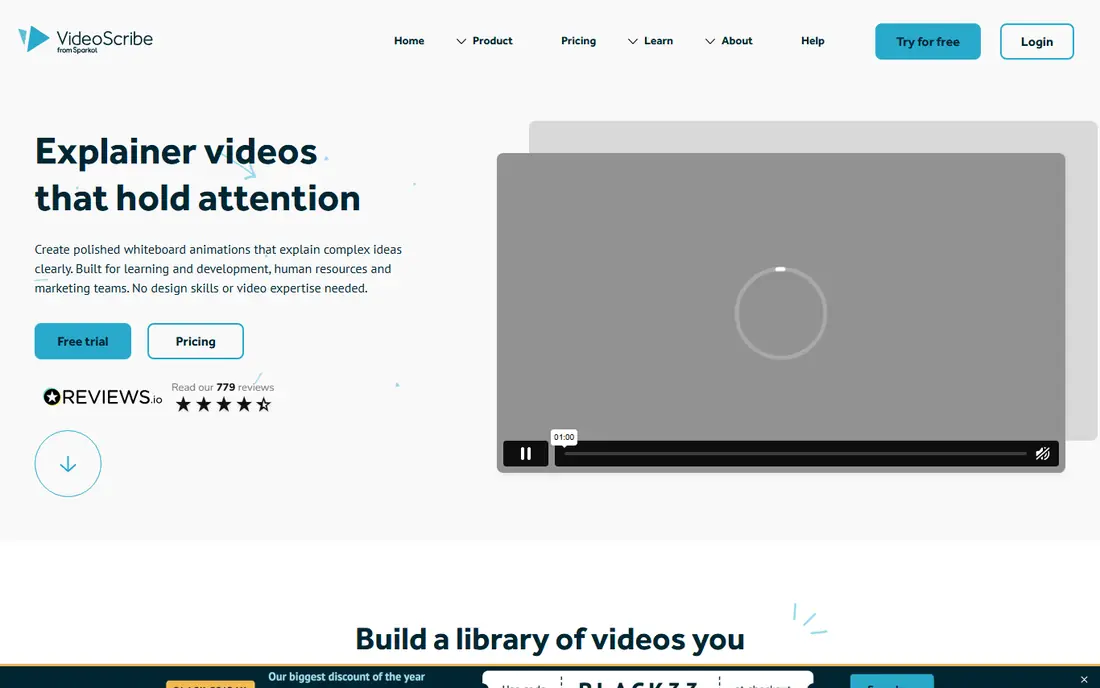
VideoScribe takes a different route. Instead of full character scenes, it draws images on screen in sequence while a voice explains each point. That pacing helps when the message itself is complex, such as a process, a policy change or a maths concept, because viewers see one idea at a time. Teachers and compliance trainers often prefer this format for that reason.
The trade off is range. VideoScribe will not give you a cinematic ad or a detailed cartoon story, and that is the point. If your audience needs to remember steps in order, the narrow style is a strength. If you need varied characters and settings, Animaker or Powtoon will fit better. Use the trial to test a full script, since a short demo can hide timing problems that appear in a longer lesson.
- Clear hand drawn pacing for training
- Large drawn image library
- Browser and desktop access on selected plans
- Visual style is narrow by design
- Custom images need testing for clean draw paths
Moovly is a good middle ground for teams that mix animation with real photos and video clips. Its library of stock assets means you can illustrate a point without drawing every scene, and the editor stays simple enough for a non specialist. That mix suits internal communications, school projects and social posts where a polished look matters more than a custom cartoon cast.
Paid plans add high definition exports, remove the watermark and allow commercial use, which matters for any public video. Check the export limit on your plan, since a team that publishes daily can reach a monthly cap quickly. Moovly is less suited to long character driven stories, but it is strong for short mixed media explainers.
- Large stock media library
- Simple drag and drop editor
- Works in a browser
- Free exports carry a watermark
- Complex projects can feel slow
Renderforest is best when you need a finished looking video fast. Its preset scenes for intros, logo reveals, slideshows and promos let a small business create a consistent brand clip without building animation from scratch. The same account also covers simple logo and website work, which can help a very small team keep its visual identity in one place.
The limit is control. You work inside a scene structure, so you cannot reshape every movement the way a full character animator can. That is fine for promos and announcements, and less good for a detailed training story with specific actions. Start free, test one brand clip end to end, and only pay when the style matches your brand.
- Ready scenes for logos, intros and promos
- Website and logo tools in the same account
- Quick rendering
- Template structure limits deep customisation
- Free exports are watermarked and lower quality
Biteable is built for speed. You choose a template, add short lines of text, pick music and publish a clip for social media, an ad or a landing page. Small teams like it because a usable video can be ready in well under an hour, and the learning curve is short. It is a sensible pick for a marketing assistant who needs regular posts rather than a studio grade explainer.
It is not a full training platform. Long scripts, detailed characters and complex scenes will feel cramped, and you will hit the limits of the template sooner than with Animaker or Powtoon. Use Biteable for short, frequent clips, and keep a deeper tool for training or product education that needs more structure.
- Very fast template workflow
- Good for social and ads
- Simple text and music tools
- Less depth for long training content
- Paid plan needed for watermark free exports
Doodly shares a maker with Toonly, but its job is different. It creates videos where a hand appears to draw images, text and props on a whiteboard, glass board or blackboard style background. That format is popular for sales letters, course introductions and simple explainers, because the drawing action holds attention while the voiceover carries the message. The prop library is broad, and you can import your own images.
Because Doodly is sold through a subscription bundle in recent years, check the current offer page before buying, including what is included and how billing works. There is no permanent free plan, so the value depends on how often you publish whiteboard videos. If you only need one, a browser tool with a trial may be cheaper.
- Focused whiteboard and doodle style
- Large prop library
- Desktop editor for offline style work
- No permanent free plan
- Style is limited to doodle and whiteboard looks
Toonly is the cartoon counterpart to Doodly. You build scenes with colourful characters, props and backgrounds, then add voiceover that the characters can lip sync to. That makes it a natural fit for product explainers, ads and short lessons where a friendly cartoon tone helps. The scene builder is direct, and a beginner can assemble a short video without animation training.
The main limits are cost terms and performance. Toonly is sold through a paid bundle, pricing has varied by promotion, and there is no permanent free plan, so confirm the live terms on the official site. Long projects with many elements can also slow the editor, so keep scenes simple and break a long script into shorter videos when possible.
- Colourful cartoon characters with lip sync
- Simple scene builder
- Good for marketing explainers
- No permanent free plan
- Editor can slow on long or dense projects
Adobe Express is not a Vyond clone, and that is why it earns a place here. It is the fastest route to a short branded clip, a social post or a simple animated graphic when you do not need characters acting out a story. Templates, fonts, stock photos and brand colours are built in, and the free plan is genuinely useful for testing.
The gap is depth. You cannot build a cast of characters, direct complex scenes or produce a long training series with the same control as Animaker, Powtoon or Toonly. Treat Adobe Express as a companion tool for short content, and pair it with a character tool if your main job is training or detailed explainers.
- Free plan with many templates
- Brand kit and stock assets
- Easy sharing to social channels
- Not a character animation tool
- Limited control over detailed animation timing
How we picked these
We compared official feature pages, pricing pages and app listings for tools that make animated explainers, whiteboard videos or short brand clips. We kept only tools that are live and working in October 2026, that offer a usable editor for a non specialist, and that can export a finished video for business, education or social use. We left out tools that only edit live action footage, tools that had shut down, and tools whose main job is unrelated to animated explanation. Prices noted here reflect the vendor pages and recent pricing summaries we checked, and we wrote See website where a price varies by promotion, region or quote.
How to choose the right Vyond alternative
Start with the length and tone of your main video type. A training series with repeated characters needs a character tool with reusable assets. A policy update or a process lesson may work better as a whiteboard video, where one idea appears at a time. A social team that posts several times a week needs speed and templates more than deep animation control.
Match the tool to the audience
Internal staff and students tolerate a simple style when the explanation is clear. Customers and prospects judge a brand clip more harshly, so a clean template, consistent colours and a clear voice track matter more than fancy movement. Test your draft with two or three people from the real audience before you pay for a year.
Check exports before you commit
Watermarks, resolution limits and monthly download caps are the most common surprises. Make one full video on a free plan or trial, export it, and play it on the screen where your audience will watch it. Check captions, audio levels and text size on a phone as well as on a desktop, since many viewers will watch on a small screen.
Count the real monthly cost
A low yearly price can hide a download cap, a missing brand kit or a voice limit that forces an upgrade. Add up how many finished videos you need each month, whether you need commercial rights, and whether more than one person will edit. A slightly higher plan that removes those limits often costs less than buying extra exports one by one.
Frequently asked questions
Is there a free Vyond alternative?
Yes, several tools on this list offer free plans, including Animaker, Powtoon, Moovly, Renderforest, Biteable and Adobe Express. Free plans are best for testing the editor and making drafts, since exports often carry a watermark or have limits. For public or client videos, a paid plan is usually needed.
Which Vyond alternative is best for training videos?
Animaker and Powtoon are strong for character led training, while VideoScribe and Doodly suit step by step lessons in a whiteboard style. Pick character tools when learners need to see people in realistic work settings, and pick whiteboard tools when the steps themselves are the lesson.
Can I make whiteboard videos without drawing skill?
Yes. VideoScribe and Doodly supply drawn images, props and hand styles, so you arrange scenes and add a voice track rather than drawing by hand. Custom images can be imported, but test how they draw on screen before you rely on them in a final lesson.
Do these tools work in a browser?
Animaker, Powtoon, Moovly, Renderforest, Biteable and Adobe Express are browser based. VideoScribe offers browser and desktop access on selected plans, while Doodly and Toonly use desktop style editors through their current bundle. Check system needs on the vendor site if you work on a shared or locked down computer.
Which tool is best for social media clips?
Biteable and Adobe Express are fastest for short social clips, and Renderforest is strong for branded intros. For a social explainer with characters, Animaker or Powtoon will give a more story led result, though production will take longer.
Sources
See where you really rank - block by block
ProMapRanker scans Google Maps across a grid of your service area. Simple monthly plans from $19, white-label on every plan.
Start freeKeep reading
 wpforms alternatives
Best WPForms Alternatives in 2026
We compare 9 wpforms alternatives for WordPress forms, with free and paid options, current pricing notes, and honest limits for small business sites in 2026.
Read → windows task scheduler alternatives
Best Windows Task Scheduler Alternatives in 2026
Looking for Windows Task Scheduler alternatives? We compare 9 schedulers for Windows and cross-platform work, from free tools to enterprise automation.
Read → which ai video service is best
Which AI Video Service Is Best in 2026
which ai video service is best? We compare 10 legitimate AI video services on price, avatars, editing and output quality to help you pick the right tool.
Read →