 ProMapRanker
Best TrueNAS Alternatives in 2026

Key takeaways
- Unraid suits mixed drives and app-heavy home servers, while OpenMediaVault suits light hardware and simple sharing.
- Synology DSM and QNAP QTS suit buyers who want a finished appliance with vendor support.
- Rockstor and XigmaNAS suit technical users who want open storage with snapshots or ZFS features.
- CasaOS and Amahi suit simple home servers where ease matters more than enterprise storage controls.
- Plan your drive layout before install, and keep an off-site backup, because snapshots alone are not a backup.
Quick comparison
| Pick | Great for | Pricing starts at | Free tier | |
|---|---|---|---|---|
 Unraid | Mixed-drive home server with apps | $49 one-time | Free trial | Visit |
 OpenMediaVault | Light Debian-based NAS software | Free | Yes | Visit |
 Synology DSM | Finished NAS appliance software | See website | No | Visit |
 QNAP QTS | Finished NAS appliance software | See website | No | Visit |
 Rockstor | Open NAS with Btrfs snapshots | See website | Yes | Visit |
 XigmaNAS | FreeBSD-based open NAS software | Free | Yes | Visit |
 CasaOS | Simple home server dashboard | Free | Yes | Visit |
 Amahi | Simple home server for beginners | See website | Yes | Visit |
The best TrueNAS alternatives
TrueNAS is known for ZFS storage, but other NAS systems offer mixed drives, simpler setup, or a finished appliance. The list below covers paid and free systems, plus appliance software, so you can match the system to your hardware and your comfort with setup.
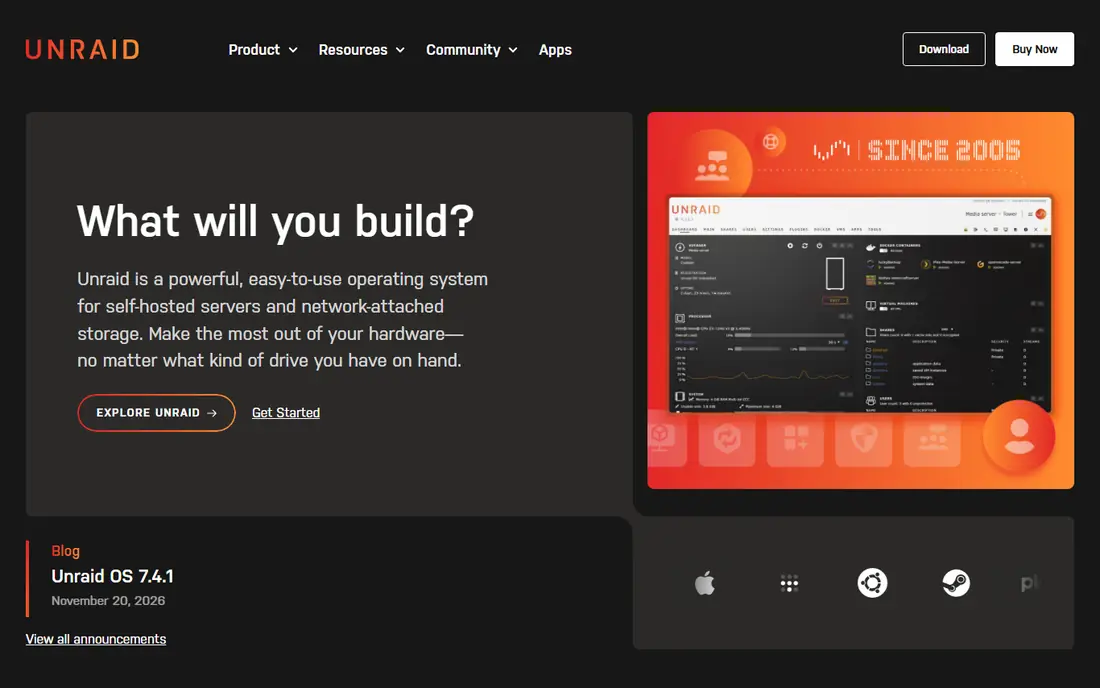
Unraid fits home server owners with mixed drives and many apps. Unraid lets you mix drive sizes and add disks over time, with Docker containers and virtual machines at the centre of the experience. That combination is the reason we kept it on this list, and it also explains who should look elsewhere if the fit is not right.
The honest catch is the licence is a real cost, and Starter limits attached devices, so count drives before you buy. We suggest checking the current pricing page and the plan limits before you sign up, because the cheapest tier may not include the feature you need most. If that feature is included, Unraid is a practical choice that most small teams can set up without a long project.
- Mix drive sizes
- Docker and VMs
- Large app catalogue
- Licence cost and device limits
- Update renewal after year one on lower tiers
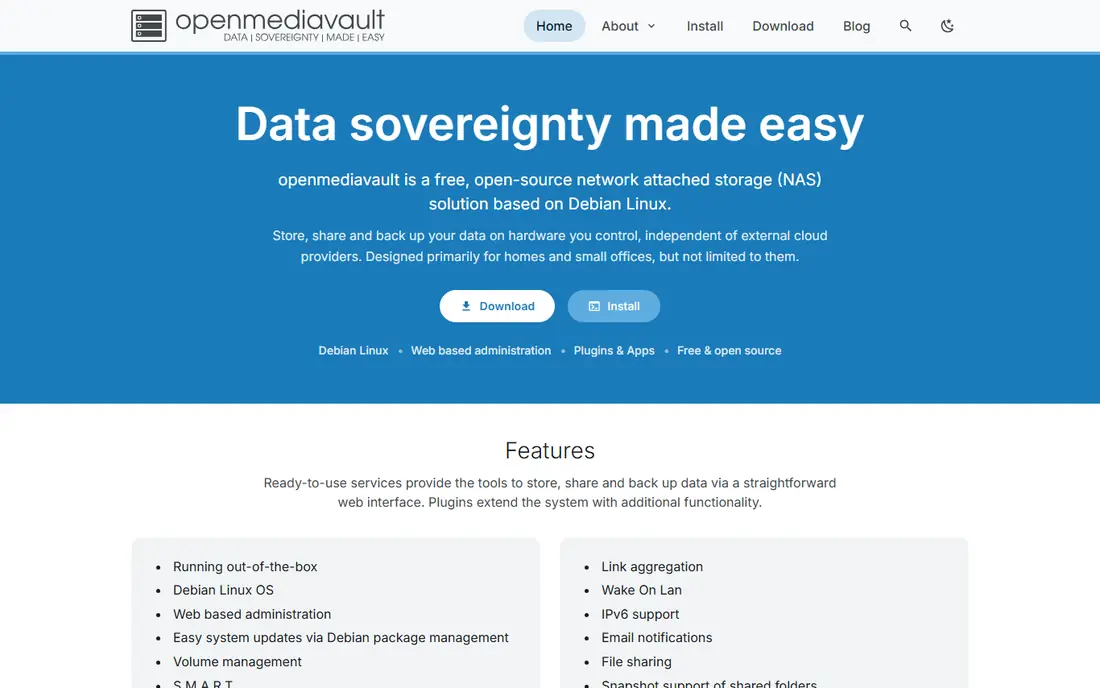
OpenMediaVault fits small offices and home users with light hardware. OpenMediaVault is a Debian-based NAS system with file sharing, plugins, and a web interface that runs well on modest hardware. That combination is the reason we kept it on this list, and it also explains who should look elsewhere if the fit is not right.
The honest catch is the plain interface and plugin-based app setup feel less polished than a finished appliance system. We suggest checking the current pricing page and the plan limits before you sign up, because the cheapest tier may not include the feature you need most. If that feature is included, OpenMediaVault is a practical choice that most small teams can set up without a long project.
- Free and open source
- Plugin system
- Runs on light hardware
- Interface is plain
- App setup needs plugins and care
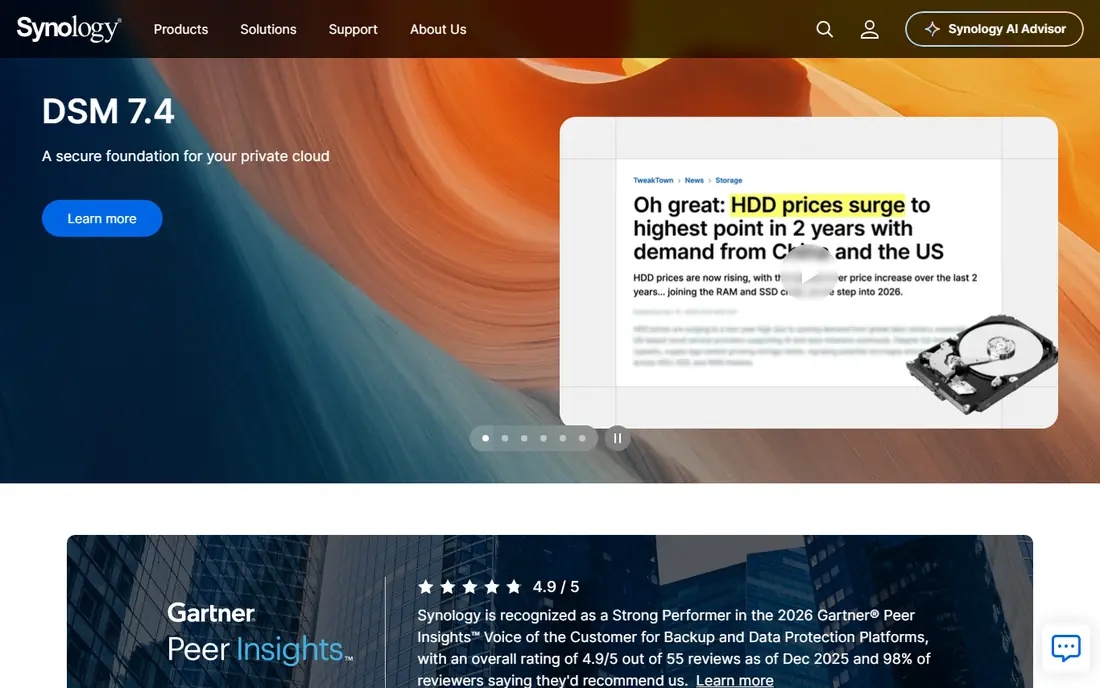
Synology DSM fits buyers who want a finished appliance with support. Synology DSM is the polished system that ships with Synology NAS hardware, with apps for backup, photos, files, and surveillance. That combination is the reason we kept it on this list, and it also explains who should look elsewhere if the fit is not right.
The honest catch is you must buy Synology hardware to use it, so leaving DSM means leaving the hardware too. We suggest checking the current pricing page and the plan limits before you sign up, because the cheapest tier may not include the feature you need most. If that feature is included, Synology DSM is a practical choice that most small teams can set up without a long project.
- Polished apps
- Backup and photo tools
- Vendor support
- Runs only on Synology hardware
- Drive and model limits apply
QNAP QTS fits buyers who want a finished appliance with many built-in apps. QNAP QTS ships with QNAP NAS hardware and covers files, media, backup, and virtual machines in one system. That combination is the reason we kept it on this list, and it also explains who should look elsewhere if the fit is not right.
The honest catch is the app range is wide, which can make the interface feel busy for users who only need file sharing. We suggest checking the current pricing page and the plan limits before you sign up, because the cheapest tier may not include the feature you need most. If that feature is included, QNAP QTS is a practical choice that most small teams can set up without a long project.
- Wide app centre
- Virtualisation
- Multimedia tools
- Runs only on QNAP hardware
- Interface can feel busy
Rockstor fits technical users who want open Btrfs storage. Rockstor uses Btrfs for snapshots and sharing, with a web interface for pools, shares, and users. That combination is the reason we kept it on this list, and it also explains who should look elsewhere if the fit is not right.
The honest catch is the community and app range are smaller than Unraid or OpenMediaVault, so check support before a large build. We suggest checking the current pricing page and the plan limits before you sign up, because the cheapest tier may not include the feature you need most. If that feature is included, Rockstor is a practical choice that most small teams can set up without a long project.
- Btrfs snapshots and sharing
- Web interface
- Open source core
- Smaller community than larger NAS systems
- Some features need care
XigmaNAS fits technical users who want ZFS on FreeBSD. XigmaNAS is a FreeBSD-based NAS system with ZFS, software RAID, encryption, and many sharing protocols. That combination is the reason we kept it on this list, and it also explains who should look elsewhere if the fit is not right.
The honest catch is the interface looks dated and the setup assumes technical knowledge, so it is not the easiest first NAS. We suggest checking the current pricing page and the plan limits before you sign up, because the cheapest tier may not include the feature you need most. If that feature is included, XigmaNAS is a practical choice that most small teams can set up without a long project.
- Free and open source
- ZFS support
- Many sharing protocols
- Interface is dated
- Setup suits technical users
CasaOS fits home users who want a simple server dashboard. CasaOS gives a simple dashboard for home server apps, with easy installs and a clear view of services. That combination is the reason we kept it on this list, and it also explains who should look elsewhere if the fit is not right.
The honest catch is it is lighter on storage controls than Unraid or TrueNAS-style systems, so it suits apps first and storage second. We suggest checking the current pricing page and the plan limits before you sign up, because the cheapest tier may not include the feature you need most. If that feature is included, CasaOS is a practical choice that most small teams can set up without a long project.
- Free and simple dashboard
- One-click apps
- Light use
- Storage controls are lighter than dedicated NAS systems
Amahi fits beginners who want a simple home server. Amahi aims at home servers with simple file, media, and app sharing in one place. That combination is the reason we kept it on this list, and it also explains who should look elsewhere if the fit is not right.
The honest catch is the project is smaller than the main NAS systems, so check current releases before you build around it. We suggest checking the current pricing page and the plan limits before you sign up, because the cheapest tier may not include the feature you need most. If that feature is included, Amahi is a practical choice that most small teams can set up without a long project.
- Simple setup
- File, media, and app sharing
- Home focus
- Smaller project than major NAS systems
- Feature depth is limited
How we picked these
We compared official product pages, pricing notes, and public documentation for NAS systems that are live in October 2026. We kept only systems that run as a NAS operating system or as appliance software with a real storage role, and we noted where software is tied to vendor hardware. We did not claim hands-on testing, and we left out the named product itself from its own list.
How to choose a TrueNAS alternative
Decide first whether you want an appliance or your own hardware. Synology DSM and QNAP QTS give a finished box with support, while Unraid, OpenMediaVault, Rockstor, XigmaNAS, CasaOS, and Amahi let you choose hardware. Then plan drives: matched drives suit ZFS-style pools, while Unraid suits mixed sizes. Check RAM and CPU needs before install, because storage systems with snapshots and apps need more headroom than a simple file share. Finally, set a backup plan that copies key data off the box, since a snapshot on the same box does not protect against fire, theft, or a failed pool.
Frequently asked questions
What are good alternatives to TrueNAS?
Unraid, OpenMediaVault, Synology DSM, QNAP QTS, Rockstor, and XigmaNAS are common alternatives to TrueNAS, with CasaOS and Amahi for simpler home servers. The best pick depends on hardware, drive layout, and app needs.
Which TrueNAS alternative is best for mixed drives?
Unraid is the strongest pick for mixed drives, because its array lets you mix sizes and add disks over time. Synology-style SHR on a Synology box offers a similar idea, but only on Synology hardware.
Is there a free alternative to TrueNAS?
Yes. OpenMediaVault, XigmaNAS, and CasaOS are free and open source, while Unraid starts from a one-time licence fee. Free systems still need hardware, drives, and your time for setup and updates.
Should I buy a NAS box or build my own?
Buy a box if you want support and a polished setup with little tuning. Build your own if you want hardware choice, more drive bays, or a specific NAS system that does not ship on a finished box.
Do snapshots replace backups?
No. Snapshots help you recover an earlier version of a file, but they live on the same storage pool. Keep a separate copy off the box, ideally off site, for data you cannot afford to lose.
Sources
See where you really rank - block by block
ProMapRanker scans Google Maps across a grid of your service area. Simple monthly plans from $19, white-label on every plan.
Start freeKeep reading
 wpforms alternatives
Best WPForms Alternatives in 2026
We compare 9 wpforms alternatives for WordPress forms, with free and paid options, current pricing notes, and honest limits for small business sites in 2026.
Read → windows task scheduler alternatives
Best Windows Task Scheduler Alternatives in 2026
Looking for Windows Task Scheduler alternatives? We compare 9 schedulers for Windows and cross-platform work, from free tools to enterprise automation.
Read → which ai video service is best
Which AI Video Service Is Best in 2026
which ai video service is best? We compare 10 legitimate AI video services on price, avatars, editing and output quality to help you pick the right tool.
Read →