 ProMapRanker
Best Versatile Software for Digital Media Design in 2026


Photo editing and composites · Pricing starts at: $22.99 per month
Key takeaways
- Adobe Photoshop and Illustrator remain the professional defaults for photo work and vector work, but they need a subscription.
- Figma and Canva cover interface design and fast marketing design better than a single desktop editor alone.
- Affinity, GIMP, Inkscape and Blender give strong free or low cost routes into design without giving up professional output.
- CorelDRAW suits print, signage and Windows based design teams who want a complete suite in one purchase or subscription.
Quick comparison
| Pick | Great for | Pricing starts at | Free tier | |
|---|---|---|---|---|
| Adobe Photoshop | Photo editing and composites | $22.99 per month | Free trial | Visit |
 Adobe Illustrator | Vector logos and illustration | $22.99 per month | Free trial | Visit |
 Figma | Interface design and team work | Free | Yes | Visit |
 Canva | Fast marketing and social design | Free | Yes | Visit |
 Affinity | Professional design without a subscription | Free | Yes | Visit |
 CorelDRAW Graphics Suite | Print and signage design | See website | Free trial | Visit |
 Blender | 3D modelling and animation | Free | Yes | Visit |
 GIMP | Free photo editing on desktop | Free | Yes | Visit |
 Inkscape | Free vector design and SVG work | Free | Yes | Visit |
The best versatile software for digital media design
Digital media design covers photos, logos, layouts, interfaces and 3D work, so no single app fits every job. This list mixes paid leaders with free tools, and we note where each tool is strongest and where it falls short.
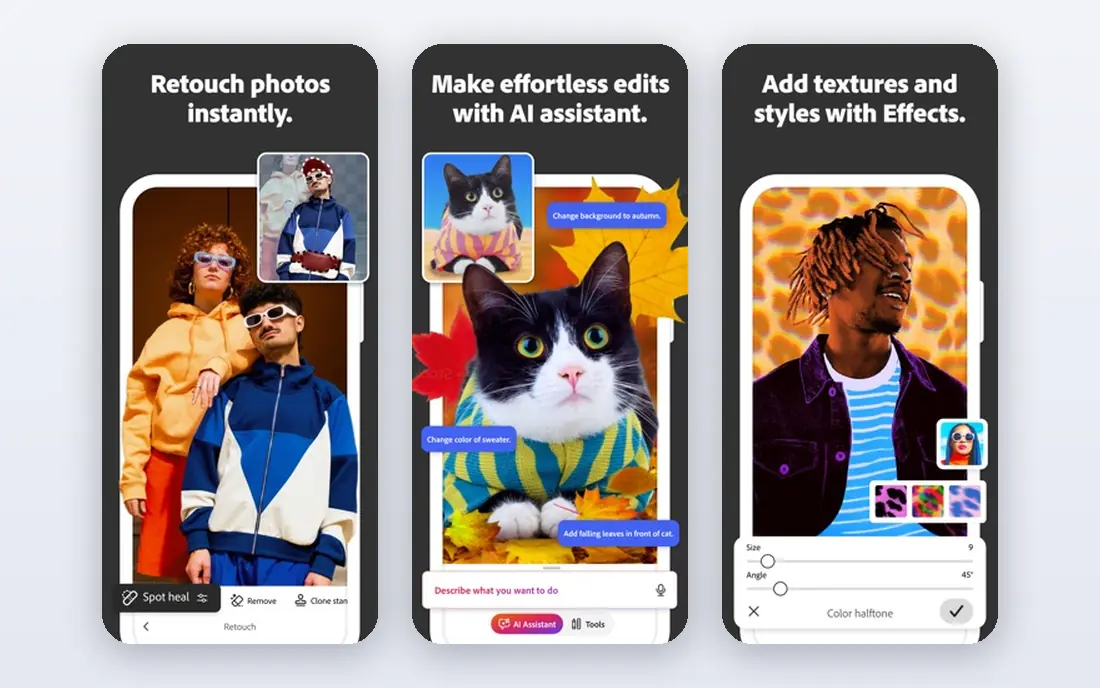
Adobe Photoshop is still the reference tool for photo editing, retouching and complex composites. Layers, masks, selection tools and colour controls give editors fine control over an image, and its file format is widely accepted by printers, agencies and clients. That compatibility alone keeps it in many professional workflows.
The downside is cost and complexity. A single app subscription at the listed price is a real monthly commitment, and beginners may feel lost among its many panels. If you edit photos every week for paid work, the depth justifies the price. If you edit only now and then, a free editor may cover your needs.
- Deep photo editing tools
- Large plugin and tutorial base
- Strong file compatibility
- Subscription cost adds up
- Learning curve is steep for beginners
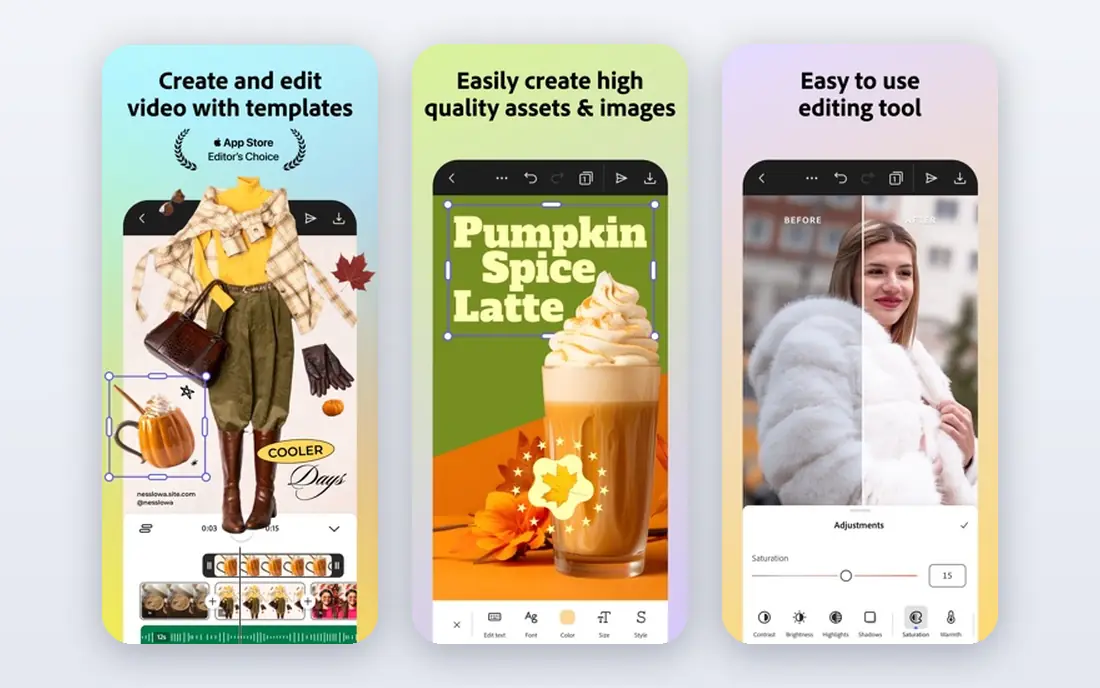
Adobe Illustrator suits logos, icons, packaging and illustration because vector art stays sharp at any size. Pen tools, shape builders and type controls help designers build clean artwork that works from a business card to a billboard. It also pairs well with Photoshop for mixed projects that need both photo and vector elements.
It is not a photo editor, and it is not the best tool for long multi page documents. Designers who need those jobs will add Photoshop or InDesign, which raises the total Adobe cost. For vector work alone, though, Illustrator remains a safe professional choice.
- Industry standard vector tools
- Clean scalable output
- Works with other Adobe apps
- Subscription cost
- Less suited to photo editing or page layout alone
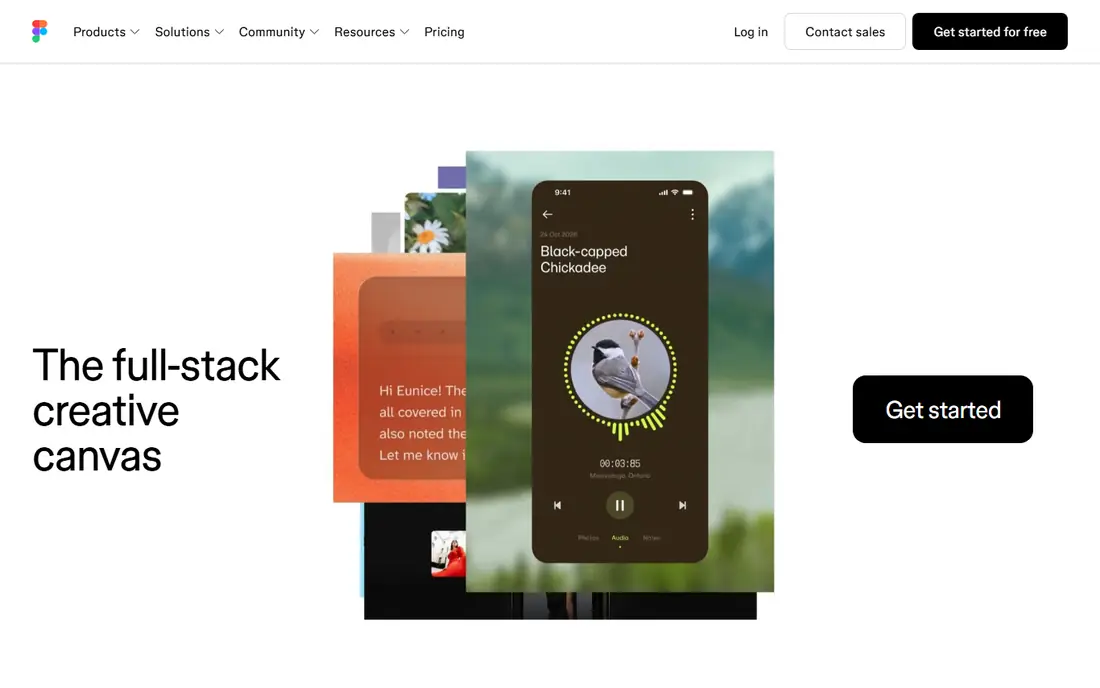
Figma changed interface design by putting the whole team in one browser based file. Designers, writers and developers can comment, inspect and update components without passing files back and forth. Auto layout, components and shared libraries help small teams keep a product consistent as it grows.
Print designers should look elsewhere, since Figma is built for screens rather than press ready output. Heavy files can also slow down on weak connections. For apps, websites and product design, however, its collaboration and free starter plan make it hard to beat.
- Real time collaboration in the browser
- Strong component system
- Free starter plan
- Needs internet for full collaboration
- Less suited to print production
Canva suits non-designers and busy marketing teams who need good looking graphics quickly. Templates for social posts, presentations, flyers and videos cut the time from blank page to finished design. It also makes it easy to keep colours, fonts and logos consistent across a team.
The trade off is control. Fine vector work, complex photo edits and detailed print controls are weaker than in Illustrator, Photoshop or Affinity. Paid features, including background removal and brand kits, also sit behind Canva Pro. Use Canva for speed and volume, and a professional editor for precision work.
- Easy drag and drop design
- Large template library
- Fast social and print exports
- Less control than professional editors
- Background removal and brand tools need a paid plan
Affinity, from Serif, now covers photo editing, vector design and page layout in one family of apps. Its tools feel modern and fast, and its file handling works well for print and digital projects. For designers who want professional output without a monthly Adobe bill, it is the most complete alternative on this list.
Check current pricing and terms on the vendor site before you rely on a free offer for a business, since free models can change. Also note that some clients and printers still ask for native Adobe files. Affinity exports common formats well, but a team that must deliver native Adobe files every day should test that workflow first.
- Professional photo, vector and layout tools
- No subscription in current free model
- Clean modern interface
- Smaller plugin base than Adobe
- Some industry workflows still expect Adobe files
CorelDRAW Graphics Suite suits print shops, sign makers and Windows based design teams. It combines vector illustration, page layout, photo editing and font tools in one suite, with features tuned for large format output and production work. Teams that handle signage, packaging and branded print will find its toolset practical.
It is less common in interface design and in Mac only studios, so collaboration with Adobe based partners may need extra export checks. Pricing also varies by subscription or one-time licence, so confirm the current vendor page for your region. For print heavy work on Windows, it remains a serious professional suite.
- Complete vector, layout and photo tools
- Strong print and signage features
- Windows focused
- Mac support is more limited
- Suite cost is higher than a single free tool
Blender covers the full 3D pipeline, from modelling and sculpting to animation, rendering and video editing, at no cost. It suits game artists, animators, product visualisers and hobbyists who want professional 3D tools without a licence fee. Its community also produces many free tutorials and add-ons.
The learning curve is real. Its interface packs many tools into one program, and beginners should expect weeks of practice before complex projects feel smooth. Heavy renders also demand a strong graphics card and plenty of memory. If you need 3D work and can invest learning time, Blender offers remarkable value.
- Free and open source
- Full 3D modelling, animation and rendering
- Active community
- Steep learning curve
- Needs a capable computer for heavy rendering
GIMP, the GNU Image Manipulation Program, is the long standing free alternative to Photoshop for desktop photo editing. It offers layers, masks, brushes, filters and plugin support, and it runs on Windows, Mac and Linux. For retouching, compositing and web graphics, it covers a large share of everyday photo tasks.
Its interface is less polished than Photoshop, and some professional print workflows will miss native CMYK handling. It also lacks the cloud libraries and AI tools found in paid suites. For students, small businesses and hobbyists who want free desktop editing, GIMP remains a solid choice.
- Free and open source
- Deep photo editing and plugin support
- Works on Windows, Mac and Linux
- Interface feels less polished
- No native CMYK support for some print work
Inkscape is the free vector counterpart to GIMP, built around SVG, the open web vector format. It suits logos, icons, diagrams and web graphics, with pen tools, node editing, gradients and text on paths. Its SVG focus makes it a natural fit for web designers who need clean, scalable files.
For complex print production, check colour, bleed and export settings carefully, since print shops often work in other formats. The community and extension base is smaller than Adobe, but the core drawing tools are strong. For free vector work, especially for the web, Inkscape is a practical pick.
- Free and open source
- Strong SVG support
- Good pen and shape tools
- Less polished for complex print production
- Smaller commercial plugin base
How we picked these
We compared official product pages, pricing pages and app store listings, and we kept tools that are still available in October 2026 and truly cover digital media design. We included photo, vector, interface, marketing and 3D tools, rather than a list of photo editors alone. Where a vendor did not publish a clear price, we wrote See website instead of estimating a figure.
How to choose the right design tool for your work
Start with the output you need, not the app you have heard of most. A logo needs vector tools, a social campaign needs templates and speed, an app needs interface components, and a product render needs 3D tools. Buying one expensive suite for all four jobs often wastes money and slows the work. A mix of a free vector tool and a paid photo editor may serve a small team better than one all purpose plan.
Next, test the file formats your clients or printers need. Ask for a sample export, open it in the tool your partner uses, and check colours, fonts and scale. Also test the learning time honestly. A powerful tool that your team avoids will not beat a simpler tool they use every day. Start with a free plan or trial, build one real project in it, and only then commit to a paid plan.
Frequently asked questions
What is the best all round design software for beginners?
Canva suits beginners who need marketing graphics fast, while Affinity and Figma suit beginners who want to learn professional design skills. Start with the job you do most, then add a second tool only when you hit a clear limit.
Is Affinity really free in 2026?
Affinity became free in late 2025 according to public reports, and its vendor site is the final source for current terms. Check the licence, commercial use terms and included apps on the vendor page before you build a business workflow on it.
Can GIMP and Inkscape replace Photoshop and Illustrator?
For many web, social and small print jobs, yes, they can. For high end retouching, complex print production and native Adobe file delivery, Photoshop and Illustrator still hold an edge. Test your exact export needs before switching a paid workflow.
Do I need Blender if I only design for social media?
No, Blender is for 3D work such as product renders, animation and game art. Social designers will get more value from Canva, Photoshop or Figma, and should add Blender only when a project needs a 3D element.
Is Figma good for print design?
Figma is built for screens, so it is not the best choice for press ready print work. Use Affinity, Illustrator or CorelDRAW for print, and Figma for websites, apps and product interfaces.
Which tool is best for a small business on a tight budget?
A mix of Canva for fast marketing, GIMP for photo edits and Inkscape for logos covers many needs at no cost. Add a paid tool later when a specific job, such as complex retouching or interface work, justifies the spend.
Sources
See where you really rank - block by block
ProMapRanker scans Google Maps across a grid of your service area. Simple monthly plans from $19, white-label on every plan.
Start freeKeep reading
 wpforms alternatives
Best WPForms Alternatives in 2026
We compare 9 wpforms alternatives for WordPress forms, with free and paid options, current pricing notes, and honest limits for small business sites in 2026.
Read → windows task scheduler alternatives
Best Windows Task Scheduler Alternatives in 2026
Looking for Windows Task Scheduler alternatives? We compare 9 schedulers for Windows and cross-platform work, from free tools to enterprise automation.
Read → which ai video service is best
Which AI Video Service Is Best in 2026
which ai video service is best? We compare 10 legitimate AI video services on price, avatars, editing and output quality to help you pick the right tool.
Read →