 ProMapRanker
Top Software as a Service Companies in 2026


CRM that scales with sales teams · Pricing starts at: $25 per user per month
Key takeaways
- Salesforce, HubSpot, and Atlassian cover CRM, marketing, and team work, but they suit different company sizes and budgets.
- ServiceNow and Workday suit large enterprises with complex IT, HR, and finance workflows, and both are quote based.
- Shopify and Adobe suit commerce and creative teams, while Zoom suits teams that need reliable meetings and webinars.
- Free plans from HubSpot and Atlassian make trialling easier, but paid tiers and per user costs rise with team size.
- This guide is based on publicly reported factors, not a verified ranking, and no scores or pay figures are claimed here.
Quick comparison
| Pick | Great for | Pricing starts at | Free tier | |
|---|---|---|---|---|
| Salesforce | CRM that scales with sales teams | $25 per user per month | Free trial | Visit |
 HubSpot | Marketing led small and mid-market firms | See website | Yes | Visit |
 Atlassian | Software, IT, and project teams | See website | Yes | Visit |
 ServiceNow | IT and employee service workflows | See website | No | Visit |
 Workday | HR and finance for large employers | See website | No | Visit |
 Shopify | Online stores and commerce | See website | Free trial | Visit |
 Adobe | Creative and marketing teams | See website | Free trial | Visit |
 Zoom | Meetings, webinars, and team calls | See website | Yes | Visit |
The best software as a service companies
Software as a service means software delivered over the internet on a subscription, rather than installed once and owned outright. The companies below are large, established vendors, and each entry notes who it fits best.
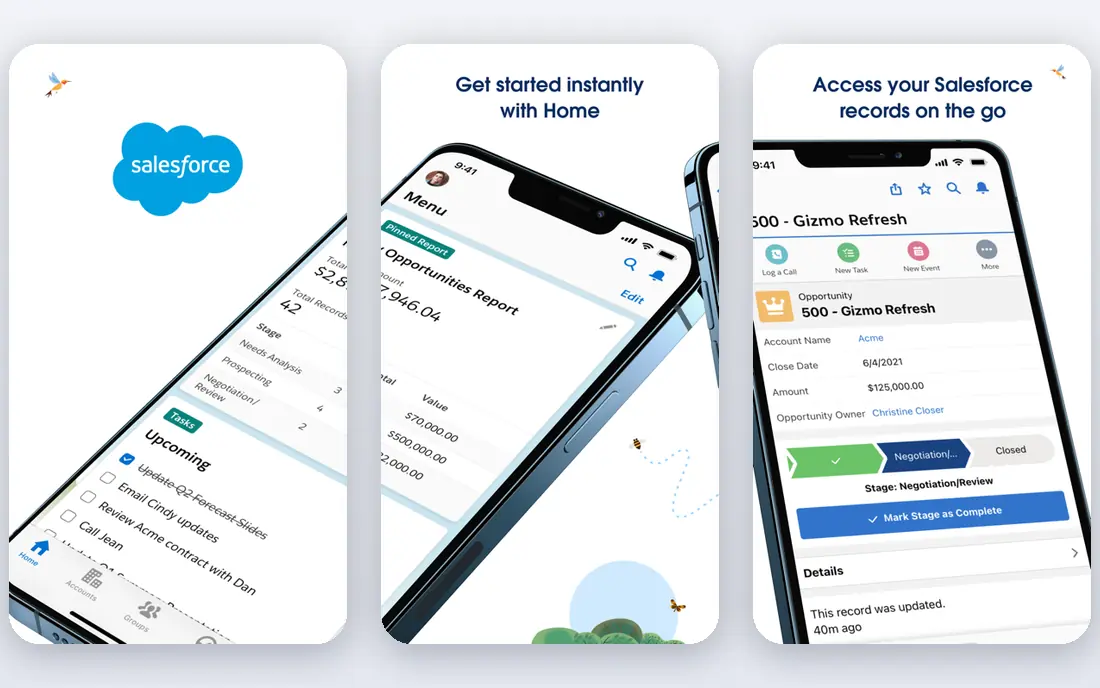
Salesforce is the best known CRM vendor, and its Starter Suite gives small sales teams a way in without an enterprise deal. As teams grow, they can add sales, service, marketing, and platform tools under one system, which keeps customer data in one place. Its app marketplace and integration library are also hard to match.
The catch is total cost. Editions, add-ons, and implementation help can push the bill well above the starting price, so map the features you actually need before choosing an edition. Salesforce fits teams that expect to grow into a full CRM, not teams that only need a simple contact list.
- Very broad CRM and app ecosystem
- Scales from small teams to enterprises
- Strong integrations
- Costs rise with editions and add-ons
- Setup needs planning
- Smaller teams may find it heavy
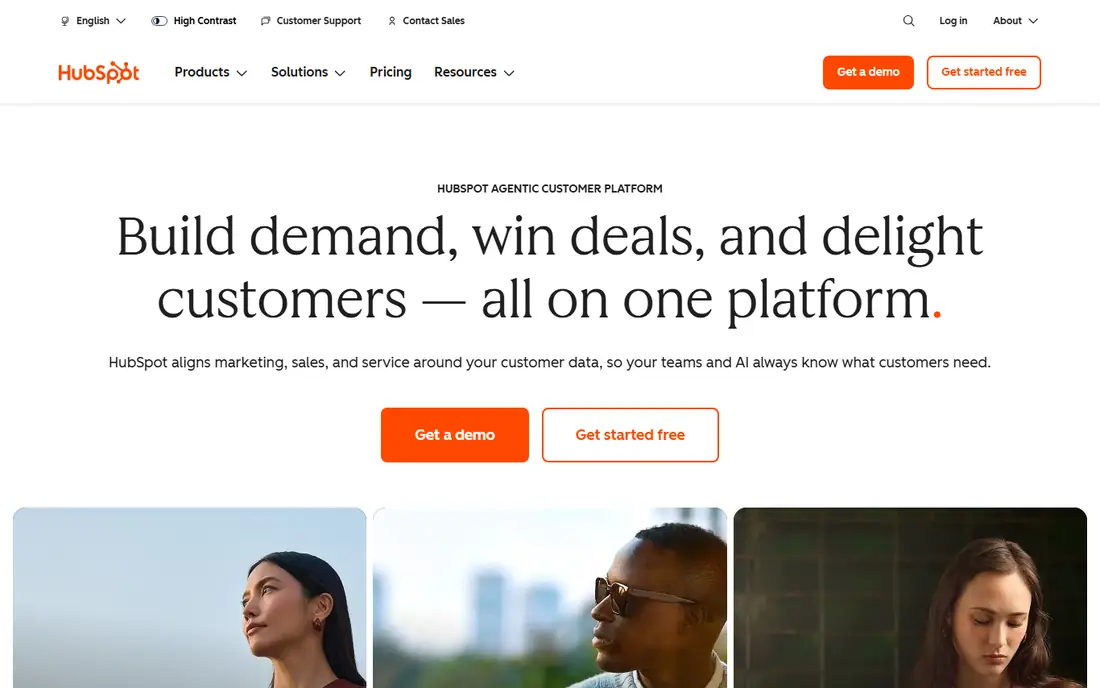
HubSpot suits marketing led companies that want CRM, email, landing pages, and service tools in one system. Its free CRM lets a team start with real contacts and deals before paying, which lowers the risk of a wrong choice. The hub model also means a company can start with marketing and add sales or service later.
Costs climb as contact lists and teams grow, and some features sit only in higher tiers. Check contact limits, seat counts, and hub combinations against your actual list size before committing. HubSpot fits small and mid-market firms that want one connected system without enterprise complexity.
- Free CRM to start
- Marketing, sales, and service hubs together
- Easier onboarding than enterprise CRM
- Paid hubs rise in price with contacts and seats
- Advanced features need higher tiers
- Pricing is tiered
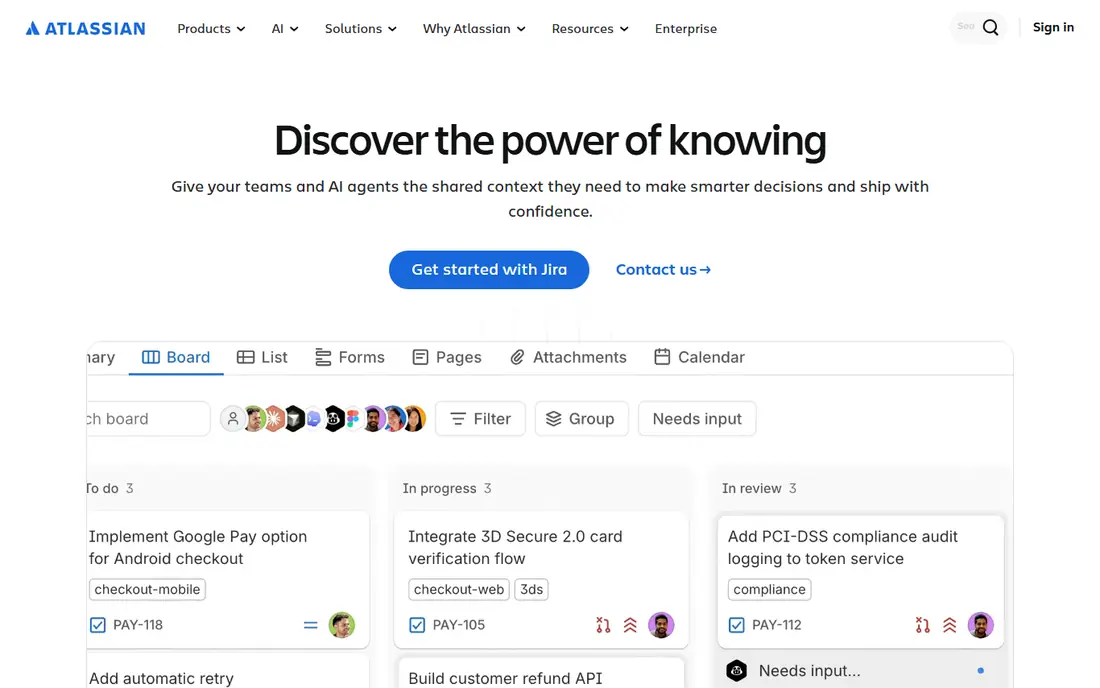
Atlassian makes Jira for work tracking, Confluence for documentation, and related tools for software and IT teams. Its free plan for small teams makes it easy to trial real project work, and its products connect well for teams that plan, build, and support software. Many engineering and IT teams already know its workflows, which shortens onboarding.
Pricing depends on the product, user count, and cloud versus data centre options, so the total needs a careful check. Large organisations also need admin time to govern projects, permissions, and automations. Atlassian fits product, engineering, and IT teams that want proven work tracking and documentation.
- Jira and Confluence together
- Free plan for small teams
- Strong developer and IT workflows
- Pricing varies by product and users
- Large setups need admin time
- Some products are quote based
ServiceNow helps large organisations run IT support, employee requests, and service workflows in one platform, with automation that routes work and tracks outcomes. Its strength is standardising service across IT, HR, and other departments, which matters when headcount and ticket volume grow. Large enterprises use it to replace scattered spreadsheets and inboxes.
It is not a small business tool. Pricing is quoted, implementation takes planning, and value depends on process design, not just software. ServiceNow fits enterprises that already have service teams and want one governed workflow system.
- IT service management strength
- Employee workflows
- Automation across departments
- Enterprise pricing only
- Implementation is a project
- Smaller companies may find it heavy
Workday combines human capital management and financial management for medium and large employers, covering hiring, payroll, time, expenses, and finance reporting. Its single data model helps large companies keep HR and finance figures consistent, which is a real benefit at scale. Reporting and planning tools also suit companies with complex workforces.
Implementation is a major project, and pricing is quoted per deal, so Workday suits organisations that can fund that effort. Smaller companies will usually find simpler HR and accounting tools faster and cheaper. Workday fits employers with hundreds or thousands of staff and complex HR and finance needs.
- HR and finance in one system
- Large employer experience
- Strong reporting and planning
- Quote only pricing
- Long implementation
- Best for larger employers
Shopify lets a business launch an online store quickly, with themes, product pages, checkout, payments, and shipping tools in one system. Its app store adds marketing, inventory, and fulfilment features without building them from scratch. Small brands and growing direct to consumer companies both use it, at different plan levels.
Costs include the plan, apps, and payment processing, so the total is higher than the plan price alone. Very large or highly custom stores may need developers or a higher plan. Shopify fits commerce teams that want to sell online fast and grow without rebuilding the store.
- Fast store setup
- Large app and theme ecosystem
- Payments and shipping tools built in
- Transaction and app costs add up
- Larger stores need higher plans
- Custom needs need developers
Adobe covers creative work through Photoshop, Illustrator, Premiere Pro, and related tools, plus document and marketing products for larger teams. Creative professionals often need Adobe because clients, printers, and collaborators use its file formats. Its cloud plans bundle apps, storage, and collaboration, which suits teams that work across design and video.
Subscription costs rise when a team needs several apps, and plan names and inclusions change, so confirm the exact apps and seats before buying. Adobe fits creative, marketing, and document heavy teams that need standard tools and formats, not casual users who only edit occasionally.
- Industry standard creative tools
- Marketing and document products
- Cloud collaboration
- Subscription costs add up across apps
- Plans vary by product
- Enterprise pricing is quoted
Zoom became the default meeting tool for many teams because it is easy to join, stable on varied connections, and available on most devices. Its free basic plan covers short group meetings, while paid plans add longer meetings, webinars, and admin controls. Integrations with calendars and chat tools help teams keep meetings inside their normal workflow.
Larger webinar and enterprise features are quoted, and some advanced controls sit only in higher tiers. Zoom fits remote and hybrid teams that need dependable video meetings, provided they also set meeting norms, since no tool fixes too many meetings on its own.
- Reliable meetings and webinars
- Free basic plan
- Broad device and integration support
- Paid features sit in higher tiers
- Large webinar pricing is quoted
- Meeting fatigue is a workflow issue, not a tool fix
How we picked these
We compared vendor product pages, published starting prices, and public company roles, and we favoured large, established SaaS vendors with distinct jobs: CRM, marketing, project work, IT service, HR and finance, commerce, creative, and meetings. Where vendors quote per deal, we marked pricing as See website rather than inventing a figure.
How to choose a SaaS vendor
Total the seats, contacts, and add-ons
A starting price rarely equals the final bill. Count users, contacts, storage, and add-ons, and check renewal terms, since SaaS prices often rise at renewal. A short trial with real data reveals limits faster than a sales demo.
Check integration and exit options
Confirm the vendor connects to your CRM, email, accounting, or store, and ask how you export data if you leave. A tool that locks data in is a long term cost, even if the monthly price looks low.
Start small and expand on evidence
Pilot with one team, measure time saved or deals closed, and expand only when the result is clear. Large SaaS contracts signed on a demo often include seats and features a team never uses.
Frequently asked questions
What are the best software as a service companies?
The best software as a service companies depend on the job. Salesforce and HubSpot suit CRM and marketing, Atlassian suits project and IT work, ServiceNow and Workday suit large enterprises, and Shopify, Adobe, and Zoom suit commerce, creative, and meetings.
Which B2B software companies are best for small businesses?
HubSpot, Atlassian, and Zoom are common small business starting points, thanks to free plans or trials and simpler onboarding. Salesforce Starter Suite also suits small sales teams that expect to grow.
How much does SaaS cost per user?
It varies widely. Salesforce Starter Suite starts at $25 per user per month, while ServiceNow, Workday, and many enterprise tiers are quoted per deal. Always total seats, contacts, and add-ons before comparing.
Is SaaS better than buying software outright?
SaaS suits teams that want updates, cloud access, and lower upfront cost, while outright purchase suits teams that need a fixed version or offline control. Most large vendors now sell subscriptions, so the choice is often about plan and terms, not ownership.
What should I check before signing a SaaS contract?
Check user and contact limits, renewal pricing, data export, security terms, support hours, and cancellation terms. Pilot with one team first, and put the included features and limits in writing.
Sources
See where you really rank - block by block
ProMapRanker scans Google Maps across a grid of your service area. Simple monthly plans from $19, white-label on every plan.
Start freeKeep reading
 wpforms alternatives
Best WPForms Alternatives in 2026
We compare 9 wpforms alternatives for WordPress forms, with free and paid options, current pricing notes, and honest limits for small business sites in 2026.
Read → windows task scheduler alternatives
Best Windows Task Scheduler Alternatives in 2026
Looking for Windows Task Scheduler alternatives? We compare 9 schedulers for Windows and cross-platform work, from free tools to enterprise automation.
Read → which ai video service is best
Which AI Video Service Is Best in 2026
which ai video service is best? We compare 10 legitimate AI video services on price, avatars, editing and output quality to help you pick the right tool.
Read →