 ProMapRanker
Best PDF Scanner Software in 2026

Key takeaways
- Adobe Scan is the best free third-party scanner for clean, searchable PDFs.
- Genius Scan and Apple built-in tools suit users who want no account and no watermark.
- Scanner Pro and iScanner suit iPhone users who want on-device text recognition and tidy exports.
- CamScanner offers the widest PDF tool set, but its free tier adds a watermark.
- Microsoft Lens is retired in 2026, so do not build a new workflow on it.
Quick comparison
| Pick | Great for | Pricing starts at | Free tier | |
|---|---|---|---|---|
 Adobe Scan | Clean free PDFs with OCR | Free | Yes | Visit |
 CamScanner | Deep PDF tools | See website | Yes | Visit |
 Scanner Pro | Apple users wanting paid polish | Free | Yes | Visit |
 SwiftScan | Fast scanning on the move | See website | Yes | Visit |
 Genius Scan | Simple scans without an account | Free | Yes | Visit |
 iScanner | Feature-rich scanning | See website | Yes | Visit |
 TurboScan | Quick multi-page PDFs | See website | Yes | Visit |
 OneDrive Scan | Microsoft 365 users | Free | Yes | Visit |
The best pdf scanner software
We compared these apps on scan quality, edge detection, text recognition, export options, watermarks and price. All of them are free to download, so the real choice is what sits behind the free tier: OCR, batch tools, cloud sync or a clean export.
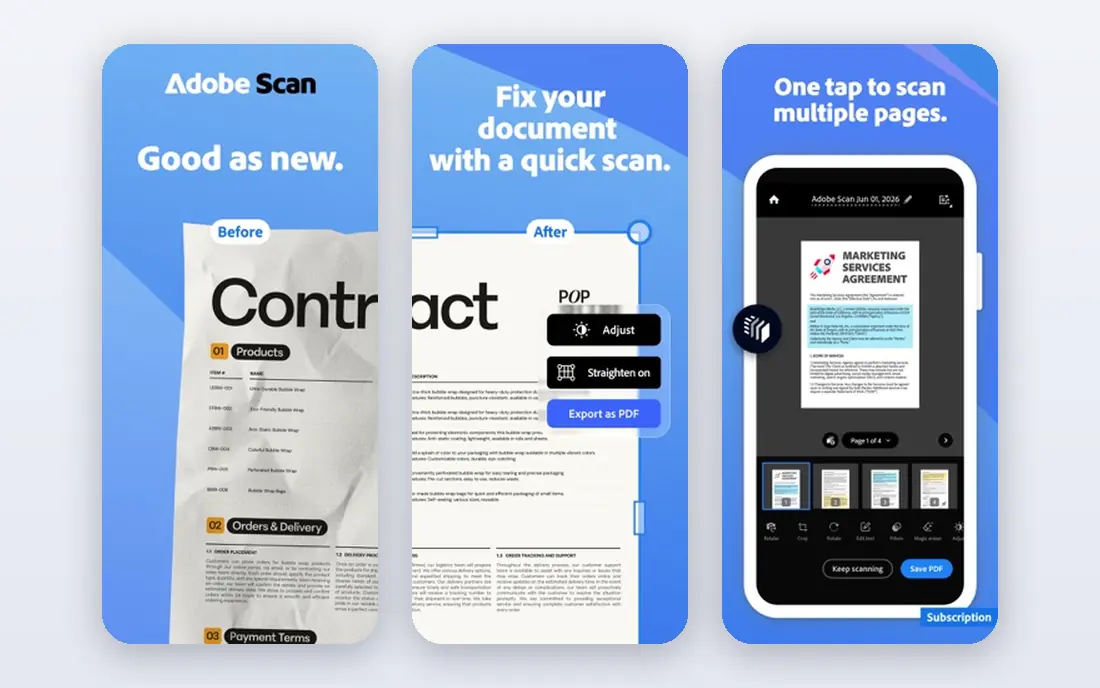
Adobe Scan finds page edges, flattens the page and cleans contrast, then runs text recognition so the PDF is searchable. For receipts, forms and letters, that gives a tidy result without paying. The app also handles multi-page scans in one file, which matters for contracts and reports.
The free tier is generous, and that is why it leads this list. Paid Acrobat, reported at about $9.99 per month, adds editing, larger storage and extra PDF tools that most casual users do not need. If you already use Adobe products, the cloud link is a plus. If you prefer local storage, check the export settings before you scan a large batch.
- Free scans with no watermark
- Strong text recognition
- Adobe cloud storage and Acrobat links
- Full Acrobat editing needs a paid subscription
- Scans default toward Adobe cloud
- Premium storage costs extra
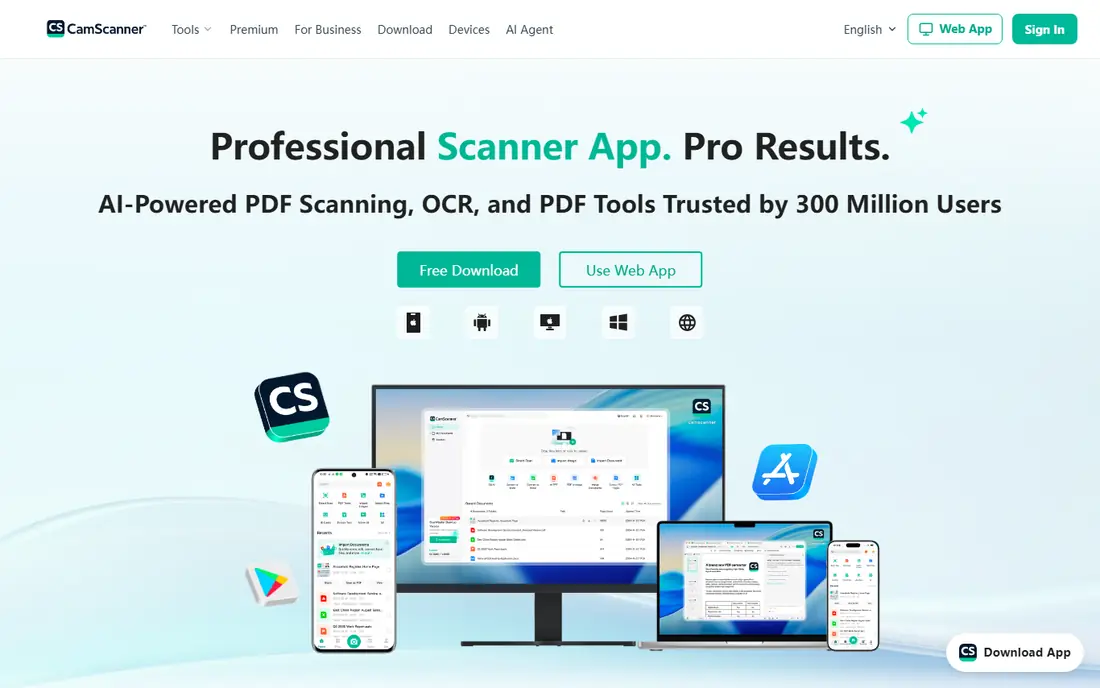
CamScanner has one of the widest tool sets in this list: scanning, PDF editing, signing, sharing and cloud storage. It handles difficult pages well, including receipts and forms with uneven light, and it supports text recognition in many languages. Power users who scan daily will use more of its tools than a casual user ever will.
The trade is the free tier. Watermarked exports make it a poor pick for client-facing documents unless you pay for Premium, reported from about $4.99 per month in older listings, with current store pricing varying. Check the in-app price for your region, and avoid uploading sensitive documents to any cloud scanner without reading its privacy terms.
- Wide PDF tool set and many languages
- Batch scanning and cloud links
- Fax and sharing options
- Free tier adds a watermark
- Premium price varies by store and region
- Cloud-first design needs care with sensitive pages
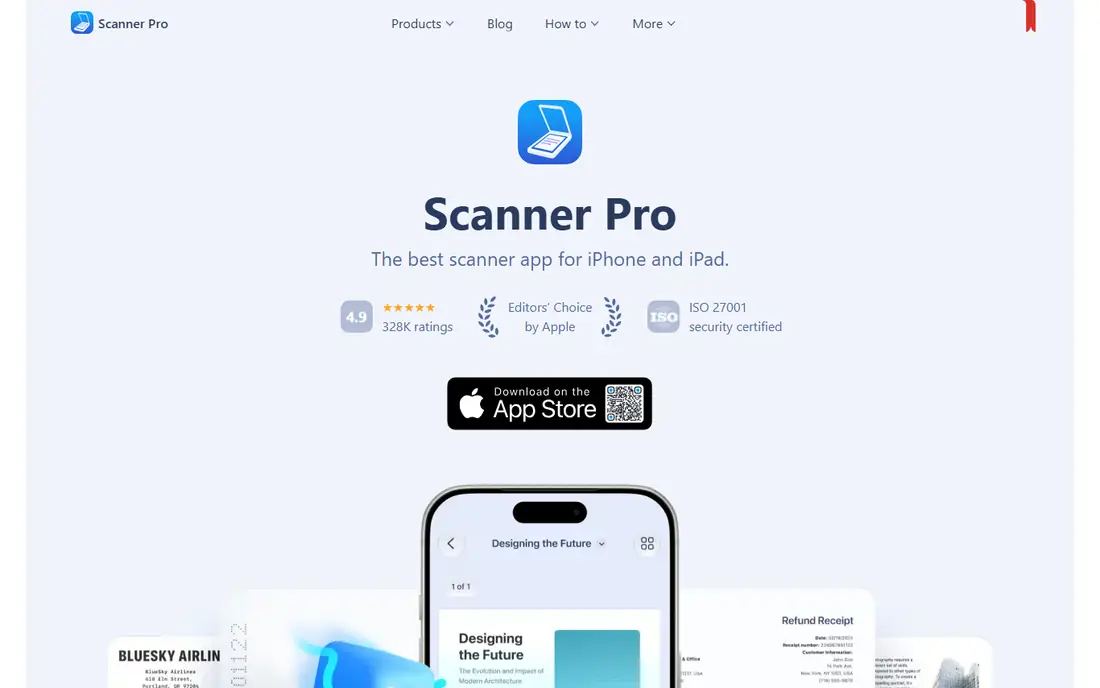
Scanner Pro, from Readdle, is the polished Apple-only pick. It scans, cleans and converts pages to searchable PDFs, with on-device text recognition that keeps more processing on the phone. Exports cover Dropbox, Google Drive, OneDrive, Evernote and other services, plus iCloud sync across iPhone, iPad and Mac.
The app is free to download, with paid features behind Scanner Pro Plus, listed in the App Store from about $7.99 for some periods and higher for annual plans. That range is why we list the starting price as free and advise checking the current in-app offer. Android users should skip this one and look at Adobe Scan or Genius Scan instead.
- On-device text recognition
- Tidy exports to many clouds
- ICloud sync across Apple devices
- Apple only
- Full features sit behind Scanner Pro Plus
- Plus pricing varies by billing period
SwiftScan, formerly Scanbot, is built for speed. It captures pages quickly, names files by content where possible, and sends scans to cloud services or email without many taps. Travellers and freelancers who scan receipts on the move will like that short path from photo to PDF.
The free tier is the catch, since it watermarks scans. Full text recognition and the wider workflow features sit behind a subscription, reported at about $2.99 per month in some listings, with other store prices higher. If you scan only now and then, a free no-watermark app may serve you better.
- Fast capture and auto file naming
- Good edge detection
- Many cloud export options
- Free tier watermarks scans
- Full text recognition sits on paid plans
- Price varies by store
Genius Scan is the quiet workhorse of this list. It scans fast, finds edges well and exports clean PDFs without a watermark or an account. For a user who wants a phone scanner that stays out of the way, that simplicity is a real benefit.
Paid tiers, Genius Scan Plus and Ultra, add text recognition and extra export options. Older listings put a one-time purchase near $2.99, while current store pricing varies by plan and region, so check the in-app price. Privacy-minded users will like the on-device default, with cloud upload only if you choose it.
- No watermark on free scans
- No account needed for basic use
- Fast PDF export
- Text recognition sits on paid tiers
- Cloud sync is optional rather than built in
- Fewer editing tools than CamScanner
iScanner packs many tools into one app: scanning, PDF editing, signing, document management and text recognition. It suits a user who wants one app for scans, signatures and light edits, rather than three separate apps. Edge cleanup helps with books, notebooks and crumpled receipts.
The free tier is limited, and full features need a subscription, reported from about $3.99 per month in some listings. That price varies by store and billing period, so confirm it in the app store before you subscribe. If you only need a clean scan, Genius Scan or Adobe Scan will feel simpler.
- Wide feature set including signing and editing
- AI edge cleanup
- Text recognition on paid plans
- Free tier is limited
- Subscription price varies
- Feature depth can feel busy for simple scans
TurboScan focuses on one job: turn a stack of pages into a clean multi-page PDF fast. It detects edges, corrects perspective and improves contrast, then lets you share the result by email or cloud. That narrow focus makes it easy to learn and quick to use.
The free version covers basic scanning, while a paid upgrade adds fuller features. Store pricing has varied over time, so we list it as See website and advise checking the current in-app price. TurboScan is a good pick for a user who scans forms and receipts in batches and does not need signing or deep editing.
- Fast multi-page scanning
- Good image cleanup
- Simple sharing to email and cloud
- Text recognition and extra features need a paid upgrade
- Smaller feature set than CamScanner
- Price varies by store
OneDrive Scan earns its place because Microsoft Lens is gone. Microsoft removed Lens from app stores in February 2026 and stopped new scans in March 2026, pointing users to the scan feature inside OneDrive. For a Microsoft 365 user, that keeps scanning inside a service you already pay for or use free.
Scan quality is solid for documents and whiteboards, and files land straight in OneDrive for sharing or Office use. The trade is scope: OneDrive is a storage app first, so it lacks some scanner-specific tools found in Adobe Scan or Scanner Pro. Still, for a quick scan that needs to reach a team folder, it is a sensible default.
- Scan feature inside OneDrive
- Saves straight to OneDrive
- Useful Microsoft replacement for Lens
- Needs a Microsoft account
- Tied to OneDrive storage
- Fewer scanner-specific tools than dedicated apps
How we picked these
We compared official app pages, app store listings and recent scanner guides for apps that exist and work in October 2026. We left out Microsoft Lens because it is retired, and we kept only apps with a real free download and a working PDF export. Prices are listed as See website where store pricing varies by region or billing period, rather than quoting a single figure that may not match your store.
How to get a clean scan every time
Good light matters more than a paid tier. Place the page on a flat, dark surface, keep shadows off the page, and hold the phone steady above it. Most apps in this list detect edges on their own, but a flat page still gives a sharper result than any cleanup filter.
Next, decide where scans should live. If you need searchable text, pick an app with text recognition on a tier you will actually pay for. If you handle sensitive documents, prefer on-device processing and local export, and avoid cloud upload for those pages. Finally, test a multi-page file before you rely on an app: check page order, file size and whether text is selectable after export.
Frequently asked questions
What is the best PDF scanner app overall?
Adobe Scan is our pick for most people, since it is free, has no watermark and gives searchable PDFs. Genius Scan is a close second for users who want no account and local-first scanning.
What is the best free PDF scanner app?
Adobe Scan, Genius Scan and OneDrive Scan all give free scans without a watermark. CamScanner and SwiftScan are free to download but watermark free exports, so they suit testing better than final documents.
Is Microsoft Lens still available?
No. Microsoft removed Microsoft Lens from app stores in February 2026 and stopped new scans in March 2026. OneDrive now carries the scan feature Microsoft points users to, and Adobe Scan is a strong standalone replacement.
Do scanner apps need an internet connection?
Basic scanning works offline in most apps, but cloud sync, some text recognition and sharing need a connection. Genius Scan and Scanner Pro offer on-device options that help when you are offline or handling private pages.
Which scanner app is best for iPhone?
Scanner Pro is the most polished iPhone-only pick, while Adobe Scan and Genius Scan work well on both iPhone and Android. If you want a built-in option, Apple Notes also scans documents on iPhone and iPad.
Sources
See where you really rank - block by block
ProMapRanker scans Google Maps across a grid of your service area. Simple monthly plans from $19, white-label on every plan.
Start freeKeep reading
 expensify alternatives
Best Expensify Alternatives in 2026
Looking for expensify alternatives? We compare 8 top expense tools on price, cards, receipts and approvals to help your team pick the right one in 2026.
Read → best tools for drawing diagrams
Best Tools for Drawing Diagrams in 2026
Compare the best tools for drawing diagrams, from Lucidchart and Miro to free diagrams.net. See pricing, templates, and collaboration features for teams.
Read → best shopping cart software
Best Shopping Cart Software in 2026
Looking for the best shopping cart software? We compare 8 cart platforms on price, fees, hosting, design and scale to help your store choose well today.
Read →