 ProMapRanker
Best PDF Extractor Software in 2026


Office PDF extraction and OCR · Pricing starts at: $19.99 per month
Key takeaways
- Adobe Acrobat Pro and ABBYY FineReader suit office users who need accurate text and table extraction from PDFs and scans.
- UPDF, Foxit PDF Editor and PDFelement offer a lower cost desktop route to extraction, OCR and conversion.
- Nanonets, Amazon Textract and Azure AI Document Intelligence suit teams that need structured data at volume through an API.
- Tesseract OCR suits developers who want a free, self hosted engine and can build their own extraction workflow.
Quick comparison
| Pick | Great for | Pricing starts at | Free tier | |
|---|---|---|---|---|
| Adobe Acrobat Pro | Office PDF extraction and OCR | $19.99 per month | Free trial | Visit |
 ABBYY FineReader PDF | Accurate OCR and table extraction | See website | Free trial | Visit |
 UPDF | Affordable desktop extraction | See website | Free trial | Visit |
 Foxit PDF Editor | PDF editing with extraction | See website | Free trial | Visit |
 PDFelement | All in one PDF extraction | See website | Free trial | Visit |
 Nanonets | Structured data from documents | See website | Free trial | Visit |
 Amazon Textract | AWS based document extraction | See website | Free trial | Visit |
 Azure AI Document Intelligence | Microsoft based extraction | See website | Free trial | Visit |
 Tesseract OCR | Free open source OCR engine | Free | Yes | Visit |
The best PDF extractor software
PDF extraction means different things to different users. Some need to copy text from a report, others need tables from invoices, and developers need structured fields from thousands of scans. This list covers desktop tools and cloud APIs, with a note on where each fits best.
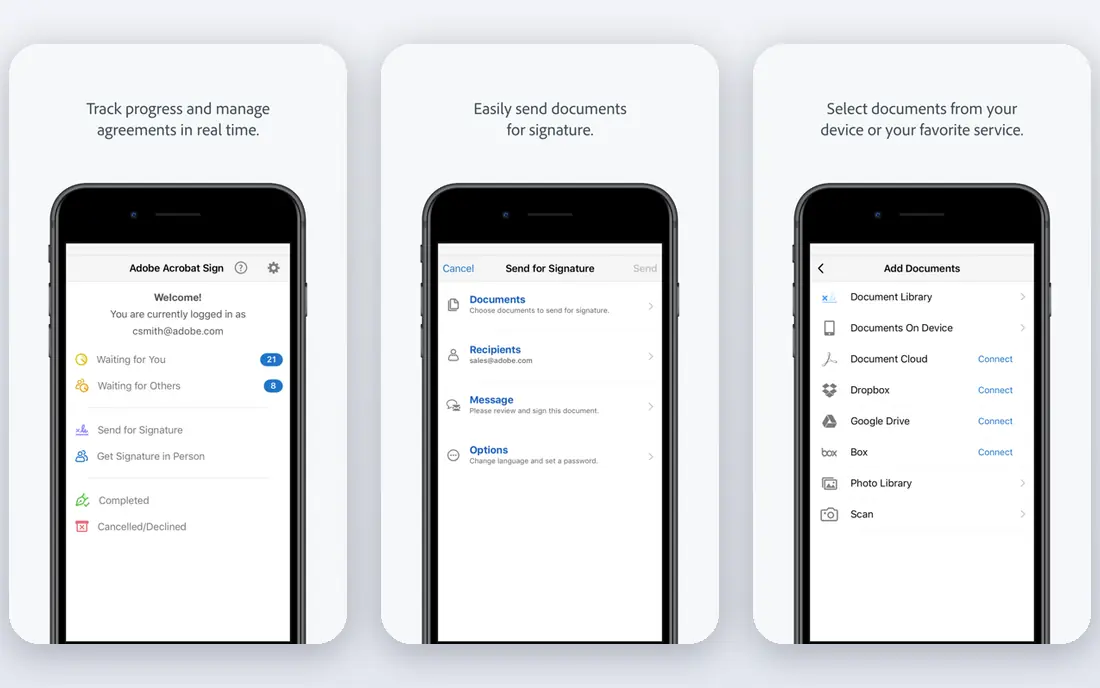
Adobe Acrobat Pro suits office users who already work with PDFs every day. It can extract text, export tables to Excel and Word, and run OCR on scanned pages to make them searchable. That combination helps with contracts, reports and forms where layout and text both matter.
The subscription cost is the main drawback, especially for occasional use. Some AI features also sit on higher tiers, so check the plan before relying on a specific tool. For regular PDF work in an office that already uses Adobe, Acrobat Pro remains a safe default.
- Built in OCR for scanned PDFs
- Text and table export to Office formats
- Wide PDF compatibility
- Subscription cost
- Advanced AI and some features need higher plans

ABBYY FineReader PDF suits users who need accurate extraction from scans, complex layouts and many languages. Its OCR engine is widely regarded for accuracy, and it retains tables and layout better than many rivals when converting to Word or Excel. Batch tools also help teams that process archives and large document sets.
Pricing varies by subscription and region, so confirm the current vendor page for your plan. Mac users should also check feature parity, since the Windows version is fuller. For accuracy critical work, such as legal, finance and research archives, FineReader is a strong choice.
- Strong OCR accuracy and language support
- Good table retention
- Batch conversion tools
- Price varies by plan and region
- Mac version is more limited than Windows
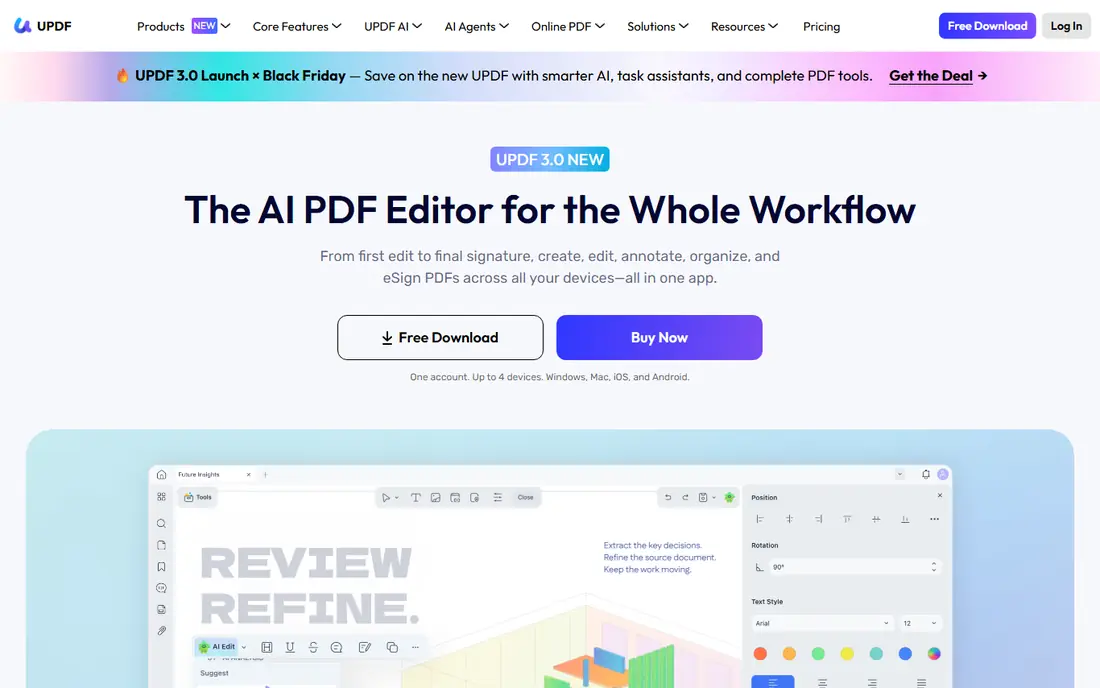
UPDF suits individuals and small businesses who want desktop extraction without Adobe pricing. It offers text extraction, OCR, conversion and editing across Windows, Mac, iOS and Android, with a clean interface that is easy to learn. That breadth makes it useful for everyday office documents and study files.
Enterprise teams that need deep admin controls, large scale deployment or specialised compliance tools may find UPDF thinner than Adobe or ABBYY. Check the current plan for OCR limits and batch features before committing. For affordable desktop extraction, it offers good value.
- Lower cost than Adobe in many plans
- OCR and conversion tools
- Desktop and mobile apps
- Smaller enterprise feature set
- Some advanced tools need a paid plan
Foxit PDF Editor suits teams that want extraction inside a full PDF editor, rather than a separate OCR tool. It can extract text, convert PDFs to Office formats, run OCR on scans and edit the result in the same app. Business deployment and security options also help larger teams that need central licence control.
The free Reader alone does not cover full extraction and OCR, so buyers should check whether they need the paid Editor or Editor Plus plan. Plan names have changed over time, so confirm the current vendor page. For a team that already uses Foxit, extraction fits naturally into its workflow.
- Text and table extraction inside a full editor
- OCR tools
- Business deployment options
- Full OCR and advanced tools need a paid plan
- Plan names can confuse buyers
PDFelement from Wondershare suits users who want an all in one PDF tool with extraction, OCR, editing and conversion. Its Office style interface feels familiar, and its price is usually lower than Adobe for a similar desktop feature set. That makes it attractive for small businesses and students who handle PDFs daily.
OCR accuracy varies with scan quality and layout, so test it on your own documents before relying on it for archives. Some advanced features also need a paid plan, and free trial exports may carry limits. For everyday extraction and editing at a lower price, PDFelement is a practical pick.
- Extraction, OCR and editing in one app
- Office style interface
- Lower cost than Adobe
- OCR accuracy varies by document type
- Some features need a paid plan
Nanonets suits operations teams that need structured fields from invoices, receipts, forms and other documents, not just raw text. Its models extract named fields, validate results and send data to accounting, CRM or workflow tools. That focus helps finance and operations teams that process many similar documents each month.
Usage based pricing means total cost depends on document volume and model use, so forecast with a real sample before committing. Custom field setup also takes care, especially for unusual layouts. For structured extraction at volume, Nanonets offers a strong middle path between a desktop OCR tool and a hyperscaler API.
- Template free extraction for invoices and forms
- Validation workflows
- API and integrations
- Usage based pricing can grow with volume
- Setup needs care for custom fields
Amazon Textract suits developers and enterprises already on AWS who need extraction as part of a larger pipeline. It extracts printed and handwritten text, tables and form fields, with specialised analysis for expenses and identity documents. Integration with storage, functions and workflow tools makes it easy to automate large document flows.
It is not a desktop tool, so office users who need a simple app should choose Acrobat, ABBYY or UPDF instead. AWS setup, billing and data handling also need technical care. For AWS teams that need scalable extraction, Textract is a natural fit.
- Text, table and form extraction
- Expense and ID analysis
- Tight AWS integration
- Needs AWS setup and billing
- Pay per page costs grow with volume
- No desktop app
Azure AI Document Intelligence, formerly Form Recognizer, suits Microsoft centred teams that need structured extraction. It offers prebuilt models for invoices, receipts and identity documents, plus custom models for a team's own forms. Integration with Azure storage, functions and Power Platform helps automate document workflows.
Like Textract, it is a cloud API service, not a desktop PDF reader. Teams need Azure setup, billing and data governance in place before use. For organisations that already run on Microsoft 365 and Azure, it offers a clean path from scanned documents to structured data.
- Prebuilt invoice and receipt models
- Custom document models
- Microsoft ecosystem integration
- Needs Azure setup and billing
- Pay per page costs grow
- No simple desktop app
Tesseract OCR suits developers who want a free engine they can host themselves. It reads printed text in many languages, runs on Windows, Mac and Linux, and can be built into custom extraction workflows. That control helps teams with privacy needs or tight budgets who can handle technical setup.
It is not a polished desktop app. Users need command line skills or a wrapper tool, and table or form extraction needs extra layout code. For a developer building a pipeline, Tesseract offers unmatched value. For an office user who needs one click extraction, a desktop tool will be faster.
- Free and open source
- Many language models
- Full control over data and hosting
- Command line focus
- Needs developer setup
- Table extraction needs extra tools
How we picked these
We compared vendor product pages, pricing pages and public feature descriptions for tools that are still available in October 2026 and truly extract text, tables or fields from PDFs. We kept desktop editors, cloud APIs and one open source engine, rather than listing only OCR apps. Where pricing was usage based or quote based, we wrote See website instead of presenting a third party estimate as a vendor price.
How to choose a PDF extractor for your documents
Start with your document type. A born digital PDF with real text needs only a simple export tool, while a scanned image needs OCR, and an invoice needs structured field extraction. Testing a tool on a clean report will not reveal how it handles a skewed scan, a complex table or handwriting. Use a sample from your real work, including your worst documents, not just your best.
Next, check output quality and cost together. Export text and tables, then check whether tables stay aligned, numbers stay correct and special characters survive. For cloud APIs, estimate pay per page cost on your monthly volume, and for desktop tools, check OCR limits and batch capacity. A cheap tool that needs manual fixing on every file can cost more than a pricier tool that gets it right first time.
Frequently asked questions
What is the difference between PDF text extraction and OCR?
Text extraction copies real text already stored in a PDF, while OCR reads text from scanned images and turns it into searchable text. A scanned PDF needs OCR first, while a born digital PDF can often be extracted without it.
Which tool is best for extracting tables from PDFs?
Adobe Acrobat Pro, ABBYY FineReader and PDFelement handle table export to Excel well for office users, while Nanonets, Textract and Azure Document Intelligence suit structured table extraction at volume. Test your own tables, since complex layouts vary widely.
Can I extract text from a scanned PDF for free?
Yes, Tesseract OCR offers free extraction for developers, and some desktop tools offer free trials with OCR. Free trials often limit pages or exports, so check the terms before processing a large archive.
Do cloud extraction APIs keep my documents private?
Cloud APIs process documents on the vendor cloud, so check data retention, region and compliance terms before sending sensitive files. For highly sensitive documents, a desktop tool or a self hosted engine such as Tesseract may be safer.
How accurate is OCR for handwriting?
Printed text OCR is usually strong, while handwriting accuracy varies by style, scan quality and language. Cloud APIs offer handwriting models, but test them on your own samples and plan human review for low confidence fields.
Should I use a desktop tool or an API for invoices?
Use a desktop tool for a small number of invoices you review by hand, and an API tool such as Nanonets, Textract or Azure Document Intelligence for high volume invoice processing with validation and system integration. Volume, accuracy needs and integration should drive the choice.
Sources
See where you really rank - block by block
ProMapRanker scans Google Maps across a grid of your service area. Simple monthly plans from $19, white-label on every plan.
Start freeKeep reading
 wpforms alternatives
Best WPForms Alternatives in 2026
We compare 9 wpforms alternatives for WordPress forms, with free and paid options, current pricing notes, and honest limits for small business sites in 2026.
Read → windows task scheduler alternatives
Best Windows Task Scheduler Alternatives in 2026
Looking for Windows Task Scheduler alternatives? We compare 9 schedulers for Windows and cross-platform work, from free tools to enterprise automation.
Read → which ai video service is best
Which AI Video Service Is Best in 2026
which ai video service is best? We compare 10 legitimate AI video services on price, avatars, editing and output quality to help you pick the right tool.
Read →