 ProMapRanker
Omnichannel Management Software Reviews: Best Picks of 2026

Teams already on HubSpot CRM · Pricing starts at: $7 per user/month (billed yearly)
Direct answer
Start with HubSpot Service Hub if you need teams already on HubSpot CRM. Listed starting prices: HubSpot Service Hub from $7 per user/month, Intercom from $29 per user/month and Zendesk from $19 per user/month. Intercom is better for product-led teams that live in chat, and Zendesk is better for mid-sized teams that require every channel. The remaining 2 options are covered below with prices and limits.
ProMapRanker put together this guide to omnichannel management software reviews for readers who want a clear shortlist without reading every vendor page. It compares 5 tools on starting price, free plans, who each one suits and where each one falls short.
Key takeaways
- HubSpot Service Hub takes the first slot, best suited to teams already on HubSpot CRM.
- HubSpot Service Hub, Zoho Desk: these are the 2 tools out of 5 that offer a free plan.
- HubSpot Service Hub has the lowest monthly starting price in this list: $7 per user/month.
- Kustomer fits E-commerce teams with complicated workflows.
Quick comparison
| Pick | Great for | Pricing starts at | Free tier | |
|---|---|---|---|---|
| HubSpot Service Hub | Teams already on HubSpot CRM | $7 per user/month (billed yearly) | Yes | Visit |
 Intercom | Product-led teams that live in chat | $29 per user/month (billed yearly) | Free trial (14 days) | Visit |
 Zendesk | Mid-sized teams that require every channel | $19 per user/month (billed yearly) | Free trial (14 days) | Visit |
 Zoho Desk | Budget teams of 5 or fewer | $7 per user/month (billed annually) | Yes | Visit |
 Kustomer | E-commerce teams with complicated workflows | Quote only | No | Visit |
The best omnichannel management software reviews
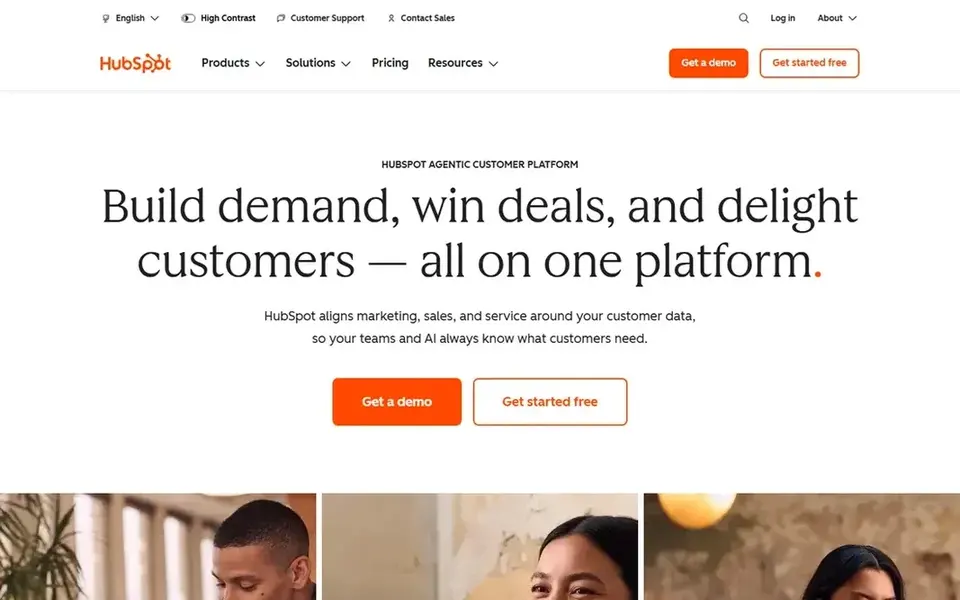
For teams already on HubSpot CRM, HubSpot Service Hub is a natural candidate. Service Hub Free costs $0 for up to 2 users and comes with a shared inbox, ticketing, live chat and entry-level reporting. Worth adding: Breeze Customer Agent bills 50 credits per resolved conversation on top of the seat price, and Professional and Enterprise add one-time onboarding fee From a buyer's view, professional at $90 layers on the help desk workspace, a knowledge base, a customer portal, feedback surveys and Breeze Customer Agent, plus 3,000 credits.
Honest limits: Monthly billing jumps Starter from $7 to $20 per seat.
Enterprise at $150 brings conditional SLAs, skill-based routing and customer journey analytics. Starter at $7 per seat a month on annual billing layers on 500 HubSpot Credits, conversation routing and removal of HubSpot branding. Price to start with HubSpot Service Hub: $7 per user/month. HubSpot Service Hub offers a free plan.
- Ticketing and live chat
- Free tools include 2 users with shared inbox
- Professional costs $90 per seat a month and layers on a one-time $1,500 onboarding fee
In short, Intercom is for product-led teams that live in chat. Fin, the AI agent, costs $0.99 per outcome on every plan, charged a maximum of once per conversation.
Intercom cost at the entry level: $29 per user/month. Free access: Free trial (14 days).
Drawbacks to consider: not the list price; No free plan.
- Advanced layers on 20 free Lite seats for part-time helpers
- Shared inbox and ticketing in one place with a 14-day trial
- The $19 figure shown is a new-customer price
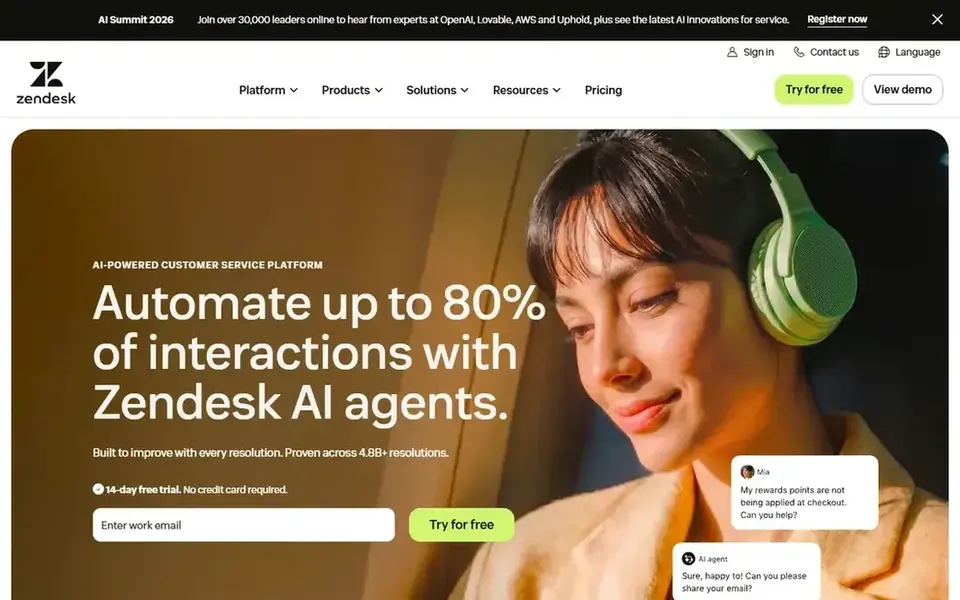
Choose Zendesk for mid-sized teams that require every channel. Suite Team at $55 layers on AI agents, a knowledge base, omnichannel routing, messaging, live chat and telephony. As for the details, a 10-agent team on Suite Team costs $550 a month on annual billing before extras, so add Copilot and AI resolutions to the total before you sign.
On top of that, suite Professional at $115 brings skills-based routing, an IVR phone tree, AI writing tools and fast reports. On top of that, choose Zendesk if your team manages 4 or more channels and wants one mature queue with deep automation and reporting. The starting price for Zendesk: $19 per user/month. As for free access: Free trial (14 days).
Drawbacks to consider: Copilot costs $50 per agent a month additional on annual billing.
- AI agents included on every plan with a small resolution allowance
- Handles email, chat, voice
- Not the $19 entry plan
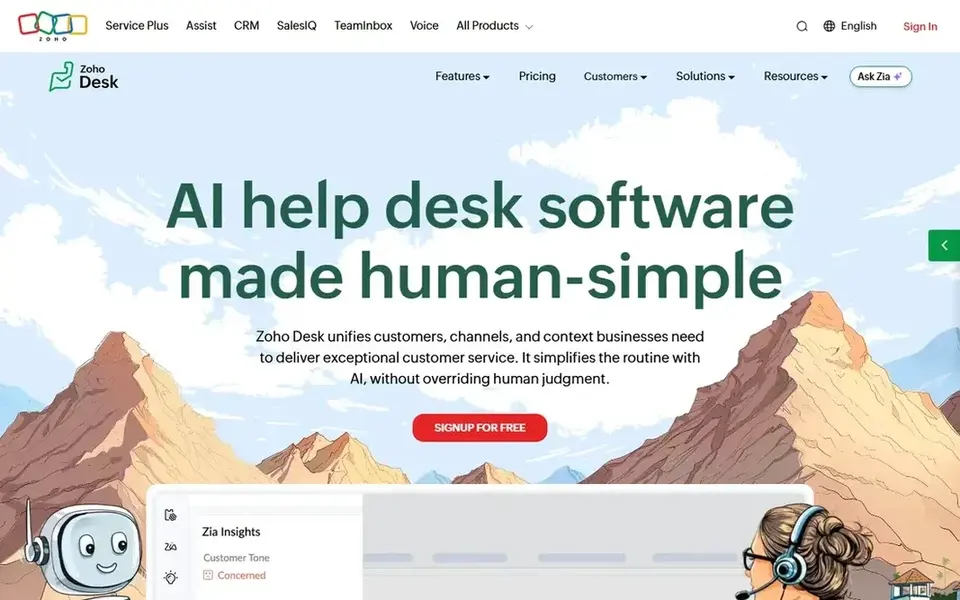
For budget teams of 5 or fewer, Zoho Desk is a natural candidate. Zoho Desk Free costs $0 for up to 3 agents with email ticketing and an agent-only knowledge base.
Points against: Telephony needs Professional at $23 and uses an outside provider.
Professional at $23 brings telephony through an outside provider, round robin assignment and 10 departments. Standard at $14 layers on WhatsApp, live chat, a customer-facing knowledge base and Answer Bot, with no user cap. Price to start with Zoho Desk: $7 per user/month. Zoho Desk has a free plan.
- Free edition includes 3 agents with email ticketing
- Live chat and a customer-facing knowledge base
- Express stops at a hard cap of 5 users, so a sixth agent forces Standard
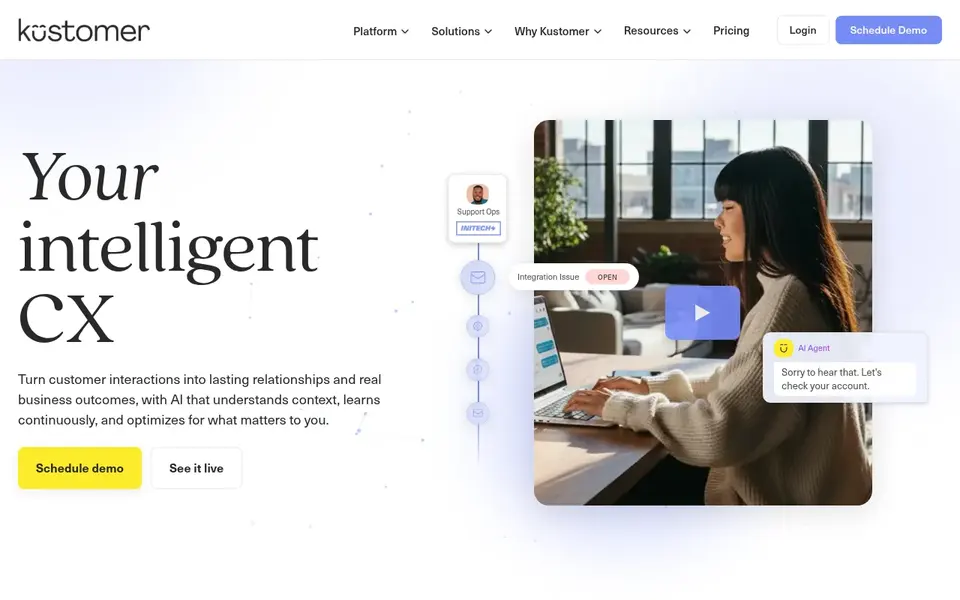
Kustomer works best for E-commerce teams with complicated workflows. Conversation-based pricing begins at $0.35 per conversation for Enterprise and $0.50 for Ultimate, with unlimited seats. Also, Kustomer is a CRM-first system that puts every conversation on one customer timeline, which fits e-commerce teams that require order history inside each ticket.
That minimum sets the smallest annual contract at $712 a month on the old Enterprise figure, even for a team of 3 agents. As for the details, choose Kustomer if you run high-volume e-commerce support and want CRM depth. There is no fixed entry price for Kustomer; pricing comes through a quote. Kustomer has no free plan.
The main drawbacks: AI for Reps costs $40 per user a month on top of seats.
- Conversation-based pricing fits teams with plenty of occasional agents
- One customer timeline joins email, chat, SMS
- No free trial and no free plan
Before you commit
- Confirm the entry price on the vendor page. For Kustomer that means a quote rather than a fixed price.
- Look at free plan limits closely: HubSpot Service Hub and Zoho Desk have one, and the caps decide whether it is usable for real work.
- Use real work to test the free trial from Intercom and Zendesk, rather than a demo project.
- Before choosing HubSpot Service Hub, weigh its main limit: professional costs $90 per seat a month and brings a one-time $1,500 onboarding fee.
- Check whether HubSpot Service Hub bills monthly or annually, and what cancelling early costs.
- Before rolling out Kustomer, verify the integrations your workflow depends on.
Frequently asked questions
How much does omnichannel management software cost?
Most teams also owe AI usage fees on top of seats, for example $0.99 per Fin outcome on Intercom or $1.50 per additional Zendesk resolution.
Is HubSpot Service Hub the right pick for everyone comparing omnichannel management software reviews?
No single tool suits every team. HubSpot Service Hub comes first because it fits teams already on HubSpot CRM, while Intercom suits product-led teams that live in chat and Zendesk suits mid-size teams that need every channel. Match the tool to your own size, budget and workflow before deciding.
Can I try these tools before paying?
Often, yes. HubSpot Service Hub and Zoho Desk have a free plan and Intercom and Zendesk offer a free trial. Use your own data and a real task during the test, and check what the free tier or trial limits before you rely on it.
What is the cheapest option for omnichannel management software reviews in this list?
On published monthly entry prices, HubSpot Service Hub is the lowest here at $7 per user/month. Entry price is only part of the cost, because seats, add-ons and billing terms can change the total.
How are the omnichannel management software reviews ordered?
HubSpot Service Hub sits first and Kustomer last because the order follows typical fit for omnichannel management software reviews, then price clarity and free access. It is a judgement call, so read each profile for fit and limits.
Sources
See where you really rank - block by block
ProMapRanker scans Google Maps across a grid of your service area. Simple monthly plans from $19, white-label on every plan.
Start freeBrowse all guides
← Standard Operating Procedure Software: Best Picks of 20266 Best Standard Operating Procedure Sop Software for 2026 →
 top software for multi-location listing sync
6 Best Software for Multi-Location Listing Sync in 2026
Compare 6 picks for the top software for Multi-Location listing sync, with prices, free plans and who each fits. Pros and cons for every tool. Choose faster.
Read → best vendor management software for franchises
5 Best Vendor Management Software for Franchises in 2026
Compare 5 best vendor management software for franchises, with prices, free plans and who each fits. Every profile names its biggest catch. Easy to scan.
Read → best quality management software for franchises
Best Quality Management Software for Franchises in 2026
Searching for the best quality management software for franchises? Here are 6 options with prices and free plans. Honest caveats for every entry. Quick to scan.
Read → best subscription tracker app free
Best Subscription Tracker App Free in 2026
Find the best subscription tracker app free in 2026, with free plans that spot recurring charges, remind you before renewals, and help you cut waste fast.
Read → best mutual fund companies
Best Mutual Fund Companies in 2026
Compare the best mutual fund companies on low-cost index funds, active funds, fees and retirement options to find the best mutual fund company for you.
Read → best face editing apps free
Best Face Editing Apps Free in 2026
We compared the best face editing apps free for selfies, filters and retouching, with free tiers, paid upgrades and honest limits, to help you pick one.
Read →More in Business Services & Companies · All guides A to Z by date · Latest guides