 ProMapRanker
Best Face Editing Apps Free in 2026

Key takeaways
- FaceApp and BeautyPlus are the best free face editing apps for quick, natural looking selfie polish without a steep learning curve.
- YouCam Makeup and YouCam Perfect lead for virtual makeup and live camera filters, while Facetune leads for manual, precise control.
- Most free tiers include ads, watermarks or locked filters, so check what you can actually export for free before you edit a whole set.
- The best free face editing app for you depends on whether you want one tap retouching, makeup try on, or detailed face shaping.
Quick comparison
| Pick | Great for | Pricing starts at | Free tier | |
|---|---|---|---|---|
 FaceApp | Age and transformation filters | Free | Yes | Visit |
 BeautyPlus | All round selfie editing | Free | Yes | Visit |
 YouCam Perfect | Selfie retouching and collages | Free | Yes | Visit |
 YouCam Makeup | Virtual makeup try on | Free | Yes | Visit |
 AirBrush | Natural looking retouching | Free | Yes | Visit |
 Facetune | Precise manual face editing | See website | Free trial (7 days) | Visit |
 Perfect365 | Makeup looks and styles | Free | Yes | Visit |
 Sweet Selfie | Filter led selfie capture | Free | Yes | Visit |
 B612 | Live filters and fun effects | Free | Yes | Visit |
The best face editing apps free
We compared official app listings, feature pages and public reviews to find apps that offer real face editing for free, not just a free download with every tool locked. All of the apps below run on iPhone and Android unless noted, and all include a free tier or trial in October 2026.
FaceApp remains the most recognisable name for face transformation. Its age, smile, hairstyle and gender presentation filters produce results that look plausible rather than cartoonish, which is why its edits still travel widely on social media. Basic portrait tools are free, and the workflow is simply to pick a photo, pick a filter and save.
The free tier is limited. A large share of the filter library sits behind Pro, and free exports can carry ads or lower resolution. Privacy also deserves a read of the current policy before you upload portraits of other people. For playful transformation, FaceApp is still the best free face editing app to try first.
- Photorealistic age and style filters
- Simple one tap workflow
- Strong portrait enhancement
- Many filters need Pro
- Uploads raise privacy questions for some users
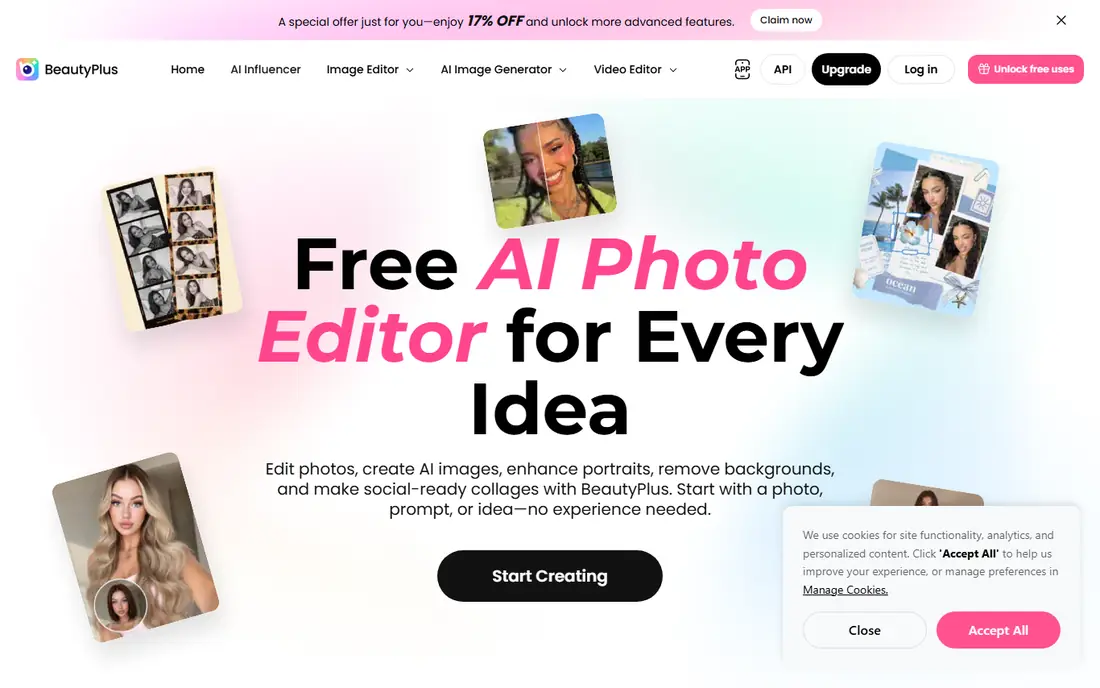
BeautyPlus is the best free face editing app for people who want more than one trick. Skin smoothing, eye brightening, teeth whitening and makeup effects sit alongside collages, background removal and AI filters, so a selfie can go from capture to social post in one app. A web version adds flexibility when you would rather edit on a larger screen.
Free use is genuinely usable, but Premium adds a long list of extra features, and some exports carry watermarks. That is a fair trade for a broad free editor, provided you check the export before you pay. If you want breadth over specialisation, BeautyPlus is a safe first download.
- Wide filter and retouch range
- Collages and background tools
- Works on web as well as mobile
- Premium adds many features
- Ads and watermarks on some free exports
YouCam Perfect is an all in one selfie editor with a deep face toolkit. You can smooth skin, remove blemishes, whiten teeth, reshape features gently and remove eye bags, then build collages or remove objects from the background. Live camera filters let you preview looks before you shoot, which helps when you are taking selfies in changing light.
The app is free to download and use, but Premium is promoted often and several advanced tools are gated. Ads are part of the free experience too. If you can live with that, YouCam Perfect gives you one of the widest free face editing toolkits available, especially for everyday selfies.
- Strong face editor and skin tools
- Object removal and collages
- Live camera effects
- Premium prompts are frequent
- Some advanced tools need a subscription
YouCam Makeup is the best filter app for selfies if makeup is the point. It applies lipstick, blush, eyeliner, eyeshadow and foundation looks to a live camera view or a photo, and hair colour try on helps you test a change before a salon visit. The look library covers everyday styles as well as bolder fashion looks.
As with other apps here, the free tier covers a useful set of looks while Premium adds more. Lighting matters: a dim or angled photo will make even a good look seem off. For trying makeup safely and cheaply, though, it beats buying products you may never use.
- Realistic virtual makeup and hair colour try on
- Large look library
- Good for testing products before buying
- Best results need good lighting and a clear face photo
- Some looks need Premium
AirBrush aims for a natural finish rather than a heavily filtered look. Its strength is quiet retouching: smoothing skin without erasing texture, removing a blemish, reducing shine and brightening eyes just enough to look rested. That restraint makes it a good choice for profile photos and professional headshots where an obvious filter would hurt.
The interface is simple, which suits beginners, but the free tier is limited and Premium adds the wider filter set. If your goal is the best selfie editing apps experience without an overdone result, AirBrush deserves a place on your shortlist.
- Subtle skin and feature retouching
- Easy blemish and shine removal
- Clean interface
- Advanced filters and tools need Premium
- Free tier includes ads
Facetune is for editors who want control, not just a filter. Sliders let you adjust skin, eyes, teeth, face shape and lighting in small steps, and video tools extend the same retouching to clips. That precision is why it is popular for social profiles, dating photos and headshots where small changes matter.
The downside for this list is price. Facetune offers a trial, but ongoing use needs a subscription, and its monthly price is higher than most rivals here. If you only need occasional edits, a free app above will do. If you edit portraits often and want manual control, Facetune is worth the trial.
- Fine slider control for face and body edits
- Strong video retouching
- Useful headshot tools
- No lasting free plan beyond a trial
- Subscription pricing is higher than rivals
Perfect365 focuses on makeup looks you can apply to a selfie in seconds, with styles ranging from natural daytime looks to evening and fashion looks. Unlike apps that only offer one tap presets, it also lets you build a look piece by piece, which appeals to users who like to control each element.
Free use is broad, but ads are a known irritation, and some users report prompts when saving. High resolution exports may also need payment. If you mainly want to test makeup styles for free, Perfect365 still offers a lot, provided you are patient with ads.
- Large makeup style library
- Lets you apply looks yourself
- Simple selfie workflow
- Ads can interrupt saving and exiting
- Some high resolution exports need payment
Sweet Selfie is built around taking a good selfie in the first place, rather than fixing one afterwards. Filters and beautification apply live in the camera, so you can see the effect before you press the shutter. That makes it a good pick for casual social photos and stories where speed matters more than precision.
Post capture editing is lighter than YouCam Perfect or Facetune, and VIP gating limits some filters. Think of Sweet Selfie as a fun camera app with editing, not a full editor. For the best free filter app for selfies on a casual day out, it fits well.
- Fun filters at capture time
- Easy beautification while shooting
- Simple sharing
- Editing depth is lighter than rivals
- Many filters need VIP access
B612 is the playful end of this list. Its live filters, stickers, AR effects and music tools suit short videos and stories, and the camera is designed for fast, social friendly shooting. Face smoothing and beautification are included, so selfies look polished without a separate editing step.
It is not the best choice for careful retouching or realistic makeup try on, and VIP gating applies to a share of effects. If you want the best free face filter app for fun, creative selfies rather than precise edits, B612 is an easy, free starting point.
- Large live filter and sticker range
- Music and video effects
- Quick social sharing
- Many effects need VIP
- Face editing control is lighter than dedicated retouchers
How we picked these
We compared official app listings, feature pages and public reviews, and kept only apps that offer real face editing or filters for free in October 2026. We included one tap retouchers, makeup try on apps, precise editors and fun camera apps, so readers can match the app to the job. Where a price could not be confirmed on the vendor page or store listing, we wrote See website rather than guessing.
How to get natural results
Start with a well lit photo taken in daylight or near a window. Harsh overhead light and heavy filters together create the plastic look most people dislike. Apply skin smoothing at a low level first, then check the result at full size before you add more.
Keep edits honest for profiles
For dating, job or ID style photos, keep changes small. Smooth a blemish and fix lighting, but avoid reshaping features in ways that make you hard to recognise in person. A photo that looks like you on a good day builds more trust than a photo that looks like someone else.
Check exports before you share
Free tiers often limit resolution or add a watermark. Export a test photo and open it on another device before you edit a full set. If the watermark lands on faces or text, try another app or accept a paid month for an important shoot.
Frequently asked questions
What is the best free face editing app?
FaceApp is best for transformations, BeautyPlus is best for all round editing, and AirBrush is best for natural retouching. The right pick depends on whether you want fun filters, broad tools or subtle polish.
What is the best filter app for selfies free?
YouCam Perfect and B612 are strong free choices. YouCam Perfect offers deeper retouching and collages, while B612 offers more live filters and playful effects for stories and videos.
What is the best free face editing app for iPhone and Android?
All of the apps here run on both platforms, with FaceApp, BeautyPlus, YouCam Perfect and AirBrush offering the most consistent free experience across iPhone and Android.
Are free face editing apps really free?
Most are free to download with a useful free tier, but Premium subscriptions add filters, high resolution exports or watermark free saves. Check the export screen before you commit to an app for a full photo set.
Do face editing apps keep my photos private?
Policies vary, and some apps process photos on their servers. Read the current privacy policy, avoid uploading photos of other people without permission, and delete uploads when you are done if the app allows it.
Sources
See where you really rank - block by block
ProMapRanker scans Google Maps across a grid of your service area. Simple monthly plans from $19, white-label on every plan.
Start freeKeep reading
 free alternatives to grok imagine
Free Alternatives to Grok Imagine in 2026
We compared the best free alternatives to grok imagine for image generation, from fast daily credits to design tools, so you can create without paying.
Read → best tools for instagram content creation
Best Tools for Instagram Content Creation in 2026
Compare the best tools for Instagram content creation, from Canva and CapCut to Later and Buffer, on design, video, planning, scheduling, and price in 2026.
Read → best tool to split pdf files
Best Tool to Split PDF Files in 2026
We compared the best tool to split pdf files on split modes, file limits, privacy and price, so you can split a PDF cleanly and keep every page in one go.
Read →