 ProMapRanker
Best Toggl Alternatives in 2026


Free time tracking for large teams · Pricing starts at: $3.99 per user per month
Key takeaways
- Clockify is the budget pick, with a free plan for unlimited users and low paid tiers.
- Harvest suits service teams that need tracked hours to turn into invoices without extra steps.
- Timely and RescueTime suit people who forget timers, since both capture activity in the background.
- Everhour suits teams that already live in Asana, ClickUp, Jira, or Trello.
- Hubstaff and Time Doctor suit distributed teams that need oversight, payroll, or auditable hours.
Quick comparison
| Pick | Great for | Pricing starts at | Free tier | |
|---|---|---|---|---|
| Clockify | Free time tracking for large teams | $3.99 per user per month | Yes | Visit |
 Harvest | Time tracking with invoicing | See website | Yes | Visit |
 Timely | Automatic time tracking with AI drafts | $9 per user per month | Free trial | Visit |
 Everhour | Time tracking inside project tools | $8.50 per user per month | Yes | Visit |
 Hubstaff | Remote team tracking with payroll | $4.99 per user per month | Free trial | Visit |
 Time Doctor | Auditable hours for distributed teams | $6.67 per user per month | Free trial | Visit |
 RescueTime | Automatic personal productivity tracking | $6.50 per month | Yes | Visit |
 TimeCamp | Free tracking with invoicing options | $3.99 per user per month | Yes | Visit |
 TrackingTime | Simple team time tracking | See website | Yes | Visit |
The best Toggl alternatives
Toggl Track is known for a simple timer, but other tools offer free unlimited seats, stronger invoicing, automatic capture, or team oversight. The list below covers timer-first tools, billing tools, and automatic trackers, so you can pick by how your team actually bills time.
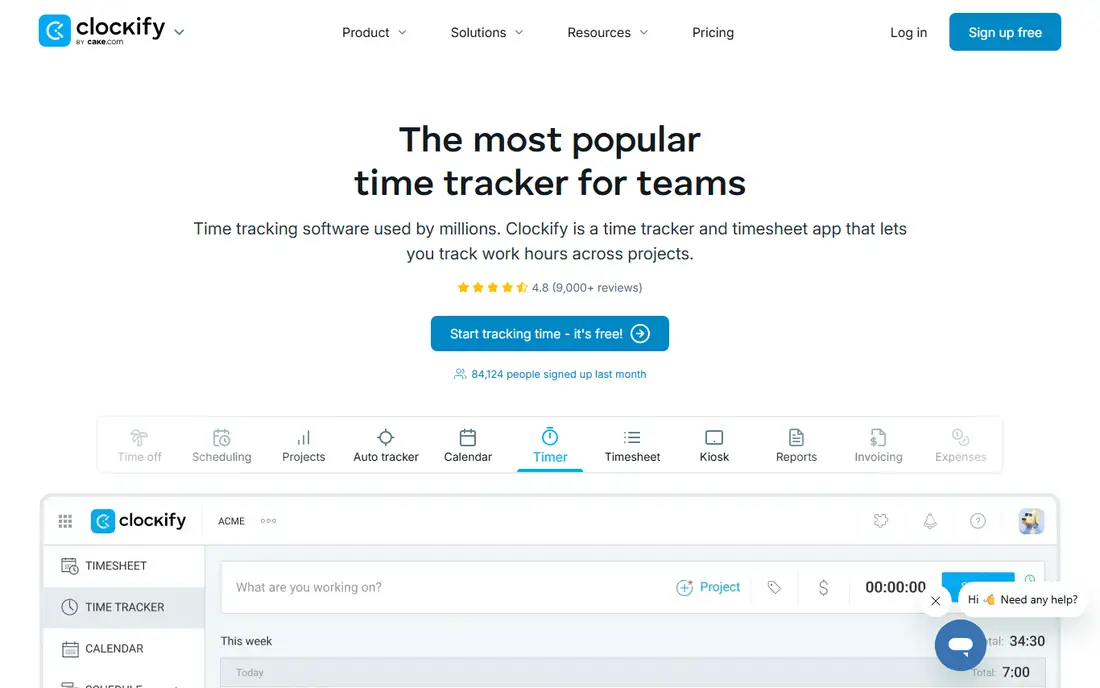
Clockify fits large teams and budget-focused managers. Clockify gives a free timer, projects, and reports for unlimited users, which makes it easy to start a whole team at no cost. That combination is the reason we kept it on this list, and it also explains who should look elsewhere if the fit is not right.
The honest catch is the fuller billing and planning features sit in paid tiers, so check the plan that matches your invoicing needs. We suggest checking the current pricing page and the plan limits before you sign up, because the cheapest tier may not include the feature you need most. If that feature is included, Clockify is a practical choice that most small teams can set up without a long project.
- Free plan for unlimited users
- Reports and projects
- Simple timer
- Advanced invoicing and forecasting need higher tiers
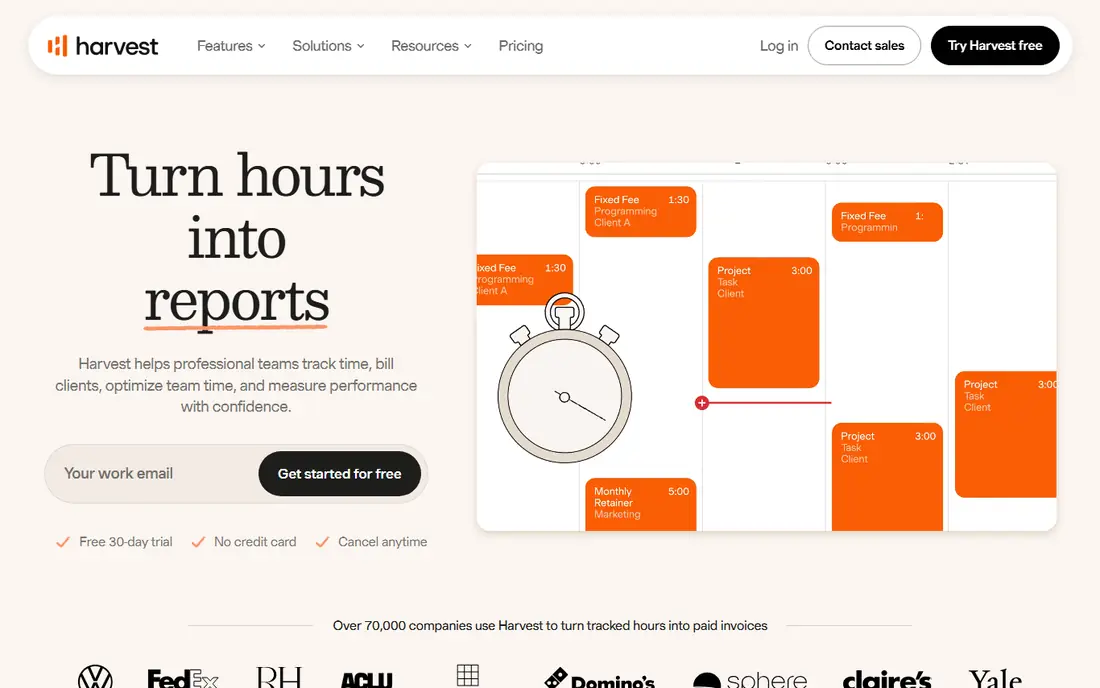
Harvest fits agencies and consultancies that bill by the hour. Harvest links the timer directly to invoices, budgets, and expenses, so tracked hours turn into client bills with less manual work. That combination is the reason we kept it on this list, and it also explains who should look elsewhere if the fit is not right.
The honest catch is the free plan is small, so a growing team moves to paid seats fairly quickly. We suggest checking the current pricing page and the plan limits before you sign up, because the cheapest tier may not include the feature you need most. If that feature is included, Harvest is a practical choice that most small teams can set up without a long project.
- Billable rates and budgets
- Invoices from tracked time
- Expense tracking
- Free plan is limited to one seat and two projects
- Paid cost rises with seats
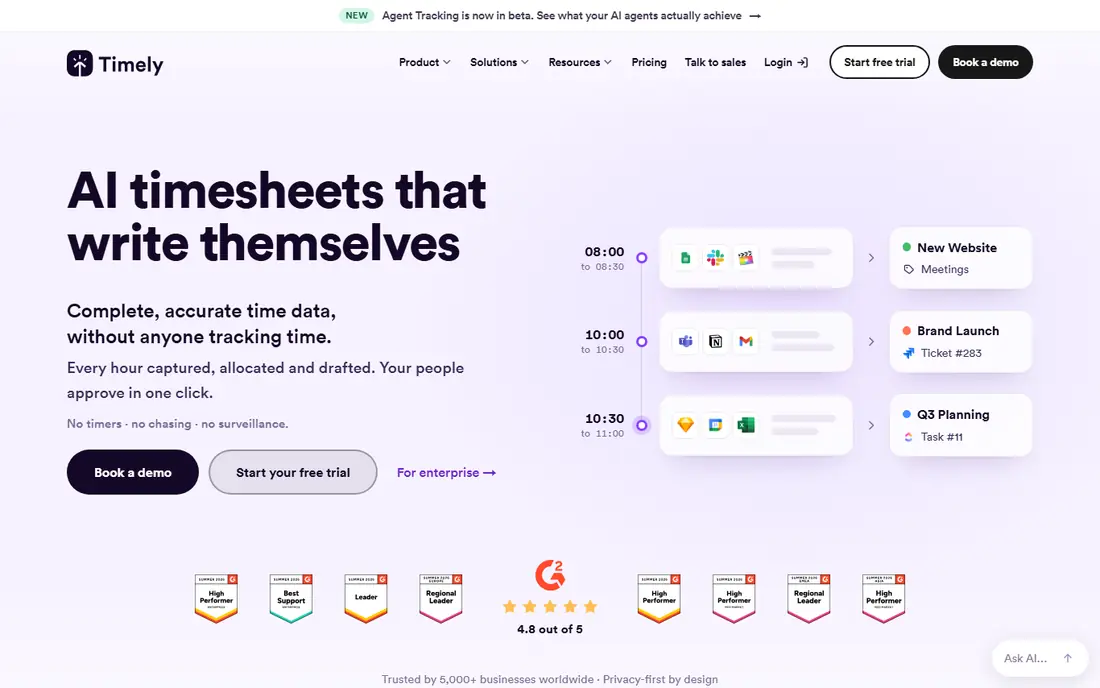
Timely fits consultants and agencies that dislike manual timesheets. Timely captures activity in the background and drafts timesheets, which suits people who forget to start a timer. That combination is the reason we kept it on this list, and it also explains who should look elsewhere if the fit is not right.
The honest catch is the drafts still need review, and there is no free plan beyond the trial, so test it on a real work week first. We suggest checking the current pricing page and the plan limits before you sign up, because the cheapest tier may not include the feature you need most. If that feature is included, Timely is a practical choice that most small teams can set up without a long project.
- Automatic activity capture
- AI-drafted timesheets
- Privacy controls
- No free plan, only a trial
- Automatic capture needs review to stay accurate
Everhour fits teams already working in Asana, ClickUp, Jira, or Trello. Everhour adds time tracking inside the project tool your team already uses, so time sits next to the task it belongs to. That combination is the reason we kept it on this list, and it also explains who should look elsewhere if the fit is not right.
The honest catch is teams that do not use a supported project tool will get less value from the integration-first design. We suggest checking the current pricing page and the plan limits before you sign up, because the cheapest tier may not include the feature you need most. If that feature is included, Everhour is a practical choice that most small teams can set up without a long project.
- Works inside Asana, ClickUp, Jira, and Trello
- Budgets and invoices
- Free plan is limited to five users
- Best value needs a project tool you already use
Hubstaff fits remote and field teams that need payroll and oversight. Hubstaff combines time tracking with payroll and field tools, which suits remote and field teams with varied work. That combination is the reason we kept it on this list, and it also explains who should look elsewhere if the fit is not right.
The honest catch is the monitoring features need a clear policy and consent, since screenshots and activity data affect trust. We suggest checking the current pricing page and the plan limits before you sign up, because the cheapest tier may not include the feature you need most. If that feature is included, Hubstaff is a practical choice that most small teams can set up without a long project.
- Time tracking, payroll, and GPS for field teams
- Activity options
- No free plan, only a trial
- Monitoring features need a clear team policy
Time Doctor fits distributed teams that need auditable client hours. Time Doctor gives auditable hours with screenshots, activity, and reports that clients and managers can review. That combination is the reason we kept it on this list, and it also explains who should look elsewhere if the fit is not right.
The honest catch is teams should agree a monitoring policy first, because the visibility that helps billing can harm trust if it is not explained. We suggest checking the current pricing page and the plan limits before you sign up, because the cheapest tier may not include the feature you need most. If that feature is included, Time Doctor is a practical choice that most small teams can set up without a long project.
- Screenshots and activity records
- Payroll and reporting
- Client views
- No free plan, only a trial
- Monitoring features can feel intrusive without a policy
RescueTime fits individuals who want to improve focus habits. RescueTime tracks app and site use in the background and turns it into focus reports, without a manual timer. That combination is the reason we kept it on this list, and it also explains who should look elsewhere if the fit is not right.
The honest catch is it is built for personal productivity first, so agency billing and project budgets are lighter than in Harvest or Everhour. We suggest checking the current pricing page and the plan limits before you sign up, because the cheapest tier may not include the feature you need most. If that feature is included, RescueTime is a practical choice that most small teams can set up without a long project.
- Automatic activity tracking
- Focus sessions
- Weekly reports
- Team and billing features are lighter than agency tools
TimeCamp fits small teams that want free tracking with invoicing. TimeCamp combines a free plan for unlimited users with automatic tracking and invoicing options. That combination is the reason we kept it on this list, and it also explains who should look elsewhere if the fit is not right.
The honest catch is the interface is plainer than some rivals, and the fuller feature set sits in paid tiers. We suggest checking the current pricing page and the plan limits before you sign up, because the cheapest tier may not include the feature you need most. If that feature is included, TimeCamp is a practical choice that most small teams can set up without a long project.
- Free plan for unlimited users
- Automatic tracking
- Invoicing
- Interface is plainer than some rivals
- Advanced features need paid tiers
TrackingTime fits small teams that want a simple shared timer. TrackingTime keeps team time tracking simple, with projects, clients, and reports in a clear layout. That combination is the reason we kept it on this list, and it also explains who should look elsewhere if the fit is not right.
The honest catch is the integration range is smaller than larger tools, so check for your project and invoicing tools first. We suggest checking the current pricing page and the plan limits before you sign up, because the cheapest tier may not include the feature you need most. If that feature is included, TrackingTime is a practical choice that most small teams can set up without a long project.
- Simple timer and reports
- Project and client views
- Team features
- Smaller ecosystem than larger trackers
- Some features need paid plans
How we picked these
We compared official pricing pages, feature lists, and public documentation for time tracking tools that are live in October 2026. We kept only tools that track time for individuals or teams with reports, projects, or billing features, and we noted where a free plan was limited by seats or projects. We did not claim hands-on testing, and we left out the named product itself from its own list.
How to choose a Toggl alternative
Start with how your team actually works. A solo freelancer needs a simple timer and an invoice, while a distributed team may need payroll, screenshots, or client views. If people forget timers, Timely or RescueTime may save more time than a cheaper manual tool. Check the free plan limits carefully, especially seat caps, because a free plan for five users is a different deal from a free plan for unlimited users. Agree a policy for any monitoring features, test reports with a real invoice, and run a two-week trial before you move a whole team.
Frequently asked questions
What are good alternatives to Toggl?
Clockify, Harvest, Timely, Everhour, Hubstaff, and Time Doctor are common alternatives to Toggl, with RescueTime, TimeCamp, and TrackingTime covering personal or budget needs. The best pick depends on billing, automation, and team size.
Which Toggl alternative is free?
Clockify and TimeCamp offer free plans for unlimited users, while Harvest, Everhour, RescueTime, and TrackingTime offer limited free plans. Timely, Hubstaff, and Time Doctor offer free trials rather than a full free plan.
Which alternative is best for invoicing?
Harvest leads for invoicing from tracked time, with TimeCamp and Everhour also offering invoicing options. Check billable rates, budgets, and payment links on the plan you would actually buy.
Which tool is best for automatic time tracking?
Timely and RescueTime lead for automatic tracking, since both capture activity without a manual timer. Timely drafts timesheets for review, while RescueTime focuses on personal focus reports.
Do Hubstaff and Time Doctor monitor employees?
Both offer screenshots and activity features, which is why teams should agree a clear policy, tell staff what is captured, and limit monitoring to work hours. If your team does not want monitoring, choose a timer-only tool such as Clockify or TrackingTime.
Sources
See where you really rank - block by block
ProMapRanker scans Google Maps across a grid of your service area. Simple monthly plans from $19, white-label on every plan.
Start freeKeep reading
 wpforms alternatives
Best WPForms Alternatives in 2026
We compare 9 wpforms alternatives for WordPress forms, with free and paid options, current pricing notes, and honest limits for small business sites in 2026.
Read → windows task scheduler alternatives
Best Windows Task Scheduler Alternatives in 2026
Looking for Windows Task Scheduler alternatives? We compare 9 schedulers for Windows and cross-platform work, from free tools to enterprise automation.
Read → which ai video service is best
Which AI Video Service Is Best in 2026
which ai video service is best? We compare 10 legitimate AI video services on price, avatars, editing and output quality to help you pick the right tool.
Read →