 ProMapRanker
Best TinyMCE Alternatives in 2026

Key takeaways
- CKEditor is the closest like for like replacement for teams that need a ready editor with collaboration and enterprise support.
- Quill and Editor.js are the fastest routes to a working editor for a simple app or prototype.
- Tiptap, Lexical, ProseMirror and Slate are frameworks for teams that need a custom editing experience, not just a toolbar.
- Froala suits design focused apps that want a polished interface out of the box.
- Summernote remains a practical pick for simple, jQuery based projects that do not need a modern framework.
Quick comparison
| Pick | Great for | Pricing starts at | Free tier | |
|---|---|---|---|---|
 CKEditor | Enterprise ready editing | See website | Yes | Visit |
 Quill | Simple lightweight editing | Free | Yes | Visit |
 Froala | Polished design focused editing | See website | Free trial | Visit |
 Tiptap | Headless React and Vue editing | Free | Yes | Visit |
 Lexical | High performance React editing | Free | Yes | Visit |
 ProseMirror | Custom schema based editing | Free | Yes | Visit |
 Slate | Fully custom React editing | Free | Yes | Visit |
 Editor.js | Block based structured editing | Free | Yes | Visit |
 Summernote | Simple jQuery editing | Free | Yes | Visit |
The best tinymce alternatives
TinyMCE is a mature rich text editor, but teams move away from it for licence terms, framework fit, collaboration needs or a different editing model. The editors below cover the main paths: a ready to use editor, a headless framework, and a block based editor. Pick by how much custom work your team wants to do.
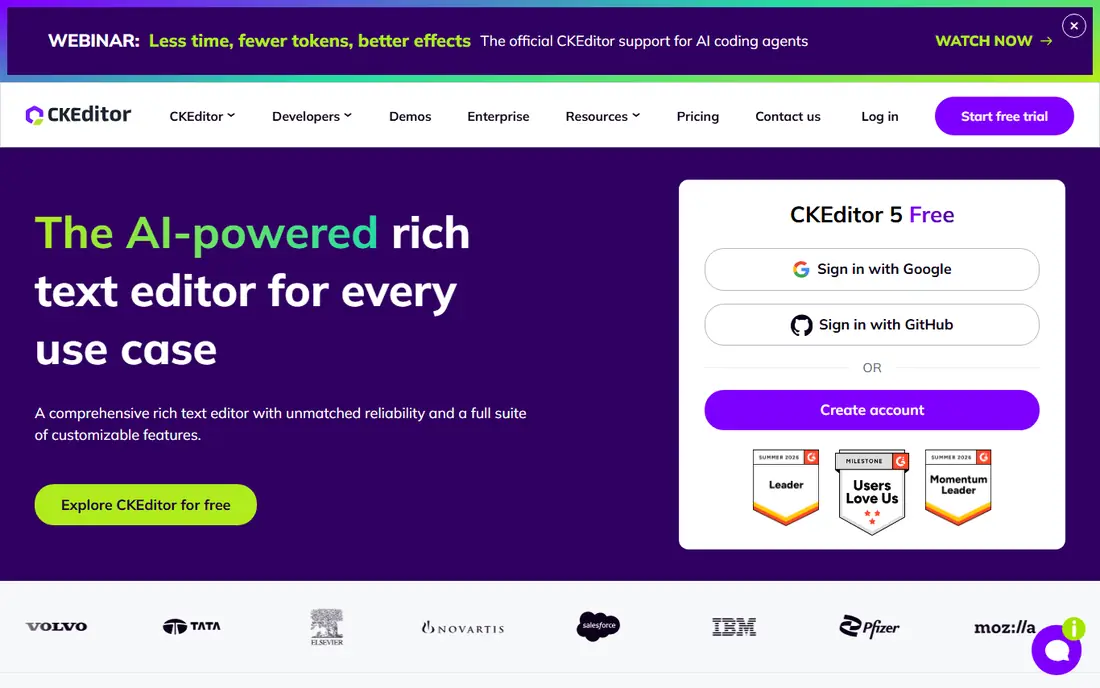
CKEditor 5 is the most direct replacement for TinyMCE in a CMS or enterprise app. It ships as a ready editor with formatting, tables, images, links and media, plus optional premium features such as real time collaboration, track changes, comments and revision history. Integrations for React, Angular, Vue and other frameworks are documented, which helps a team move without rewriting the whole front end.
The free open source core covers many basic needs, but collaboration and some advanced features need a commercial licence, and pricing is not a single public figure for all cases, so we wrote See website. If your main need is a stable editor that non technical editors can use on day one, CKEditor is the safest shortlist entry.
- Ready builds with plugins
- Real time collaboration and track changes on paid plans
- Strong documentation
- Paid features add cost at scale
- Full setup needs care for custom builds
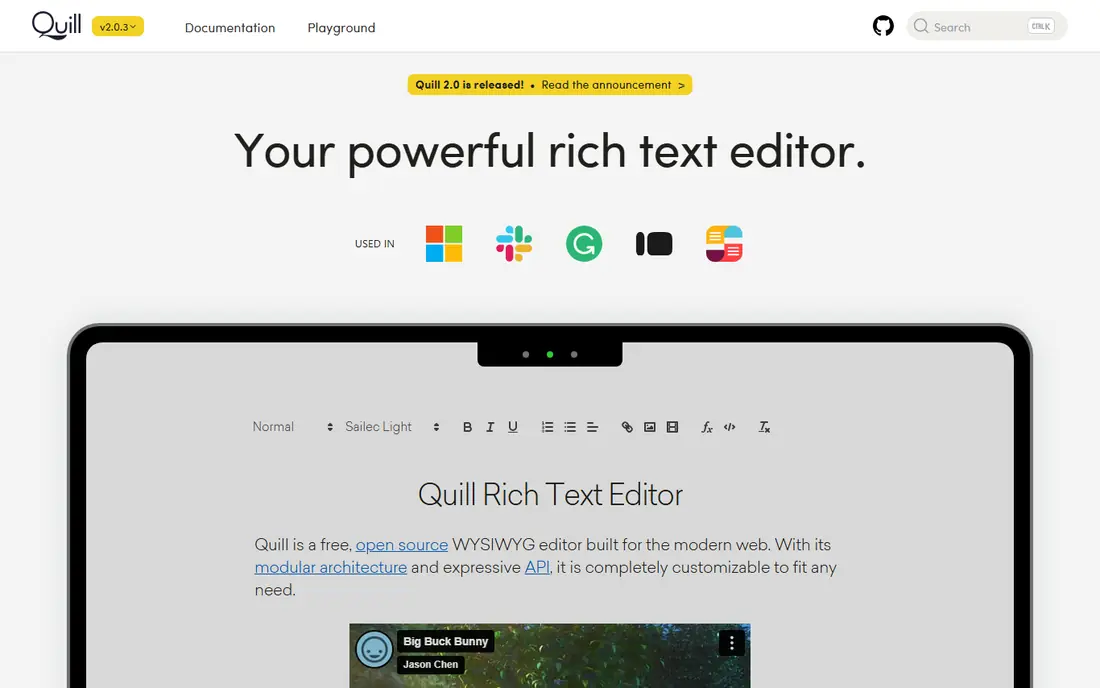
Quill is the classic lightweight choice. It gives you a clean editor with a toolbar, a document model based on Deltas, and a modular system for adding formats and tools. A developer can have a working editor in a page quickly, which is why Quill remains popular for prototypes, internal tools and simple content apps.
The trade off is depth. Quill does not ship the same enterprise collaboration, track changes or advanced table tools as CKEditor, and building those features takes work. If your content is mainly formatted text with images and links, Quill is enough. If you need Word style review workflows, look at CKEditor or Tiptap with paid add ons.
- Free and open source
- Modular design
- Fast to integrate
- Fewer built in enterprise features
- Custom features need modules
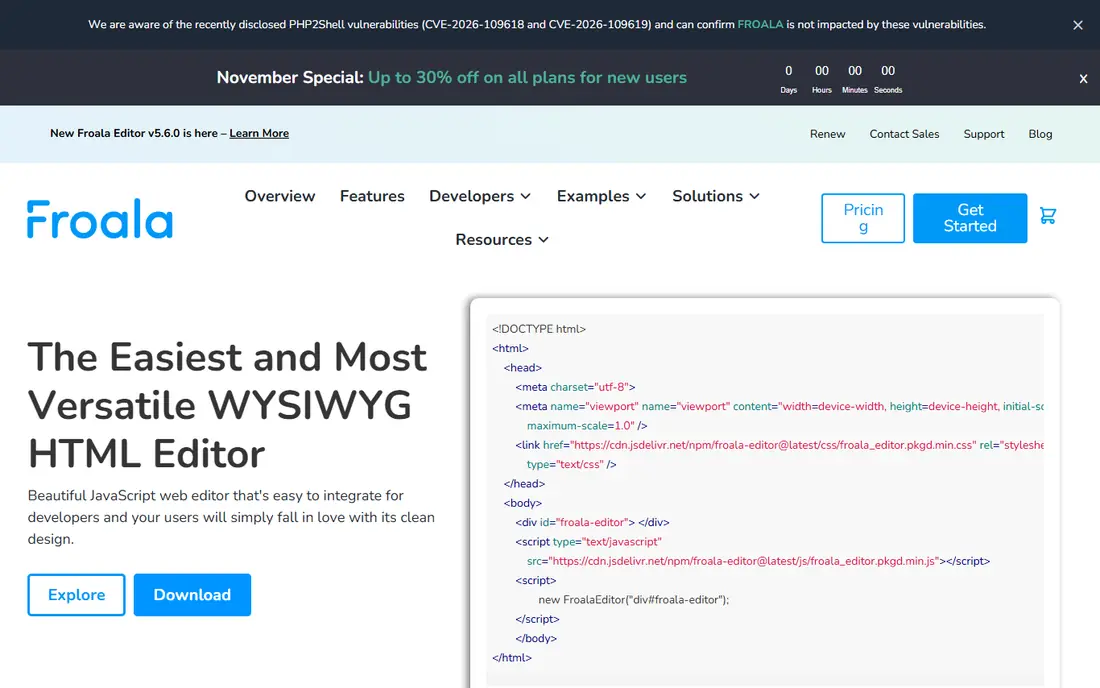
Froala is built for apps where the editor itself must look good. Its interface is clean, its toolbar adapts well on mobile, and its plugin set covers tables, images, video, emoticons and more. Integrations for React, Angular, Vue and plain JavaScript make it a practical drop in for a design focused product.
Pricing is the area to verify. Older summaries listed lower yearly prices, while more recent listings put the starting commercial price higher, so we wrote See website rather than picking a figure that may be out of date for your use. Request a quote for your project type, since Froala pricing can differ for a single site, a SaaS product and an OEM use.
- Clean modern interface
- Strong mobile handling
- Many plugins and integrations
- Commercial licence cost
- Pricing has varied across sources, so check the vendor page
Tiptap is a headless editor framework for React and Vue, built on ProseMirror. Headless means Tiptap handles the document, commands and extensions, while you control the look and feel. That gives a product team full control over the editing experience, from a Notion style block editor to a minimal comment box, without being locked to a vendor toolbar.
The open source core is free, while Tiptap also sells paid plans for collaboration, AI features and ready UI components, with starting prices reported at different levels across sources, so we wrote See website for the paid tier. Tiptap suits teams that want a custom editor and have front end capacity to build it. Teams that want a ready toolbar on day one may prefer CKEditor or Quill.
- Headless and highly extensible
- Built on ProseMirror
- Large extension set
- You design the toolbar and UI yourself
- Paid collaboration and AI features add cost
Lexical is Meta's open source text editor framework for the web, with a strong focus on accessibility and performance. It is designed for React apps that need a reliable editing core for large or complex documents, and it powers editing in several Meta products. Developers get a structured document model, plugin style nodes and control over rendering.
Lexical is not a plug in toolbar. You build the UI, toolbar and features around it, which takes more work than Quill or CKEditor. It suits a React team that needs performance and accessibility, and that is willing to invest in a custom editor rather than accept a ready made look.
- Free and open source from Meta
- Accessibility focused
- Good performance on large documents
- Framework style tool, not a ready editor
- React focus limits some use cases
ProseMirror is the toolkit behind Tiptap and several other editors. It gives you a schema driven document model, transactions, history and a plugin system, which makes it ideal for complex editing rules, structured content and collaborative editing. If your app needs strict document structure, such as a legal template or a scientific editor, ProseMirror gives you control that a ready editor cannot.
That control comes with effort. ProseMirror is a framework, not a finished editor, so your team must build the toolbar, menus, image handling and paste logic. It is the right pick when document correctness matters more than speed of integration, and when you have experienced front end developers.
- Free and open source
- Schema driven document model
- Strong foundation for collaboration
- Steep learning curve
- You build most of the UI yourself
Slate is a React framework for building rich text editors where you control rendering completely. It treats the document as a set of nodes that you render with React components, which makes it ideal for custom experiences such as embedded cards, mentions, rich tables or domain specific blocks. Many well known editors started from Slate for that reason.
Slate does not ship a ready toolbar or a default editing experience, so a team must design and build those parts. That makes it a poor fit for a quick CMS field, and a strong fit for a product where the editor is a core feature and must look and behave in a specific way.
- Free and open source
- Full control over rendering
- Plugin based design
- You build the editor experience from scratch
- Documentation assumes React knowledge
Editor.js takes a block approach. Each paragraph, heading, image, list or embed is a separate block, and the output is structured JSON rather than a single HTML string. That structure makes it easy to store, render and reuse content in different front ends, which appeals to headless CMS and API driven apps.
The block model is less natural for long, flowing prose with complex inline formatting, and Editor.js does not include collaboration by default. If your content is made of distinct blocks, such as articles with images, quotes and embeds, Editor.js is a clean and lightweight choice. If you need Word style continuous editing, a traditional editor may fit better.
- Free and open source
- Clean block based output as JSON
- Easy to extend with block tools
- No real time collaboration out of the box
- Block model needs adaptation for long prose
Summernote is a simple WYSIWYG editor built on jQuery and Bootstrap. It is easy to drop into an existing jQuery site, with a familiar toolbar for bold, lists, links, images and tables. For a legacy admin panel or a small internal tool that already uses jQuery, Summernote can be the fastest replacement for TinyMCE.
It is not the right pick for a new React or Vue app, and its feature set is thinner than CKEditor or Tiptap. Use Summernote when simplicity and compatibility with an older stack matter more than modern collaboration or a custom editing model.
- Free and open source
- Very easy to add to a jQuery project
- Lightweight
- Older design
- Less active development than modern frameworks
- Limited advanced features
How we picked these
We compared official docs, licence pages and pricing pages for rich text editors that are live in October 2026. We kept editors that are actively maintained, that can be integrated into a web app or CMS, and that cover a distinct editing model. We excluded TinyMCE itself, since this is an alternatives list, and we excluded code only editors that do not offer rich text editing. Where commercial pricing varies by use case or has changed across sources, we wrote See website rather than stating a figure we could not verify for your licence type.
How to choose the right TinyMCE alternative
Start with your framework and your content model. A React team that wants full control should shortlist Tiptap, Lexical or Slate. A team that wants a ready editor for editors and marketers should shortlist CKEditor, Quill or Froala. A headless CMS team should look at Editor.js for block JSON output.
Test paste and export first
Rich text editors fail most often on paste from Word or Google Docs, and on export to HTML or JSON. Test those two flows with real content from your users before you commit. A beautiful toolbar means little if pasted content breaks your layout or your export loses formatting.
Check licence terms for your product type
Open source does not always mean free for every use. Some editors have different terms for SaaS products, OEM use or redistribution. Read the licence page for your exact use, and get a written quote when a commercial licence applies. That check avoids a costly surprise after launch.
Plan for collaboration early
If two people will edit the same document at once, or if you need comments and track changes, pick an editor that supports those features natively or through a paid add on. Adding collaboration later to an editor that was not built for it is a major rewrite, so decide this before you build the UI.
Frequently asked questions
What is the best free TinyMCE alternative?
Quill is the best free starting point for a simple editor, while Editor.js is best for block based content and Tiptap is best for a custom React or Vue editor. All three have free open source cores. CKEditor also has a free core, with paid features for collaboration and advanced review tools.
Which TinyMCE alternative is best for React?
Tiptap, Lexical and Slate are the strongest React focused options, with Tiptap offering the fastest path to a custom editor and Lexical offering strong performance and accessibility. CKEditor and Quill also offer React integrations if you want a ready editor rather than a framework.
Can I migrate content from TinyMCE to another editor?
Often, yes, since most editors work with HTML. Test migration with real documents, especially tables, images and pasted Word content, because formatting can shift between editors. A block editor such as Editor.js may need a conversion step from HTML to blocks, so budget time for that work.
Do these editors support collaboration?
CKEditor and Tiptap offer collaboration through paid features or add ons, and ProseMirror can support collaboration with additional work. Quill, Editor.js and Summernote do not include real time collaboration out of the box. If collaboration is a core need, shortlist CKEditor and Tiptap first.
Is Froala free?
No. Froala offers a trial, but commercial use needs a licence. Check the vendor pricing page for your project type, since pricing can differ for a single website, a SaaS product and redistribution.
Sources
See where you really rank - block by block
ProMapRanker scans Google Maps across a grid of your service area. Simple monthly plans from $19, white-label on every plan.
Start freeKeep reading
 wpforms alternatives
Best WPForms Alternatives in 2026
We compare 9 wpforms alternatives for WordPress forms, with free and paid options, current pricing notes, and honest limits for small business sites in 2026.
Read → windows task scheduler alternatives
Best Windows Task Scheduler Alternatives in 2026
Looking for Windows Task Scheduler alternatives? We compare 9 schedulers for Windows and cross-platform work, from free tools to enterprise automation.
Read → which ai video service is best
Which AI Video Service Is Best in 2026
which ai video service is best? We compare 10 legitimate AI video services on price, avatars, editing and output quality to help you pick the right tool.
Read →