 ProMapRanker
Best SEO Content Tools in 2026

Key takeaways
- Surfer and Clearscope remain the most direct choices for scoring a draft against pages that already rank, while Frase covers research, briefs, and drafting in one workspace.
- MarketMuse stands apart for planning across a whole site, rather than scoring one page at a time.
- NeuronWriter and Scalenut give smaller teams a lower entry price, with tighter limits on projects and analyses.
- A content score is a guide, not a guarantee, so every draft still needs fact checking, editing, and a clear point of view.
- Start with the volume you will really use, since document caps and annual billing change the true cost fast.
Quick comparison
| Pick | Great for | Pricing starts at | Free tier | |
|---|---|---|---|---|
 Surfer | live scoring while you write | $49 per month | No | Visit |
 Clearscope | editorial teams sharing drafts | $129 per month | No | Visit |
 Frase | research to published draft in one place | $39 per month | No | Visit |
 MarketMuse | site-wide content planning | See website | Yes | Visit |
 NeuronWriter | budget semantic optimization | $23 per month | No | Visit |
 Content Harmony | briefs priced by volume | $50 per month | No | Visit |
 Scalenut | clusters, drafting, and optimization | $59 per month | No | Visit |
 PageOptimizer Pro | one-off on-page reports | $40 per month | No | Visit |
 Semrush | content work inside a full SEO suite | $139 per month | Yes | Visit |
The best SEO content tools
We compared these tools on official feature pages, pricing pages, and public documentation, with a focus on what each one does for a single article and for a content plan as a whole. The best SEO content tool for you depends on how many articles you publish, how many people edit them, and how much research you already do elsewhere.
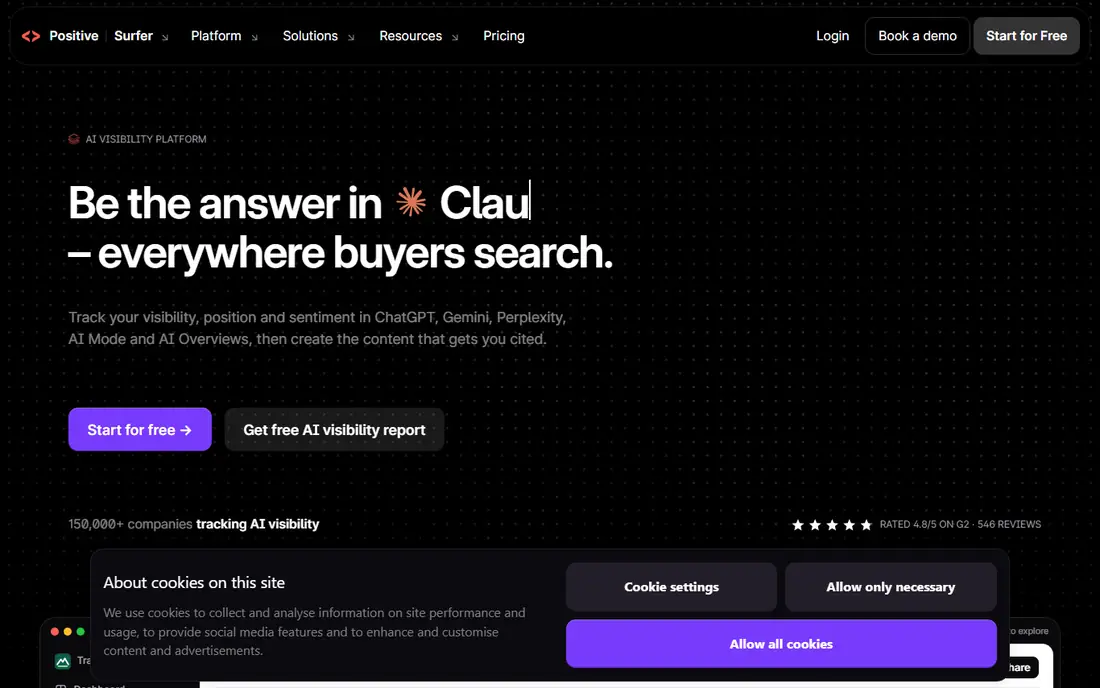
Surfer suits writers who want constant feedback while a draft takes shape. The editor compares your text with top ranking pages and shows which terms, headings, and length patterns are common among them. That feedback helps a writer spot gaps before publishing, rather than after a page has sat unranked for months.
The catch is the way documents are counted. Lower plans include a set number of documents for the year, so a team that publishes often can run through them faster than expected. Surfer works best when you already know your topics and want a disciplined check on each draft, not when you need help deciding what to write in the first place.
- Live Content Score in the editor
- SERP analysis tied to ranking pages
- Audit tools for existing pages
- Document caps on lower plans
- Annual credits reset once a year, not monthly
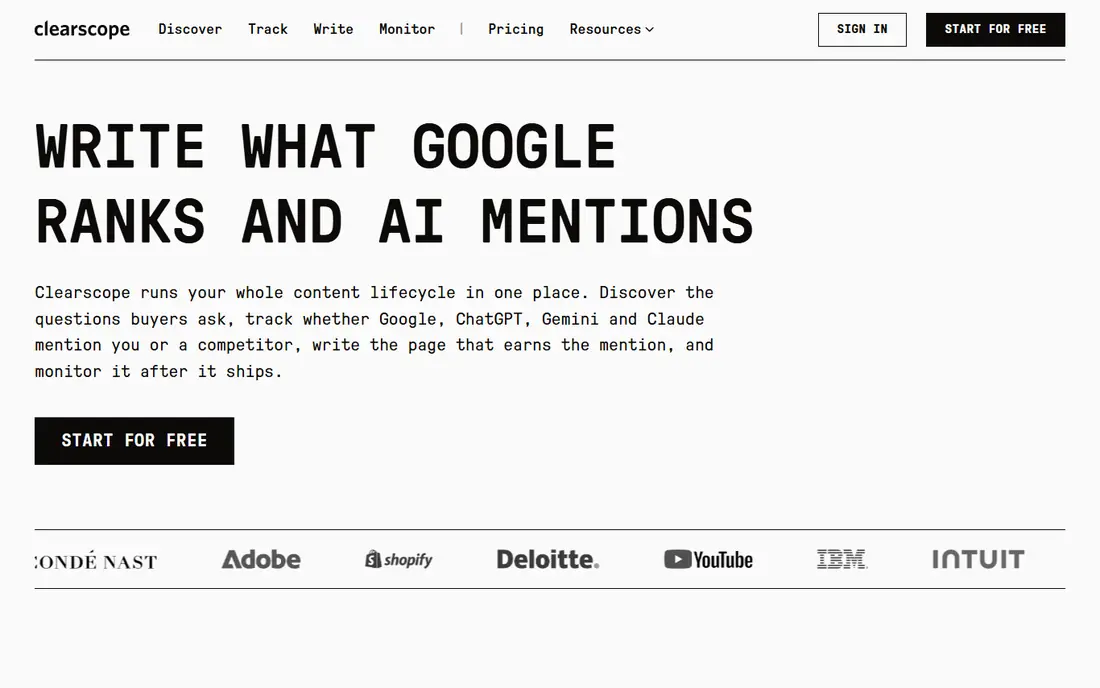
Clearscope fits teams where several editors touch the same article. Every plan includes unlimited users, so adding a freelance writer or an editor does not raise the seat cost. The editor itself stays focused, with term suggestions and a grade that reflects relevance to the query, rather than a long list of extra panels.
The price is the main barrier for a solo writer. Twenty drafts a month is plenty for many small teams, but a high volume publisher will need a higher tier or a second tool. Clearscope is our pick when shared editing and consistent standards matter more than the lowest monthly bill.
- Clear, simple editor
- Unlimited users on every plan
- Topic explorations alongside drafts
- Higher entry price
- Only 20 drafts a month on the Essentials plan

Frase covers more of the workflow than most tools on this list. You can research a query, pull the questions people ask around it, build a brief, draft in the editor, and check optimization without moving between apps. That single flow saves time for small teams and solo creators who publish on a steady schedule.
Starter limits are real, though. One seat, one site, and 10 articles a month suit a single site owner, but an agency will outgrow it quickly. Frase also offers a seven day trial, so it is worth testing the full loop on a real article before committing to a plan.
- Fast SERP research and question extraction
- Brief builder and optimizer in one workspace
- Publishing integrations
- Starter plan allows only one seat and one site
- Starter caps articles at 10 per month
MarketMuse answers a different question from the editors above. Instead of asking how good one draft is, it asks which topics your site covers well, which topics are thin, and which new pages would strengthen a cluster. That site-wide view helps content leads plan a quarter of work, not just a week of drafts.
The free plan gives a useful taste, with a small monthly query allowance. Paid tiers require a conversation with sales, so budgeting takes longer than with self-serve tools. Choose MarketMuse when planning and prioritization are the bottleneck, and pair it with a cheaper editor if you also need live scoring.
- Topic modeling across a whole site
- Free plan with 10 queries a month
- Inventory analysis for existing content
- Paid pricing is quote based
- Less suited to quick one-page scoring
NeuronWriter is the value pick in this group. Bronze starts at $23 per month on monthly billing, with a lower yearly equivalent, and includes content analyses, AI credits, and integrations that many teams use daily. For a solo writer or a small blog, that price makes regular optimization affordable.
Limits matter here too. Bronze covers only two projects and 25 analyses, so a writer with several sites will need a higher tier. The tool also offers a seven day trial on Gold terms, which is a sensible way to check whether the editor fits your writing style before paying.
- Low entry price
- Semantic term suggestions from SERP analysis
- WordPress, Google Docs, and Search Console integrations
- Interface feels less polished than pricier rivals
- Lower plans cap projects and analyses
Content Harmony centers on the brief, which is often where content projects go wrong. A clear brief gives a writer the intent, the structure, and the questions to answer, so drafts come back closer to publishable. Unlimited users on paid plans also help agencies that hand briefs to many writers.
The trade-off is scope. Content Harmony does not try to replace a full SEO suite, so teams that also need rank tracking and backlink data will still need another subscription. Treat it as a production tool for briefs and workflows, and judge it on how much editing time it saves per article.
- Structured briefs writers can follow
- Unlimited users on paid plans
- Workflow pricing tied to output
- Smaller feature set than full suites
- Brief quality still needs human review
Scalenut tries to cover planning, drafting, and optimization in one subscription. Topic clusters help a team map related articles before writing, and the editor then scores drafts against SERP patterns. For a small team that wants one login for most content jobs, that breadth is appealing.
Pricing needs care. Public pages have shown list prices of $59, $89, and $199 per month alongside lower promotional rates, with a seven day trial advertised. Confirm the renewal price and the limits on your plan before you rely on a promo rate for a yearly budget.
- Topic clusters alongside drafting
- AI drafting with SERP guidance
- Optimization in the same workspace
- List prices and promo rates differ, so checkout terms need checking
- Some features sit on higher tiers
PageOptimizer Pro suits people who mainly need a check on a page, not a full content platform. You run a report, get a list of on-page actions, and apply them. That simplicity keeps costs down for consultants and site owners who optimize existing pages in batches.
The limit is obvious. If you also need research, briefs, and AI drafting, you will need other tools beside it. PageOptimizer Pro earns its place here for focused, affordable on-page work, not as a single home for a whole content operation.
- Focused on-page reports without a large suite
- Simple pricing for occasional use
- Clear action lists
- No drafting or brief workflow
- Less useful for teams that publish daily
Semrush makes sense if you already pay for SEO research and tracking. Its content tools, including the SEO Writing Assistant, let you check a draft against top ranking pages without buying a separate editor. The suite also covers keyword research, site audits, and rank tracking, which specialist content tools do not.
The downside is depth. A dedicated editor like Surfer or Clearscope gives richer scoring and brief options than a suite add-on. Semrush is our pick when one subscription must cover research, tracking, and content checks together, and a specialist editor would be a second bill you do not need.
- SEO Writing Assistant inside a broad suite
- Keyword, audit, and rank tracking in one login
- Free plan with limited reports
- Content tools sit inside a pricier suite
- Writing guidance is lighter than specialist editors
How we picked these
We compared official feature pages, pricing pages, and public documentation for tools that focus on SEO content work, and we left out general writing apps with no SERP or semantic analysis. We favored tools that are live and available in October 2026, with published pricing or a clear free tier where possible. Where pricing was quote based or promotional, we wrote See website or noted the list price, rather than guessing a final figure.
What to check before you pay
Start with your real publishing volume. Count how many articles and page optimizations you do in a month, then match that number to document, draft, or analysis caps, not just the headline price. A cheap plan that runs out mid-month costs more in upgrades and delays than a mid-tier plan that covers your pace.
Next, test the editor on your own topic. Paste a draft you already know well and see whether the suggestions feel useful or generic. A tool that pushes you to add terms your readers do not need will weaken an article, even if the score rises. Look for question coverage, heading structure, and intent fit, not just a single number.
Also check who will use the tool. Unlimited seats change the math for a team, while a one-seat plan can stall a project when an editor is away. Confirm integrations with your CMS and with Search Console, and confirm whether AI drafting, plagiarism checks, and brief exports sit on your tier or a higher one. Finally, run the trial on a real deadline, with a real writer, and keep the draft that results. That draft tells you more than any demo.
Frequently asked questions
What is the best SEO content tool for beginners?
For most beginners, Frase or NeuronWriter is the easier starting point. Frase walks you from research to a draft in one workspace, while NeuronWriter keeps the monthly cost low and the editor focused on terms and structure. Both offer trials, so test one full article in each before choosing.
What are the best SEO content tools for agencies?
Clearscope and Content Harmony suit agencies well, since both allow unlimited users on paid plans and keep briefs and drafts consistent across writers. Surfer also works for agencies with high volume, provided the document allowance on the chosen plan matches output. MarketMuse adds value for agencies that plan content across many client sites.
Do SEO content tools replace human writers?
No. These tools compare drafts with ranking pages and suggest terms, questions, and structure, but they do not verify facts, judge tone, or know your readers. A good draft still needs a human editor to check claims, cut filler, and shape the argument. Treat the score as a checklist, not a verdict.
Is Surfer or Clearscope better for content optimization?
Surfer suits writers who want live scoring and audits at a lower entry price, while Clearscope suits editorial teams that value a simple editor and unlimited seats. If you publish alone and watch costs, Surfer is the usual pick. If several editors share drafts, Clearscope often works out better per person.
Are there free SEO content tools?
MarketMuse offers a free plan with a small monthly query allowance, and Semrush offers a free plan with limited reports. Most specialist editors do not offer a standing free plan, though several offer short trials. A free tier is useful for learning the workflow, but regular publishing usually needs a paid plan.
How much should a small business pay for an SEO content tool?
A small business publishing a few articles a month can often work with NeuronWriter or Frase at the entry level. A team publishing weekly, or across several sites, should budget for Surfer, Clearscope, or Scalenut at a mid-tier plan. Always compare the cost per finished article, not just the monthly sticker price.
Sources
See where you really rank - block by block
ProMapRanker scans Google Maps across a grid of your service area. Simple monthly plans from $19, white-label on every plan.
Start freeKeep reading
 which software is best for pdf page removal
Which Software Is Best for PDF Page Removal in 2026
Find which software is best for pdf page removal, from free online tools to desktop editors, with page controls, privacy, safety, and pricing compared.
Read → when i work alternatives
Best When I Work Alternatives in 2026
Looking for when i work alternatives? We compare 8 scheduling apps for hourly teams, covering pricing, free plans, time clocks and the best fit for business.
Read → the best tool for keyword analysis
The Best Tool for Keyword Analysis in 2026
Find the best tool for keyword analysis with our 2026 comparison of 10 keyword analysis software tools on data depth, difficulty scores and price today.
Read →