 ProMapRanker
Best TeamViewer Alternatives in 2026

Key takeaways
- Splashtop and RemotePC are the best value swaps for remote work, with low entry prices and fast connections.
- AnyDesk suits speed-sensitive sessions, while Zoho Assist and ScreenConnect suit support teams and IT providers.
- Chrome Remote Desktop is free for personal use and covers the simplest case: reaching your own computer.
- Only access computers you own or have clear permission to reach, and protect every account with two-factor authentication.
Quick comparison
| Pick | Great for | Pricing starts at | Free tier | |
|---|---|---|---|---|
 Splashtop | Best overall value | $5 per month | Free trial | Visit |
 AnyDesk | Fast low-latency sessions | See website | Free trial | Visit |
 RemotePC | Budget unattended access | $2.95 per month | Free trial | Visit |
 Zoho Assist | Helpdesk support | $12 per month | Yes | Visit |
 Chrome Remote Desktop | Free personal access | Free | Yes | Visit |
 RealVNC Connect | Secure lightweight access | $8.25 per month | Yes | Visit |
 ConnectWise ScreenConnect | MSPs and IT teams | See website | Free trial | Visit |
 ISL Online | European privacy focus | $16.90 per month | Free trial | Visit |
The best teamviewer alternatives
TeamViewer is widely known, but its commercial pricing pushes many small teams and individuals to look for a cheaper or simpler option. The tools below cover personal remote work, on-demand support, and unattended access, with different price models and security strengths. We compared them on price, performance, security controls, and team fit.
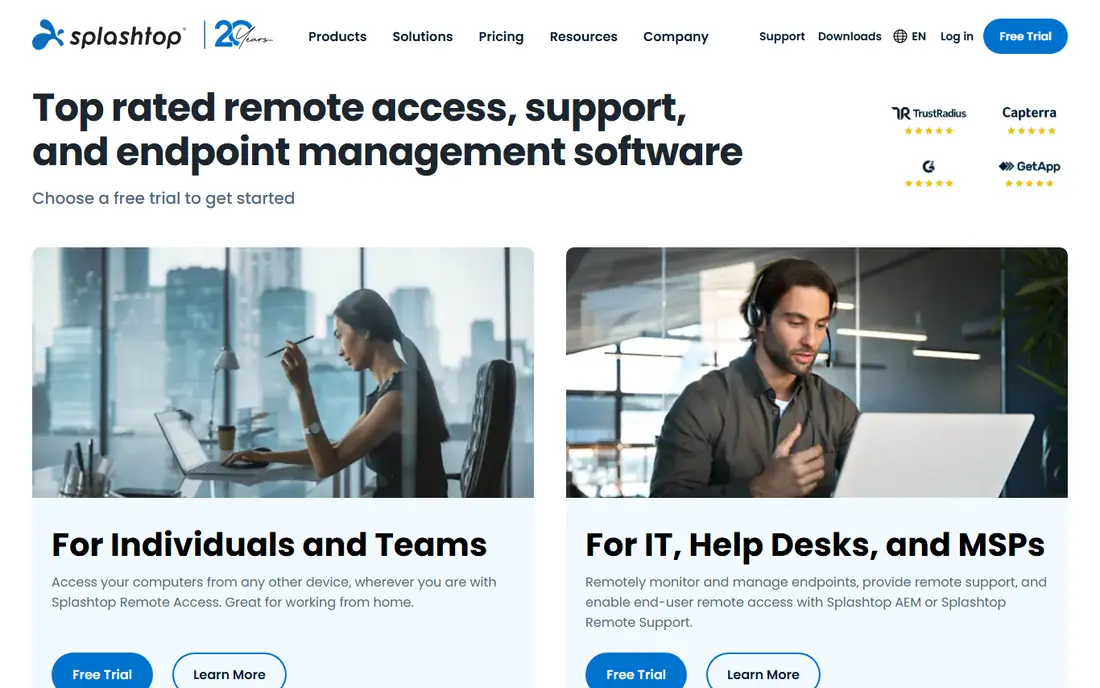
Splashtop is our overall pick as a TeamViewer alternative, because it combines low price with fast performance. The Solo plan starts at $5 per month when billed annually, and it covers remote work access with file transfer and remote printing. Higher plans add multi-monitor support, session recording, and central management, while separate plans cover on-demand support.
The plan split is the thing to watch. Business Access, SOS, and Remote Support are different products, so make sure you buy the one that matches your job. For remote work, Business Access is the direct swap. For customer support, compare SOS and Remote Support instead, and check the total price for your team size.
- Low entry price
- Fast 4K streaming on higher plans
- Strong security and compliance coverage
- Solo plan limits devices
- Support features sit on separate plans
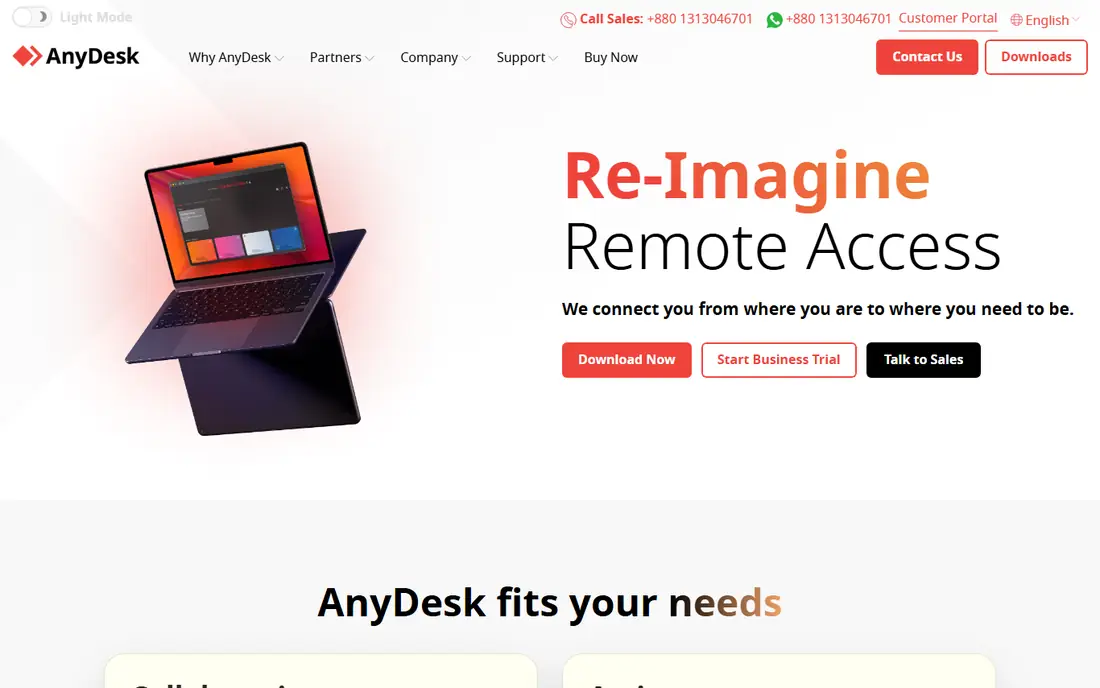
AnyDesk is the speed pick. Its lightweight client starts quickly and keeps sessions responsive, which helps with design work, video, and large files. It supports unattended access, file transfer, and remote printing across Windows, Mac, Linux, and mobile, and its free option covers personal use.
Pricing has changed in recent years and varies by region, so we list it as See website rather than repeating a single regional price as universal. Check the current United States price for the plan you need before you budget. If session speed matters most, and you accept a higher price than Splashtop or RemotePC, AnyDesk is a strong choice.
- Lightweight client
- Fast sessions on weaker connections
- Wide platform support
- Pricing varies by region and plan
- Commercial use needs a paid licence
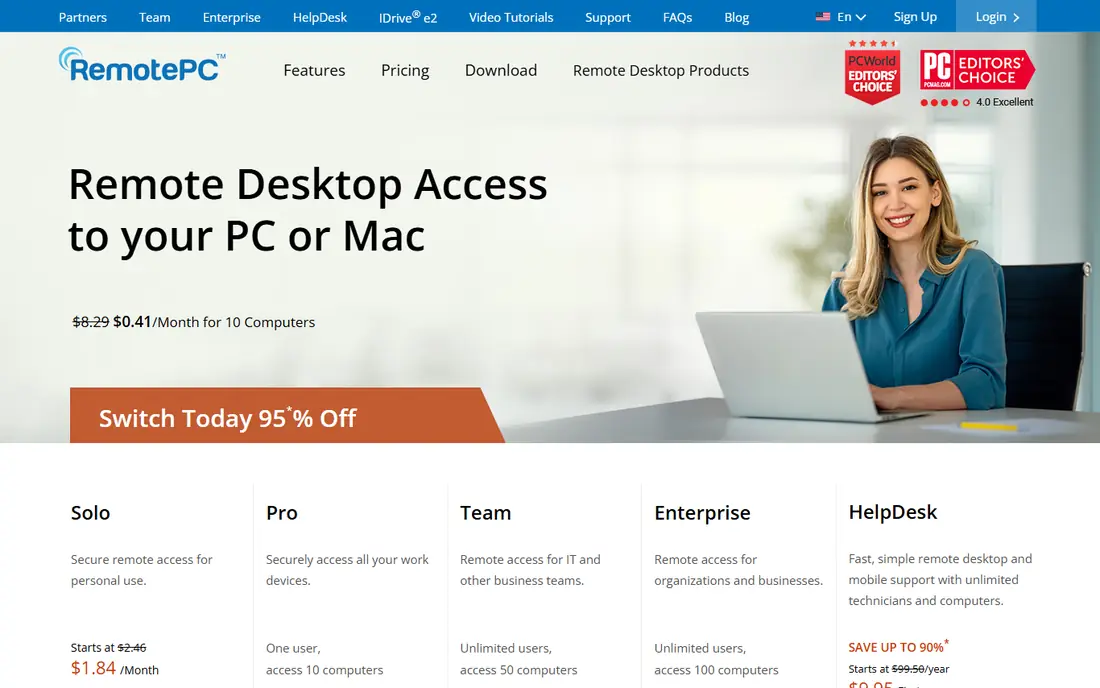
RemotePC is the cheapest unattended alternative for reaching your own computers. The entry plan covers one computer at $2.95 per month when billed annually, and higher plans add more computers at a modest step up. Setup is simple, and the core features cover most remote work needs without extra complexity.
It is less suited to a busy helpdesk, where technician queues and ticketing links matter more than price per computer. If your main need is your own office PC, a home machine, or a small set of computers you manage yourself, RemotePC gives you the TeamViewer core at a fraction of the price.
- Very low price per computer
- Simple setup
- File transfer and remote printing
- Support workflow is thinner than helpdesk tools
- Interface feels plain
Zoho Assist suits support teams because customers can join from a browser without installing software first. Technicians get unattended access, chat, file transfer, and session controls, and the tool fits naturally if you already use Zoho for CRM or helpdesk work. A free option covers basic use, while paid plans start at $12 per technician per month.
Per-technician pricing is the total to model. A team of several technicians will pay several times the headline price, so compare that total with a flat team plan elsewhere. For a small support team that wants a clean, web-based workflow, Zoho Assist is a practical TeamViewer swap.
- Browser-based customer sessions
- Unattended access
- Fits the wider Zoho suite
- Per-technician pricing adds up for larger teams
- Advanced controls need higher plans
Chrome Remote Desktop is the free alternative for the simplest case: reaching your own computer while you are away. Install the extension, set a PIN on the target machine, and connect from another computer or phone. There is no subscription, and setup takes minutes.
It is not a support product, with no technician queues, ticketing links, or advanced session controls, and it ties you to a Google account. If you need to help customers, pick a paid support tool instead. If you only need your own computer, start here and spend nothing, and only pay when you need features it lacks.
- Free for personal use
- Simple setup
- Works in a browser and on mobile
- No helpdesk features
- Needs a Google account
RealVNC Connect, often called VNC Connect, is a secure, lightweight alternative with a long track record. It offers encrypted connections, device authentication, and access across Windows, Mac, Linux, and mobile, with a free plan for basic personal use. Paid plans start at $8.25 per month.
The interface is plainer than Splashtop, and fuller team controls sit on higher plans, so it may feel less polished for a large support team. For individuals and small teams who value security and a lightweight client over a flashy dashboard, RealVNC Connect is a solid, trustworthy swap.
- Lightweight and secure
- Strong encryption
- Good for mixed device setups
- Higher plans needed for full team controls
- Interface is plainer than Splashtop
ScreenConnect is built for IT providers and internal IT teams, not for one person reaching one PC. It handles many simultaneous sessions, technician roles, automation, and integrations with ticketing and monitoring tools, which pays off when support is a daily job. That structure is why many managed service providers choose it over a general remote tool.
Setup takes more time than a personal tool, and some plans are quote based, so we list the starting price as See website. Small teams may find it more than they need. If you support many clients or many staff machines, ScreenConnect is one of the most capable alternatives in this list.
- Built for multi-technician support
- Automation and integrations
- Session management at scale
- More setup than personal tools
- Some plans are quote based
ISL Online suits teams that care about European data residency and privacy controls. It offers remote support and access with strong encryption, session controls, and on-premise deployment options for organisations that need to keep data inside their own infrastructure. The entry plan starts at $16.90 per month.
The ecosystem is smaller than Splashtop or Zoho Assist, with fewer third-party integrations, and the entry price is higher than the budget picks. If privacy, data residency, or on-premise control is a requirement, ISL Online is worth the premium. If price is the main driver, start with Splashtop or RemotePC instead.
- Strong privacy and compliance focus
- On-premise options
- Reliable support sessions
- Smaller ecosystem than the leaders
- Higher entry price than budget tools
How we picked these
We compared official pricing pages, product documentation, and public feature lists for remote access tools that are live in October 2026 and that cover personal access, on-demand support, or unattended access. We kept tools with a free plan or trial, with clear security controls, and with a distinct fit, from budget personal access to MSP support. Where pricing varies by region or plan, we wrote See website rather than guessing a single number.
What to check before you buy
First, name the job: personal access, customer support, or unattended fleet management, since the best tool for one job is often weak at another. Count computers and technicians separately, because some tools charge per computer and others per technician, and the totals diverge fast. Then check security: two-factor authentication, device approval, session logging, and quick revocation should be standard, not extras.
Also test on your real network and machines, and only connect to computers you own or have clear permission to access. Use session codes and on-screen approval for support work, keep account credentials private, and remove old devices from your access list regularly. A trial on real work will tell you more about speed and reliability than any feature list.
Frequently asked questions
What is the best TeamViewer alternative?
Splashtop is the best overall alternative for most users, with a low entry price, fast performance, and strong security. RemotePC is cheaper still for unattended personal access, while Zoho Assist and ScreenConnect suit support teams. The right pick depends on whether you need personal access, customer support, or fleet management.
Is there a free TeamViewer alternative?
Yes, Chrome Remote Desktop is free for personal use and covers reaching your own computer. RealVNC Connect and Zoho Assist also offer free options for basic use. Free plans suit personal access, while commercial support usually needs a paid licence on every tool in this list.
Why are people leaving TeamViewer?
Common reasons include commercial pricing, licence restrictions on free use, and renewal costs for small teams. Many users switch for a lower price, for per-computer pricing instead of per-user pricing, or for a simpler tool that covers only the features they actually use.
Is AnyDesk better than TeamViewer?
AnyDesk is often faster and lighter, which suits speed-sensitive work, while TeamViewer offers wider recognition and compliance coverage. For many small teams, Splashtop or RemotePC offers better value than either one. Test all three on your real connection before you commit to an annual plan.
Can I use a TeamViewer alternative for commercial support?
Yes, provided you buy a commercial licence for the tool you choose. Personal free plans, including TeamViewer's own free tier and Chrome Remote Desktop, are not meant for commercial support work. Check the licence terms for your plan, and use session approval controls so customers can see and agree to each connection.
Sources
See where you really rank - block by block
ProMapRanker scans Google Maps across a grid of your service area. Simple monthly plans from $19, white-label on every plan.
Start freeKeep reading
 free alternatives to grok imagine
Free Alternatives to Grok Imagine in 2026
We compared the best free alternatives to grok imagine for image generation, from fast daily credits to design tools, so you can create without paying.
Read → best tools for instagram content creation
Best Tools for Instagram Content Creation in 2026
Compare the best tools for Instagram content creation, from Canva and CapCut to Later and Buffer, on design, video, planning, scheduling, and price in 2026.
Read → best tool to split pdf files
Best Tool to Split PDF Files in 2026
We compared the best tool to split pdf files on split modes, file limits, privacy and price, so you can split a PDF cleanly and keep every page in one go.
Read →