 ProMapRanker
Supabase Alternatives in 2026

Key takeaways
- Supabase itself is not listed here, since this article covers alternatives only, and each option below replaces at least part of its backend stack.
- Your data model decides the shortlist: Postgres options suit relational apps, document options suit flexible mobile data, and SQLite suits small single-server apps.
- Self-hosting can cut monthly bills, but it moves backups, updates, and security patching onto your team, so count that labor before you choose it.
- Free tiers are useful for prototypes, yet production cost depends on reads, writes, storage, and active users, not only the headline monthly price.
- If you need GraphQL first, start with Nhost or Hasura-style options, while Firebase and Convex suit teams that want realtime and mobile SDK depth.
Quick comparison
| Pick | Great for | Pricing starts at | Free tier | |
|---|---|---|---|---|
 Firebase | Google-hosted mobile backends | Free | Yes | Visit |
 Appwrite | Open-source backend you can self-host | Free | Yes | Visit |
 PocketBase | Tiny single-server backends | Free | Yes | Visit |
 Nhost | GraphQL on Postgres | $25 per month | Yes | Visit |
 Convex | Realtime TypeScript apps | $25 per developer per month | Yes | Visit |
 Backendless | Visual backend building | $15 per month | Yes | Visit |
 Xano | No-code API backends | See website | Yes | Visit |
 AWS Amplify | Teams already on AWS | See website | Yes | Visit |
The best supabase alternatives
Each option below offers auth, a database, storage, or functions in some mix, but none copies Supabase exactly. Read the data model and hosting model first, since those two choices are harder to change later than a pricing tier.
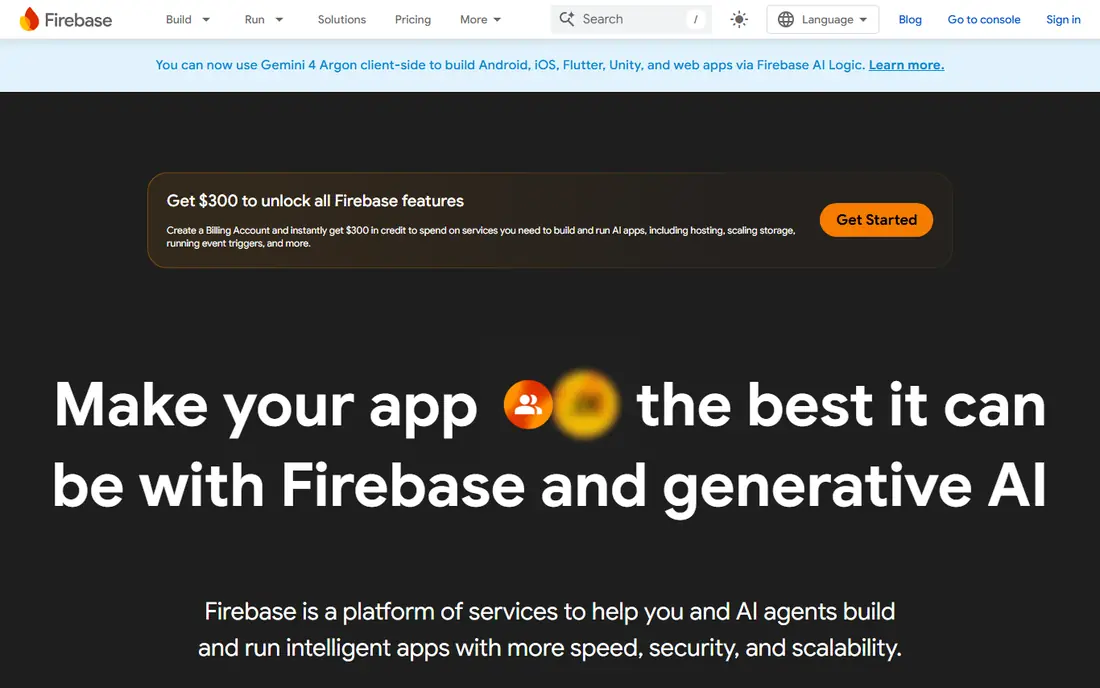
Firebase is the most direct managed rival for teams building mobile apps, with Firestore, Realtime Database, Authentication, Cloud Storage, Hosting, and Cloud Functions in one console. Its SDKs for iOS, Android, and web are mature, and offline support helps apps that must work with poor connections. For a prototype or a consumer app, you can ship auth and sync quickly without running servers.
The trade-offs are real. Firestore is a document database, so joins and complex relational queries need restructuring, and pay-as-you-go billing means a traffic spike or a bad query loop can raise costs fast. You also cannot self-host Firebase, so an exit means rebuilding parts of your backend. Choose it for speed and mobile depth, not for SQL-first design or full control over hosting.
- Deep mobile SDKs
- Realtime sync
- Large Google Cloud ecosystem
- NoSQL model can fight relational queries
- Usage bills can spike
- No self-hosting
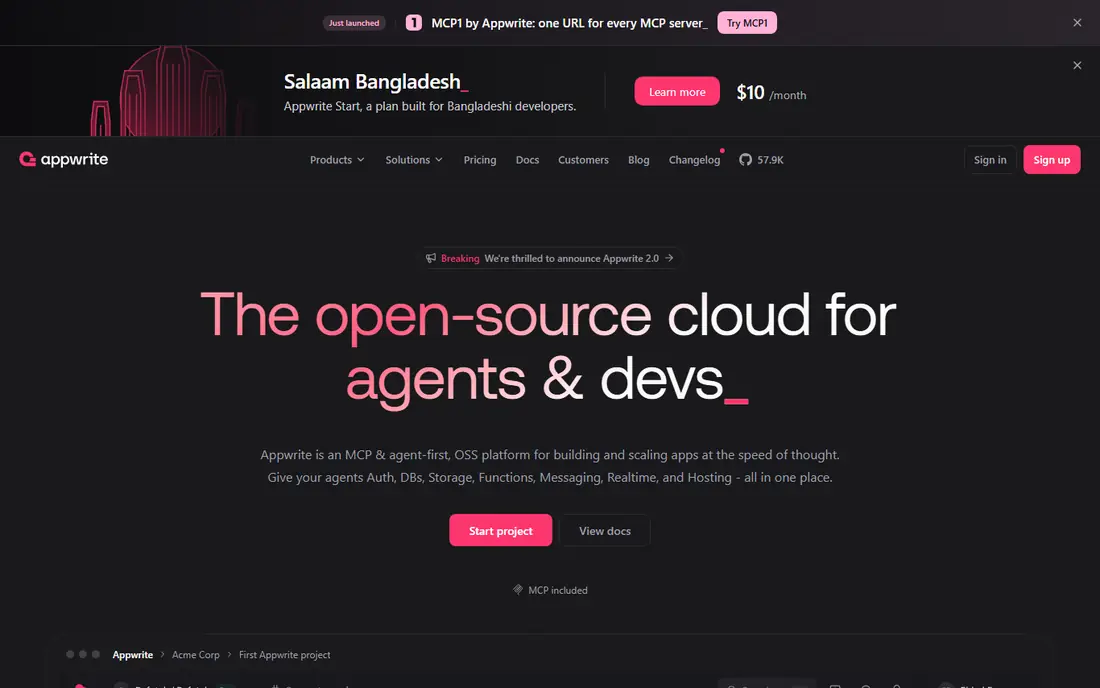
Appwrite is the closest open-source match to the all-in-one backend idea, with databases, auth, file storage, messaging, and functions behind a clean console. You can run it yourself with Docker, which suits teams that need data control or want to avoid vendor lock-in, or use Appwrite Cloud for managed hosting. The API and SDK coverage is broad enough for web and mobile apps.
The catch is operational weight when you self-host. You own backups, upgrades, scaling, and monitoring, and the managed cloud still bills for usage beyond its base tier. Documentation and community help are good, but the integration catalog is smaller than Firebase or AWS. Pick Appwrite if control and open source matter more than having the largest marketplace of add-ons.
- Self-hosting option
- Auth, databases, storage, and functions in one product
- Open-source code
- Cloud pricing adds usage on top of base price
- Smaller ecosystem than Firebase
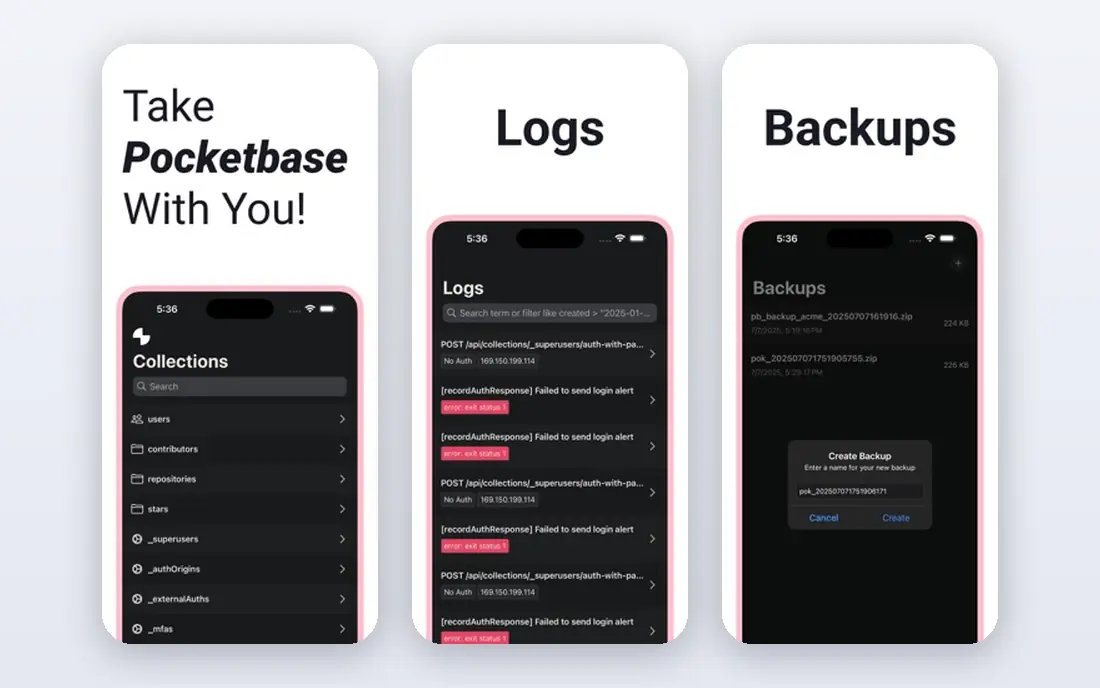
PocketBase packs an embedded SQLite database, auth, file storage, realtime subscriptions, and an admin UI into one small Go binary. For a side project, an internal tool, or a small SaaS product, that simplicity is a feature: you can run it on a low-cost server, back up one file set, and understand the whole system in an afternoon. It also works well for prototypes that may later move to a larger backend.
The limit is scale and structure. It is designed for a single server, so a product that needs many servers, heavy write loads, or complex relational reporting will outgrow it. There is no official managed hosting, so you still handle server care even though the software itself is free. Use it when small, fast, and cheap beats enterprise scale.
- Single binary
- Built-in admin UI
- Auth, storage, and realtime included
- Single-server SQLite design
- No managed hosting from the project
- Limited horizontal scaling
Nhost builds on Postgres and Hasura-style GraphQL, with auth, storage, and serverless functions around it. Teams that already think in GraphQL will like instant APIs, subscriptions for realtime data, and row-level permissions tied to Postgres. It keeps the relational strength that draws many developers to Postgres, while removing much of the API boilerplate.
The trade-off is focus. If your team prefers REST, or your app needs heavy custom backend logic, a GraphQL-first stack adds learning and tooling overhead. Paid plans start at $25 per month plus resources, so check database, storage, and function usage before you budget. Nhost fits product teams that want Postgres with a modern GraphQL front door.
- Postgres plus GraphQL
- Auth and storage included
- Open-source parts
- GraphQL-first design is not for every team
- Usage adds to base price
Convex is built for apps where live updates are the product, such as collaborative editors, dashboards, and chat. You write TypeScript queries and mutations, and the platform handles realtime delivery, caching, and execution without manual listener code. That reactive model can cut a large amount of sync plumbing from a typical web app.
The cost is a proprietary document model and no SQL, which makes migration harder and limits some reporting patterns. Pricing starts at $25 per developer per month on paid plans, with a free tier for small projects, so team size matters to the bill. Choose Convex when realtime collaboration is central, not when you need relational queries or a standard SQL stack.
- Reactive queries that update live
- TypeScript-first
- Built-in sync and functions
- Proprietary document model
- No SQL
- Smaller hiring pool than Postgres or Firebase
Backendless targets teams that want to build a backend visually, with data tables, user management, file storage, messaging, and Codeless logic blocks. Non-developers and small teams can ship an app backend without writing API code for common cases, while developers can still add custom code where needed. It also suits internal tools and MVPs that need user accounts and data quickly.
The limit appears as logic grows complex. Visual tools are fast for standard flows but can feel constrained for unusual business rules, and you should test performance and pricing at your expected user count before launch. Paid plans start at $15 per month per application in published summaries, with a free tier for learning. Pick it for speed and visual building, not for a code-first platform.
- Visual data and logic tools
- Auth and push included
- Low-code friendly
- Less control for complex code-first backends
- Scaling costs need careful review
Xano gives no-code and low-code teams a visual way to build APIs, database tables, and business logic on managed Postgres. You can define endpoints, add authentication, schedule workflows, and version your API without managing servers. That makes it a strong fit for agencies, startups, and internal tools that need a backend behind a front-end builder or a mobile app.
The trade-off is that Xano is a managed platform on most plans, so self-hosting is limited to higher custom terms, and you should confirm record, API call, and workspace limits for your plan. Pricing has changed over time, so use the current pricing page rather than older guides. Choose Xano when API design and visual logic matter more than writing backend code from scratch.
- Visual API builder
- Managed Postgres
- Workflow automation and versioning
- Pricing and limits vary by plan
- Managed hosting only on most plans
AWS Amplify connects front-end apps to AWS services for auth, data, storage, functions, and hosting, with a CLI and console for setup. Teams already running on AWS gain single sign-on, IAM controls, and the ability to scale from a prototype to a large production workload on the same cloud. It also suits regulated or enterprise teams that already standardize on AWS.
The downside is complexity. Amplify exposes AWS concepts that beginners must learn, and pay-as-you-go pricing across many services makes cost forecasting harder than a flat monthly backend plan. A free tier covers initial use, but production bills depend on usage across each service. Pick Amplify when AWS is already your platform, not when you want the simplest possible backend.
- Deep AWS integration
- Auth, data, storage, and hosting
- Enterprise scale
- Steep learning curve
- Pay-as-you-go bills need monitoring
- AWS lock-in
How we picked these
We compared official product pages, pricing pages, and recent comparison guides, and we kept only backends that are live in October 2026 and can replace a meaningful part of a Supabase stack. We excluded Supabase itself, since the brief asks for alternatives, and we favored a mix of managed, open-source, and self-hosted options. We also checked data models and hosting models first, because those choices affect migration cost more than a single feature.
How to choose between them
Start with your data. If your app needs joins, constraints, and reporting, shortlist Postgres options such as Nhost and Xano. If your app is mobile-first with flexible documents and offline sync, Firebase is hard to beat. If your app is small and you want one server you fully understand, PocketBase is the cheapest path. Write down your three hardest queries before you pick, since a backend that cannot express them cleanly will cost you time every week.
Next, decide who runs the servers. Managed options save time but bill for usage and limit control, while self-hosted options such as Appwrite and PocketBase save money but require backup and update discipline. Set up automated backups and a restore test early, no matter which route you take. Finally, run a small prototype with auth, one data model, and one realtime feature, then measure the bill and the code you had to write. That short test reveals more than a long feature table.
Frequently asked questions
What is the best alternative to Supabase?
It depends on your stack. Firebase is the best managed mobile alternative, Appwrite is the best open-source all-in-one alternative, and PocketBase is the best tiny self-hosted alternative. For Postgres with GraphQL, Nhost is a strong pick, while Convex suits realtime TypeScript apps. Match the data model first, then the hosting model.
Are there free alternatives to Supabase?
Yes. Firebase, Appwrite, PocketBase, Nhost, Convex, Backendless, Xano, and AWS Amplify all offer free tiers or free self-hosted use, with limits that vary by product. Free tiers suit prototypes and learning, but check storage, database size, and active user limits before you launch. Self-hosted options add server costs even when the software itself is free.
Can I self-host a Supabase alternative?
Yes, with Appwrite and PocketBase as the clearest self-hosted options. Nhost uses open-source parts, but managed hosting is the simpler path for most teams. Self-hosting gives you data control and can lower software bills, yet you take on backups, security updates, and scaling work that a managed plan would handle.
Which alternative is best for GraphQL?
Nhost is the most GraphQL-first option in this list, with Postgres underneath and subscriptions for live data. Hasura can also serve as a GraphQL layer, but it is more of a component than a full backend. If your team does not already use GraphQL, a REST or SDK-first backend may be simpler to hire for and maintain.
Is Firebase better than Supabase alternatives for mobile apps?
Firebase has the deepest mobile SDKs, offline support, and Google Cloud integrations, which helps consumer mobile apps. The trade-off is a NoSQL model and usage-based billing, plus no self-hosting. If your app needs relational data or full hosting control, Appwrite, Nhost, or PocketBase may fit better despite smaller mobile ecosystems.
Do these alternatives include auth and storage?
Most do, but the depth varies. Firebase, Appwrite, Nhost, Backendless, and Xano include auth and storage as core parts of the product. PocketBase includes both in its single binary, while Convex and AWS Amplify cover them through their own services and integrations. Check social login, passwordless options, and file size limits for your exact use case before you commit.
Sources
See where you really rank - block by block
ProMapRanker scans Google Maps across a grid of your service area. Simple monthly plans from $19, white-label on every plan.
Start freeKeep reading
 wayback machine alternatives
Wayback Machine Alternatives in 2026
We compared wayback machine alternatives for saving pages, citing sources, and researching old sites, from free snapshot tools to library archives and more.
Read → square alternatives
Square Alternatives in 2026
We compared square alternatives for shops, restaurants, and mobile sellers, from Shopify POS and Clover to Helcim, Stripe, and low-cost card readers in 2026.
Read → best wealth management apps
Best Wealth Management Apps in 2026
Compare the best wealth management apps in 2026, platforms and services, with fees, minimums, advisor access and planning tools explained for US investors.
Read →