 ProMapRanker
Best Sunsama Alternatives in 2026

Key takeaways
- Motion and Akiflow are the closest matches for guided daily planning, with Motion leaning on automatic scheduling and Akiflow on keyboard speed.
- Todoist and TickTick are cheaper and simpler, and they suit people who want a fast list more than a daily planning ritual.
- Reclaim and Morgen protect calendar time without replacing your task app, which suits people who already like their current list.
- Routine, ClickUp, and Notion cover planning plus notes or projects, but they ask you to build more of the daily habit yourself.
- Try the free tier or trial for a full work week before you pay, since a planner only helps if you open it each morning.
Quick comparison
| Pick | Great for | Pricing starts at | Free tier | |
|---|---|---|---|---|
 Motion | Automatic scheduling | $19 per month | Free trial | Visit |
 Akiflow | Keyboard driven planning | $19 per month | Free trial | Visit |
 Todoist | Fast task capture | Free | Yes | Visit |
 TickTick | Budget all in one planner | Free | Yes | Visit |
 Reclaim | Calendar focus protection | Free | Yes | Visit |
 Morgen | Multi calendar planning | $15 per month | Free trial | Visit |
 Routine | Notes plus tasks | Free | Yes | Visit |
 ClickUp | Planning plus projects | Free | Yes | Visit |
 Notion | Custom planning system | Free | Yes | Visit |
The best sunsama alternatives
We compared daily planners on time blocking, calendar links, task capture, pricing, and how much setup each one needs. Sunsama is known for a calm, guided daily review, so we favored tools that help you pick a realistic set of tasks for today rather than tools that only store long lists.
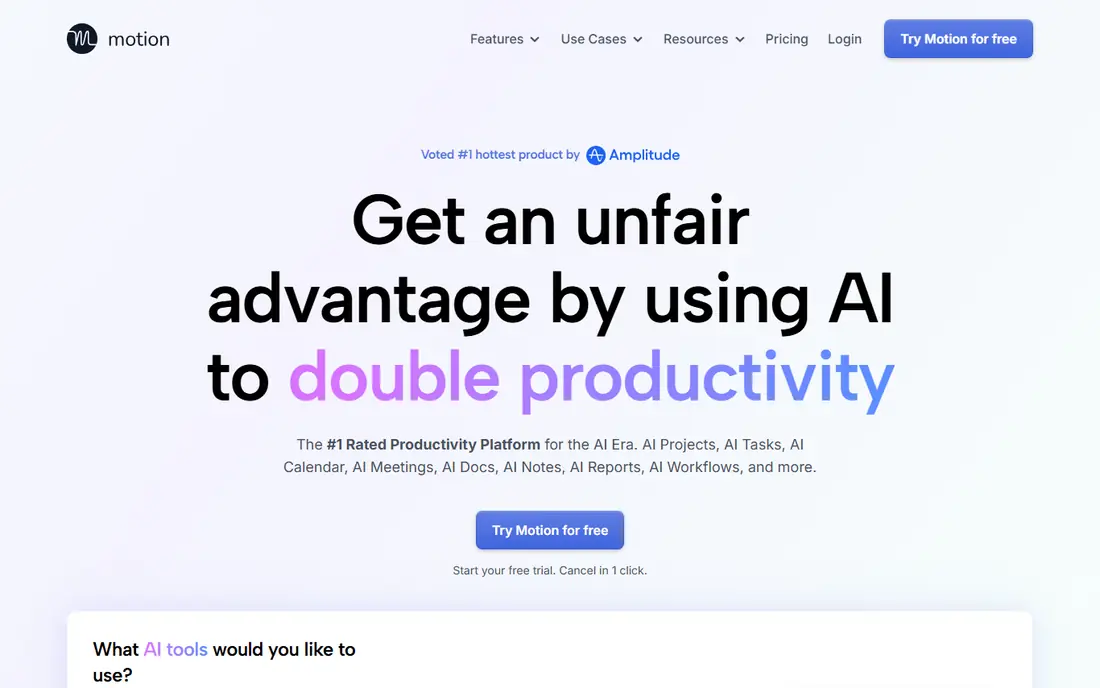
Motion takes a different approach from a guided manual review. You add tasks with deadlines and priorities, and Motion places them on your calendar around your meetings. When a meeting moves, the plan moves with it, which helps people whose days change often. Projects, docs, and time tracking sit in the same app, so a team can plan work without switching tools.
The trade-off is control. If you like choosing each task by hand each morning, Motion can feel like it is deciding for you. It is also priced as a full work app, not a simple list. It fits best for busy professionals and small teams whose calendars fill up fast and who want the schedule to adjust on its own.
- Automatically schedules tasks around meetings
- Reshuffles the plan when meetings move
- Combines tasks, projects, and calendar in one app
- No free plan
- Higher price than simple task apps
- Automatic plans can feel less deliberate than manual planning
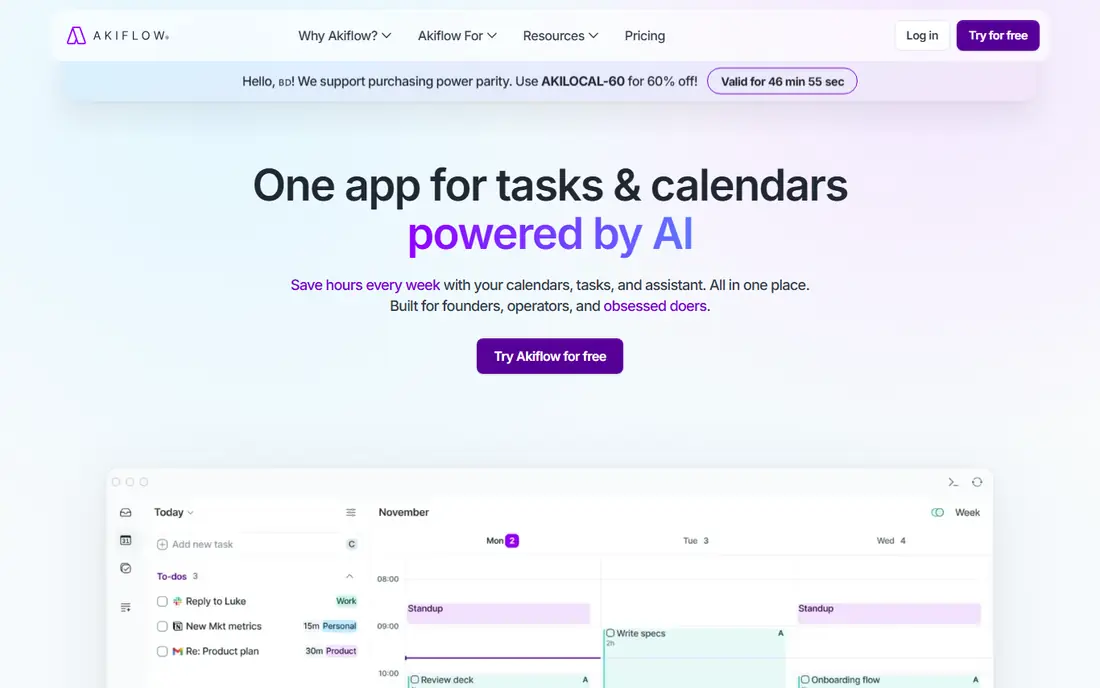
Akiflow is built for people who plan with a keyboard and want every task in one inbox. You can pull tasks from tools such as Todoist, Notion, and Gmail, then drag them onto your calendar to block time. The command bar keeps capture fast, and the focus mode helps you work through one planned block at a time. For many former Sunsama users, this is the closest feel in daily use.
The catch is price and commitment. The yearly rate is far lower than the monthly rate, so the real cost depends on how long you stay. There is no free plan, only a short trial. Akiflow fits best for power users who plan daily, live on a keyboard, and juggle tasks across several apps.
- Fast command bar capture
- Unified inbox across task tools
- Time blocking against Google and Outlook calendars
- No free plan
- Monthly billing is much higher than the yearly rate
- Setup takes time if you connect many tools
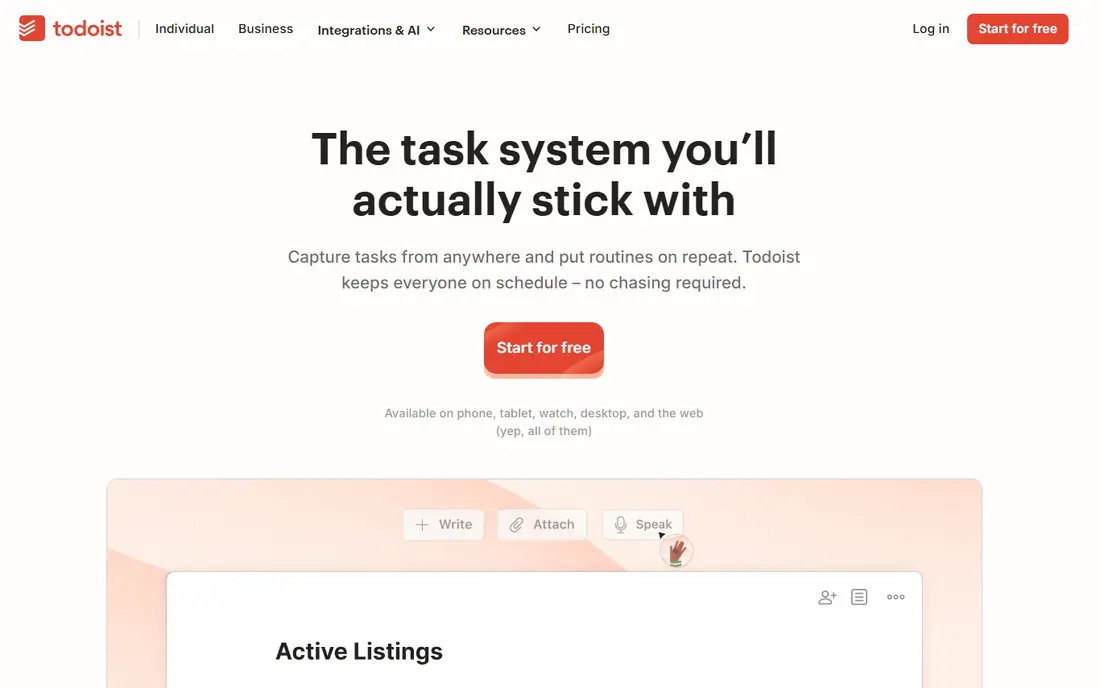
Todoist is the simplest strong alternative, and sometimes simple wins. You can type a task such as a meeting note for tomorrow morning and Todoist will set the date for you. Lists, projects, labels, and filters stay fast even with hundreds of tasks, and the app syncs well across phone and desktop. For people who mainly need to remember tasks, it is hard to beat.
It does not guide you through a daily review the way Sunsama does, and true time blocking needs the paid plan plus a calendar link. If your main problem is capture and recall, Todoist is the best value here. If your main problem is choosing what fits into today, pair it with a calendar habit or pick a dedicated planner instead.
- Very fast capture with natural language dates
- Works on almost every device
- Free plan covers core lists well
- No built-in daily planning ritual
- Time blocking features sit on paid plans
- Calendar view is simpler than dedicated planners
TickTick packs a lot into a low price. Tasks, calendar views, habit tracking, and a focus timer live in one app, so personal planners can skip a second habit app. The free plan is usable for daily lists, and the premium yearly price is lower than most dedicated planners. Mobile apps are solid, which matters if you plan on a phone in the morning.
The limits show up at work. Team features and reporting are thin, and there is no structured daily shutdown flow. TickTick fits best for individuals who want one cheap app for tasks, habits, and time, and who are happy to build their own morning review habit.
- Tasks, calendar, habits, and a Pomodoro timer in one app
- Low yearly price
- Good mobile apps
- Collaboration features are thin
- Design and reporting are simpler than work-focused planners
- No guided daily review
Reclaim works inside your calendar rather than replacing your task list. It blocks focus time, habits, and routines, and it moves those blocks when meetings change. Smart meeting rules can add buffers, protect lunch, and limit back-to-back calls. For people who already like Todoist or another list, Reclaim adds the calendar half of planning without forcing a new task system.
That split is also its limit. Reclaim does not manage projects or long task lists on its own, so you still need a task app. It fits best for calendar-heavy workers whose main problem is meetings eating the day, rather than people who need a single daily planning workspace.
- Free Lite plan
- Automatically defends focus time and habits
- Smart rules for meetings and breaks
- Not a full task manager
- Needs a task tool alongside it
- Best results need Google Calendar
Morgen suits people with calendars in more than one place, such as a work calendar plus a personal calendar plus a shared family calendar. It shows them together, lets you block time for tasks, and offers assisted suggestions for your day. That single view reduces double bookings and makes it easier to see real free time before you promise it away.
Morgen is less useful as a standalone task manager, since its task features lean on connected tools. It also has no free plan, only a trial. It fits best for professionals who juggle several calendars and want one planning view, with a task app they already trust.
- Brings several calendars into one view
- Task lists from connected tools
- AI assisted time blocking suggestions
- No free plan
- Tasks depend on connected tools
- Monthly billing costs much more than the yearly rate
Routine blends notes, tasks, and calendar into a calm daily workspace. You can capture a thought, turn it into a task, and place it on your day without leaving the app. The free plan is generous enough to test the daily habit for a few weeks, and the interface stays quiet, which helps people who find busier planners distracting.
The trade-off is scale. Routine does not match ClickUp or Notion for large projects, and its integration list is smaller than Akiflow or Motion. It fits best for individuals who want notes and tasks together in one calm place, and who plan mainly for themselves rather than for a team.
- Free plan covers core planning
- Combines notes, tasks, and calendar
- Clean, calm interface
- Smaller ecosystem than larger planners
- Some advanced features sit on paid plans
- Team features are limited
ClickUp is the broadest tool on this list. It covers tasks, projects, docs, goals, and time tracking, with list, board, calendar, and timeline views. A small team can run client work, internal projects, and personal tasks in one workspace, and the free plan is strong enough for a small team to start without paying. That breadth is useful when planning is only one part of a larger workflow.
Breadth is also the cost. ClickUp needs setup and cleanup, and its many options can distract from a simple daily plan. It fits best for teams that need planning plus project work in one place, and who are willing to set up a simple daily view and stick to it.
- Free plan with many views
- Tasks, docs, goals, and time tracking in one workspace
- Strong team features
- Setup takes time
- Interface can feel busy
- Daily planning ritual is not built in by default
Notion gives you total control over your planning system. You can build a daily page, a task database, a habit tracker, and a project hub, and link them with templates. Notion Calendar adds a calendar view for dated work. For people who enjoy building a system that fits exactly how they think, that flexibility is the main draw, and the free plan makes it cheap to try.
Flexibility has a cost in time. A Notion system needs regular upkeep, and it is easy to spend planning time on the system instead of the work. It fits best for people who already use Notion, or who want one workspace for notes, projects, and planning and are willing to maintain it.
- Free plan for individuals
- Very flexible pages, databases, and templates
- Notion Calendar links tasks to dates
- You must build and maintain your own system
- Time blocking is less direct than in dedicated planners
- Can become a side project
How we picked these
We compared official pricing and feature pages in October 2026, and we favored tools that are live, support time blocking or calendar planning, and offer a free plan or trial so readers can test the daily habit. We left out tools with no calendar link and tools that had stopped active development. Where pricing differs by billing term, we used the yearly rate and noted the monthly difference in the write-up.
How to pick the right planner for your day
Start with the problem you actually have. If meetings keep taking your focus time, a calendar tool such as Reclaim may help more than a new task list. If you forget tasks, a fast capture tool such as Todoist or TickTick may help more than an automatic scheduler. If your day changes often, Motion may save more time than a manual planner.
Test it for a real week
Use the tool for five full workdays, including one messy day with moved meetings. Plan each morning, review each evening, and note where you skipped the tool. A planner that survives a messy day is worth paying for. A planner you only open on quiet days will not change how you work, no matter how good its feature list looks.
Watch the total cost and the exit path
Check the yearly price, the monthly price, and what happens to your data if you cancel. A tool that locks tasks and notes behind a paid export is a risk. Pick a tool that lets you export tasks and calendar events, so you can move if your needs change next year.
Frequently asked questions
What are the best sunsama alternatives?
Motion and Akiflow are the closest matches for guided daily planning. Todoist and TickTick are cheaper and simpler, while Reclaim and Morgen add calendar protection without replacing your task app. The best pick depends on whether you want automatic scheduling, manual review, or just a fast list.
Is there a free alternative to Sunsama?
Yes. Todoist, TickTick, Routine, ClickUp, and Notion all offer free plans that cover core task and planning work. Reclaim also offers a free Lite plan for calendar focus time. Free plans work well for individuals, while teams often need a paid plan for sharing and reporting.
Which alternative is best for time blocking?
Akiflow and Morgen are strong for direct time blocking against Google and Outlook calendars. Motion blocks time automatically, which suits people who prefer the system to place tasks. Todoist and TickTick also support calendar views, but their time blocking is less central than in dedicated planners.
Does Motion replace Sunsama?
Motion can replace the scheduling part of Sunsama, but it works differently. Sunsama guides a manual daily review, while Motion schedules tasks automatically and reshuffles them when meetings move. People who like choosing each task by hand may prefer Akiflow or Morgen instead.
Can I use Reclaim with Todoist?
Yes, many people pair Reclaim with a task app. Reclaim protects calendar time and habits, while Todoist holds the task list. That pair covers both halves of daily planning without forcing you into one large work app.
Sources
See where you really rank - block by block
ProMapRanker scans Google Maps across a grid of your service area. Simple monthly plans from $19, white-label on every plan.
Start freeKeep reading
 wpforms alternatives
Best WPForms Alternatives in 2026
We compare 9 wpforms alternatives for WordPress forms, with free and paid options, current pricing notes, and honest limits for small business sites in 2026.
Read → windows task scheduler alternatives
Best Windows Task Scheduler Alternatives in 2026
Looking for Windows Task Scheduler alternatives? We compare 9 schedulers for Windows and cross-platform work, from free tools to enterprise automation.
Read → which ai video service is best
Which AI Video Service Is Best in 2026
which ai video service is best? We compare 10 legitimate AI video services on price, avatars, editing and output quality to help you pick the right tool.
Read →