 ProMapRanker
Best Stable Diffusion Alternatives in 2026

Key takeaways
- Midjourney leads for artistic style, Flux leads for photorealism and prompt control, and Ideogram leads for readable text inside images.
- Adobe Firefly suits commercial work where training data and licensing clarity matter most.
- Leonardo AI and Recraft suit game art, stylized work and brand consistent assets with more control than a general chat tool.
- Do not create images of real people without their clear consent, and check each tool's policy before publishing generated media of people.
Quick comparison
| Pick | Great for | Pricing starts at | Free tier | |
|---|---|---|---|---|
 Midjourney | Artistic and editorial images | $10 per month | No | Visit |
 Flux | Photorealism and prompt control | See website | Yes | Visit |
 Adobe Firefly | Commercially safer work | See website | Yes | Visit |
 Ideogram | Text inside images | See website | Yes | Visit |
 Leonardo AI | Game and stylized art | See website | Yes | Visit |
 Recraft | Vectors and brand assets | See website | Yes | Visit |
 ChatGPT | Easy editing and chat prompts | See website | Yes | Visit |
 Google Gemini | Prompt following and editing | See website | Yes | Visit |
 Canva | Design and marketing assets | See website | Yes | Visit |
The best stable diffusion alternatives
We compared official pricing pages and product pages for image tools that are live in October 2026 and offer a real alternative path for people who want hosted generation, stronger style control or clearer commercial terms. Stable Diffusion itself is not listed here, since this article covers alternatives to it.
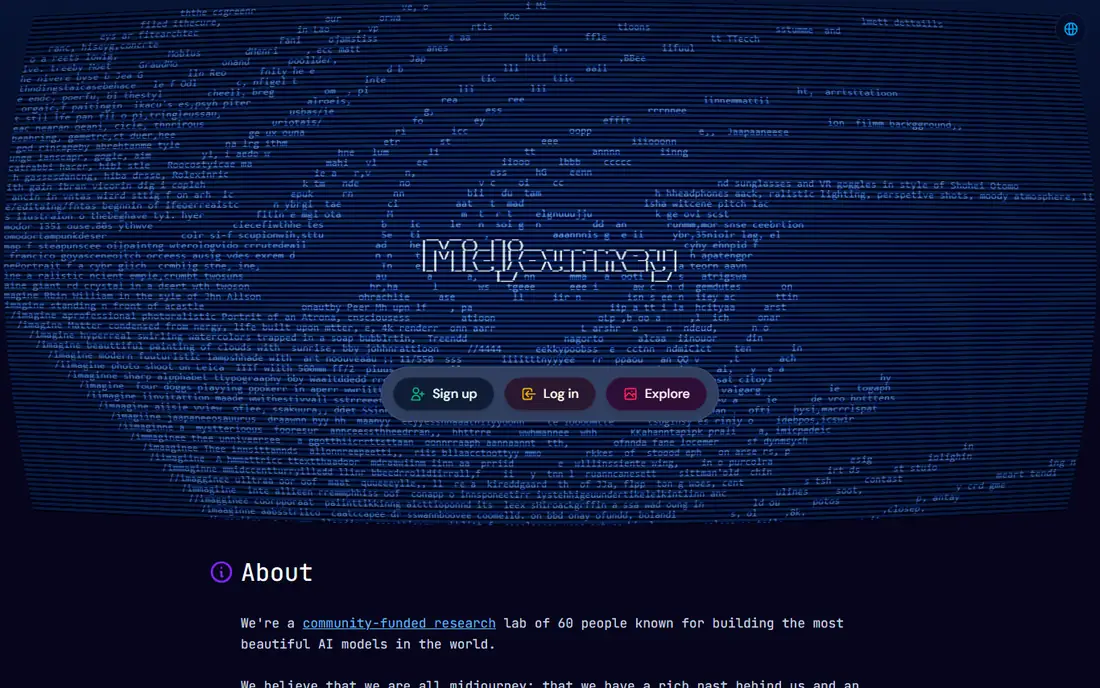
Midjourney remains the tool many people reach for when the look of the image matters more than exact prompt control. Its output leans painterly and cinematic, which suits concept art, editorial illustration and marketing creative that should feel intentional rather than photographic. The web editor has made it easier to use than the early Discord only workflow, and personalization helps steer results toward a consistent taste over time.
The limits are clear. There is no free tier, so trying it means paying, and there is no official API for building it into a product workflow. Text rendering has improved but still lags tools built for posters and mockups. If you need art that impresses at first glance and you do not need programmatic access, Midjourney is a strong first pick.
- Strong artistic style and composition
- Web editor plus Discord access
- Useful personalization features
- No free tier
- No official API
- Text inside images can still be weak
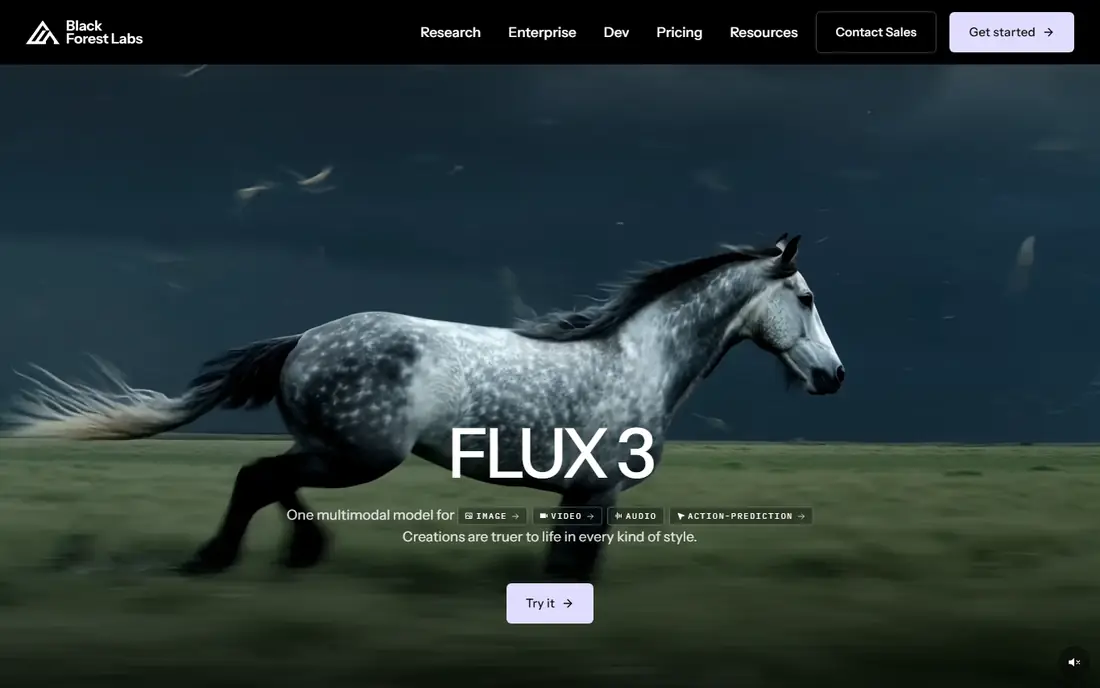
Flux, from Black Forest Labs, is the alternative we suggest first for photorealistic work and for teams that need an API. It follows detailed prompts well, handles readable text better than many artistic models, and can be used through the vendor playground, its API or partner hosts. Some open weight versions can also run locally on suitable hardware, which gives developers a path without a subscription.
The trade-off is setup. The model family includes several versions with different licenses and price points, so read the license for the exact version you plan to use, especially for commercial work. If you only want one-click generation in a chat app, a simpler tool may suit you better. If you want control, speed and API access, Flux is hard to beat.
- Strong photorealism and prompt following
- API access
- Open weight options for local use
- Best results often need a host or API setup
- Licensing varies by model version
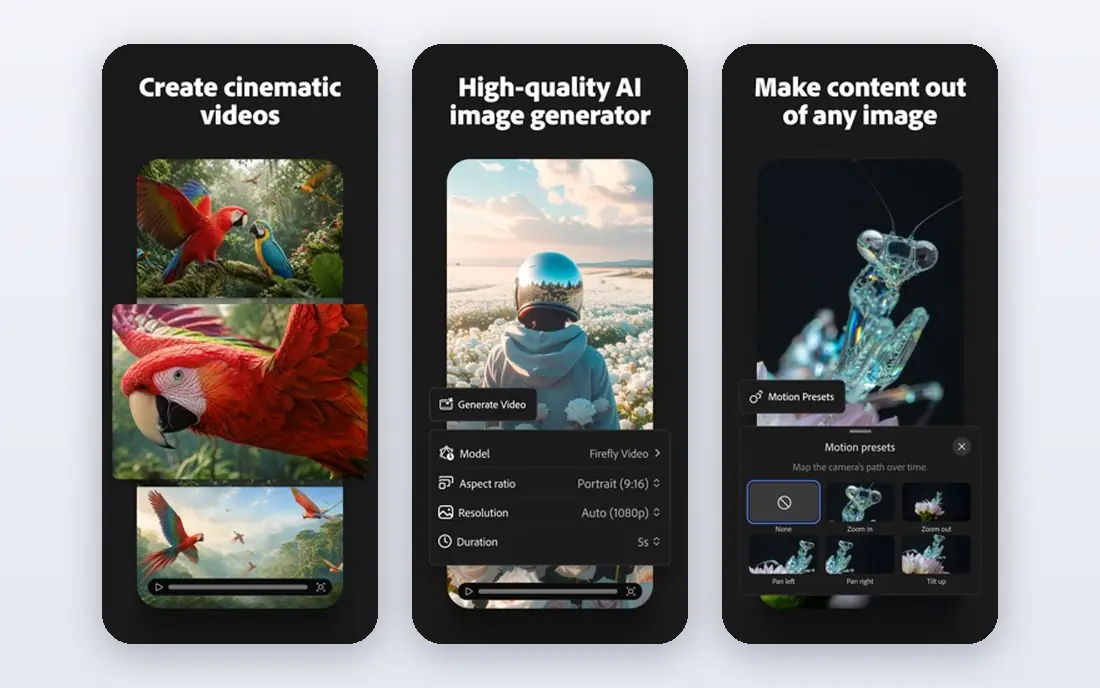
Adobe Firefly is built for people who need to show a client or a legal team where the training approach stands. Adobe positions Firefly as commercially safe, with indemnification terms on eligible plans, and it connects directly with Photoshop, Illustrator and Express. That workflow matters for designers who generate an image and then refine it in a tool they already use.
The images themselves can feel less dramatic than Midjourney at first glance, especially for fantasy or highly stylized art. Credit limits also shape how much you can generate each month, so heavy users should check plan limits before committing. For agency and brand work where licensing clarity comes first, Firefly is the safest mainstream choice here.
- Designed for commercial use
- Deep Adobe app integration
- Free credits to start
- Artistic range can feel softer than Midjourney
- Paid plans rise with credit use
Ideogram earns its place because most image tools still struggle with words inside a picture. Posters, book covers, product mockups and social graphics with a headline need text that reads correctly, and Ideogram handles that task more reliably than general artistic models. The free tier lets you test that strength on your own briefs before paying.
For pure art or photorealism, Ideogram is not the leader. Its style range is narrower, and some images can feel clean but less striking than a Midjourney render. Use it when text is part of the deliverable, and pair it with another tool when you need a wide artistic range. For marketing teams, that pairing often works better than forcing one tool to do both jobs.
- Reliable readable text in posters and mockups
- Free tier to test
- Useful editing features
- Artistic range is narrower than Midjourney
- Higher volume work needs a paid plan
Leonardo AI suits concept artists, game developers and creators who want consistent characters and a defined style. It offers fine-tuned models, control features and canvas tools that help keep a character or world looking consistent across many images. The free daily credits make it easy to learn the tool without an upfront payment.
That control comes with complexity. New users can feel lost among models, settings and modes, and the best results take practice. Heavy commercial use also needs a paid plan with enough credits. If your work is stylized art, characters or game assets, Leonardo is a better fit than a general chat generator. If you only need occasional images, a simpler tool may be enough.
- Fine control for characters and styles
- Free daily credits
- Useful for game and concept art
- Interface has many options for beginners
- Paid plans needed for heavy use
Recraft is the pick for marketers and designers who need assets they can edit after generation. It can produce vector style illustrations and brand consistent images, which matters when a logo, icon set or illustration must scale cleanly or match a color palette. The free tier gives teams a real way to test brand styles before paying.
Photorealism is not its strength, so do not choose Recraft for lifelike portraits or product photos. Its community and model variety are also smaller than the biggest platforms. For brand assets, social templates and illustration work, though, Recraft fills a gap that photorealistic tools leave open, and it pairs well with a design tool for final edits.
- Vector output and brand consistency
- Strong for logos and illustrations
- Free tier to test
- Less suited to photorealism
- Smaller community than larger rivals
ChatGPT, with its image generation features, is the easiest entry point for many people. You describe an image in plain language, ask for changes in later messages, and refine the result without learning a new interface. That conversational loop suits beginners, small business owners and anyone who needs a quick image for a post or a draft.
The trade-off is control and volume. Generation limits apply, and the artistic ceiling is lower than Midjourney for some styles. It also works best when you already use ChatGPT for writing or research, since image work is part of a wider subscription. For fast, editable images with minimal setup, ChatGPT is a practical alternative, even if it is not the specialist pick.
- Conversational editing across turns
- Easy for beginners
- Image work inside a familiar chat tool
- Limits apply on free and paid plans
- Not the leader for raw artistic quality
Google Gemini suits people who want to edit an existing image or follow a detailed brief closely. Its image features handle multi-step edits and detailed instructions well, and the free tier in the Gemini app makes it easy to test without a new subscription. Integration with Google tools also helps users who already work in that ecosystem.
For pure artistic flair, Gemini does not lead this list, and some renders can feel literal rather than striking. Plan limits also shape how much you can generate, so check the current tier before relying on it for daily production. As a free or low cost alternative for editing and instruction following, Gemini is a strong all round option.
- Strong prompt following
- Useful image editing
- Free tier in the Gemini app
- Artistic ceiling can feel lower than Midjourney
- Limits vary by plan
Canva is the right choice when the image is only one part of a finished design. You can generate an image, drop it into a social post, flyer or presentation, add text and brand colors, and export the result without leaving the app. That end to end workflow saves time for small business owners and social teams who do not want a separate image tool and a separate design tool.
As a pure image model, Canva does not match the specialist tools for art or photorealism, and credit limits apply on free and paid plans. It is best seen as a design platform with useful image generation, rather than a replacement for a dedicated model. If your output is finished marketing material, Canva often wins on speed and simplicity.
- Image generation inside a full design tool
- Templates and brand kits
- Free tier available
- Generation is part of a design platform, not a specialist model
- Credits limit heavy use
How we picked these
We compared official product and pricing pages, checked that each tool is live in October 2026, and favored tools with a free tier or trial, a clear commercial path and a distinct strength. We did not list Sora as a live standalone consumer product, and we did not claim hands-on testing. Prices that could not be verified from a vendor page are shown as See website, and plan limits should be checked before purchase.
How to choose the right image tool for your work
Start with the deliverable, not the model name. A poster needs readable text, a brand asset needs editability, a concept piece needs style, and a product shot needs photorealism. Pick the tool that wins on your main deliverable, and accept that a second tool may be needed for a different job.
Check consent, licensing and credits before you publish
Only generate images of people with their clear consent, and do not use these tools to create misleading images of real people or non-consensual imagery. Check whether your plan covers commercial use, whether the vendor offers indemnification, and how many credits your monthly work actually needs. A free tier is useful for testing, but it rarely covers daily production.
Frequently asked questions
What is the best Stable Diffusion alternative for beginners?
ChatGPT and Google Gemini are the easiest starting points, since both work in a familiar chat interface with free tiers. Canva suits beginners who need finished designs rather than raw images. For more control later, Flux and Leonardo AI offer deeper options.
Which alternative is best for text in images?
Ideogram is the strongest pick for readable text in posters, covers and mockups. Flux also handles text well in many cases. Midjourney remains weaker for long or exact text, so test your headline on a free tier before committing.
Is there a free Stable Diffusion alternative?
Yes. Flux offers open weight options for local use, and Ideogram, Leonardo AI, Recraft, ChatGPT, Google Gemini and Canva all offer free tiers with limits. Free tiers suit testing and occasional use, while regular production usually needs a paid plan.
Can I use these tools for commercial work?
It depends on the tool and plan. Adobe Firefly is positioned for commercial use, and other vendors publish commercial terms by plan. Read the license for the exact model and plan you use, and keep a record of the terms that applied when you created the asset.
Why is Stable Diffusion itself not in this list?
This article covers alternatives to Stable Diffusion, so the named product is not listed in its own alternatives article. Readers who want local open weight generation can still consider Flux open weight options, while readers who want hosted tools can choose from the list above.
Do these tools work for images of people?
They can generate images of people, but you should only create images of real people with their clear consent, and you should follow each tool's policy on generated media of people. Do not use image tools to create misleading or non-consensual imagery, and check the rules before publishing.
Sources
See where you really rank - block by block
ProMapRanker scans Google Maps across a grid of your service area. Simple monthly plans from $19, white-label on every plan.
Start freeKeep reading
 wpforms alternatives
Best WPForms Alternatives in 2026
We compare 9 wpforms alternatives for WordPress forms, with free and paid options, current pricing notes, and honest limits for small business sites in 2026.
Read → windows task scheduler alternatives
Best Windows Task Scheduler Alternatives in 2026
Looking for Windows Task Scheduler alternatives? We compare 9 schedulers for Windows and cross-platform work, from free tools to enterprise automation.
Read → which ai video service is best
Which AI Video Service Is Best in 2026
which ai video service is best? We compare 10 legitimate AI video services on price, avatars, editing and output quality to help you pick the right tool.
Read →