 ProMapRanker
Best Spark Alternatives in 2026

Key takeaways
- This guide covers alternatives to Spark, the email app by Readdle, and lists email apps only.
- Canary Mail and Edison Mail are the closest free starting points for a smart inbox on phone and desktop.
- Superhuman suits heavy email users who will pay for speed, while Missive suits teams that share an inbox.
- Proton Mail and Thunderbird suit readers who want privacy or a free desktop client without a subscription.
Quick comparison
| Pick | Great for | Pricing starts at | Free tier | |
|---|---|---|---|---|
 Canary Mail | Privacy focused smart inbox | Free | Yes | Visit |
 Airmail | Fast Mac and iOS mail | See website | See website | Visit |
 Superhuman | Speed for heavy email users | $30 per month | No | Visit |
 Edison Mail | Free smart inbox with AI help | See website | Yes | Visit |
 Newton Mail | Minimal inbox with read receipts | See website | Yes | Visit |
 Missive | Shared team inboxes | See website | No | Visit |
 HEY | A calmer, screened inbox | See website | No | Visit |
 Spike | Chat style team email | See website | Yes | Visit |
 Proton Mail | Encrypted email service | See website | Yes | Visit |
 Thunderbird | Free open source desktop mail | Free | Yes | Visit |
The best Spark alternatives
Spark, the email app by Readdle, is known for its smart inbox, snooze, send later and team sharing features. People leave it for many reasons: a change in pricing, a wish for stronger privacy, a faster app, or a simpler inbox. The apps below all handle real email accounts, and we compared official feature pages, pricing pages and app store listings.
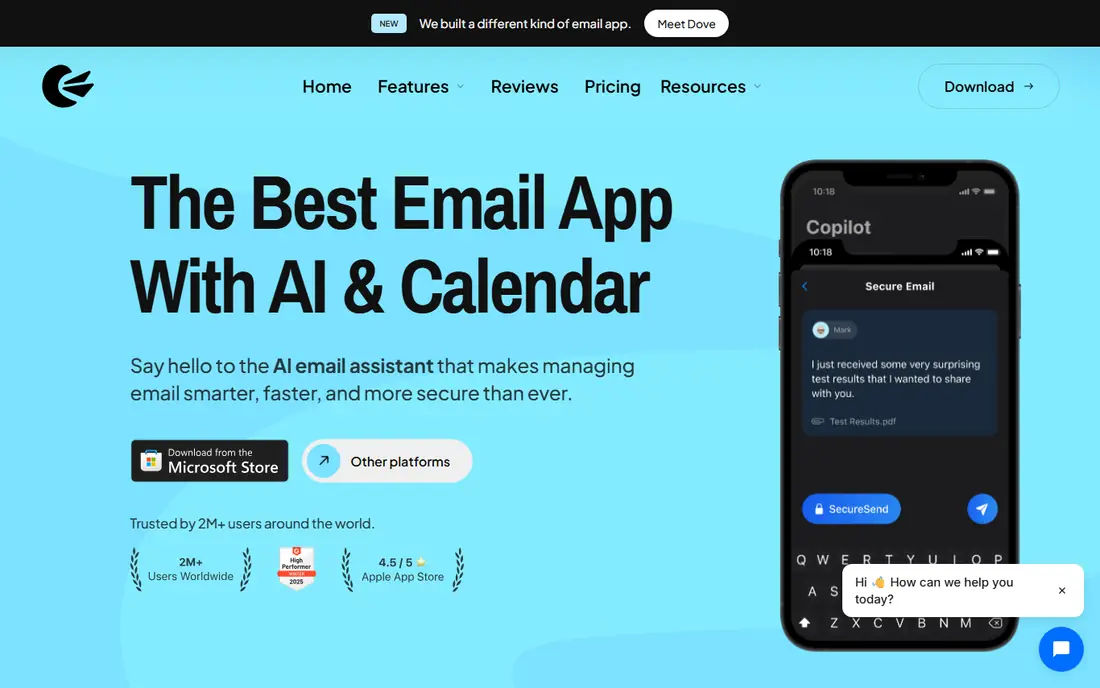
Canary Mail is the closest all-round match for many Spark users. It gathers Gmail, iCloud, Outlook and other accounts into one inbox, with snooze, templates, read receipts and a calendar on paid plans. Its privacy stance is also clearer than most, with a stated policy of not using mail for advertising or AI training.
The free plan covers core inbox work, but device limits and paid AI features mean heavy users will likely upgrade. Growth plans start at a low monthly rate when billed yearly, which keeps Canary Mail cheaper than Superhuman. If you want a smart inbox with a privacy focus, start here.
- Unified inbox across providers
- AI writing and summaries on paid plans
- Encryption options
- Best security features sit on the Pro plan
- Free plan limits devices
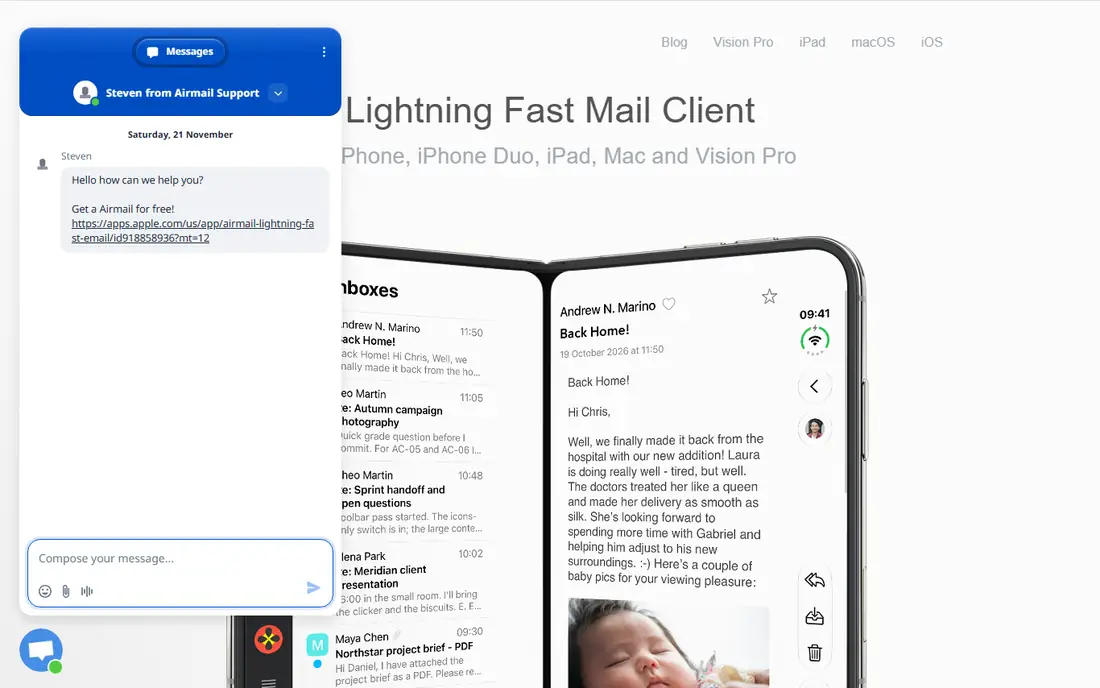
Airmail is a long running Mac and iOS mail client with a focus on speed and customisation. It supports multiple accounts, snooze, send later, rules and integrations with task apps and cloud storage. For Apple users who found Spark slow or heavy, Airmail often feels lighter and more responsive.
The main limit is platform. Airmail is built for Apple devices first, so Windows and Android users should look at Canary Mail or Edison Mail instead. Pricing has also changed across versions, so check the current App Store listing before buying. For Mac and iPhone owners, Airmail remains a strong Spark replacement.
- Fast native Mac and iOS feel
- Deep customisation
- Many integrations
- Apple only for the main apps
- Pricing has changed across versions
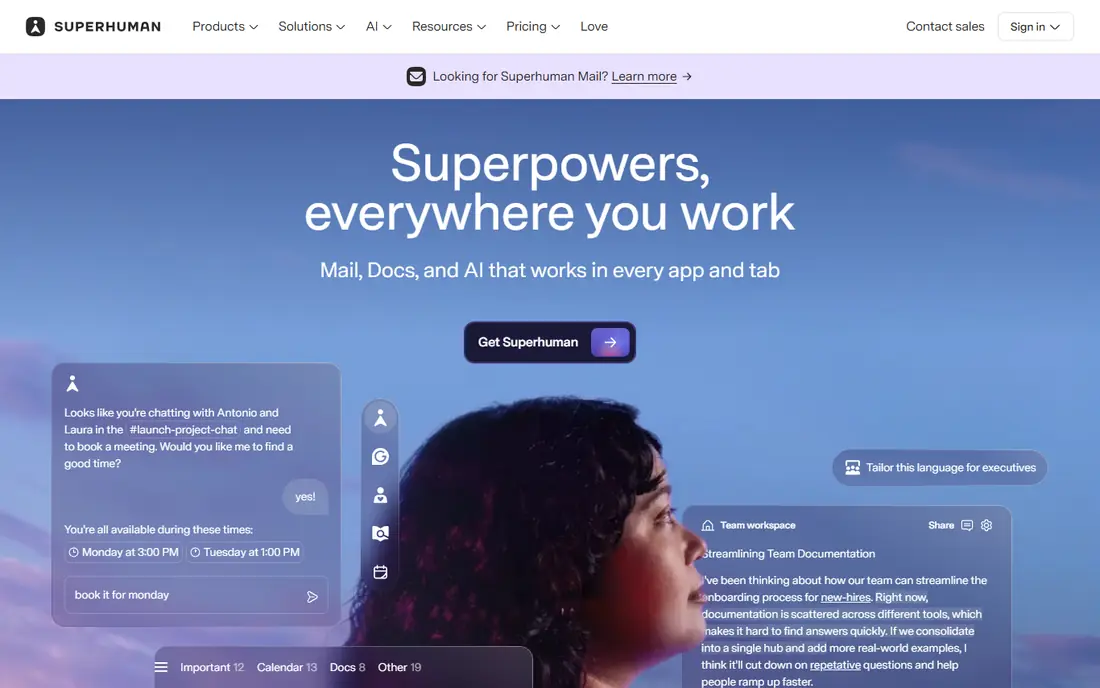
Superhuman is built for people who live in email. Keyboard shortcuts, split inboxes, snippets, send later and read statuses help heavy users clear mail faster than a standard client. The interface is minimal, and the workflow rewards users who learn the shortcuts rather than clicking through menus.
The price is the barrier. At $30 per month with no free plan, Superhuman only makes sense if email is a core part of your workday. It also takes a week or two to learn well. If you process dozens of messages a day and want the fastest client available, Superhuman is worth a trial. If you check mail a few times a day, Canary Mail or Edison Mail will do.
- Very fast keyboard workflow
- Split inbox and snippets
- Read statuses and reminders
- High price
- No free plan
- Onboarding takes time
Edison Mail offers a smart inbox, unified accounts and tools to block senders and unsubscribe in bulk, all in a free core app. Recent versions add AI summaries and drafting help, which can speed up triage on busy days. It runs on iPhone, Android, Mac and Windows, so it suits mixed device households.
Free AI use is capped, and paid plans add more of it, so check the current limits before relying on AI daily. Privacy terms also deserve a read, since Edison Mail processes mail through its own systems for some features. For a free Spark-style inbox, Edison Mail is still a practical first test.
- Free core app
- Smart inbox sorting
- Unsubscribe and block tools
- AI features are newer and capped on free use
- Privacy terms need a careful read
Newton Mail is a calm, minimal email app with read receipts, snooze, send later and a tidy inbox. It suits professionals who want a distraction-free client and a clear signal for which messages have been read. Apps cover iPhone, Android, Mac and Windows, with settings that follow you between devices.
The free plan covers two accounts with a monthly receipt limit, so heavier users will need a paid plan. Newton also syncs through its own servers, which some privacy minded readers may dislike. If you liked Spark for its clean inbox and want read receipts built in, Newton Mail is a good match.
- Clean minimal design
- Read receipts and send later
- Cross platform sync
- Free plan caps accounts and receipts
- Mail syncs through Newton servers
Missive is the team pick on this list. It turns email into a shared workspace, with internal chat inside each thread, assignments, shared drafts and tasks. Teams can also handle SMS, WhatsApp and social messages in the same inbox, which helps support and sales teams avoid missed replies.
There is no free plan, and per user pricing adds up for larger teams. Rules, integrations and AI features also start on higher tiers. For a solo user, Missive is more than needed. For a small team that shares support or sales mail, it is one of the best Spark team replacements available.
- Shared inboxes with internal chat
- Assignments and tasks
- SMS and social channels
- No free plan
- Cost rises per team member
HEY takes a different approach to email. New senders must be approved before their mail reaches your main inbox, and mail is sorted into Imbox for important mail, Feed for newsletters and Paper Trail for receipts. That screening cuts noise in a way that filters alone rarely achieve.
The trade-off is commitment. HEY works best with a HEY address, and there is no free plan, so it is a paid change of habit. Some users also find the three view system takes time to learn. If inbox overload is your main problem, HEY is a thoughtful alternative to Spark.
- Sender screening keeps junk out
- Imbox, Feed and Paper Trail views
- Clean design
- Requires a HEY email address for full features
- No free plan
Spike turns email threads into chat style conversations, with team chat, tasks and a calendar in the same app. That layout suits teams that find long email threads hard to follow, and it keeps group discussion close to the original message. It runs on Mac, Windows, phone and web.
The chat view divides opinion. Some users love it, while others prefer a classic inbox list. Paid plans also matter for larger teams and longer history. If Spark team features drew you in, Spike is worth testing for a week with a real team thread before deciding.
- Conversational email view
- Team chat and tasks
- Calendar built in
- Chat style is not for everyone
- Paid plans needed for larger teams
Proton Mail is both an email service and a set of apps, so it differs from clients that only read Gmail or Outlook. It offers encryption, a free tier, calendar and drive features, and a clear privacy policy. For readers leaving Spark over privacy, Proton Mail is the most direct change.
Encryption brings limits. Some features that work with plain mail, such as full search across encrypted messages in third party clients, are more limited. Storage and address limits also push heavier users to paid plans. If privacy is your top priority, Proton Mail is a strong choice.
- End to end encryption options
- Privacy focused company
- Free tier available
- Full encryption limits some third party client features
- Paid plans for more storage
Thunderbird is a free, open source desktop mail client from Mozilla. It handles multiple accounts, local folders, filters and search, with add-ons for calendars and tasks. For desktop users who do not want a subscription, it is the most capable free option here.
The design feels older than Spark or Canary Mail, and mobile support is newer and less polished than the desktop app. Thunderbird also lacks the smart inbox polish of paid clients. If you mainly read mail on a computer and want a free, private client you own, Thunderbird is hard to beat.
- Free and open source
- Multiple accounts and folders
- Many add-ons
- Design feels older
- Mobile apps are newer and less polished
How we picked these
We compared official feature pages, pricing pages and app store listings for email apps that work with common providers such as Gmail, iCloud and Outlook. We kept only apps that are live and maintained in October 2026, and we left out tools that only send marketing mail. Prices marked See website are ones where plan details had changed recently or varied by platform.
What to check before you switch
Start with your accounts. Confirm the new app supports each provider you use, including any work account with extra security rules. Then test the features you actually used in Spark, such as snooze, send later, templates or shared threads, since not every app covers all of them.
Also check privacy and sync. Some apps process mail on their own servers to offer AI or cross device sync, while others keep mail local. Read the privacy page for any app you plan to use for work mail. Finally, test on your phone and your computer, since an app that feels fast on one device can feel slow on the other.
Frequently asked questions
What are the best alternatives to Spark?
Canary Mail, Airmail, Superhuman, Edison Mail, Newton Mail, Missive, HEY, Spike, Proton Mail and Thunderbird all replace Spark in different ways. Canary Mail and Edison Mail are the best free starting points, while Superhuman suits heavy users and Missive suits teams.
Is there a free alternative to Spark?
Yes. Canary Mail, Edison Mail, Newton Mail, Spike, Proton Mail and Thunderbird all offer free tiers or a free app. Free plans usually limit devices, accounts or AI features, so check the current limits before switching a work inbox.
Which Spark alternative is best for privacy?
Proton Mail is the strongest privacy pick, since it is built around encryption and a privacy focused service. Canary Mail also states a clear no advertising and no AI training policy for mail content. Thunderbird suits readers who want mail stored locally on their own computer.
Which Spark alternative is best for teams?
Missive is the best team pick, with shared inboxes, internal chat, assignments and shared drafts. Spike also suits teams that prefer a chat style view. Solo users will find Canary Mail or Airmail simpler and cheaper.
Can I use these apps with Gmail or Outlook?
Most apps on this list support Gmail, Outlook, iCloud and other standard providers. Proton Mail and HEY work best with their own addresses, though Proton Mail can also import and bridge other accounts depending on the plan. Check provider support for any work account before paying.
Sources
See where you really rank - block by block
ProMapRanker scans Google Maps across a grid of your service area. Simple monthly plans from $19, white-label on every plan.
Start freeKeep reading
 wpforms alternatives
Best WPForms Alternatives in 2026
We compare 9 wpforms alternatives for WordPress forms, with free and paid options, current pricing notes, and honest limits for small business sites in 2026.
Read → windows task scheduler alternatives
Best Windows Task Scheduler Alternatives in 2026
Looking for Windows Task Scheduler alternatives? We compare 9 schedulers for Windows and cross-platform work, from free tools to enterprise automation.
Read → which ai video service is best
Which AI Video Service Is Best in 2026
which ai video service is best? We compare 10 legitimate AI video services on price, avatars, editing and output quality to help you pick the right tool.
Read →