 ProMapRanker
Best Sora Alternatives Free in 2026


Free cinematic clips with generated audio · Pricing starts at: Free
Key takeaways
- Sora itself is not listed here, because its standalone consumer app closed on April 26, 2026, and its API followed on September 24, 2026.
- Google Flow and Google Vids offer the most usable free AI video allowances for short, clean clips in October 2026.
- Dreamina, Kling, PixVerse, Vidu, and Hailuo offer daily or sign up credits that suit social clips, with watermarks on most free exports.
- Runway free credits are a one time allowance, so use them for a careful test rather than a daily workflow.
- Only use likenesses of real people in generated video with their clear permission, and never use these tools to create non-consensual imagery of a real person.
Quick comparison
| Pick | Great for | Pricing starts at | Free tier | |
|---|---|---|---|---|
| Google Flow | Free cinematic clips with generated audio | Free | Yes | Visit |
 Google Vids | Free promo and explainer videos | Free | Yes | Visit |
 Dreamina | Free cinematic and realistic shots | Free | Yes | Visit |
 Kling | Free clips with people and complex motion | Free | Yes | Visit |
 PixVerse | Free daily social and stylized clips | Free | Yes | Visit |
 Vidu | Free anime and stylized video | Free | Yes | Visit |
 Hailuo | A free quick test of AI video | Free | Yes | Visit |
 Runway | Testing a professional generator for free | Free | Yes | Visit |
The best free Sora alternatives
We kept only tools with a genuinely free tier in October 2026, and we did not list Sora itself as a live consumer product. Free tiers change often, so check the current allowance on the vendor site before you plan a series around one tool. Only use likenesses of real people with their clear permission.
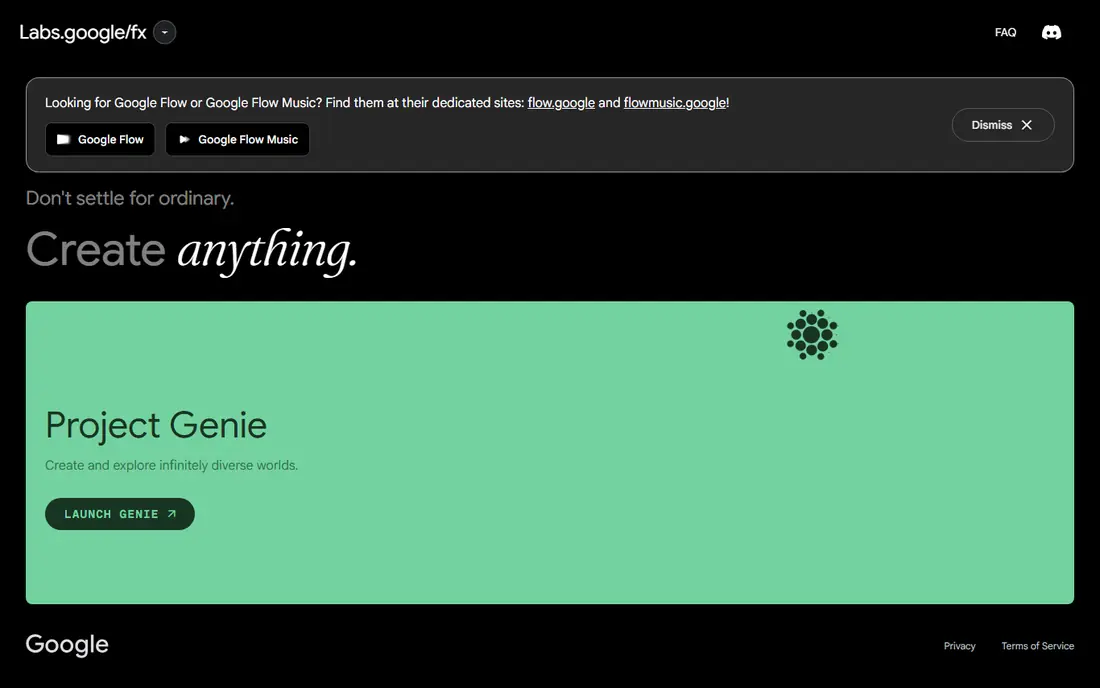
Google Flow is the closest free route to the text to video experience many Sora users wanted. You describe a scene, and Flow generates a short clip with motion and sound, using Google video models. For a creator testing a concept, a product shot, or a short story beat, the daily free allowance can cover several useful tests.
The free tier is not a production pipeline. Daily credits run out, and complex prompts may need retakes that eat the allowance. Use Flow for your best ideas first, and keep prompts simple and specific. Only use likenesses of real people with their clear permission, and do not use generated media to mislead viewers about a real event.
- Daily free credits for short clips
- Strong realism and audio
- Good for story led shots
- Free allowance is limited each day
- Longer or complex scenes need paid access
- Availability varies by account
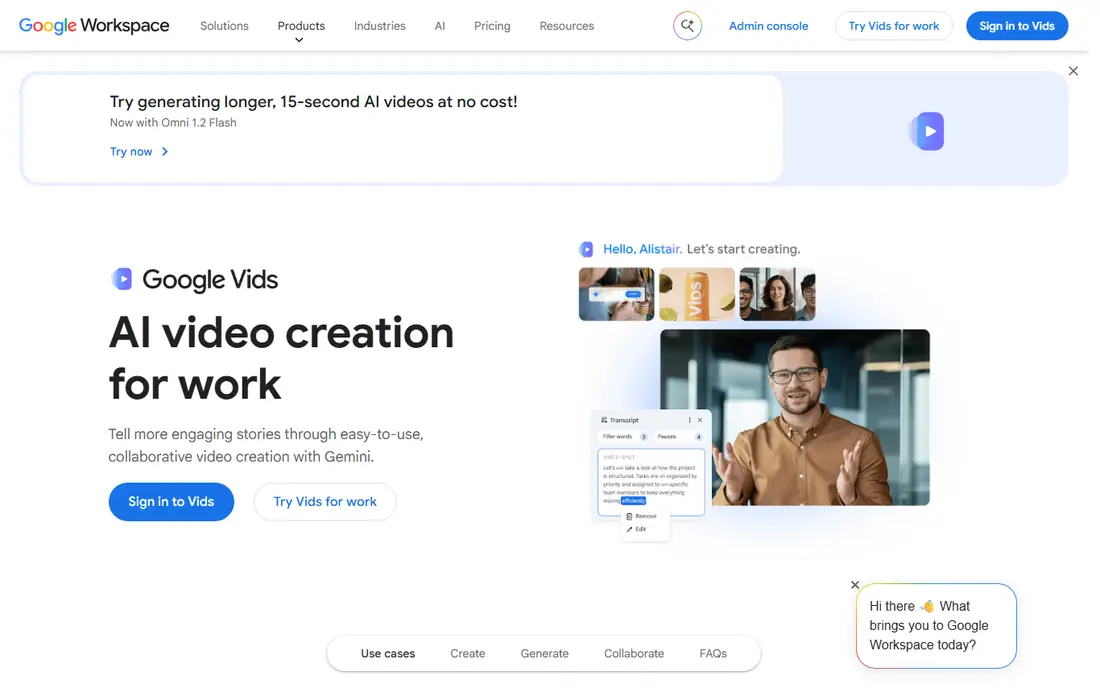
Google Vids suits a different job: short promo, explainer, and training videos built around a storyboard. You can add AI generated clips alongside text, images, and voiceover, then edit the whole piece in one workspace. For a small business or teacher who needs a clean video without a full editing suite, that flow is practical.
Free AI clips are limited each month, so plan a video around a small number of generated shots and fill the rest with your own media and text. That limit also keeps expectations realistic. Only use likenesses of real people with their clear permission, and label AI generated clips clearly when a viewer might mistake them for real footage.
- Free monthly AI clips
- Easy storyboard and editing flow
- Good for business and school videos
- AI clips are short and limited each month
- Style is more presentation led than cinematic
Dreamina, from CapCut, gives daily free credits for video generation, which makes it one of the more usable free tools for regular testing. Text to video and image to video both work, and the realistic style suits product shots, travel style scenes, and short story clips. For a creator posting short social videos, daily credits can support a steady test habit.
Watermarks and resolution limits on free exports mean the output suits drafts and social tests more than client work. Check the current daily allowance and watermark terms in your region before you rely on it, since credit rules vary. Only use likenesses of real people with their clear permission.
- Daily free credits
- Strong realistic and cinematic looks
- Image to video as well as text to video
- Free exports carry a watermark in many cases
- Credit rules vary by region
- Higher quality needs paid credits
Kling is known for handling people, movement, and multi shot ideas better than many free tools, which makes it a good test for character led scenes. You can start from text or an image, and the free login credits let you try several prompts before paying. For a creator learning what AI video does well, Kling gives useful feedback quickly.
Free exports are watermarked and capped in resolution, and free use is generally not for commercial projects, so treat it as a learning and draft tool. Save paid credits for final versions, and test motion heavy prompts early, since those are the shots most likely to need retakes. Only use likenesses of real people with their clear permission.
- Login credits for free testing
- Good handling of people and motion
- Image to video support
- Free exports carry a watermark
- High resolution and longer clips need paid credits
- No commercial use on free in many checks
PixVerse suits creators who want a daily habit of short clips. Sign up credits plus daily credits give you a regular allowance for testing ideas, and the tool handles stylized and social formats well. Character reference features help keep a recurring character more consistent across clips than a text only prompt alone.
Resolution and watermark limits keep free output in the draft and social test range. For a series with a consistent look, generate test clips daily and save your best prompts, rather than spending credits on every idea at once. Only use likenesses of real people with their clear permission, and never create imagery that pretends a real person said or did something they did not.
- Daily free credits after sign up
- Good for short social clips
- Character reference features
- Free exports carry a watermark
- Resolution is capped on free
- Style suits social more than film work
Vidu stands out for anime and stylized work, where many realistic generators feel less at home. You can turn an illustration or a text prompt into a short animated clip, which suits fan style art, storyboards, and social posts with a drawn look. Login bonus credits give you a starting allowance to test the style.
Free output is watermarked and limited in resolution, and paid credits allow higher quality and longer clips. If your style is realistic or cinematic, Dreamina or Kling may fit better. If your style is drawn or anime led, Vidu is the free tool to test first. Only use likenesses of real people with their clear permission.
- Login bonus credits
- Strong anime and 2D styles
- Image to video support
- Free exports carry a watermark
- Higher resolutions need paid credits
- No commercial use on free in many checks
Hailuo, from MiniMax, is best used as a focused test. The free trial credits let you try expressive character motion and short scenes, and the prompt flow is simple enough for a first time user. For a creator deciding between paid generators, a Hailuo test can show whether its motion style suits your scripts.
The limit is time. Trial credits are small and may expire, so do not plan a weekly series around the free tier. Run your most important test prompts first, compare the results with Dreamina and Kling, and then decide whether a paid Hailuo plan or another tool fits your volume. Only use likenesses of real people with their clear permission.
- Free trial credits for a quick test
- Expressive character motion
- Simple prompt flow
- Trial credits are limited and may expire
- Free output is limited
- Ongoing use needs a paid plan
Runway free access is a trial, not a daily free tier. The one time credit allowance lets you test its models and editing tools, including image to video and restyling, before you pay. For a creator who wants to judge professional quality, that test is valuable, even though it will not support regular free publishing.
Use the credits carefully. Test one representative prompt at a quality level close to your final need, and check how the tool handles motion, hands, text, and camera movement in that shot. If the test convinces you, the paid Standard plan is the entry point. Only use likenesses of real people with their clear permission.
- Professional models and editing tools
- Useful for B-roll and concept shots
- No card needed for free test in many cases
- Free credits are one time only
- Paid plans are credit based
- Free exports carry a watermark
How we picked these
We compared vendor pricing and help pages checked in October 2026, and we kept only tools that offer a free tier, free daily or login credits, or a free trial allowance that actually generates video. We excluded tools with no free plan in current pricing checks, and we excluded Sora itself, since its standalone consumer app closed in April 2026. We did not invent credit counts where vendor pages vary by region, and we noted watermarks and commercial limits where recent checks reported them. We did not claim hands-on testing.
What to check before you rely on a free tier
Free tiers are the first thing vendors change, so treat any allowance as current only on the day you check it. Sign up, confirm the free balance, generate a test clip, and export it before you promise a client or a posting schedule based on that tool. A free plan that looks generous on a pricing page can still watermark exports, cap resolution, or block commercial use.
Read the free terms, not just the headline
Check four items on the vendor site: watermark, resolution, commercial use, and credit expiry. A tool with daily credits and a watermark suits drafts, while a tool with clean exports and a small monthly allowance may suit a single polished post better. Keep a note of the terms for each tool you use, since they change without a new version announcement.
Use consent and labeling for generated media
Only use likenesses of real people with their clear permission, and never use AI video to create non-consensual imagery, misleading news style footage, or fake endorsements. Label AI generated clips clearly when a viewer could mistake them for real footage, especially for people, events, or products. That habit protects the people in your videos and the audience who watches them.
Plan for the paid step
Free tools are a good way to learn prompts, styles, and limits, but a regular publishing schedule usually needs a paid plan for clean exports and enough credits. Track how many retakes a finished clip takes, then price that total, not just one perfect generation. A tool that needs fewer retakes can be cheaper overall, even with a higher headline price.
Frequently asked questions
What is the best free Sora alternative?
Google Flow is the best free starting point for cinematic clips with audio, while Dreamina and PixVerse suit daily social testing. Kling suits people and motion, and Google Vids suits promo and explainer videos. Test the same prompt in two or three tools, since style and motion quality vary by prompt.
Is Sora still available for free?
No, Sora is not a live free consumer product in October 2026. Its standalone app and website closed on April 26, 2026, and its API closed on September 24, 2026. Tools in this guide are the free options to use instead, and any site claiming to sell new Sora access should be treated with caution.
Can I use free AI video tools for commercial work?
Often no, or only with limits. Many free tiers watermark exports, cap resolution, or block commercial use, so read the vendor terms before publishing paid or client work. For commercial projects, a paid plan with clean exports and clear licensing is the safer choice.
Do free AI video tools add a watermark?
Most free tiers in this guide do add a watermark or a branded mark, with Google tools using less visible marking in some cases. Check an actual export, not just the pricing page, since watermark rules vary by tool and by export setting. A watermarked clip suits testing, but not a polished client delivery.
How do I avoid misleading viewers with AI video?
Label AI generated clips clearly when they show people, places, or events that did not happen, and only use a real person likeness with their clear permission. Do not present generated footage as real news, a real endorsement, or a real recording. Clear labeling keeps your audience trust and avoids harm to the people depicted.
Sources
See where you really rank - block by block
ProMapRanker scans Google Maps across a grid of your service area. Simple monthly plans from $19, white-label on every plan.
Start freeKeep reading
 wpforms alternatives
Best WPForms Alternatives in 2026
We compare 9 wpforms alternatives for WordPress forms, with free and paid options, current pricing notes, and honest limits for small business sites in 2026.
Read → windows task scheduler alternatives
Best Windows Task Scheduler Alternatives in 2026
Looking for Windows Task Scheduler alternatives? We compare 9 schedulers for Windows and cross-platform work, from free tools to enterprise automation.
Read → which ai video service is best
Which AI Video Service Is Best in 2026
which ai video service is best? We compare 10 legitimate AI video services on price, avatars, editing and output quality to help you pick the right tool.
Read →