 ProMapRanker
Sora Alternatives in 2026

Key takeaways
- OpenAI ended consumer access to Sora on April 26, 2026, and its API stopped on September 24, 2026, so Sora itself is not an option in this list.
- Runway is the strongest all-round replacement for professional work, while Kling gives the most clips per dollar for social creators.
- Pika is the easiest entry point for quick social clips, and Google Veo leads on realistic motion with synced audio.
- Start on a free tier or entry plan, since clip length, credits and commercial terms differ a lot between tools.
Quick comparison
| Pick | Great for | Pricing starts at | Free tier | |
|---|---|---|---|---|
 Runway | Professional video workflows | $15 per month | Free trial | Visit |
 Kling | Budget volume and social clips | $6.99 per month | Yes | Visit |
 Pika | Quick social video | $8 per month | Yes | Visit |
 Google Veo | Realistic video with audio | See website | No | Visit |
 Luma Dream Machine | Creative motion and iteration | See website | No | Visit |
 Synthesia | Training and presenter videos | See website | Free trial | Visit |
 HeyGen | Avatar and multilingual video | See website | Free trial | Visit |
 Higgsfield | Multi-model video in one place | $19 per month | No | Visit |
The best Sora alternatives
Sora is gone as a consumer product, so this list covers only tools you can actually use today. We compared generation quality, clip length, editing features, credits and price, with a focus on tools that fit the jobs Sora was used for: short films, social clips, ads and presenter videos.
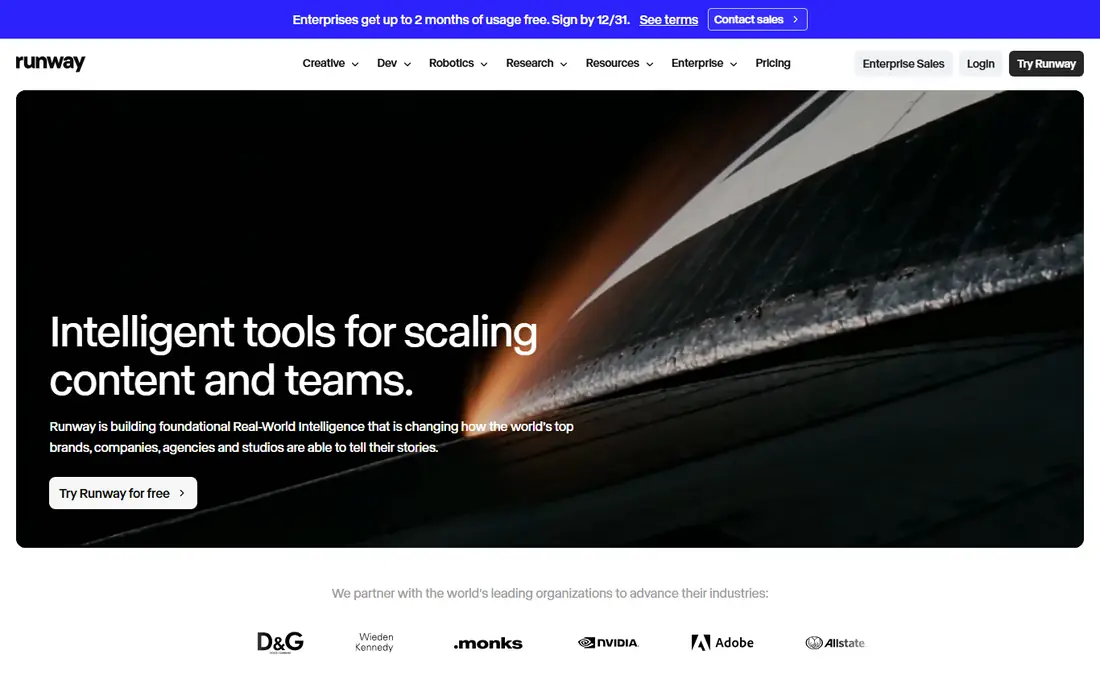
Runway is the closest professional replacement for Sora, because it is more than a prompt box. Its editing tools, image-to-video controls and reference features let you shape a scene, keep a character looking consistent and cut clips into a finished piece. For freelancers and small studios, that workflow matters more than any single generation, since client work needs control and repeatability.
The cost is the honest catch. The Standard plan starts at $15 per month, and heavy users will need Pro or higher, where credits and features cost more. Some generations also lack native audio, so you may still add sound in an editor. Even so, if you want one serious tool rather than a toy, Runway is where we would start.
- Full editing suite beside generation
- Strong character consistency
- 4K upscaling on higher plans
- Entry plan credits run out fast on heavy use
- No native audio on some models
- Price rises steeply at Pro level

Kling wins on value for creators who post often. Its free tier gives daily credits, enough for a couple of test clips a day, and the paid Standard plan starts at $6.99 per month in recent October 2026 comparisons. Longer clips are possible through extensions, which helps when a single short generation is not enough for a scene.
The trade-offs are practical rather than fatal. Credit costs vary by model and length, so it is easy to burn through an allowance faster than expected. Queues can also slow down when many people generate at once. For daily social content, product clips and fast experiments, Kling still gives the most output per dollar on this list.
- Low entry price
- Daily free credits
- Longer clips through extensions
- Credit math can be confusing
- Queues can be slow at peak times
- Interface takes time to learn
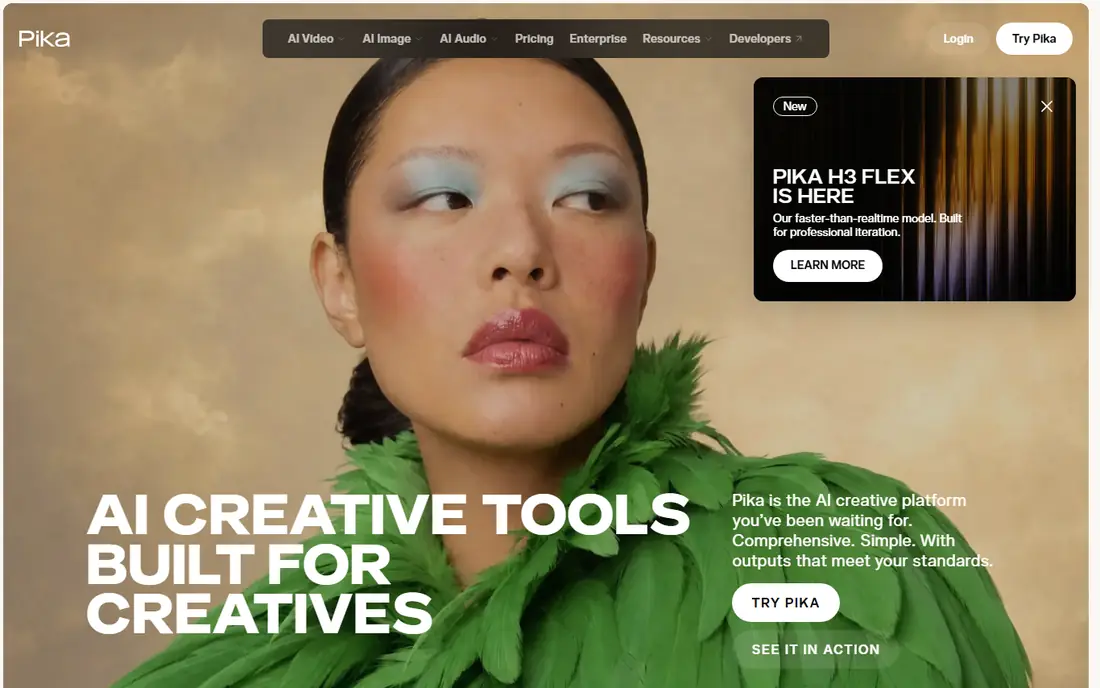
Pika is the tool we would hand to someone who wants a fun clip today, not a production pipeline. The interface is simple, effects are easy to apply, and the free tier lets you test quality before paying. Its Standard plan starts at $8 per month, which makes it one of the cheapest paid entries here.
Realism is where Pika shows its limits. Complex scenes with several people, detailed hands or fast action can look less convincing than the same prompt on a higher-end model. Clip length is also modest. For TikTok, Reels and playful social posts, those limits rarely matter, and speed beats perfection.
- Simple interface for fast clips
- Good stylized effects
- Monthly free generations to test the tool
- Shorter clips than some rivals
- Realism lags behind Veo and Runway on complex scenes
- Paid tiers add up for heavy use
Google Veo, in its 3.1 version, sets the current bar for realism in short AI clips. Motion looks more natural than on most rivals, and native audio with lip sync means a talking scene can arrive as one finished piece rather than a silent clip plus a separate voice track. For ads, product demos and short cinematic shots, that polish is easy to see.
Access is the complication. Veo is reached through Google AI subscriptions or API pricing, so the true cost depends on how you use it, and we have written See website rather than pick a single number that may not match your route. Generations are also short, so longer stories need several clips stitched together. Use Veo when quality per clip matters more than volume.
- Strong realism and motion
- Native audio with lip sync on supported versions
- Deep integration with Google tools
- Access runs through Google AI plans or API pricing
- Costs rise fast for frequent use
- Short generations per clip
Luma Dream Machine appeals to creators who like to iterate fast. Its motion handling suits previews, concept clips and stylized scenes, and it is easy to run several versions of an idea to find the one that works. For storyboarding and visual exploration, that speed is a real advantage.
Pricing is the reason to check before you commit. Recent reports say Luma dropped its free tier in August 2026, so you should budget for a paid plan from the start, and we have used See website for the current starting price. Results also depend heavily on prompt quality, so beginners may need a few tries. Treat Luma as a creative sketchpad with strong motion, not a guaranteed finished film in one click.
- Strong motion quality
- Fast iteration on ideas
- Good for previews and concept clips
- Free tier was removed in August 2026 in recent reports
- Pricing has changed
- Best results need careful prompting
Synthesia fits a different job from the cinematic tools above, and that is exactly why it belongs here. Many people used Sora-style tools for business video, and Synthesia covers that need better: a presenter avatar delivers a script in many languages, without a camera, studio or actor. Training, onboarding and product explainers are its natural home.
It is not a film tool. Avatar videos suit clear, instructional content, and they can feel stiff for storytelling or ads that need emotion and movement. Volume pricing also rises with use, so check the current plan before building a large course library. For corporate and education video, Synthesia is the most practical Sora replacement.
- Realistic avatars for training and explainers
- Multilingual output
- No camera or studio needed
- Not built for cinematic scenes
- Avatar videos can feel formal
- Higher plans needed for serious volume
HeyGen is a strong pick for teams that need talking-head video at speed. You can create an avatar, write a script and produce a video in several languages, which suits marketing, sales outreach and localized training. Translation and lip sync features help one video reach audiences that would otherwise need separate shoots.
The limits are similar to Synthesia: avatar quality depends on your input and plan, and the result suits presentations better than film scenes. Credits also cap how much you can produce each month, so a large campaign needs a higher plan. If your goal is a presenter who can speak many languages without a shoot, HeyGen is worth a trial.
- Fast avatar creation from photo or text
- Translation and dubbing features
- Useful for marketing and sales video
- Avatar realism varies by plan and input
- Not suited to cinematic scenes
- Credits limit longer projects
Higgsfield suits creators who do not want to commit to a single engine. Its Starter plan starts at $19 per month in recent October 2026 reports, and it offers several models plus marketing, character and editing tools in one account. That makes it a good way to compare models on the same prompt before settling on a favorite.
The catch is simple: if you only use one model, that model's own plan is usually cheaper. Credits also need watching, since different models cost different amounts. Higgsfield earns its place for testers, agencies and marketers who need variety in one login, rather than for a creator with a single fixed workflow.
- Access to many video models under one subscription
- Marketing and character tools beside generation
- Useful for testing models
- Cheaper if you only ever use one model
- Credit system needs care
- Quality varies by chosen model
How we picked these
We checked current availability first, because several older Sora comparison lists still include tools that have changed or closed. We then compared official feature pages, October 2026 pricing reports and public model details, favoring tools with a working free tier or trial, clear commercial terms and a real use case. Sora itself was excluded on purpose: consumer access ended in April 2026, and listing it as an available option would mislead readers.
What to check before you pay
Start with the job, not the demo reel. A cinematic short, a social clip, a training video and an ad need different tools, and the best model for one job can be a poor fit for another. Test the same prompt on two or three free tiers, and judge motion, faces, hands and audio, since those are where cheap tools fail first.
Check credits, clip length and commercial rights before you subscribe. Some plans look cheap until you count how many finished clips the credits actually buy, and some free tiers watermark output or block commercial use. Also read the current terms on likeness and consent: never generate a realistic person without their permission, and avoid tools or prompts that produce non-consensual imagery. That rule matters more than any feature list.
Frequently asked questions
What are the best Sora alternatives?
Runway is our all-round pick, Kling is best for budget volume, Pika is best for quick social clips, and Google Veo leads on realism with audio. The right choice depends on whether you need professional control, low cost or presenter video.
Is Sora still available?
No, as a consumer product it is not. Reports from October 2026 say OpenAI ended consumer access on April 26, 2026, and the API stopped on September 24, 2026. The tools in this list are currently available alternatives.
What is the best free Sora alternative?
Kling offers daily free credits, and Pika offers limited free generations, so both are good free starting points. Runway offers one-time starter credits rather than a full free plan, so test it early before deciding.
Are there Sora 2 alternatives?
Yes, the same tools apply, since Sora 2 was the version tied to the discontinued consumer product. Runway, Kling, Pika and Veo all cover text-to-video and image-to-video work, with different strengths in editing, price and realism.
Can I use AI video tools for commercial work?
Generally yes on paid plans, but terms differ by tool, so check the current license for the plan you buy. Free tiers may watermark output or restrict commercial use, and you should never use a real person's likeness without permission.
How long can AI video clips be?
Most tools on this list generate clips of about 5 to 16 seconds per generation, with Kling offering longer results through extensions. Longer videos are usually made by generating several clips and editing them together.
Sources
- https://runwayml.com
- https://klingai.com
- https://pika.art
- https://deepmind.google/models/veo/
- https://lumalabs.ai
- https://www.synthesia.io
- https://www.heygen.com
- https://higgsfield.ai
- https://nesyona.com/articles/best-ai-video-generators
- https://www.aivantisglobal.com/articles/best-ai-video-generation-tools.html
- https://www.techno-pulse.com/2026/03/best-ai-video-generators-in-2026-sora.html
See where you really rank - block by block
ProMapRanker scans Google Maps across a grid of your service area. Simple monthly plans from $19, white-label on every plan.
Start freeKeep reading
 free alternatives to grok imagine
Free Alternatives to Grok Imagine in 2026
We compared the best free alternatives to grok imagine for image generation, from fast daily credits to design tools, so you can create without paying.
Read → best tools for instagram content creation
Best Tools for Instagram Content Creation in 2026
Compare the best tools for Instagram content creation, from Canva and CapCut to Later and Buffer, on design, video, planning, scheduling, and price in 2026.
Read → best tool to split pdf files
Best Tool to Split PDF Files in 2026
We compared the best tool to split pdf files on split modes, file limits, privacy and price, so you can split a PDF cleanly and keep every page in one go.
Read →