 ProMapRanker
Software Deployment Best Practices in 2026

Key takeaways
- This article covers software deployment best practices through tools, not theory alone. Each tool below puts a practice into action, from automated testing to rollback.
- The core practices are small, tested releases, automated pipelines, progressive rollouts, fast rollback, and monitoring after release.
- GitHub Actions and GitLab CI/CD are the easiest starts for most teams, while Argo CD and Spinnaker suit Kubernetes and multi cloud delivery.
- Our pick for most teams is GitHub Actions for repo native CI and CD, with Argo CD for Kubernetes progressive delivery.
Quick comparison
| Pick | Great for | Pricing starts at | Free tier | |
|---|---|---|---|---|
 GitHub Actions | Teams already on GitHub | Free | Yes | Visit |
 GitLab CI/CD | All in one DevOps platform | Free | Yes | Visit |
 Jenkins | Maximum pipeline flexibility | Free | Yes | Visit |
 Argo CD | Kubernetes GitOps delivery | Free | Yes | Visit |
 Octopus Deploy | Environment promotion and releases | See website | Yes | Visit |
 Harness | Enterprise progressive delivery | See website | Yes | Visit |
 CircleCI | Fast managed CI and CD | Free | Yes | Visit |
 Spinnaker | Multi cloud delivery strategies | Free | Yes | Visit |
 Azure DevOps | Microsoft and Azure teams | Free | Yes | Visit |
 AWS CodeDeploy | AWS and on premises rollouts | See website | No | Visit |
The best software deployment best practices
Software deployment best practices are easier to follow when the tool enforces them. This list therefore focuses on tools and platforms that put those practices into practice: continuous integration and delivery, release automation, progressive rollouts, rollback, and monitoring. A good deployment is small, tested, reversible and visible. If a release cannot be rolled back quickly or monitored after it ships, it is not yet following best practice, however fast it was built.
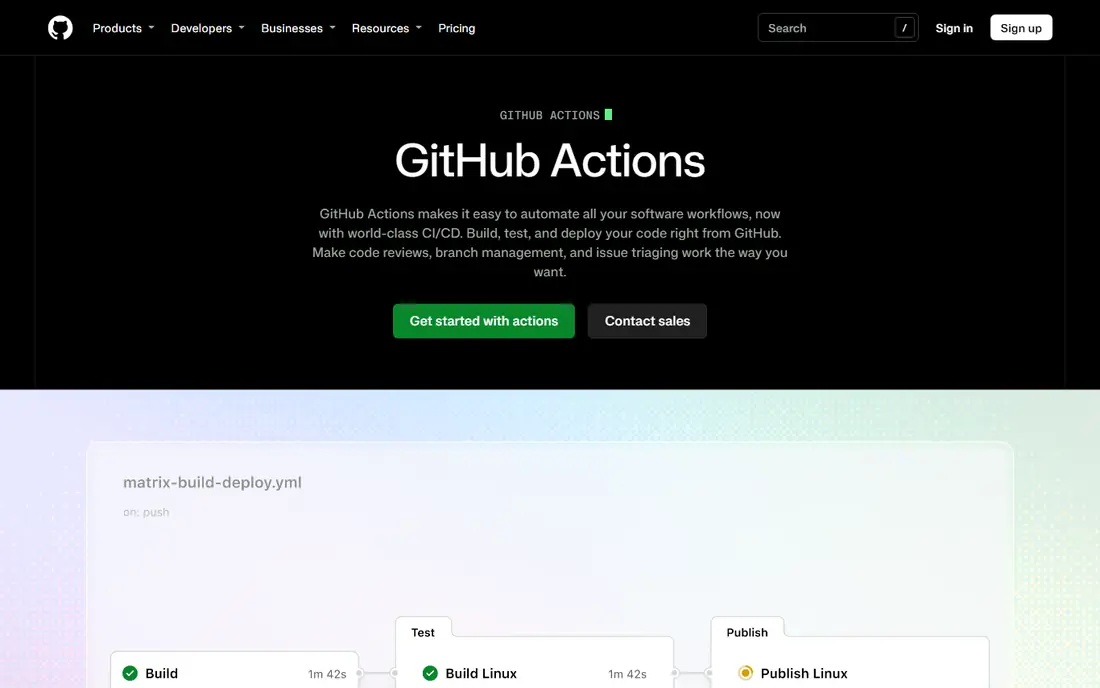
GitHub Actions puts the first deployment practice into action: automate the path from code change to release. Workflows run tests on pull requests, build artifacts, and deploy only when checks pass, which reduces manual steps and human error. Reusable actions and environments add approvals, secrets handling and deployment history in the same place as the code.
The limit is delivery depth. GitHub Actions is a strong CI and CD engine, but progressive delivery, canary analysis and complex environment promotion often need additional tools or careful workflow design. For most teams on GitHub, it is still the fastest way to make automated, tested releases the default.
- Native GitHub integration
- Large marketplace of reusable actions
- Free for public repos and generous allowances for private work
- Tighter GitHub coupling
- Per minute costs can rise at scale
- Advanced delivery strategies need extra setup
GitLab CI/CD supports the practice of keeping code, pipelines, security checks and releases in one system. Pipelines can run tests, security scans, builds and deployments from the same repository, with environments, approvals and rollback controls built in. That single system reduces handoffs between tools and makes it easier to audit what shipped and why.
Free tier minutes are limited, at 400 compute minutes on shared runners in recent listings, while Premium at $29 per user per month adds 10,000 minutes and more features. Teams that want one platform for planning, code, CI, CD and security will find GitLab a strong fit, especially with self hosted runners for larger workloads.
- CI and CD in one application
- Security scanning and container registry included
- Self hosted option
- Free tier compute minutes are limited
- Interface can feel slower
- Premium cost adds up per user
Jenkins is the flexible option for teams that want to build exactly the pipeline they need. Its plugin ecosystem covers testing, building, deployment, notifications and integrations, and pipelines as code let teams version the deployment process alongside the application. For custom or legacy environments, that flexibility is hard to match.
The cost is operations. Jenkins itself is free, but someone must maintain servers, agents, plugins, backups and security patches. Teams without platform engineering time often do better with a managed tool. Jenkins rewards teams that can operate it well and need control that managed platforms do not offer.
- Free open source software
- Huge plugin ecosystem
- Runs on your own infrastructure
- Operations burden is high
- Plugin maintenance takes time
- Security and upgrades need discipline
Argo CD puts GitOps best practice into action for Kubernetes. The desired state lives in Git, Argo CD syncs it to clusters, and the dashboard shows drift, health and sync history. That makes deployments auditable, repeatable and easy to roll back by reverting a Git change. Progressive delivery add-ons support canary and blue green strategies.
Argo CD is CD only, so it pairs with a CI tool such as GitHub Actions or GitLab for building and testing. It also requires Kubernetes expertise to run well. For teams already on Kubernetes, it is one of the clearest ways to make deployments declarative and reversible.
- Free open source GitOps tool
- Declarative Kubernetes delivery
- Drift detection and sync visibility
- Kubernetes only
- Needs a CI tool for builds
- Operations need Kubernetes expertise
Octopus Deploy focuses on the release side of deployment best practice. It models environments, promotes a tested release from development to staging to production, tracks variables per environment, and keeps a clear release history with approvals. That structure helps teams that deploy the same artifact to many customers or environments with different settings.
Pricing has changed across editions, with a free cloud tier capped by projects, machines and users in recent listings, and paid Professional and Enterprise tiers above that. Teams should confirm the current edition that fits their deployment count. For complex release promotion, Octopus remains a strong specialist.
- Clear environment promotion
- Release versioning and approvals
- Works across cloud, Kubernetes and on premises
- Pricing is complex across cloud and server editions
- Setup takes time
- Smaller teams may find it heavy
Harness puts progressive delivery and verification into practice at enterprise scale. It supports canary and blue green deployments, automated rollback based on verification signals, and pipelines that combine CI, CD, GitOps and feature management. That helps teams release often without exposing every user to a risky change at once.
The platform is broad, and enterprise pricing is quoted, so small teams should start with the free tier and a narrow use case. Harness fits organizations that need governed, verified releases across many services and want one platform for delivery, rather than stitching several tools together.
- Progressive delivery with automated verification
- CI, CD and GitOps modules
- Free tier for small teams
- Enterprise pricing is quoted
- Module breadth needs planning
- Smaller teams may not need the full platform
CircleCI supports the practice of fast, managed pipelines without operating build servers. Teams define workflows in configuration, use orbs for common deployment patterns, and run jobs on hosted executors or self hosted runners. A free tier with credits lets small teams start without a bill, while Performance plans add more credits and features.
Credit based pricing needs monitoring, since larger resource classes consume credits faster. Teams should track credit use per job and use caching and test splitting to keep builds efficient. For teams that want managed speed and do not want to run Jenkins, CircleCI is a strong choice.
- Managed hosted executors
- Free tier with credits
- Orbs for reusable deployment jobs
- Credit use varies with resource choices
- Larger workloads need cost monitoring
- Self hosted runners add cost
Spinnaker is built for delivery strategies. It natively supports rolling, blue green and canary deployments across multiple clouds, with pipelines, approvals and automated analysis. That makes it a strong fit for organizations that deploy the same service to several clouds or regions and need consistent strategies everywhere.
Like Jenkins, Spinnaker is free software with a real operations cost. It needs platform engineering to install, upgrade and operate. Small teams with one cloud and one cluster will usually get faster value from Argo CD or a managed CI and CD tool. Large multi cloud teams are Spinnaker's natural audience.
- Free open source delivery platform
- Native blue green, canary and rolling strategies
- Multi cloud support
- Operations complexity is high
- Needs platform engineering
- Smaller teams may find it too large
Azure DevOps, with Azure Pipelines, supports the practice of multi stage releases across Microsoft and other environments. Pipelines can run tests, build artifacts, deploy to stages with approvals, and roll back to a previous release. Boards, repos and artifacts in the same suite help teams trace a deployment back to a work item and a code change.
The free tier includes a parallel job allowance, with extra parallel jobs priced separately. Teams already on Azure and Microsoft 365 get the most value, while multi cloud teams should compare GitHub Actions, GitLab and Harness for broader neutrality. For Azure centered enterprises, Azure DevOps is a coherent and governed choice.
- Pipelines, boards, repos and artifacts in one suite
- Free parallel job allowance
- Strong Azure integration
- Best value inside Microsoft stack
- Governance boundaries need planning
- Pricing varies by parallel jobs and users
AWS CodeDeploy puts rollout best practice into action for AWS workloads. It automates deployments to EC2 instances, Lambda functions, ECS services and on premises servers, with in place or blue green strategies, health checks and automatic rollback on failure. There is no additional charge for deployments to EC2, while on premises instance updates were listed at $0.02 per update, with infrastructure billed separately.
CodeDeploy is a deployment tool, not a full CI platform, so it usually pairs with CodePipeline, GitHub Actions or Jenkins for building and testing. For teams standardized on AWS, it is a simple, reliable way to make rollouts automated and reversible.
- Automated rollouts to EC2, Lambda and on premises servers
- In place and blue green strategies
- No extra charge for EC2 deployments
- AWS centered design
- Needs other AWS tools for full CI
- On premises updates are charged per instance
How we picked these
We compared official product pages, pricing pages and public documentation for CI, CD and release tools still available in October 2026. We favored tools that support automated testing, release promotion, progressive delivery, rollback or monitoring, since those are the practices this article covers. We did not claim hands-on testing, and where pricing was quoted or usage based we wrote See website.
What to check before you buy
Start with the practices, not the tool list. Write down your release rules: every change tested before merge, every release built once and promoted unchanged, every rollout progressive where risk is high, every release reversible in minutes, and every release monitored after it ships. Then test each tool against those rules with a real service, not a demo app.
Next, test rollback and monitoring together. Deploy a bad change on purpose in staging, roll it back, and check how long it takes and what the team sees. Then check alerts, logs and metrics after a good release. A tool that deploys fast but hides failures will not improve reliability.
Finally, cost the whole pipeline. Add build minutes or credits, runner infrastructure, parallel jobs, seats and any managed control plane fees. A free open source tool can cost more in operations than a managed tool, while a managed tool can cost more at scale than self hosted runners. Choose the total that fits your team size and release frequency.
Frequently asked questions
What are software deployment best practices?
The core practices are automated testing before release, small and frequent releases, building once and promoting the same artifact, progressive rollouts such as canary or blue green, fast rollback, and monitoring after release. Together they reduce risk while letting teams ship often.
What is the difference between CI and CD?
Continuous integration builds and tests code on every change. Continuous delivery automates release preparation so code can be deployed at any time, while continuous deployment automates the actual release to production. Most teams use CI plus delivery with manual approval for production, then move to full deployment when confidence grows.
What is a canary deployment?
A canary deployment sends a new version to a small share of users first, then watches error rates, latency and business metrics before rolling it out wider. If signals worsen, traffic shifts back to the old version. Argo CD, Spinnaker and Harness all support canary patterns, with different levels of automation.
How do I roll back a bad deployment quickly?
Keep the previous artifact available, make deployments reversible by configuration or traffic shift rather than by rebuilding old code, and practice rollback in staging. GitOps tools roll back by reverting Git state, while blue green tools roll back by shifting traffic back to the old environment.
Should small teams use Kubernetes deployment tools?
Only if they already run Kubernetes. Small teams without Kubernetes get faster value from GitHub Actions, GitLab CI/CD or CircleCI, which deploy to servers, containers or serverless platforms directly. Add Argo CD or Spinnaker when Kubernetes becomes the main platform.
How often should we deploy?
As often as changes are tested and reversible, which for many teams means several times a day for web services and less often for regulated or embedded systems. Frequency alone is not the goal. Small, tested, monitored releases are the goal, and tooling should make that cadence safe rather than rushed.
Sources
See where you really rank - block by block
ProMapRanker scans Google Maps across a grid of your service area. Simple monthly plans from $19, white-label on every plan.
Start freeKeep reading
 wpforms alternatives
Best WPForms Alternatives in 2026
We compare 9 wpforms alternatives for WordPress forms, with free and paid options, current pricing notes, and honest limits for small business sites in 2026.
Read → windows task scheduler alternatives
Best Windows Task Scheduler Alternatives in 2026
Looking for Windows Task Scheduler alternatives? We compare 9 schedulers for Windows and cross-platform work, from free tools to enterprise automation.
Read → which ai video service is best
Which AI Video Service Is Best in 2026
which ai video service is best? We compare 10 legitimate AI video services on price, avatars, editing and output quality to help you pick the right tool.
Read →