 ProMapRanker
Best Snagit Alternatives in 2026

Key takeaways
- ShareX is the best free replacement for power users, while Greenshot and Lightshot suit quick, simple captures.
- Screenpresso and PicPick are the closest all-in-one paid-style replacements, with editing, recording, and sharing in one app.
- Loom and Droplr suit teams that share video and images through links, rather than saving files locally.
- CleanShot X is the strongest Mac-focused option, and Monosnap suits cloud-first teams on Windows and Mac.
- Our pick for most people is ShareX on Windows for free, or Screenpresso if you want a simpler paid-style editor.
Quick comparison
| Pick | Great for | Pricing starts at | Free tier | |
|---|---|---|---|---|
 ShareX | Free power-user capture | Free | Yes | Visit |
 Greenshot | Simple free capture | Free | Yes | Visit |
 Lightshot | Fast, simple sharing | Free | Yes | Visit |
 Screenpresso | All-in-one tutorials | See website | Yes | Visit |
 PicPick | Design-friendly editing | See website | Yes | Visit |
 Loom | Video messages and recording | See website | Yes | Visit |
 CleanShot X | Mac capture and recording | See website | No | Visit |
 Monosnap | Cloud-first team sharing | See website | Yes | Visit |
 Flameshot | Open source annotation | Free | Yes | Visit |
The best snagit alternatives
Snagit is known for scrolling capture, step-by-step tutorial layouts, text grab, and a full editor. The tools below cover different parts of that job. Some are free and simple, some are all-in-one editors, and some focus on video sharing. Pick based on how you capture, edit, and share.
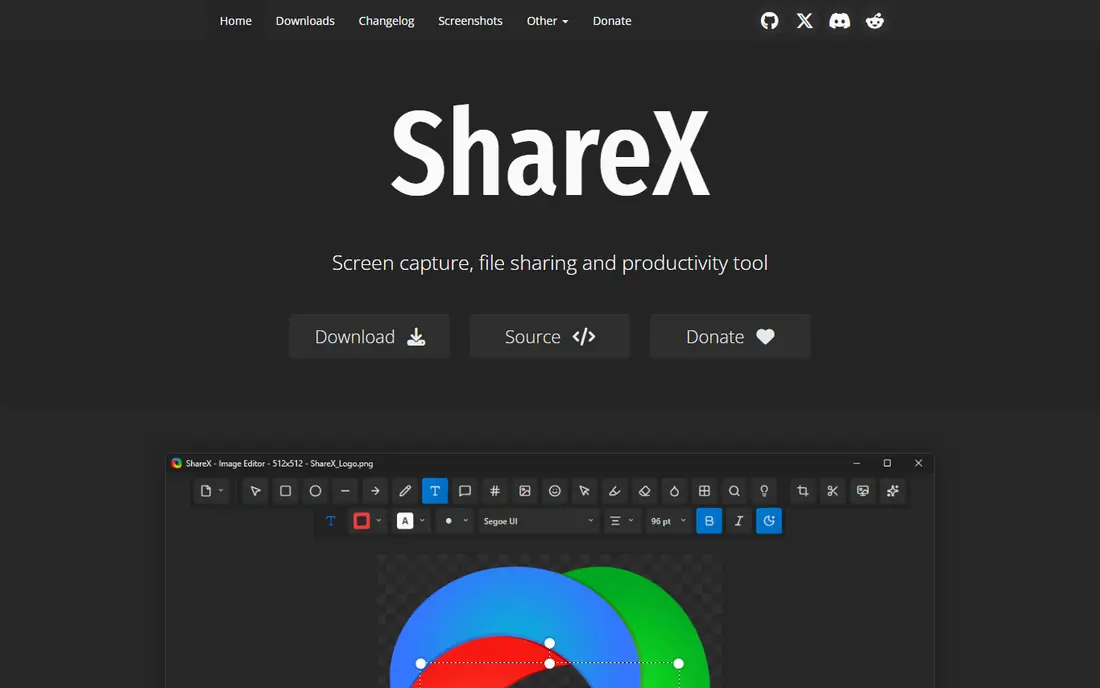
ShareX is the tool we suggest first to Windows users who want Snagit power without a subscription. It captures regions, windows, full screens, and scrolling pages, records video and GIFs, and adds annotation, effects, and text recognition. After capture, it can upload to a chosen destination or save locally, and workflows can automate repeated steps.
The interface is the trade-off. ShareX exposes a large number of options, and a new user can spend time finding the right setting. Once configured, though, it is hard to beat for free. If you capture all day and like control, ShareX is the clear value pick.
- Free and open source
- Scrolling capture, GIF, video, and OCR
- Uploads to many destinations with custom workflows
- Windows only
- Settings can overwhelm new users
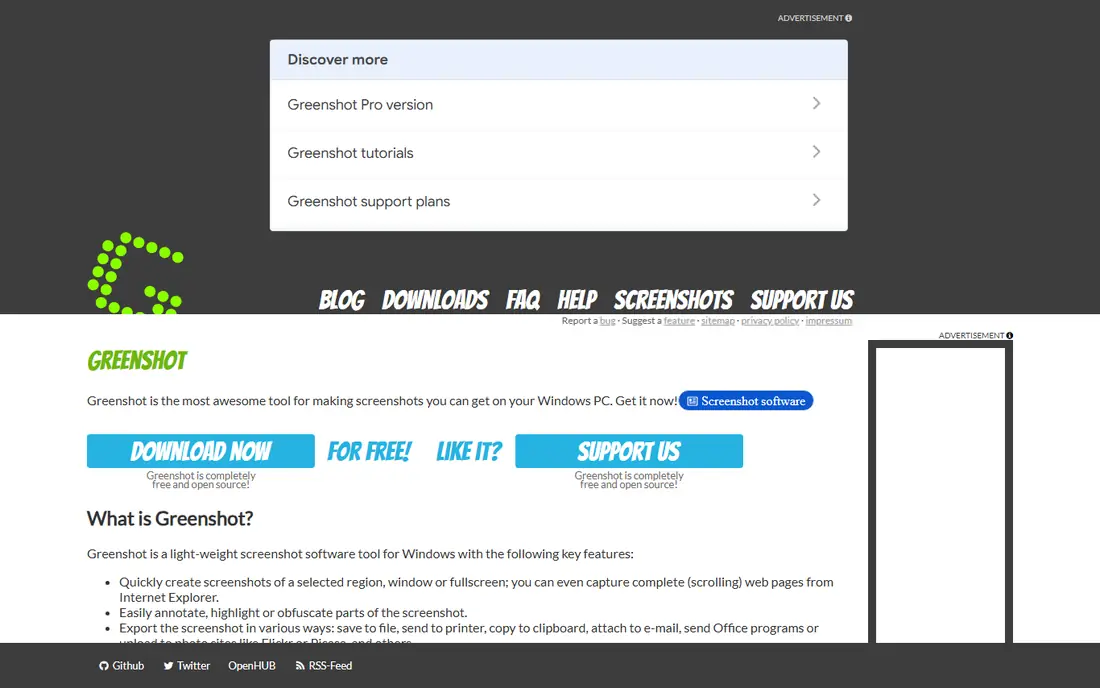
Greenshot suits users who want a light tool that stays out of the way. Capture a region, add arrows and text, and send the image to a file, printer, clipboard, or email. That simple loop covers most daily screenshot needs, and the tool starts fast and uses few resources.
The limits are clear. Greenshot does not record video, and its scrolling capture is limited compared with Snagit. If you need video or long tutorial layouts, pair Greenshot with a recorder, or choose Screenpresso instead.
- Free and open source on Windows
- Quick region, window, and full-screen capture
- Simple annotation and export options
- No built-in video recording
- Mac version is paid
- Development pace is slower than some rivals
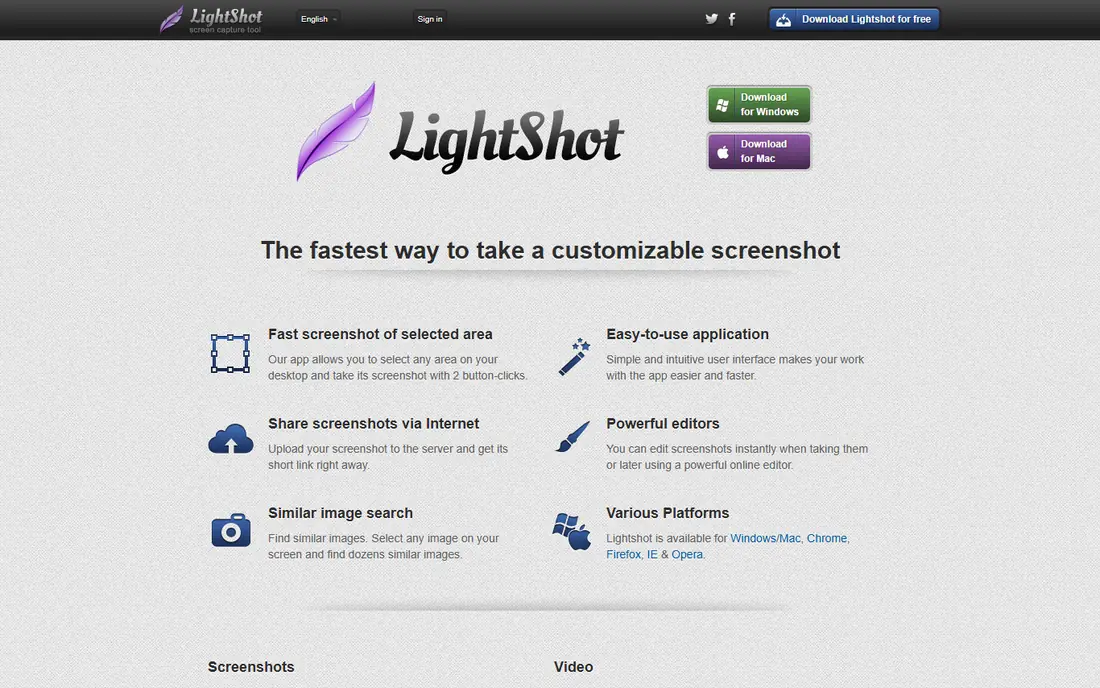
Lightshot is built for speed. Press the shortcut, drag a region, add a quick arrow or text box, and share a link. For support chats, quick feedback, and social sharing, that loop is hard to beat. It runs on Windows and Mac, and it needs little setup.
The sharing model deserves care. Links created through Lightshot sharing are public, so never use it for passwords, private documents, or internal systems. For sensitive work, save locally with ShareX or Greenshot instead. Within that limit, Lightshot is a fine quick-capture tool.
- Very fast capture and edit
- Simple online sharing through links
- Available on Windows and Mac
- Basic annotation only
- Shared links are public by design, so avoid sensitive images
- No video recording
Screenpresso is one of the closest Snagit-style replacements on Windows. It captures images and video, annotates with arrows, numbers, and callouts, and helps build step documents from a series of captures. Sharing to cloud storage, email, or other destinations is built in, which suits tutorial and support work.
The free version covers basic capture and editing, while advanced features sit behind a paid license. Check the current pricing page before buying, since license terms have changed over time. For a Windows user who wants one app for images and short videos, Screenpresso is a strong test.
- Capture, annotation, video, and sharing in one app
- Scrolling capture and document layouts
- Free version for basic use
- Windows only
- Full features and cloud options need a paid version
PicPick suits designers and documentation writers who want editing depth without a separate image editor. Beyond capture, it includes cropping, resizing, effects, stamps, and a color picker, plus tools for measuring screen elements. That bundle makes it useful for interface feedback and design notes.
Business users should note the license split: personal use is free, while business use needs a paid license. Check the current terms on the vendor site before deploying it at work. For personal use, PicPick is one of the most complete free options.
- Capture plus a full image editor
- Color picker, ruler, and effects
- Free for personal use
- Windows only
- Business use needs a paid license
- Interface feels older than newer rivals
Loom fits teams that explain things by video rather than by annotated images. Record your screen with a webcam bubble, share a link, and let viewers comment at a point in the video. That loop suits async updates, bug walkthroughs, and short training clips, and it avoids large video files in email.
Loom is not a Snagit editor replacement. Still-image annotation is limited, and scrolling capture is not its job. Use Loom for video explanations, and keep ShareX or Screenpresso for polished still-image tutorials.
- Fast screen and webcam recording with shareable links
- Viewer comments and reactions
- Works on Windows, Mac, and Chrome
- Focused on video, not still-image editing
- Free plan limits recording length and features
CleanShot X is the Mac pick for users who want Snagit polish without leaving macOS. It captures regions, windows, and scrolling pages, annotates cleanly, records video and GIFs, and shares through cloud links. The interface feels modern and fast, and it suits designers, support staff, and documentation writers on Mac.
The cost is the catch. CleanShot X is a paid app, so Windows users and free-only buyers should look elsewhere. For a Mac user who captures daily and values polish, it is often worth the license.
- Polished Mac capture, annotation, and recording
- Scrolling capture and cloud links
- Clean, modern interface
- Mac only
- Paid license with no lasting free plan
- Some features need a cloud account
Monosnap suits small teams that share captures through links all day. Capture an image or video, annotate it, and send a link that teammates can open without a file download. That flow fits support, QA, and remote teams that review work in chat or tickets.
Heavier use needs a paid plan, so check storage and feature limits against your daily volume. If your team mostly saves files locally, a free tool such as ShareX will be cheaper. If link sharing is the core workflow, Monosnap earns its place.
- Capture and video with cloud links
- Annotation and blur tools
- Works on Windows and Mac
- Cloud features sit behind paid plans for heavier use
- Free plan has storage and feature limits
Flameshot suits users who want a clean, open source annotator across platforms. Its on-screen toolbar makes arrows, boxes, text, and highlights fast, and pinned screenshots help when comparing a design with live work. Linux users in particular will find it one of the most polished free options.
The gaps are scrolling capture and video, which Snagit users may miss. Pair Flameshot with a recorder if you need both, or choose ShareX on Windows for a fuller free bundle. For still images with clean annotation, Flameshot is easy to recommend.
- Free and open source
- Clean on-screen annotation toolbar
- Pin screenshots to the desktop
- Works on Windows, Mac, and Linux
- No scrolling capture
- No built-in video recording
- Some settings need manual configuration
How we picked these
We compared official product pages, pricing pages, and documentation, plus public comparison guides, and we kept only tools that are live in October 2026 and that handle screenshots, annotation, or screen recording. We favored tools with a free tier or clear paid license, cross-platform coverage where stated, and a reachable official site. Prices are shown where vendors publish a clear figure, and as See website where pricing varies by license or plan, because we do not invent numbers.
How to choose the right Snagit replacement
Start with your daily capture habit. If you capture still images and annotate them, a still-image tool is enough. If you explain by video, a recorder such as Loom matters more than an image editor. If you build tutorials, scrolling capture and step layouts matter most, and only a few tools here match Snagit on that point.
Check scrolling capture before you commit
Scrolling capture varies widely. ShareX, Screenpresso, and CleanShot X handle it well, while Flameshot and Lightshot do not. If long web pages and documents are a daily need, test scrolling capture on a real page during the trial, not just on a short example.
Decide how you share
Local files suit sensitive work, while cloud links suit fast team review. Lightshot and Monosnap links are convenient, but they are not right for private data. Set a simple rule for your team: sensitive captures stay local, and public links are only for work that is safe to share.
Keep two tools if one cannot cover both jobs
Many teams use one tool for images and one for video, and that split is fine. A free image tool plus Loom for video often beats a single paid tool that does both poorly. The cost is learning two shortcuts, while the gain is a better result for each job.
Frequently asked questions
What are alternatives to snagit?
Alternatives to Snagit are screenshot and recording tools such as ShareX, Greenshot, Lightshot, Screenpresso, PicPick, Loom, CleanShot X, Monosnap, and Flameshot. Some focus on free still-image capture, some on all-in-one editing, and some on video sharing, so the best choice depends on whether you need images, video, or both.
Is there a free alternative to Snagit?
Yes. ShareX, Greenshot, Lightshot, and Flameshot are free, and Screenpresso, PicPick, Loom, and Monosnap offer free tiers. ShareX is the most complete free option on Windows, while Flameshot is a strong free choice across Windows, Mac, and Linux for still images.
Which Snagit alternative is best for Windows?
For Windows, ShareX is our pick for free power users, and Screenpresso is our pick for a simpler Snagit-style editor with tutorials in mind. Greenshot suits users who want a light, simple tool, and PicPick suits users who want deeper image editing.
Which Snagit alternative is best for Mac?
CleanShot X is the strongest Mac-focused option for capture, annotation, and recording in one polished app. Lightshot, Monosnap, and Flameshot also run on Mac, and Loom covers Mac video recording well. Mac users who want a free still-image tool should test Flameshot first.
Can these tools capture scrolling pages?
Some can, and some cannot. ShareX, Screenpresso, and CleanShot X support scrolling capture, while Flameshot and Lightshot do not. If scrolling pages are a daily need, test that feature on a real page before you commit to a tool.
Do I still need Snagit for tutorials?
Not always. Screenpresso and CleanShot X cover many tutorial needs, including step-style captures and annotation. Snagit still leads on polished tutorial templates and its full editor, so teams that build training docs all day may keep it. Most other users can replace it with a tool on this list.
Sources
See where you really rank - block by block
ProMapRanker scans Google Maps across a grid of your service area. Simple monthly plans from $19, white-label on every plan.
Start freeKeep reading
 wpforms alternatives
Best WPForms Alternatives in 2026
We compare 9 wpforms alternatives for WordPress forms, with free and paid options, current pricing notes, and honest limits for small business sites in 2026.
Read → windows task scheduler alternatives
Best Windows Task Scheduler Alternatives in 2026
Looking for Windows Task Scheduler alternatives? We compare 9 schedulers for Windows and cross-platform work, from free tools to enterprise automation.
Read → which ai video service is best
Which AI Video Service Is Best in 2026
which ai video service is best? We compare 10 legitimate AI video services on price, avatars, editing and output quality to help you pick the right tool.
Read →