 ProMapRanker
SharePoint Alternatives in 2026

Key takeaways
- Confluence and Notion suit teams that need a wiki or knowledge base, with Confluence fitting Jira teams best.
- Google Drive, Box and Dropbox suit teams that mainly need file storage, sharing and document libraries.
- ClickUp and Zoho WorkDrive suit teams that want docs, tasks and files in fewer tools.
- Slab and Nuclino suit small teams that want a simple, fast wiki without enterprise complexity.
- Free plans exist for several tools here, so test a wiki or file setup with your real team before you migrate.
Quick comparison
| Pick | Great for | Pricing starts at | Free tier | |
|---|---|---|---|---|
 Confluence | Wikis for Jira teams | See website | Yes | Visit |
 Notion | Flexible docs and wikis | Free | Yes | Visit |
 Google Drive | File storage and co editing | Free | Yes | Visit |
 Box | Secure file sharing | Free | Yes | Visit |
 Dropbox Business | File sync and libraries | See website | Yes | Visit |
 ClickUp | Docs plus project work | Free | Yes | Visit |
 Zoho WorkDrive | Team file management | See website | Yes | Visit |
 Slab | Simple team wiki | Free | Yes | Visit |
The best SharePoint alternatives
We compared official product pages and pricing pages for collaboration tools active in October 2026. SharePoint covers intranets, document libraries and team sites, so no single alternative replaces every part of it. The tools below each replace the part most teams actually use, from wikis to file sharing to project docs.
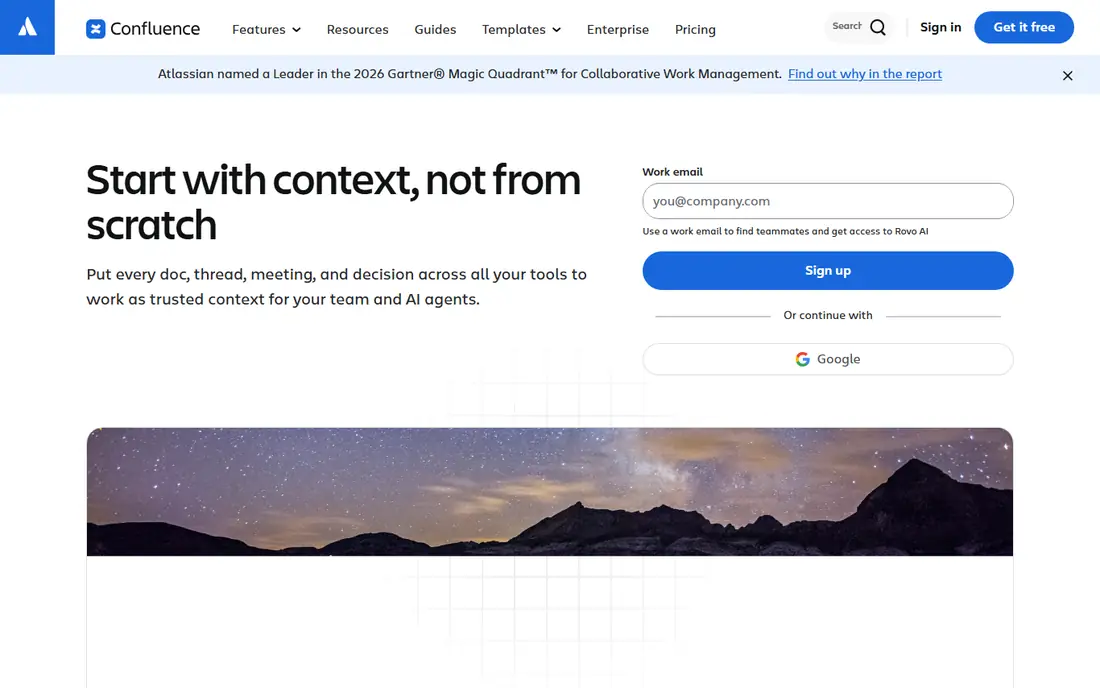
Confluence is the closest wiki style replacement for SharePoint team sites. Teams build spaces for projects, products and departments, with pages, templates and permissions that keep knowledge organized. Integration with Jira is a major draw: product and engineering teams can link issues, roadmaps and release notes directly to wiki pages. That link between work and docs is why many software teams choose Confluence over a general file store.
The trade off is complexity for small teams. Permissions, spaces and macros take time to set up well, and a tiny team may find a simpler wiki faster. Confluence offers a free plan for up to 10 users, so small teams can test it without cost. It suits teams that already use Jira, or that want a structured, searchable knowledge base rather than a loose folder of files.
- Structured wiki pages and spaces
- Strong Jira integration
- Templates for docs and planning
- Setup can feel heavy for tiny teams
- Pricing tiers change with team size
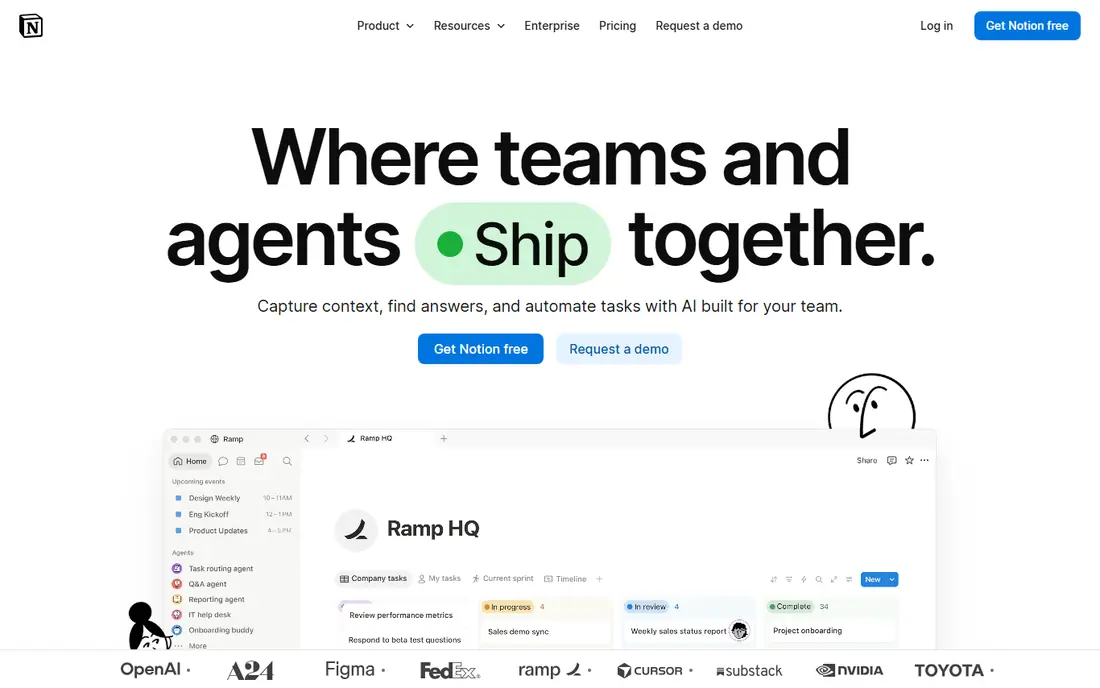
Notion lets a team build a wiki, a docs hub, a project tracker and a database from the same building blocks. Pages can hold text, tables, tasks and embeds, so a small team can run its handbook, meeting notes and roadmap in one place. Templates speed up setup, and sharing controls let you invite guests or keep pages private. For teams leaving SharePoint because it felt heavy, Notion feels light and fast to adopt.
The limits show at scale. Very large workspaces with thousands of pages can feel slower, and offline access is not as full as a desktop file sync tool. Paid plans start at a moderate per member price for teams that need unlimited blocks and advanced permissions. Notion is our pick for small to mid size teams that want a flexible wiki and docs hub without enterprise admin overhead.
- Flexible pages, databases and wikis in one tool
- Easy to learn
- Strong templates
- Performance can slow on very large workspaces
- Offline access is limited
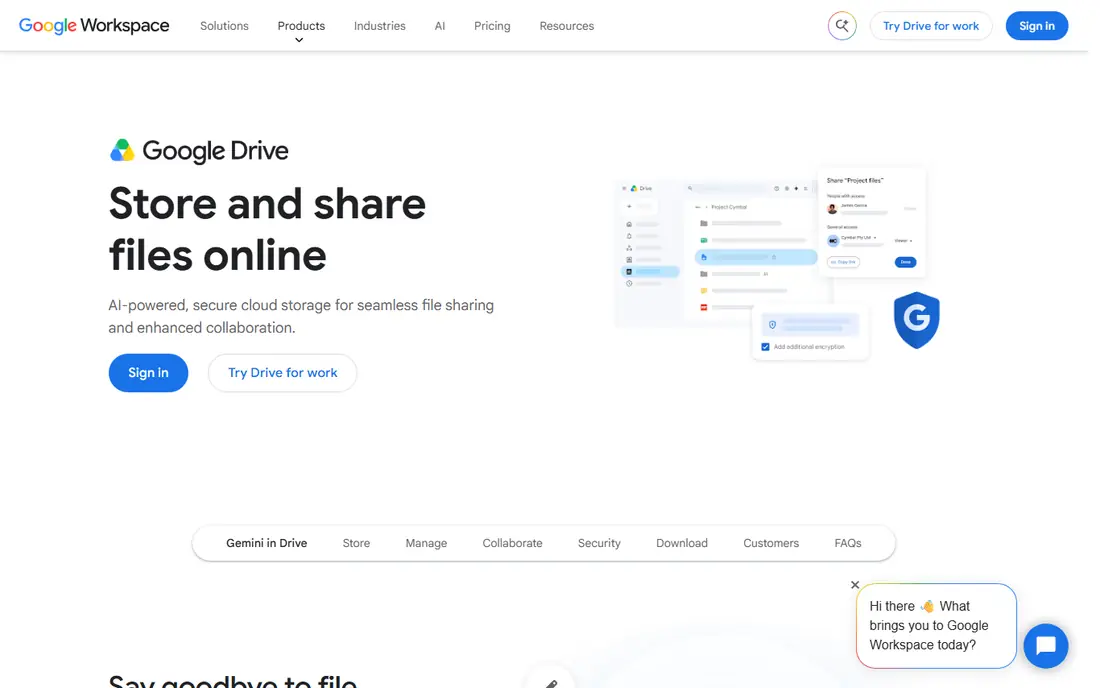
Google Drive replaces the SharePoint document library part most directly. Files live in folders, sharing links control access, and Google Docs, Sheets and Slides allow real time co editing without version conflicts. For teams already on Gmail and Google Workspace, Drive fits naturally, and the 15 GB free tier covers light personal or small team use. Search across Drive is strong, and mobile apps make files available anywhere.
The catch is structure. Drive is a file store, not a wiki or intranet by itself, so teams that need a polished internal homepage will need Google Sites or another tool on top. Folder sprawl is also a real risk without naming rules and ownership. Drive suits teams whose main SharePoint use was storing and co editing files, and who want the simplest migration path.
- 15 GB free shared across Google services
- Real time co editing in Docs, Sheets and Slides
- Easy sharing
- File organization needs discipline
- Advanced intranet features need Google Sites or Workspace add ons
Box is built for secure content sharing, with granular permissions, version history and admin controls that suit regulated or client facing teams. You can share folders with external partners, set expiry dates on links, and track access, which is harder in a basic file store. Integrations with Microsoft Office, Google Workspace and many business apps let teams edit files without moving them. For firms that share sensitive documents with clients, Box governance is a genuine advantage.
The downside is cost structure. Business plans often require a minimum number of users, and the free individual tier is limited to one user and modest space. Small teams should check current business pricing and minimums before they commit. Box is best for teams that prioritize control, audit trails and secure external sharing over a simple wiki.
- Strong access controls and governance
- External sharing with clients
- Integrations with Office and Google
- Paid business plans need a minimum seat count in some tiers
- Individual free tier is limited
Dropbox Business replaces SharePoint file libraries with fast, reliable sync. Team folders, admin controls and version history keep shared files organized, and large files sync well across desktop and mobile. Teams that work with design files, video or large documents will notice the difference versus a browser only library. Dropbox also integrates with Office, Google and Slack, so files stay in workflows people already use.
The limit is the free tier and per user pricing. The basic free account is only 2 GB, so business use needs a paid plan, and costs add up as headcount grows. Dropbox is not a wiki, so teams that need structured knowledge pages should pair it with Notion, Confluence or Slab. It suits teams whose main need is dependable file sync and sharing, with admin control over team folders.
- Reliable file sync across devices
- Team folders and admin controls
- Large file handling
- Basic free tier is only 2 GB
- Business plans are priced per user
ClickUp tries to replace several tools at once, including SharePoint team sites, task trackers and docs hubs. Docs can live next to tasks, wikis can hold team knowledge, and views such as lists, boards and calendars show the same work in different ways. The free plan is generous for small teams, and paid plans start at a moderate per user price. For teams tired of switching between a file store, a wiki and a task app, ClickUp consolidation is appealing.
The trade off is complexity. ClickUp has many features, and new users can feel lost without a setup plan and some training. Teams should start with one space, one docs hub and one project, then expand slowly. ClickUp suits teams that want docs and project work in one place and are willing to invest a week in setup. It is less suited to teams that only need simple file storage.
- Docs, tasks, wikis and chat in one workspace
- Free plan for small teams
- Many views and templates
- Feature breadth can overwhelm new users
- Setup needs time to get right
Zoho WorkDrive is a team file management service inside the Zoho suite. It offers team folders, sharing controls, version history and Office style editing, with integration to Zoho CRM, Projects and other Zoho apps. That ecosystem fit is a plus for teams already using Zoho, since files, projects and customer records can stay connected. Pricing is competitive per user compared with some larger file services, and a free tier exists for small use.
The limits are integration breadth and wiki depth. WorkDrive is primarily a file service, not a full knowledge base, so teams needing a rich wiki should pair it with another tool. Third party integrations are fewer than Google Drive or Dropbox, though core Office and Google tools are covered. WorkDrive suits Zoho teams and budget conscious teams that mainly need organized, shared file storage.
- Team folders and file management
- Zoho ecosystem integration
- Competitive per user pricing
- Smaller third party integration range than Drive or Dropbox
- Wiki features are limited
Slab is a focused team wiki with a clean editor and simple organization by topics and collections. Teams can write handbooks, onboarding guides and process docs without learning a complex system, and search makes pages easy to find. The free plan covers small teams, and paid plans start at a low per user price. For teams that found SharePoint wikis heavy, Slab speed and simplicity are refreshing.
The catch is scope. Slab is a wiki, not a file library or project tool, so you will still need Drive, Box or Dropbox for large files. Integrations are fewer than Notion or Confluence, though core tools such as Slack and Google are covered. Slab is best for small teams that want one clear place for written knowledge, and who are happy to keep files elsewhere.
- Clean, fast wiki editor
- Topics and collections for organization
- Free plan for small teams
- Not a file storage replacement
- Smaller integration range than Notion or Confluence
How we picked these
We compared official product pages and pricing pages for collaboration tools active in October 2026. We kept only tools that replace a real SharePoint use case, from wikis to file libraries to team sites, and that serve small to mid size teams as well as larger firms. We favored tools with free plans or trials, clear permissions and search, and we noted where a tool covers only part of SharePoint.
We did not claim hands on testing that did not happen. Our view comes from vendor pages, pricing pages and public comparisons. Pricing varies by seats, plan and billing period, so check the vendor pricing page before you migrate. Always test permissions and search with your real team, since those two features decide if a replacement actually works day to day.
How to migrate from SharePoint without losing knowledge
Start by mapping what you actually use. List your document libraries, team sites, wikis and intranet pages, then note which ones are active and which are stale. Most teams find that a wiki tool plus a file service covers 90 percent of daily use, with the rest being old files that can be archived. Migrate active content first, in small batches, and leave stale content in a read only archive until you are sure it is not needed.
Test with a pilot team before a full move. Give the pilot team the new wiki and file setup for two weeks, watch how they search, share and edit, and fix permissions early. Train the team on naming rules, folder structure and who owns each space, since a new tool with old habits will sprawl just as fast. Keep SharePoint read only during the transition, set a cutover date, and export a backup of key documents before you close old sites.
Frequently asked questions
What are the best alternatives to SharePoint?
Confluence and Notion are best for wikis and knowledge bases, while Google Drive, Box and Dropbox are best for file libraries. ClickUp suits teams that want docs and tasks together, and Slab suits small teams that want a simple wiki. The best choice depends on which SharePoint feature you use most.
What are alternatives to Microsoft SharePoint for small teams?
Notion, Slab and Google Drive suit small teams well, since they offer free plans and fast setup. Zoho WorkDrive is also worth checking for budget conscious teams, especially if you already use Zoho apps. Start free, test with your real team, and only pay when limits start to bite.
Are there free alternatives to SharePoint?
Yes. Notion, Google Drive, ClickUp and Slab all offer free plans, and Confluence offers a free plan for up to 10 users. Free plans usually limit storage, guests or advanced permissions, so check those limits against your team size. For a tiny team, a free plan can cover daily wiki and file needs.
What is the best SharePoint alternative for file sharing?
Box and Dropbox Business lead for secure, controlled file sharing, with Google Drive close behind for co editing and ease of use. Box suits regulated or client facing sharing, while Dropbox suits large file sync. Choose based on governance needs, not just storage size.
Can I replace SharePoint with Notion alone?
For many small teams, yes, if your main use is docs, wikis and light project tracking. Notion is weaker for large file libraries and advanced intranet governance, so larger teams often pair Notion with Drive, Box or Dropbox for files. Test Notion with your largest docs and files before you commit fully.
How hard is it to migrate from SharePoint?
Migration effort depends on how much active content you have and how clean your permissions are. A small team with a tidy library can move in days, while a large firm with years of sites needs a phased plan. Migrate active content first, run a pilot team, and keep old sites read only until the new setup proves itself.
Sources
See where you really rank - block by block
ProMapRanker scans Google Maps across a grid of your service area. Simple monthly plans from $19, white-label on every plan.
Start freeKeep reading
 free alternatives to grok imagine
Free Alternatives to Grok Imagine in 2026
We compared the best free alternatives to grok imagine for image generation, from fast daily credits to design tools, so you can create without paying.
Read → best tools for instagram content creation
Best Tools for Instagram Content Creation in 2026
Compare the best tools for Instagram content creation, from Canva and CapCut to Later and Buffer, on design, video, planning, scheduling, and price in 2026.
Read → best tool to split pdf files
Best Tool to Split PDF Files in 2026
We compared the best tool to split pdf files on split modes, file limits, privacy and price, so you can split a PDF cleanly and keep every page in one go.
Read →