 ProMapRanker
Best Shadow PC Alternatives in 2026

Key takeaways
- GeForce NOW is our pick for most players who already own PC games, because its free tier lets you test it before paying.
- Xbox Cloud Gaming and PlayStation Plus Premium suit players who want a ready-made catalog rather than a full Windows PC.
- AirGPU and Paperspace suit occasional users and people who want a flexible cloud PC, since you pay for the time and hardware you use.
- Boosteroid is worth a close look for budget-minded players in regions with nearby servers, but check its supported game list first.
- A fast, wired connection matters more than the top tier on paper, so test latency on a free tier before committing to a monthly plan.
Quick comparison
| Pick | Great for | Pricing starts at | Free tier | |
|---|---|---|---|---|
 GeForce NOW | Players with an existing PC game library | Free | Yes | Visit |
 Xbox Cloud Gaming | Game Pass subscribers | $22.99 per month | No | Visit |
 Boosteroid | Budget-minded cloud gamers | See website | No | Visit |
 Amazon Luna | Casual players and Prime members | $9.99 per month | No | Visit |
 PlayStation Plus Premium | PlayStation fans | $19.99 per month | No | Visit |
 AirGPU | Occasional players who pay by the hour | See website | No | Visit |
 Blacknut | Families with younger players | $15.99 per month | No | Visit |
 Paperspace | Flexible cloud PC users | See website | No | Visit |
 Maximum Settings | Players who want a full cloud PC | See website | No | Visit |
The best shadow pc alternatives
We compared full cloud PCs, bring-your-own-library streamers, and catalog services, so you can match the model to how you actually play. A full cloud PC gives you the most freedom, while a catalog service gives you the least setup.
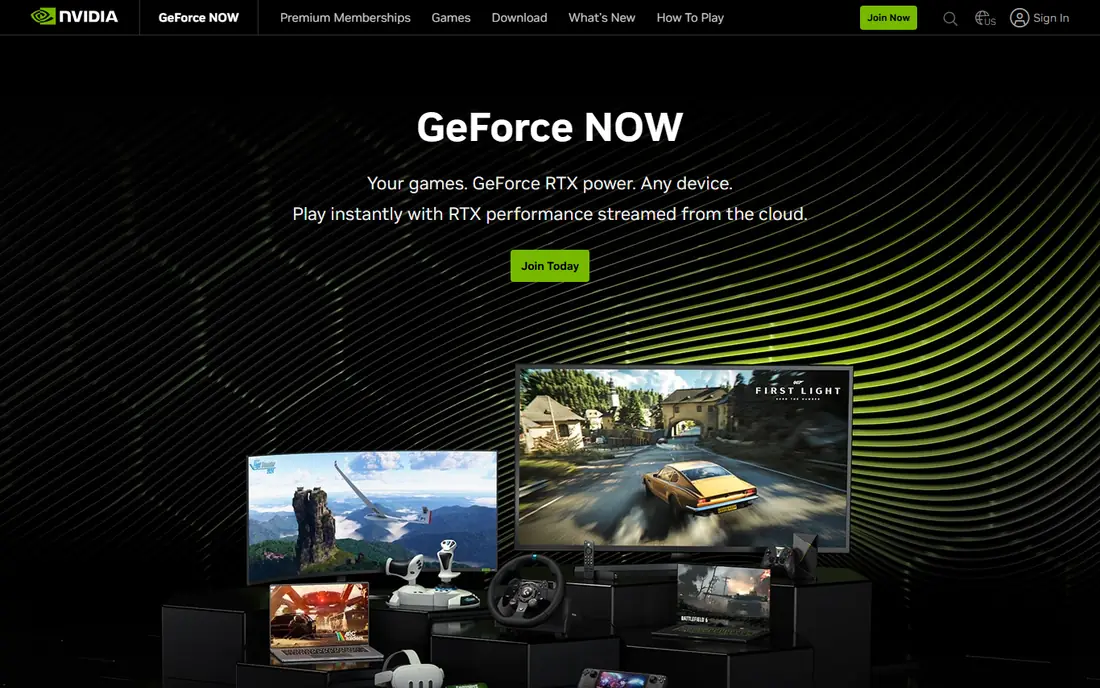
GeForce NOW streams games you already own from stores such as Steam and Epic, so you do not buy the same game twice just to play it in the cloud. The free tier is limited and involves waiting at busy times, but it is a useful way to check latency and image quality on your own connection before you pay. Paid tiers raise resolution and frame rate and give you priority access.
The main catch is the supported list. A game can be in your library and still not be available to stream, and publishers can change support over time. If most of your library is supported, this is the closest thing to a plug-and-play replacement for a gaming PC, without the cost of buying hardware. If your favorite games are missing, check the list before you subscribe.
- Free tier for testing
- Strong performance on paid tiers
- Works with games you already own on supported stores
- Not every game you own is supported
- Free sessions are limited
- Paid tiers still need a good connection
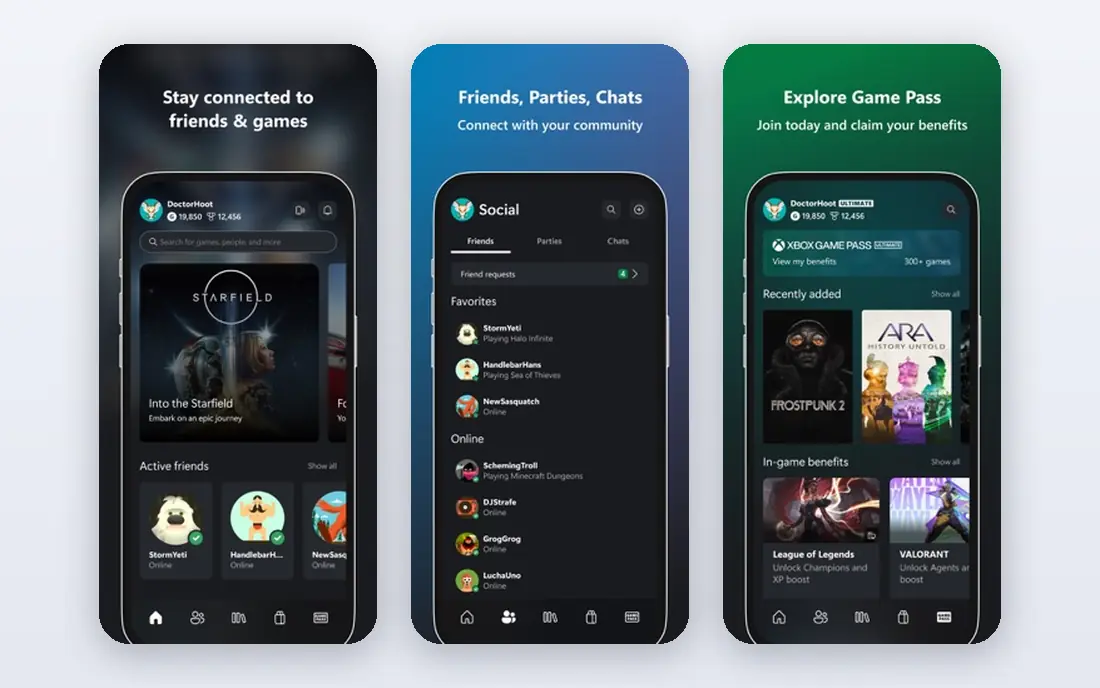
Xbox Cloud Gaming is a strong pick if you already pay for Game Pass Ultimate, since cloud play comes with that subscription rather than as a separate purchase. You get access to a catalog of games without installing them, and you can pick up play on a phone, tablet, or browser. It is well suited to players who like trying new games without buying each one.
It is not a replacement for a full cloud PC. You cannot install your own software, mods, or games from outside the catalog, and titles rotate out of the service. Players who want one specific game for years may prefer a bring-your-own-library service. For variety and low friction, though, it is hard to beat when the subscription is already in your budget.
- Large rotating Game Pass catalog
- Included with Game Pass Ultimate
- Works on phones, tablets, and browsers
- No full Windows desktop
- Catalog games leave over time
- Resolution is lower than top PC streamers
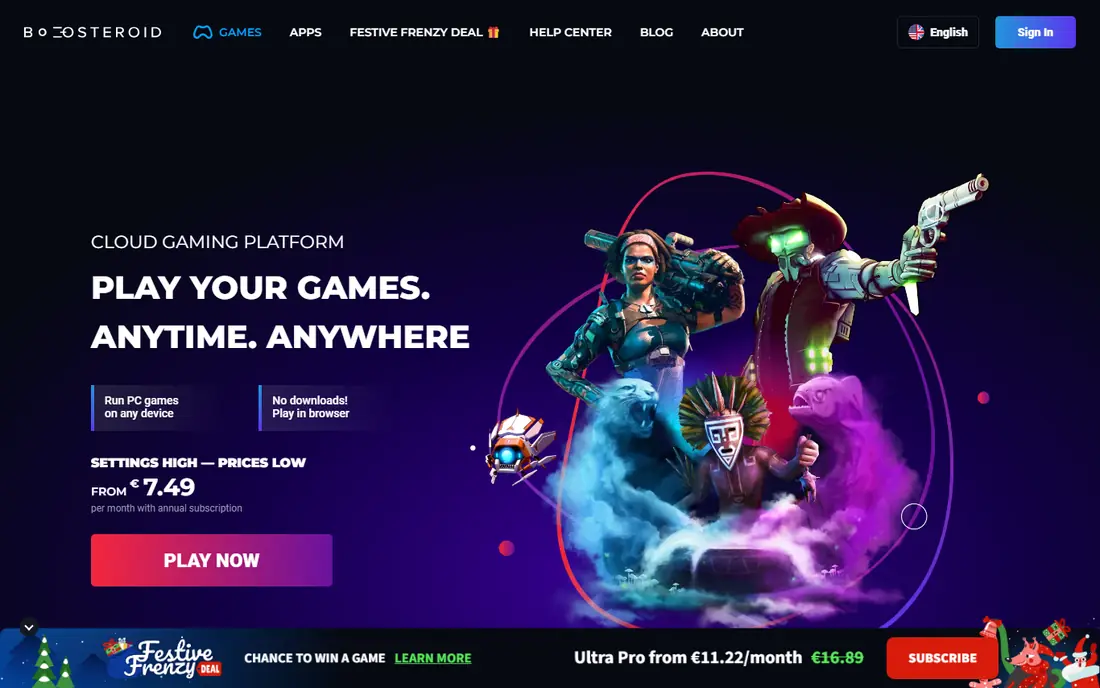
Boosteroid lets you stream games you already own, which keeps the focus on the subscription cost rather than buying a new catalog. Paid plans offer unlimited session time, a clear advantage if you play for long stretches and do not want to be cut off mid-session. It runs on a wide range of devices, including browsers and smart TVs in many regions.
Server location matters a lot here. Players close to a Boosteroid server tend to get a better experience than players far away, so check coverage in your area before paying. The supported library is also smaller than the largest rivals, so confirm your main games are included. When both boxes are ticked, it is a sensible lower-cost route to cloud gaming.
- Bring-your-own-library model
- Unlimited session time on paid plans
- Broad device support
- Smaller supported library than GeForce NOW
- Performance varies by server region
- Pricing varies by region and currency
Amazon Luna works through channels, which are bundles of games you subscribe to, plus a rotating selection for Prime members. That structure suits casual players who want to jump into a game without managing a library or a PC. The Luna Controller connects directly to Amazon servers in supported setups, which can reduce input lag compared with a standard Bluetooth connection.
The trade-off is depth. Luna does not match the catalog size of Game Pass or the library freedom of a full cloud PC, and adding channels raises the monthly total. If you already have Prime and play casually, the included selection may be enough on its own. If you want new releases on day one, look elsewhere first.
- Simple channel model
- Some games included with Prime
- Easy controller and Fire TV setup
- Smaller catalog than larger rivals
- Channel costs add up
- Not a full PC
PlayStation Plus Premium is the natural pick for players who already like PlayStation games and want cloud streaming as part of a broader subscription. The top tier includes a catalog of PlayStation 4 and PlayStation 5 games, plus classic titles, and many games can also be downloaded on a console. That mix gives you options when your connection is weak and when it is strong.
On PC, you stream through the PlayStation client rather than getting a Windows desktop, so this is not a way to run PC software or mods. The catalog also changes over time, and some games are console-only in practice. For PlayStation fans, the value is clear. For PC-first players, a bring-your-own-library service will fit better.
- Large PlayStation catalog
- Cloud streaming plus downloadable games
- Classic titles included
- Cloud streaming is tied to the PlayStation ecosystem
- PC play is through a client
- Not a Windows PC
AirGPU gives you a full Windows PC in the cloud and charges by the hour, which flips the usual subscription math. If you play ten hours a month, the total can be far lower than a flat monthly plan. If you play every evening, a monthly plan from a rival may work out cheaper, so estimate your hours honestly before choosing.
You also choose your GPU tier per session, which is a plus for people who want a stronger machine for a demanding game and a cheaper one for lighter titles. The downside is the extra setup and the separate storage cost, which can surprise new users. For sporadic players and for people who need a Windows PC for short bursts of work and play, the flexibility is the main draw.
- Pay-as-you-go pricing
- Choice of GPU tiers
- Full Windows PC in the cloud
- Costs add up with heavy use
- Storage is a separate cost
- Setup takes more effort than a catalog service
Blacknut is built around a family catalog, with profiles and parental controls that make it easier to share one subscription across a household. Parents can set up separate profiles for children, and the catalog leans toward games that suit a broad age range. It runs on many devices, so a tablet or TV can become the main gaming screen.
It will not satisfy players chasing the latest big releases, and it does not offer a Windows desktop for other software. The catalog also varies by region, so check what is available where you live. For families who want a simple, shared games subscription without buying a console for every room, it is a practical pick.
- Family-friendly catalog
- Multiple profiles
- Parental controls
- Fewer big new releases
- Not a full PC
- Catalog varies by region
Paperspace is a cloud GPU platform that can also serve as a remote Windows machine, which makes it a flexible option for people who mix gaming with other GPU work. You pick a machine type, and you can keep storage between sessions, so your files and installed software do not vanish when you log out. That persistence matters if you want a machine that feels like your own.
The trade-off is effort. Paperspace is not a one-click gaming catalog, and you will spend more time on setup and billing choices than with a consumer streaming service. Pricing depends on the machine and how long you run it, so read the current pricing page before starting a large project. For technical users who want control, that freedom is the point.
- Choice of GPU machines
- Persistent storage options
- Useful for work as well as play
- More setup than a gaming service
- Pricing depends on machine and usage
- Gaming is not its only focus
Maximum Settings offers a full Windows cloud PC aimed at gamers, with a range of hardware tiers to match different budgets and games. Like other cloud PCs, it lets you install your own games and software rather than limiting you to a catalog. That freedom is the main reason to consider it over a streaming-only service.
Because it is a smaller provider than NVIDIA, Microsoft, or Amazon, availability and support may vary, and you should check current plans and server regions before paying. A wired connection and a realistic view of latency will help you judge it fairly. If you want a dedicated cloud PC and the larger cloud PC services do not fit your budget or region, it is worth including in your shortlist.
- Full Windows cloud PC
- Range of hardware tiers
- Aimed at gamers
- Smaller provider than the big platforms
- Pricing and availability vary
- Needs a strong connection
How we picked these
We compared official product pages, pricing pages, and supported game lists, and we favored services that are live in October 2026 and clearly state what you get for the price. We included full cloud PCs, bring-your-own-library streamers, and catalog services, because people searching for a Shadow PC replacement may want any of those models. We left out services that have shut down or that no longer offer a clear consumer plan, and we used See website where pricing varies by region or usage.
How to choose the right cloud gaming service
Start with the model, not the brand. A full cloud PC suits players who install mods, use other Windows software, or play games from several stores. A bring-your-own-library streamer suits players who already own games and want to play them on a weak laptop or tablet. A catalog service suits players who want variety without buying games one by one.
Check your connection first
Cloud gaming needs a stable connection more than a fast headline speed. Use a wired connection when you can, test on a free tier or short plan, and try the games you actually play rather than a demo. If latency feels off in fast games, a lower resolution setting may help, but it will not fix a weak or unstable link.
Add up the full monthly cost
Compare the subscription, any channel add-ons, storage, and the cost of games you still need to buy. A cheap plan that forces you to rebuy games can cost more than a pricier plan with a catalog included. For hourly services, multiply your expected hours by the hourly rate and add storage before deciding.
Frequently asked questions
What are the best alternatives to Shadow PC for casual players?
Amazon Luna, Xbox Cloud Gaming, and Blacknut are good starting points for casual play, since they offer catalogs without the setup of a full PC. GeForce NOW also works well if you already own games and want a free tier to test. Pick the catalog that has the games you will actually play each week.
What are the best alternatives to Shadow PC for a full Windows PC?
AirGPU, Paperspace, and Maximum Settings are the closest matches, because they give you a Windows machine you can install software on. Expect more setup and, for hourly plans, a bill that rises with use. Check server regions and storage costs before you commit.
Do I need to own games to use these services?
It depends on the model. GeForce NOW and Boosteroid stream games you already own, while Xbox Cloud Gaming, PlayStation Plus Premium, Amazon Luna, and Blacknut include catalogs in the subscription. Full cloud PCs let you install games you own from any supported store.
Is cloud gaming good for competitive games?
It can work well on a fast, stable, wired connection close to a server, but local hardware still has the lowest latency. Test your main competitive game on a free tier first, and keep your expectations realistic on Wi-Fi or long-distance connections.
Can I play on a phone or tablet?
Yes, most of these services support phones, tablets, browsers, or TVs, though controls and screen size affect the experience. A controller helps a lot for action games, and some services offer touch controls for selected titles.
Sources
See where you really rank - block by block
ProMapRanker scans Google Maps across a grid of your service area. Simple monthly plans from $19, white-label on every plan.
Start freeKeep reading
 wpforms alternatives
Best WPForms Alternatives in 2026
We compare 9 wpforms alternatives for WordPress forms, with free and paid options, current pricing notes, and honest limits for small business sites in 2026.
Read → windows task scheduler alternatives
Best Windows Task Scheduler Alternatives in 2026
Looking for Windows Task Scheduler alternatives? We compare 9 schedulers for Windows and cross-platform work, from free tools to enterprise automation.
Read → which ai video service is best
Which AI Video Service Is Best in 2026
which ai video service is best? We compare 10 legitimate AI video services on price, avatars, editing and output quality to help you pick the right tool.
Read →