 ProMapRanker
Best ServiceTitan Alternatives in 2026

Key takeaways
- Jobber is the easiest step down for small residential teams, with published pricing and a low entry point.
- Housecall Pro suits residential shops that want online booking, review tools, and dispatch in one app.
- FieldPulse, Workiz, and Service Fusion suit growing teams that want mobile-first work or flat pricing.
- FieldEdge, BuildOps, and ServiceTrade suit larger or commercial teams with deeper inventory or contract needs.
- ServiceTitan itself is not listed, since this article covers alternatives to ServiceTitan only.
Quick comparison
| Pick | Great for | Pricing starts at | Free tier | |
|---|---|---|---|---|
 Jobber | Small residential teams | See website | Free trial | Visit |
 Housecall Pro | Residential plus marketing | See website | Free trial | Visit |
 FieldPulse | Growing mobile teams | See website | Free trial | Visit |
 Workiz | Locksmith, garage door, and appliance teams | See website | Free trial | Visit |
 Service Fusion | Flat pricing with unlimited users | See website | Free trial | Visit |
 FieldEdge | QuickBooks heavy HVAC and plumbing | See website | No | Visit |
 FieldCamp | AI dispatch at mid-market cost | See website | No | Visit |
 BuildOps | Commercial HVAC and mechanical teams | See website | No | Visit |
 ServiceTrade | Commercial contracts and fire safety | See website | No | Visit |
The best ServiceTitan alternatives
We compared official feature pages, pricing pages, and plan structures for field service tools that cover scheduling, dispatch, invoicing, and customer management for trade businesses. ServiceTitan itself is not listed as a product, since this article is about alternatives to ServiceTitan. Each tool below fits a different team size, trade, or pricing model.
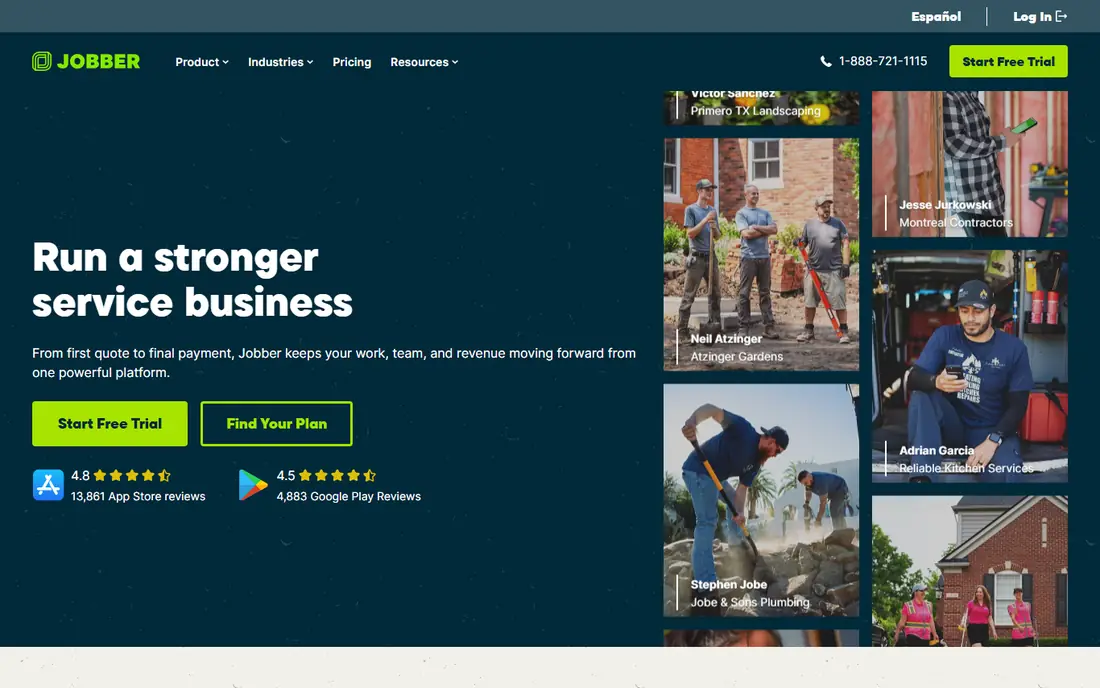
Jobber is the default alternative for small residential teams, and its ease of setup is a major reason. Quotes, scheduling, dispatch, invoicing, and payments sit in one app, with a mobile app for technicians in the field. Most small teams can be running in days, not months, which contrasts with longer enterprise rollouts.
Higher tiers add features such as marketing and advanced scheduling, so costs rise as a team grows. Commercial teams with complex contracts may also need deeper tools. For one to ten trucks in residential trades, Jobber is a strong, low-friction starting point.
- Easy setup
- Published pricing
- Quoting, scheduling, and invoicing in one app
- Advanced features need higher tiers
- Larger commercial teams may outgrow it
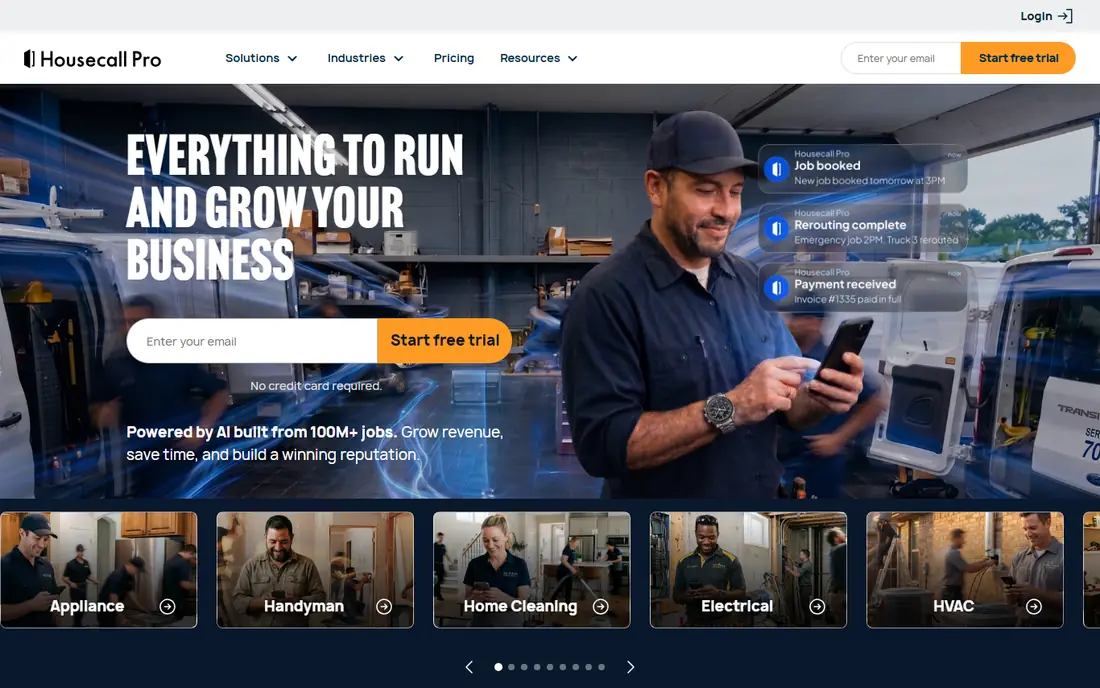
Housecall Pro combines scheduling and dispatch with marketing tools that residential shops value, such as online booking, review requests, and customer texts. That combination helps small shops win repeat work without a separate marketing app. The dispatch board and mobile app cover daily field work well.
Add-ons for GPS, price books, and marketing can raise the total bill, and per-user costs matter for larger teams. Housecall Pro is best for residential shops that want dispatch plus customer-facing tools in one subscription, rather than dispatch alone.
- Online booking
- Review generation
- On-my-way texts
- Dispatch board
- Add-ons add cost
- Larger teams face higher per-user costs
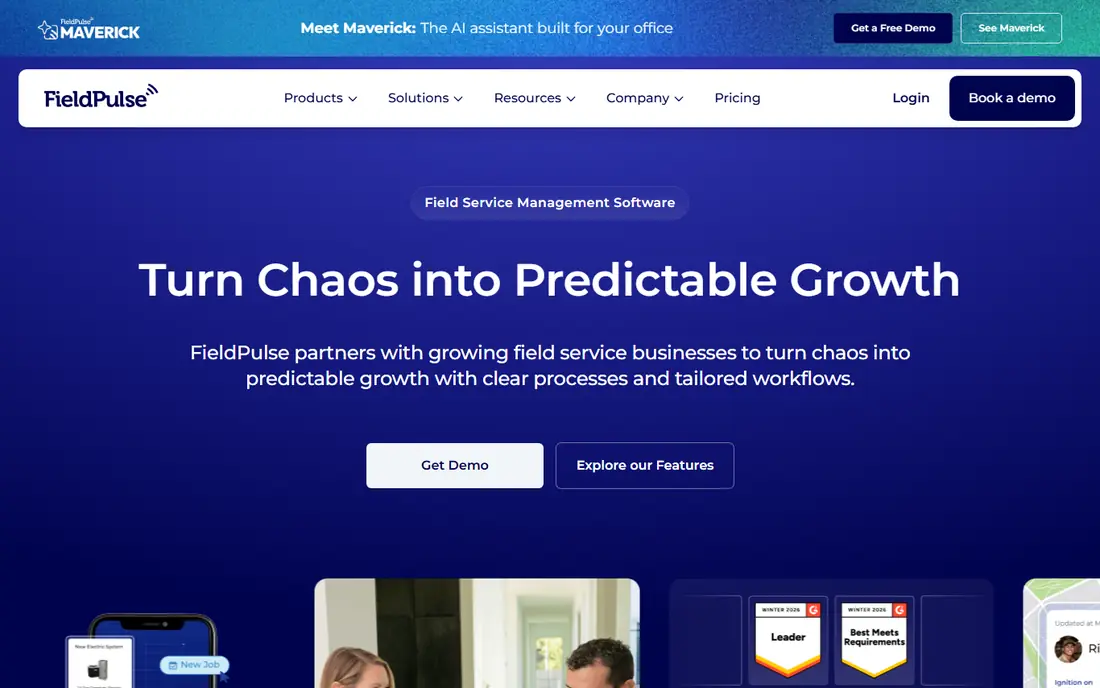
FieldPulse is a mobile-first field service tool for growing residential and mixed-work teams. It covers CRM, scheduling, dispatch, invoicing, and payments, with a focus on field usability. Teams that work mostly from phones and tablets will find its mobile design practical.
Pricing varies by plan and team size, so check the vendor site for your case. Its ecosystem is smaller than Jobber or Housecall Pro, which may matter if you rely on many integrations. Choose FieldPulse when mobile field work is the priority and you want a growing-team tool without a long contract.
- Mobile-first design
- CRM and invoicing
- No annual contract on some plans
- Quote-based pricing on some tiers
- Smaller ecosystem than larger rivals
Workiz suits trades such as locksmith, garage door, appliance repair, and smaller field service niches, where job types and dispatch needs differ from general HVAC or plumbing. Scheduling, dispatch, invoicing, and customer communication sit in one app, with phone tools that help small dispatch teams.
It is less built for large commercial contracts than BuildOps or ServiceTrade. Pricing varies by plan, so compare the tier that includes the features your trade actually uses. For niche residential trades, Workiz is a practical alternative with a clear trade focus.
- Strong for smaller trade niches
- Scheduling and dispatch
- Phone and messaging tools
- Less suited to large commercial work
- Pricing varies by plan
Service Fusion stands out for flat monthly pricing with unlimited users, which suits shops that dislike per-seat math. As office staff and technicians grow, the bill does not rise with every new login in the same way per-technician pricing does. Dispatch, scheduling, invoicing, and customer management cover the core field service workflow.
Pricing is quote-based, so you will need a sales conversation to get an exact figure. Some plans use annual billing, which needs budget planning. Choose Service Fusion when user count is growing and flat pricing matters more than a published entry price.
- Flat monthly pricing
- Unlimited users on plans
- Dispatch and invoicing
- Quote-based pricing
- Annual billing on some plans
FieldEdge is a mid-market field service platform with strong QuickBooks integration, which matters for HVAC, plumbing, and electrical shops that already run accounting in QuickBooks. Dispatch, inventory, price books, and invoicing support larger, more complex jobs than a small-team tool.
Pricing is quote-based and the platform suits mid-market teams better than solo operators. Setup takes more effort than Jobber or Housecall Pro. Pick FieldEdge when accounting integration and inventory depth are priorities, and your team is large enough to use them.
- Deep QuickBooks integration
- Dispatch and inventory
- Price book tools
- Quote-based pricing
- Setup effort for smaller teams
FieldCamp adds AI-assisted dispatch that assigns technicians by skill, location, and availability, which can cut manual dispatch work for mid-market teams. Setup is positioned as days rather than months, and the platform covers scheduling, dispatch, and job management for field service teams.
Pricing is quote-based, so compare it against published-price rivals on total cost, not just the headline. As a newer brand, it has less history than Jobber or FieldEdge. Choose FieldCamp when dispatch automation is a clear pain and you want a mid-market tool without a long rollout.
- AI-assisted dispatch by skill and location
- Fast setup
- Field service focus
- Quote-based pricing
- Newer brand than established rivals
BuildOps is built for commercial HVAC, mechanical, and larger service contractors, with tools for service work, projects, dispatch, and invoicing. That commercial focus suits teams handling larger jobs, multiple locations, and project-style work, rather than single-home residential calls.
Pricing is quote-based and the platform is aimed at larger teams. Solo operators and very small shops will find simpler, cheaper tools elsewhere. Pick BuildOps when your work is mainly commercial and you need project and service management in one system.
- Commercial project and service focus
- Dispatch and invoicing
- Reporting
- Quote-based pricing
- Built for larger teams, not solo operators
ServiceTrade is organised around assets, service agreements, and inspections, which suits commercial service contractors and fire and life safety firms. Recurring contract work, asset histories, and inspection reports are core to the platform, not add-ons. That structure helps teams that manage long-term commercial agreements.
It is overkill for a small residential shop that mainly needs scheduling and invoicing. Pricing is quote-based, and setup suits larger teams. Choose ServiceTrade when commercial contracts and inspections are central to your business, rather than one-off residential jobs.
- Asset and contract management
- Inspection workflows
- Commercial focus
- Quote-based pricing
- Overkill for small residential shops
How we picked these
We compared official feature pages, pricing pages, and plan structures for field service tools available in October 2026. We kept only tools that cover scheduling, dispatch, invoicing, and customer management for trade businesses, and we excluded general project tools that lack field service dispatch. We favoured tools with a clear trade fit, a published price or a clear quote path, and a mobile app for technicians. Where pricing was not published, we wrote See website rather than repeating contractor-reported figures.
What to check before you switch
Start with team size, trade, and job type. A one-truck residential shop, a ten-truck HVAC team, and a commercial fire safety firm need different tools, even though all three are field service businesses. Count trucks, office staff, and job types before comparing feature lists.
Total cost, not just the entry price
Compare seats, add-ons, payment processing, and implementation costs. Per-technician pricing, per-user pricing, and flat pricing lead to very different bills at ten or twenty technicians. Ask about contract length, implementation fees, and what happens to your customer and job history if you leave. A low entry price with expensive add-ons can cost more than a higher flat plan.
Dispatch, mobile, and accounting fit
Test dispatch with real jobs, not a demo, and check the technician mobile app on the phones your team actually uses. Confirm QuickBooks or other accounting integration, price book handling, and offline access for areas with poor signal. A tool that dispatchers love but technicians avoid will fail in the field.
Migration and rollout time
Ask how long setup really takes, who does data migration, and what training is included. Small-team tools such as Jobber and Housecall Pro can go live in days, while mid-market and commercial tools take longer. Plan a pilot with one team or location before rolling out to the whole business.
Frequently asked questions
What are the best ServiceTitan alternatives for small teams?
Jobber and Housecall Pro are the strongest small-team alternatives. Jobber is easiest to set up and has published pricing, while Housecall Pro adds online booking and review tools that help residential shops win repeat work.
What is a good Servicetitan alternative with flat pricing?
Service Fusion offers flat monthly pricing with unlimited users on its plans, which suits shops that want to avoid per-technician or per-user billing. Check the quote for your team size, since pricing is not published as a single entry price.
Which alternative suits commercial HVAC or fire safety work?
BuildOps suits commercial HVAC and mechanical teams, while ServiceTrade suits commercial contracts, assets, and fire safety inspections. FieldEdge also suits larger HVAC and plumbing teams with deep QuickBooks needs.
Can I switch from ServiceTitan without losing my data?
Most alternatives offer migration help, but the scope varies. Ask each vendor what customer, job, invoice, and price book data it imports, how long migration takes, and whether you can export your data later. Test with a sample before committing.
Do these alternatives work for solo operators?
Yes, Jobber and Housecall Pro both suit solo operators and very small teams, with low entry tiers and mobile apps. Larger commercial tools such as BuildOps and ServiceTrade are built for bigger teams and will feel heavy for a solo operator.
Sources
See where you really rank - block by block
ProMapRanker scans Google Maps across a grid of your service area. Simple monthly plans from $19, white-label on every plan.
Start freeKeep reading
 free alternatives to grok imagine
Free Alternatives to Grok Imagine in 2026
We compared the best free alternatives to grok imagine for image generation, from fast daily credits to design tools, so you can create without paying.
Read → best tools for instagram content creation
Best Tools for Instagram Content Creation in 2026
Compare the best tools for Instagram content creation, from Canva and CapCut to Later and Buffer, on design, video, planning, scheduling, and price in 2026.
Read → best tool to split pdf files
Best Tool to Split PDF Files in 2026
We compared the best tool to split pdf files on split modes, file limits, privacy and price, so you can split a PDF cleanly and keep every page in one go.
Read →