 ProMapRanker
Service Management Best Practices in 2026


Enterprise service management at scale · Pricing starts at: See website
Key takeaways
- ServiceNow suits enterprise service management at scale and stands out in this comparison for its core strengths and limits.
- Freshservice suits mid-market itsm with clear pricing and stands out in this comparison for its core strengths and limits.
- Jira Service Management suits service management for atlassian teams and stands out in this comparison for its core strengths and limits.
- Zendesk suits customer and employee service in one suite and stands out in this comparison for its core strengths and limits.
- Prices and free tiers change often, so confirm the current plan page before ordering, since the checkout total is the figure that matters.
Quick comparison
| Pick | Great for | Pricing starts at | Free tier | |
|---|---|---|---|---|
| ServiceNow | Enterprise service management at scale | See website | No | Visit |
 Freshservice | Mid-market ITSM with clear pricing | $19 per agent per month | Free trial (21 days) | Visit |
 Jira Service Management | Service management for Atlassian teams | Free for up to 3 agents | Yes | Visit |
 Zendesk | Customer and employee service in one suite | $19 per agent per month | Free trial (14 days) | Visit |
 BMC Helix ITSM | Enterprise ITSM with automation focus | See website | No | Visit |
 ManageEngine ServiceDesk Plus | ITSM plus asset management on a budget | See website | Yes | Visit |
 HaloITSM | All-inclusive ITIL licensing for mid-market teams | $49 per user per month | Free trial | Visit |
 SysAid | AI-led service management with simpler rollout | See website | Free trial | Visit |
The best service management platforms
We compared official feature pages, pricing pages, and public documentation for each service below, and we kept only options that fit the topic and are available now. Prices marked See website were not confirmed on a single public pricing page at the time of writing.
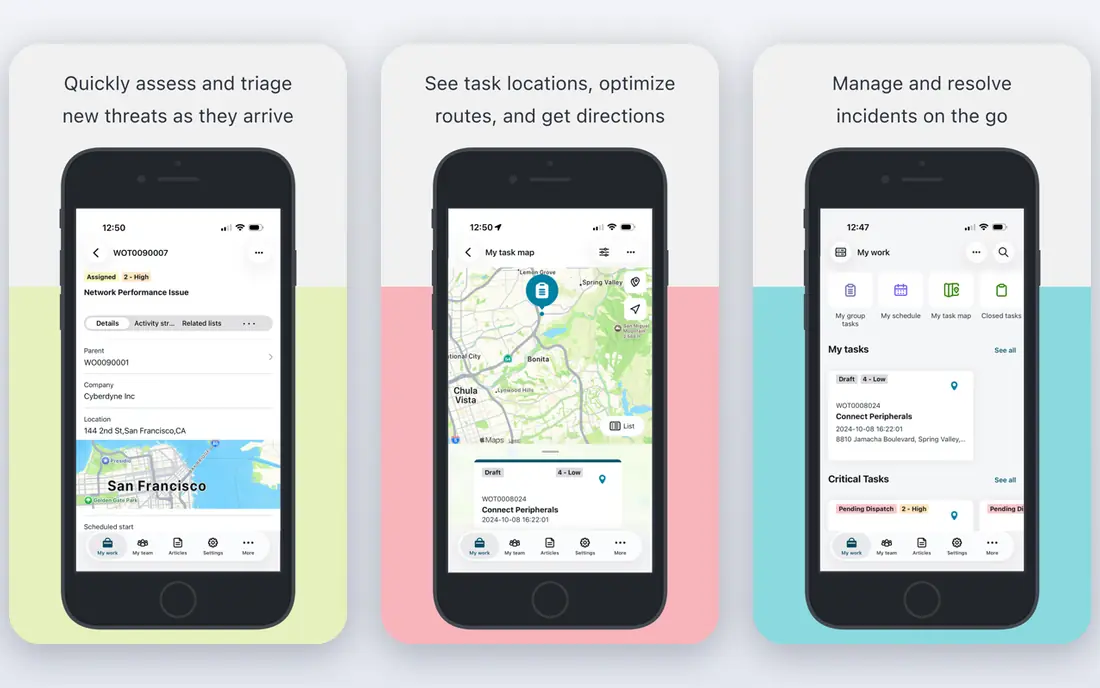
ServiceNow is the platform large teams standardize on when service work spans many departments and locations. Incident, problem, change, asset, and request workflows share one data model, which supports consistent reporting and audit trails. The trade-off is quote-only pricing and a longer implementation, often with a partner and dedicated admins.
Our pick for enterprise scale is ServiceNow, because breadth and reporting depth are hard to match. The catch is cost and implementation time, so buy it only when complexity truly demands it.
- One platform for incident, problem, change and asset work
- Deep automation
- Broad modules
- Quote-only pricing
- Implementation often needs partners and dedicated admins
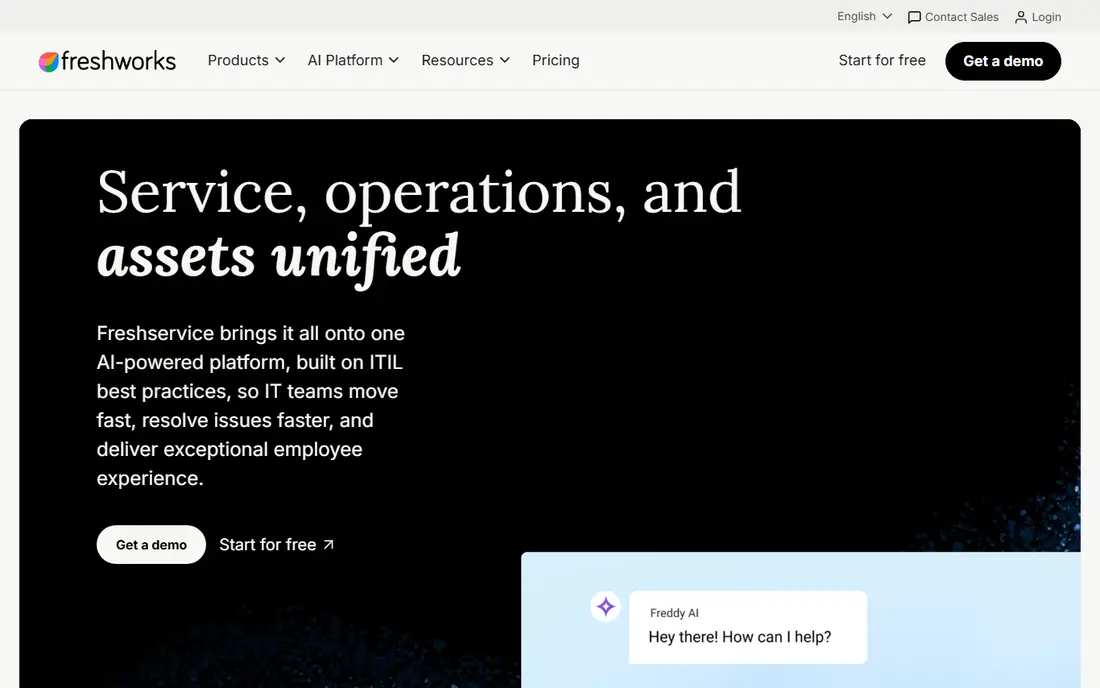
Freshservice is the mid-market pick for teams that want ITSM running quickly without enterprise complexity. Published pricing, a clear trial, and standard incident and problem workflows make budgeting easier. Higher tiers are needed for deeper ITIL modules, so check which workflows your team actually needs before choosing a tier.
Our pick for mid-market speed is Freshservice, because published pricing and fast setup reduce risk. The catch is tier-gated ITIL modules, so map workflows to tiers first.
- Fast setup
- Incident, problem and change workflows
- Asset tools on higher tiers
- Key ITIL modules sit on higher tiers
- Reporting can feel rigid
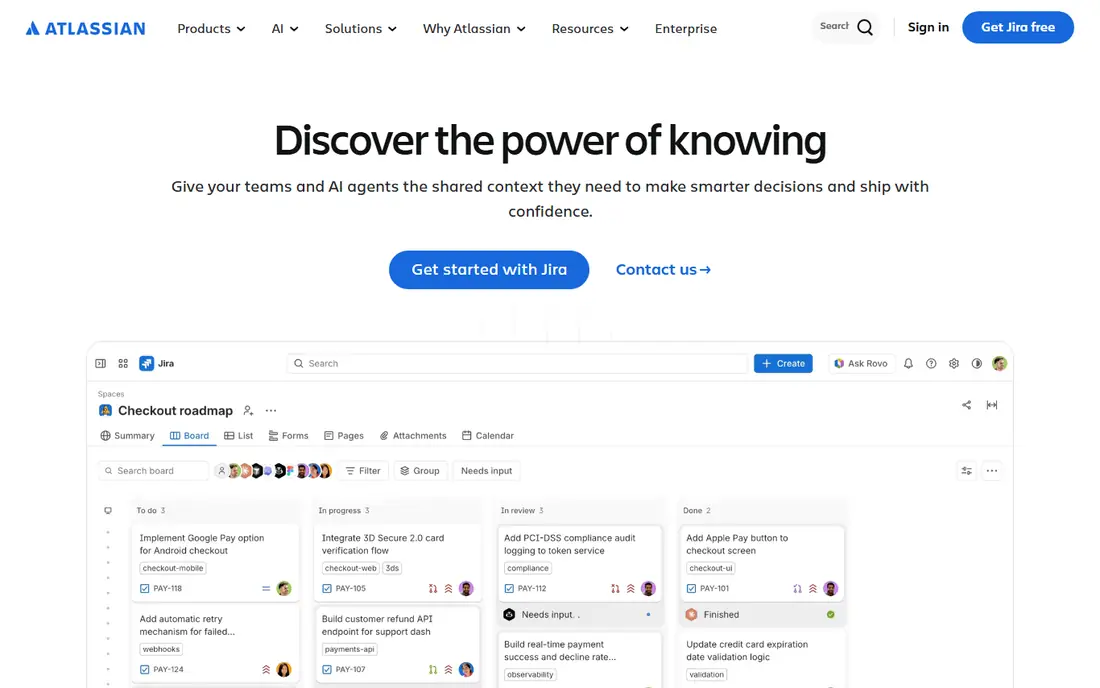
Jira Service Management fits teams already using Jira and Confluence, because requests, development work, and knowledge articles stay linked. Queues, SLAs, and a self-service portal cover the core best practices without a separate system. Asset management on its own is thinner, so teams with heavy asset needs should test that area first.
Our pick for Atlassian teams is Jira Service Management, because linked development and service work saves handoffs. The catch is thinner standalone asset tools.
- Tight Jira and Confluence links
- Queues and SLAs
- Free small-team tier
- Standalone asset tools are thinner
- Pricing rises with agents
Zendesk covers service management from the customer and employee side, with ticketing, automation, and a knowledge base in one suite. It suits teams that want service requests and support tickets in the same place. Pure ITSM depth, such as change and configuration management, is thinner than dedicated ITSM platforms.
Our pick for combined customer and employee service is Zendesk, because one suite covers both audiences. The catch is thinner pure ITSM depth.
- Strong ticketing and automation
- Knowledge base
- AI add-ons
- ITSM depth is thinner than pure ITSM tools
- Advanced features need higher tiers
BMC Helix ITSM is built for large, regulated teams that need ITIL-aligned workflows and strong automation. It handles complex service operations and integrates with monitoring and asset tools. Quote-only pricing and setup complexity make it a poor fit for small teams.
Our pick for regulated enterprise automation is BMC Helix ITSM, because ITIL alignment and automation are central. The catch is quote-only pricing and setup effort.
- ITIL-aligned workflows
- Automation and AI options
- Large-scale deployment
- Quote-only pricing
- Setup complexity for smaller teams
ManageEngine ServiceDesk Plus
Great for: ITSM plus asset management on a budget
ManageEngine ServiceDesk Plus pairs ITSM with built-in asset management at a lower cost than enterprise suites. On-prem and cloud options help teams with hosting rules, and the free edition suits very small teams. The interface feels dated, and some modules sit behind higher tiers.
Our pick for budget ITSM plus assets is ManageEngine ServiceDesk Plus, because asset tools are built in. The catch is a dated interface and tier-gated modules.
- Incident, problem and change tools
- Built-in asset management
- On-prem and cloud options
- Interface feels dated
- Modules are tier-gated
HaloITSM offers all-inclusive ITIL licensing, which simplifies budgeting compared with module-by-module pricing. Its portal, automation, and service catalog support standard best practices for mid-market teams. The ecosystem is smaller than ServiceNow, so check integrations before switching.
Our pick for all-inclusive licensing is HaloITSM, because one license covers more ITIL ground. The catch is a smaller ecosystem, so verify integrations.
- ITIL coverage in one license
- Self-service portal
- Automation tools
- Smaller ecosystem than ServiceNow
- Implementation still needs planning
SysAid uses AI triage and automation to route and resolve common requests faster, with a simpler rollout than enterprise suites. Asset and service tools sit in the same product, which helps small IT teams avoid juggling systems. Pricing is quote-led, and deep customization is thinner than on enterprise platforms.
Our pick for AI-led simplicity is SysAid, because triage automation helps small teams most. The catch is quote-led pricing and thinner deep customization.
- AI triage and automation
- Asset and service tools
- Faster deployment than enterprise suites
- Pricing is quote-led
- Advanced customization is thinner than enterprise platforms
How we picked these
We started from the topic and the other keywords for the article, then checked each product against official feature and pricing pages, app store listings where relevant, and public documentation. We kept only products that exist and work now, that truly fit the topic, and that offer a distinct angle for a different buyer. We removed options with unclear ownership, dead pages, or a poor fit, even when the name was familiar. We compared pricing, free tiers, core features, and honest limits, and we wrote See website where a price could not be confirmed from the vendor page. We did not claim hands-on testing, and we did not invent awards, user counts, or ratings. The result is a shortlist that favors clear pricing, real availability, and a useful mix of leaders and smaller options.
How to put service management best practices into practice
Good service management starts with a clear catalog: list the services you offer, who can request them, and what good looks like for each one. Next, separate incidents from requests, since a broken system and a password reset need different queues and response times. Use SLAs that match real capacity, not wishful targets, and review them each quarter. Build a knowledge base from solved tickets, so repeat questions get self-service answers instead of new tickets. Finally, run change control for risky changes, track assets linked to incidents, and review trends monthly. A tool helps only when these habits are agreed first, then built into queues, forms, and automation. Start small, review the data each month, and keep the catalog current when services change, since stale request forms create extra work for everyone.
Frequently asked questions
What are service management best practices?
Core practices include a service catalog, incident and request separation, SLAs, a knowledge base, change control, and asset tracking. Tools in this list support those practices with queues, portals, automation, and reporting. Agree the process first, then configure the tool to match it.
What is best practice service management for small teams?
Small teams should start with a shared inbox replacement: one portal, clear request forms, and simple SLAs. Freshservice and Jira Service Management suit small teams, while ServiceNow suits larger firms. Avoid buying enterprise depth before basic habits are in place.
How do SLAs fit service management?
SLAs set response and resolution targets by priority and service type. They help teams triage work and show whether staffing matches demand. Review SLA results monthly, and adjust targets or staffing when breaches cluster around one service.
Do I need ITIL to use these platforms?
No, you can use queues, portals, and knowledge bases without formal ITIL certification. ITIL gives a shared language for incident, problem, and change work, which helps larger teams stay consistent. Small teams can adopt the useful parts without a full program.
How should we measure service management success?
Track first response time, resolution time, reopened tickets, self-service use, and customer satisfaction by service. Trends matter more than single weeks, so review monthly and fix the top repeat causes. A falling repeat-ticket count often signals better knowledge and prevention.
Sources
See where you really rank - block by block
ProMapRanker scans Google Maps across a grid of your service area. Simple monthly plans from $19, white-label on every plan.
Start freeKeep reading
 wpforms alternatives
Best WPForms Alternatives in 2026
We compare 9 wpforms alternatives for WordPress forms, with free and paid options, current pricing notes, and honest limits for small business sites in 2026.
Read → windows task scheduler alternatives
Best Windows Task Scheduler Alternatives in 2026
Looking for Windows Task Scheduler alternatives? We compare 9 schedulers for Windows and cross-platform work, from free tools to enterprise automation.
Read → which ai video service is best
Which AI Video Service Is Best in 2026
which ai video service is best? We compare 10 legitimate AI video services on price, avatars, editing and output quality to help you pick the right tool.
Read →