 ProMapRanker
Best RStudio Alternatives in 2026

Key takeaways
- Visual Studio Code and Positron are the strongest free replacements for everyday R and Python work.
- JupyterLab suits notebook-first analysis, sharing, and teaching, while Spyder suits scientific Python work.
- PyCharm and DataSpell suit larger Python and data projects that need strong debugging and database tools.
- Pick by language mix first: an R-only workflow, a Python-only workflow, and a mixed workflow lead to different winners.
Quick comparison
| Pick | Great for | Pricing starts at | Free tier | |
|---|---|---|---|---|
 Visual Studio Code | Mixed R and Python work | Free | Yes | Visit |
 Positron | RStudio-style data work | Free | Yes | Visit |
 JupyterLab | Notebook-based analysis | Free | Yes | Visit |
 Spyder | Scientific Python work | Free | Yes | Visit |
 PyCharm | Professional Python development | See website | Yes | Visit |
 DataSpell | Data science in Python and SQL | See website | Free trial | Visit |
 IntelliJ IDEA | Large multi-language projects | See website | Yes | Visit |
 Eclipse IDE | Free extensible development | Free | Yes | Visit |
 Apache Zeppelin | Notebook work on big data clusters | Free | Yes | Visit |
The best RStudio alternatives
RStudio, now part of Posit, is a popular IDE for R, but many analysts want a tool that also handles Python well, runs notebooks, or fits a larger software project. The tools below cover code editing, interactive consoles, data viewers, plotting, and debugging for R, Python, or both. We compared official product pages and documentation, and we kept only tools that are live and working in October 2026. We did not list RStudio itself, since this guide is about alternatives to it.
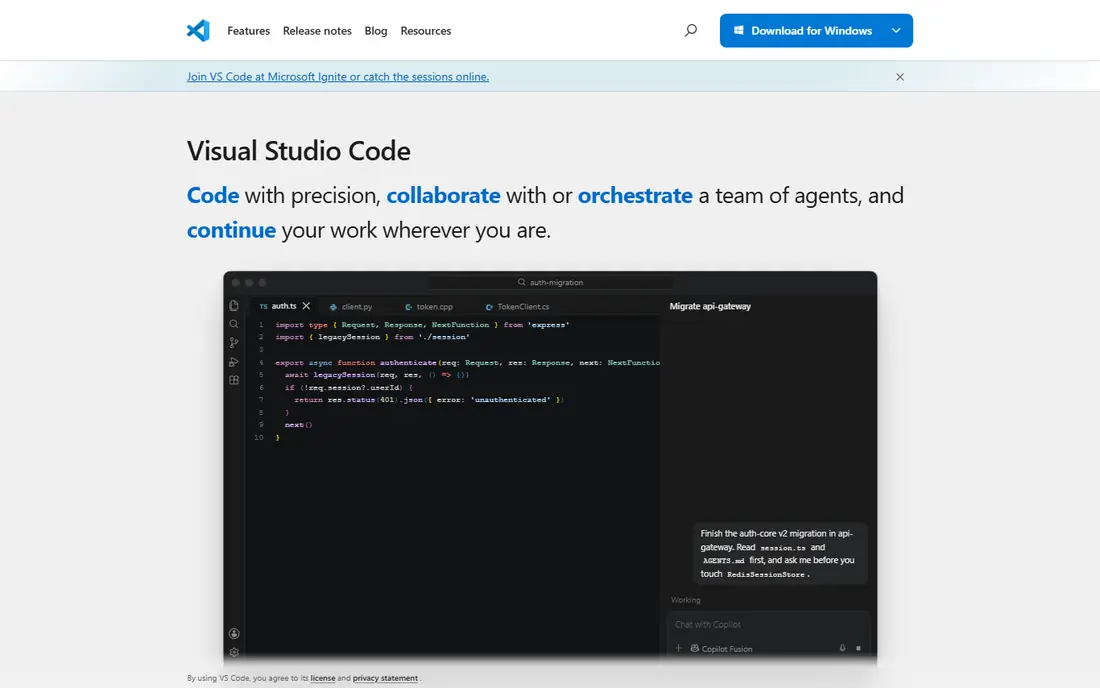
Visual Studio Code, often called VS Code, is the most flexible free replacement for analysts who switch between languages. With extensions, it runs R and Python, opens notebooks, debugs code, and manages Git, all in one editor. For a team that already uses VS Code for other development, adding R work to the same tool reduces context switching.
The trade-off is setup. R support comes through extensions rather than being built in, so a new user must install the right extensions and configure an R interpreter. Once that setup is done, the workflow is fast and stable, but it is less ready out of the box than a dedicated data IDE.
- Free and cross-platform
- Huge extension library
- Strong support for R, Python, notebooks, and Git
- R setup needs extensions and configuration
- Data viewer is less integrated than a dedicated data IDE
- Large workspaces need tuning
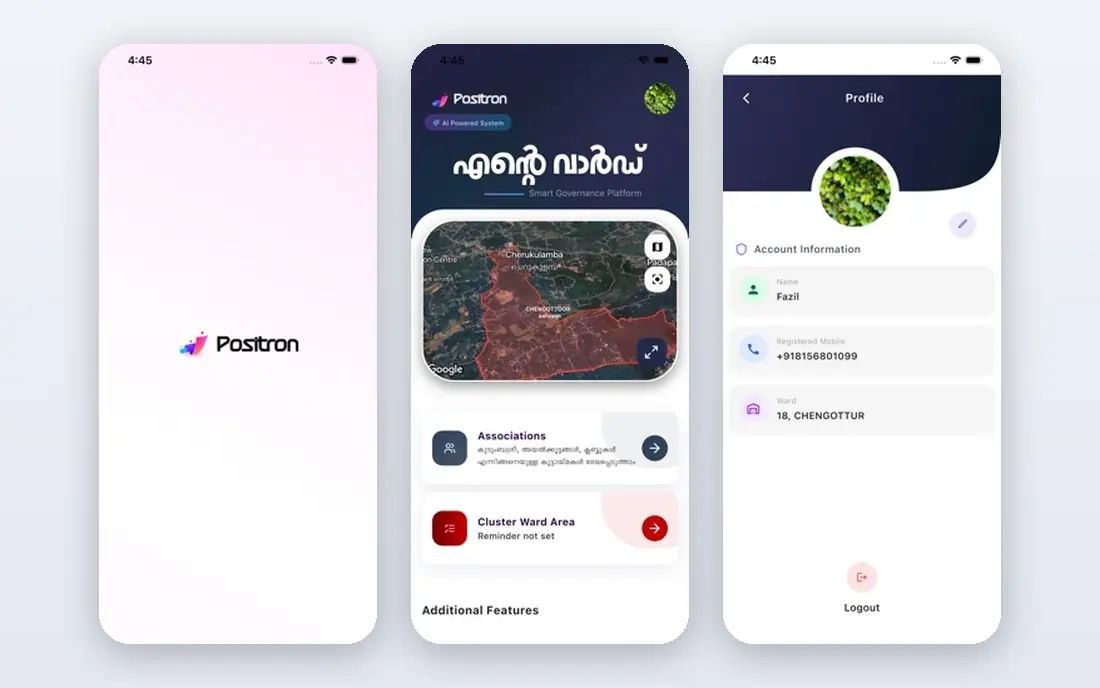
Positron is the closest in spirit to RStudio, built by Posit as a next-generation data science IDE. It offers an interactive console, a data explorer for data frames, a variables pane, and a plots pane, with support for both R and Python in one workflow. Analysts who like the RStudio layout but want better Python support often find Positron the easiest move.
Because Positron is newer, some niche workflows and extensions are less mature than in VS Code or RStudio. For everyday analysis, notebooks, and scripting, it already covers the core needs well, and its free and open-source status makes it easy to try without a purchase decision.
- Built for R and Python data work
- Data explorer, variables, and plots panes
- Free and open source
- Newer than RStudio, so some workflows are still maturing
- Extension ecosystem is smaller than VS Code
- Enterprise features sit elsewhere in Posit products
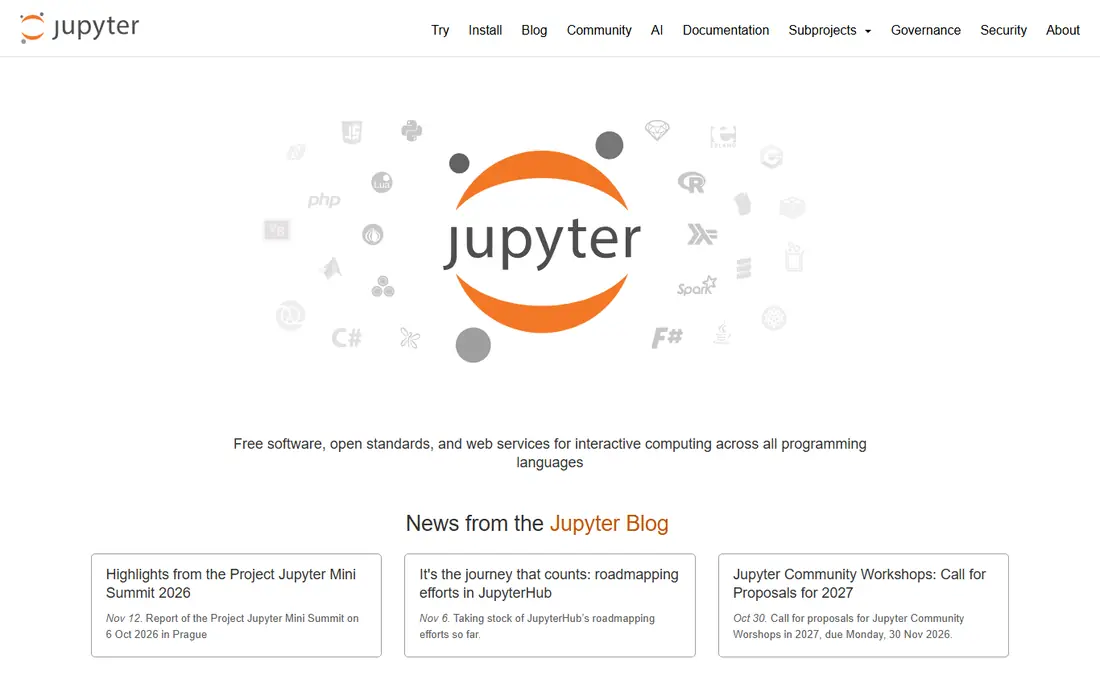
JupyterLab suits analysts who think in notebooks rather than scripts. You write code in cells, run them in order, and see tables and charts inline, which makes it ideal for exploration, teaching, and sharing results with non-technical readers. It supports R through an R kernel and Python through its standard kernel, so mixed-language teams can share one interface.
For building a package or a large application, JupyterLab is less structured than PyCharm or VS Code. Notebooks can also become messy if cells are run out of order, so a team should agree on a clean workflow and use version control carefully. For analysis and reporting, it remains a strong free choice.
- Free notebook interface for Python, R, and other kernels
- Easy sharing of code, output, and charts
- Large extension ecosystem
- Less suited to large multi-file software projects
- Variable inspection is lighter than a full IDE
- Notebook files need care in version control
Spyder is designed for scientists and engineers who work in Python. Its variable explorer makes it easy to inspect data frames and arrays, its IPython console supports interactive exploration, and its plots pane keeps charts visible while you work. For a Python analyst moving from RStudio, Spyder offers the most familiar layout among Python tools.
It is not an R IDE, so R users will need another tool for R code. If your work has shifted mainly to Python, Spyder is a free and focused choice. If you still split time between R and Python, VS Code or Positron will serve the mixed workflow better.
- Free scientific Python IDE
- Variable explorer and plots pane
- Strong integration with NumPy, pandas, and Matplotlib
- Python-focused, not an R IDE
- Plugin range is smaller than VS Code
- Interface feels dated to some users
PyCharm is the professional Python IDE from JetBrains, and it suits developers who build larger Python applications as well as data projects. Its code completion, refactoring, and debugger are stronger than a basic editor, and its paid edition adds notebook, database, and profiling tools that data teams use daily. A free Community edition covers basic Python development.
R users should note that PyCharm is Python-first. It can run notebooks and scripts well, but it is not a replacement for RStudio for R-heavy work. Choose PyCharm when Python is your main language and your projects have grown beyond single scripts.
- Strong Python code assistance and debugging
- Good notebook and database support on paid plans
- Solid Git and testing tools
- Paid features needed for full data science work
- Heavier than a light editor
- R support is limited
DataSpell, also from JetBrains, is aimed squarely at data science rather than general software development. It combines notebooks, scripts, SQL consoles, and data viewers in one workspace, which helps analysts who query databases, clean data in Python, and share notebooks. Its database tools are a clear step up from a basic editor.
The cost and language focus limit its audience. DataSpell is a paid tool, and it does not target R users, so an R-heavy analyst should look at Positron or VS Code instead. For a Python and SQL data team that already likes JetBrains tools, it is a coherent choice.
- Built for data workflows with notebooks and SQL
- Good data viewer and database connections
- JetBrains code assistance
- Paid product with no full free edition
- Python and SQL focus, not R
- Newer and less widely adopted than PyCharm
IntelliJ IDEA suits a developer whose main work is in Java or Kotlin but who also touches data scripts. Its refactoring, debugging, and project tools are excellent for large codebases, and plugins add Python and database support. For a software team that already standardises on JetBrains tools, it keeps data work inside a familiar environment.
As an RStudio replacement, it is indirect. Data panes, plots, and interactive consoles are not its core strengths, and setup takes more work than Positron or JupyterLab. Choose it for large multi-language software projects, not for a first data analysis tool.
- Strong IDE for Java, Kotlin, and other languages
- Good plugin system
- Solid debugging and refactoring
- Not a data IDE by default
- R and Python data workflows need plugins and setup
- Heavier than a light editor
Eclipse is a long-running free IDE with a huge plugin library, and it remains a viable choice for developers who want a free, extensible editor. It supports many languages through plugins, and its project management suits larger software work. For a team with no budget for paid tools, Eclipse covers basic editing, debugging, and version control.
For data analysis, Eclipse needs more configuration than VS Code, Positron, or JupyterLab, and its data viewers are not as polished. It is best viewed as a general free IDE that can be adapted to data work, rather than a purpose-built data IDE.
- Free and open source
- Very large plugin ecosystem
- Runs on Windows, macOS, and Linux
- Interface and setup feel dated
- Data science workflows need plugins
- Performance can vary with many plugins
Apache Zeppelin suits teams that work on Spark or other big data clusters and want a shared notebook interface. It lets analysts run SQL, Python, Scala, and R against cluster data, share notebooks with colleagues, and build simple visualisations from query results. For a data platform team, that shared access is valuable.
For a solo analyst on a laptop, Zeppelin is heavier than needed, since it requires a server setup. JupyterLab or Positron will be faster to start and easier to maintain for local work. Choose Zeppelin when your data lives on a cluster and your team needs a shared notebook service.
- Free notebook platform for Spark, SQL, Python, and R
- Good for cluster-based data exploration
- Sharing and visualisation built in
- Needs server setup and cluster access
- Less suited to local solo analysis
- Interface is simpler than JupyterLab for some tasks
How we picked these
We compared official product pages and documentation for IDEs and notebook tools that support R, Python, or both, and we kept only products that are live and working in October 2026. We favoured free tools where possible, and we noted where paid editions add data science features. We did not claim hands-on testing, and we did not list RStudio itself.
What to check before you switch
Start with your language mix. If you work only in R, Positron will feel most familiar, while VS Code also handles R well with extensions. If you work only in Python, Spyder, PyCharm, and DataSpell are stronger choices. If you mix languages, VS Code and Positron handle both in one window, which saves time.
Next, check your data workflow. Notebook users should test JupyterLab or Positron, script users should test VS Code or Spyder, and database-heavy users should check SQL and data viewer support in DataSpell or PyCharm. Run a real analysis, not a demo script, and check plotting, data inspection, and debugging.
Finally, check sharing and reproducibility. Notebooks share well for reports, scripts version well in Git, and packages need a full IDE with testing tools. Pick the tool that matches how your team actually shares work, rather than the tool with the longest feature list.
If you want the easiest move
Positron offers the most RStudio-like experience with added Python support, while VS Code offers the most flexibility if you already use it for other coding. Both are free, so try each on a real project before you decide.
If you teach or share analysis
JupyterLab and Zeppelin suit shared notebooks, with JupyterLab best for local and classroom use and Zeppelin best for cluster teams. Spyder suits a scientific Python course where a variable explorer and plots pane help students see results.
Frequently asked questions
What is the best free alternative to RStudio?
Visual Studio Code and Positron are the strongest free picks for most analysts. VS Code offers the widest language and extension support, while Positron offers a more RStudio-like data layout with R and Python support. Both are free and cross-platform, so try each on your own project.
Can I use Python and R in the same IDE?
Yes, Visual Studio Code and Positron both support R and Python in one workspace, with notebooks, consoles, and data viewers. JupyterLab also supports both through separate kernels, though switching languages in one notebook needs care. For a mixed workflow, VS Code or Positron will usually be simpler than running two separate IDEs.
Is Positron a replacement for RStudio?
Positron is built by Posit as a next-generation data IDE, and it covers many RStudio-style workflows with added Python support. It is free and open source, and it includes data explorer, variables, and plots panes. Some niche RStudio workflows are still maturing in Positron, so test your specific packages and publishing steps before a full switch.
Which RStudio alternative is best for students?
JupyterLab is a strong student choice because it is free, notebook-based, and easy to share with teachers. Spyder suits scientific Python courses, while VS Code suits students who will also learn other languages. All three are free, so a student can try each without cost.
Do I need a paid IDE for data science?
No, most data analysis can be done well in free tools such as VS Code, Positron, JupyterLab, and Spyder. Paid tools such as PyCharm Professional and DataSpell add stronger database, profiling, and notebook features that help larger teams. Start free, and pay only when a specific paid feature saves you regular time.
Can I run R code in PyCharm or DataSpell?
PyCharm and DataSpell are Python-first tools, and R support is limited compared with Positron or VS Code. You can run some R code through plugins or external tools, but the experience is not as integrated. For R-heavy work, choose Positron, VS Code with R extensions, or JupyterLab with an R kernel.
Sources
See where you really rank - block by block
ProMapRanker scans Google Maps across a grid of your service area. Simple monthly plans from $19, white-label on every plan.
Start freeKeep reading
 wpforms alternatives
Best WPForms Alternatives in 2026
We compare 9 wpforms alternatives for WordPress forms, with free and paid options, current pricing notes, and honest limits for small business sites in 2026.
Read → windows task scheduler alternatives
Best Windows Task Scheduler Alternatives in 2026
Looking for Windows Task Scheduler alternatives? We compare 9 schedulers for Windows and cross-platform work, from free tools to enterprise automation.
Read → which ai video service is best
Which AI Video Service Is Best in 2026
which ai video service is best? We compare 10 legitimate AI video services on price, avatars, editing and output quality to help you pick the right tool.
Read →