 ProMapRanker
RingCentral Alternatives in 2026

Key takeaways
- Nextiva and Dialpad are the closest all-round replacements, with entry prices near $15 per user per month on annual billing.
- Zoom Phone and Microsoft Teams Phone are cheapest when your team already pays for Zoom or Microsoft 365.
- SMS limits, call recording rules, and contract terms vary widely, so check those three items before signing.
- Solo owners often do better with a flat-rate virtual number than a full per-user phone platform.
Quick comparison
| Pick | Great for | Pricing starts at | Free tier | |
|---|---|---|---|---|
 Nextiva | All-round replacement | $15 per user per month | No | Visit |
 Dialpad | AI transcription and coaching | $15 per user per month | Free trial | Visit |
 Zoom Phone | Teams already using Zoom | $10 per user per month | No | Visit |
 Microsoft Teams Phone | Microsoft 365 teams | $8 per user per month | No | Visit |
 Vonage | Flexible plans and API options | $13.99 per line per month | No | Visit |
 8x8 | International calling | See website | Free trial | Visit |
 Ooma Office | Small teams wanting simple pricing | $19.95 per user per month | Free trial | Visit |
 Grasshopper | Solo owners and tiny teams | $14 per month | Free trial | Visit |
 Aircall | Sales and support teams | $30 per user per month | Free trial | Visit |
The best ringcentral alternatives
These systems replace a cloud business phone service with calling, texting, voicemail, and team features. We left the original product out of this list, as this is an alternatives guide, and focused on systems that a small or mid-size team can actually buy and run today.
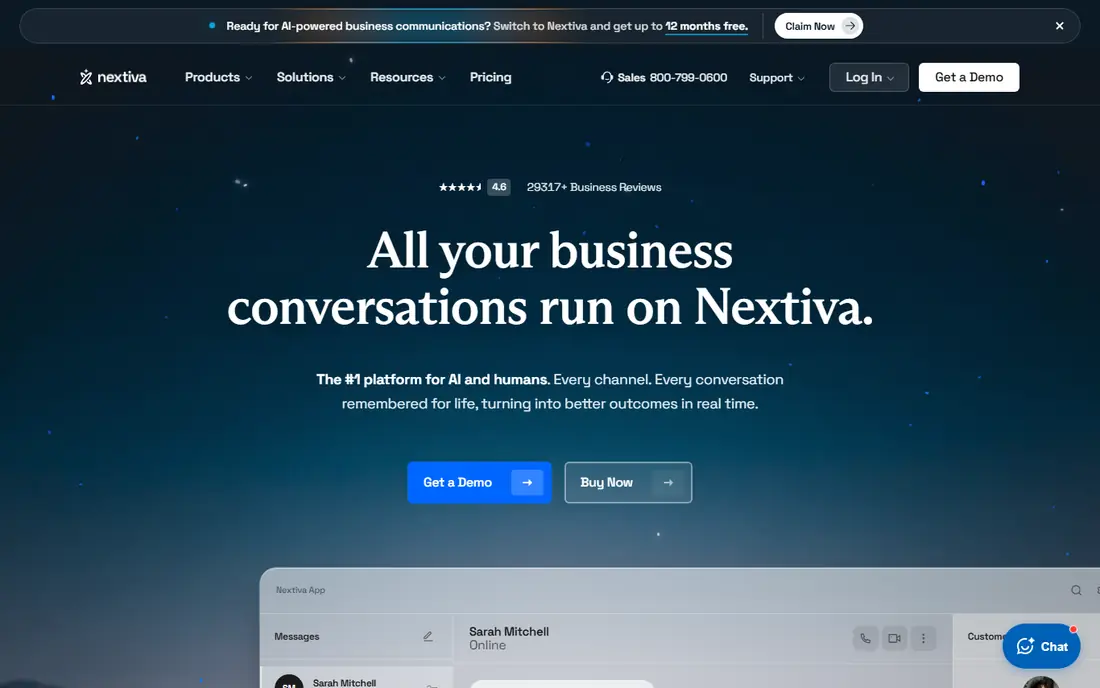
Nextiva is the safest first alternative for most teams leaving a full phone platform. It covers the basics well: business numbers, auto attendant, voicemail, SMS, and video, in apps your team can learn quickly. Support quality is often cited as a reason teams stay, and that matters when a phone outage hits during business hours.
The entry plan is fairly priced, but watch the details. Call recording sits on a higher tier or as an add-on, and the $15 figure requires an annual term. If your team records calls for training or compliance, price that feature in from the start rather than discovering the gap after migration.
- Voice, video, and messaging in one app
- Strong support reputation
- Clear entry plan
- Call recording is an add-on on the entry plan
- Annual term needed for the best price
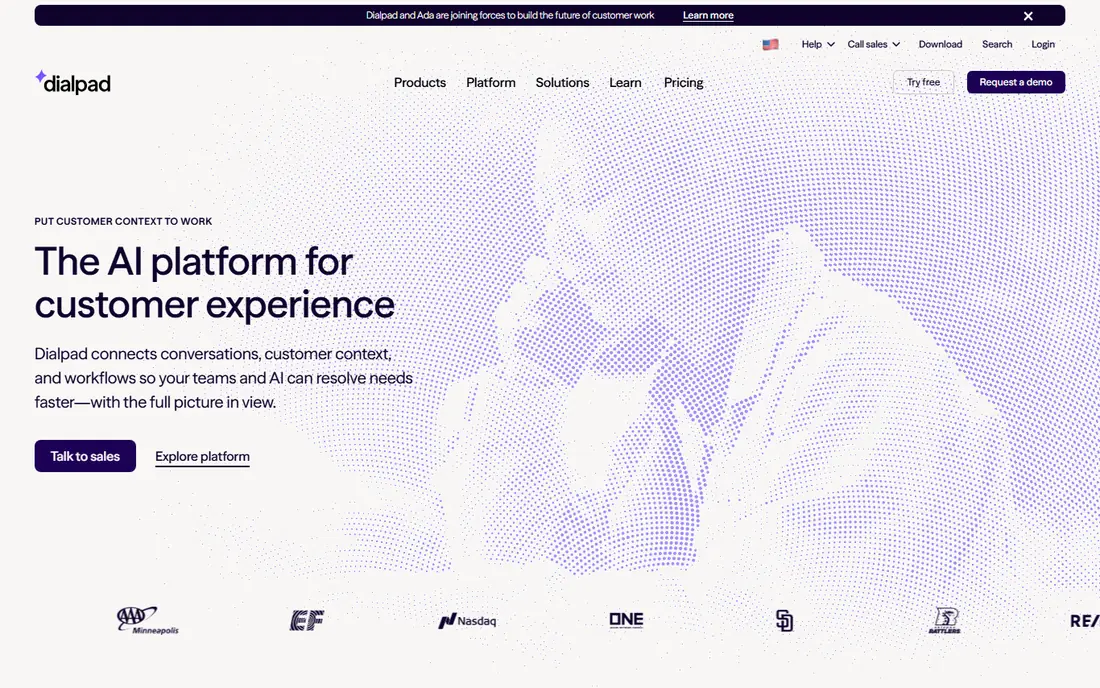
Dialpad stands out because its AI features are not locked behind the top tier. Calls are transcribed, summarized, and searchable, which helps managers coach staff and helps support teams follow up without replaying every call. The apps feel modern, and setup is fast for a small team.
The catch is integration depth. Deeper CRM connections and some advanced features need the Pro plan or higher, so a sales team that lives in its CRM should confirm that fit. Monthly billing also jumps sharply over annual billing. For AI-first teams that want notes and coaching built in, Dialpad is still one of the strongest picks here.
- AI transcription and summaries on every plan
- Clean modern apps
- Good for sales and support
- Some CRM integrations need a higher plan
- Monthly billing costs much more than annual
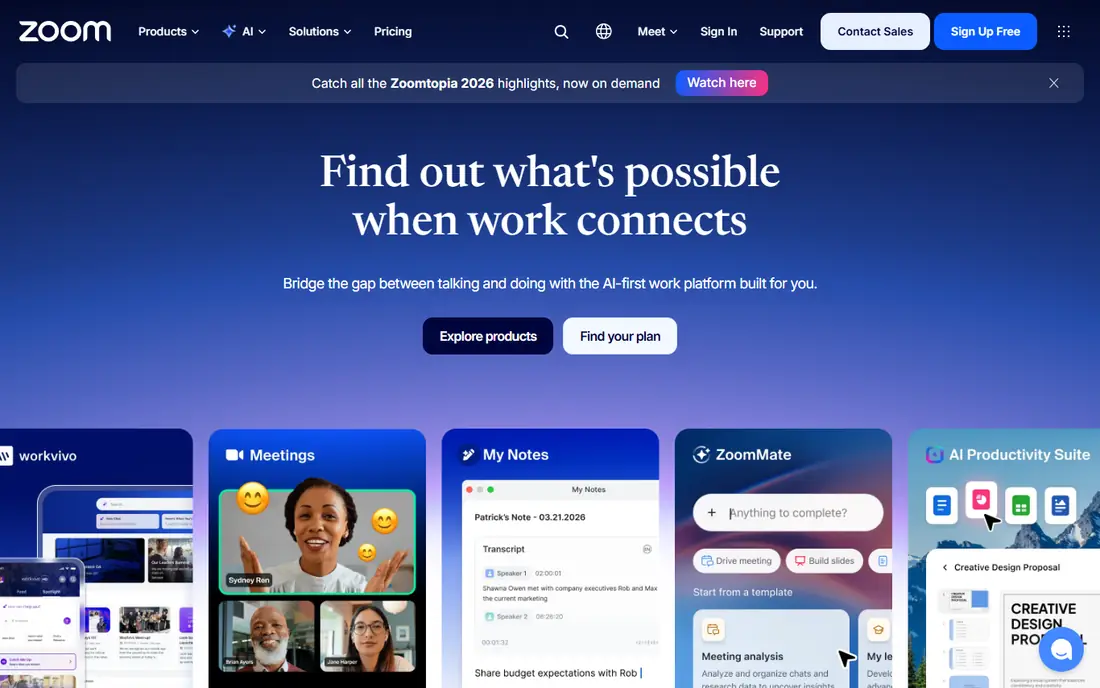
Zoom Phone makes sense when Zoom is already your meeting tool. Staff keep one app, one login, and one contact list, and the metered entry plan keeps costs low for light callers. Deployment is usually fast because there is no second platform to teach.
Dedicated phone platforms offer deeper call queues, routing, and supervisor controls, so a busy support center may find Zoom Phone limiting. Unlimited calling plans cost more than the metered entry price, so model your real call volume. For a team that already lives in Zoom, the simplicity often outweighs those limits.
- One app for meetings and calling
- Low metered entry price
- Familiar interface
- Routing and supervisor tools are thinner than dedicated platforms
- Add-ons add up
Microsoft Teams Phone turns Teams into a full business phone system. Staff call from the same window they use for chat and meetings, and admins get the controls large organizations expect. The add-on price looks low, but remember it sits on top of a Microsoft 365 subscription and a calling plan.
Setup is the trade-off. Number porting, calling plans, and emergency location settings can need IT time, especially for a first deployment. For a company already standardized on Microsoft 365, though, Teams Phone avoids a second vendor and a second app, which is a real saving over time.
- Calling inside Teams
- Low add-on price for Microsoft 365 customers
- Strong admin controls
- Requires Microsoft 365
- Calling plan costs sit on top
- Setup can need IT help
Vonage offers a practical middle path. Its mobile plan suits field staff and small teams who mainly need a business number, calling, and messaging, while its API platform suits companies that later want to build custom voice or messaging features. That path from simple phone service to custom build is unusual in this list.
Pricing needs care. The entry figure is a starting point, and features such as advanced routing, integrations, and higher SMS allowances can raise the bill. Check the term too, since promotional pricing can require a longer commitment. For teams that value flexibility and a possible custom build later, Vonage earns a close look.
- Low entry line price
- Mobile-first plans
- API options for custom builds
- True cost rises with add-ons
- Some plans need a longer term for the best price
8x8 is the pick for teams with offices, customers, or staff abroad. Its mid-tier plans include unlimited calling to a wide set of countries, which removes the per-minute worry that makes international teams avoid the phone. A contact center upgrade path also helps a growing support team.
The drawback is pricing transparency. You need a quote, so budgeting takes a sales conversation and comparison gets harder. Small US-only teams will likely find cheaper, simpler options above. If international calling is a daily need, though, 8x8 can be cheaper in practice than a low headline price plus per-minute charges elsewhere.
- Unlimited calling to many countries on mid-tier plans
- Contact center path
- Global coverage
- No public self-serve pricing
- Quotes can vary by team size and region
Ooma Office suits very small teams that want a phone system without a long contract or a complex quote. Pricing is flat and published, the virtual receptionist is included, and setup is straightforward for an office moving off landlines or personal mobiles. That simplicity is the product.
Larger teams may miss deeper integrations and advanced call center tools, and call recording sits on higher tiers. For a team of a handful of people who need reliable calling, a professional greeting, and clear pricing, Ooma is an easy, low-risk choice.
- Flat pricing with no annual contract required
- Virtual receptionist included
- Easy setup
- Integrations are thinner than larger platforms
- Call recording needs a higher plan
Grasshopper is different from the rest of this list, because it is a virtual phone number service rather than a full office platform. A solo owner gets a business number, extensions, voicemail transcription, and call forwarding on a phone they already own, for a flat monthly price. That keeps costs predictable when you are the whole team.
The limit is scope. Grasshopper does not offer the video, team messaging, and deep integrations of a full platform, and advanced routing is basic. If you need a professional business line and little else, it is excellent value. If you need a shared inbox, queues, and CRM calling, pick a platform above instead.
- Flat per-account pricing, not per user
- Virtual numbers on existing phones
- No hardware needed
- No full unified communications suite
- Limited advanced routing and integrations
Aircall is built for teams that live on the phone. Sales and support staff get click-to-call, shared numbers, call monitoring, and integrations with common CRMs and helpdesks, so call notes and records land where the team already works. Analytics help managers spot missed calls and busy hours.
Price is the barrier. Entry pricing starts higher than the generalist options, and small teams should check minimums before signing. For a sales or support team where call volume and CRM accuracy drive revenue, that cost can pay for itself. For general office calling, cheaper options above will do the same job.
- Strong CRM and helpdesk integrations
- Shared inboxes and call monitoring
- Good analytics
- Higher entry price
- Minimum billing floor can raise costs for tiny teams
How we picked these
We compared official pricing pages, feature documentation, and recent comparison guides for cloud phone systems available in October 2026. We favored systems with published or quotable business pricing, US calling, mobile and desktop apps, and a clear path for number porting. We excluded the original product from this alternatives list, and we left out consumer-only apps that lack business numbers, routing, or team management.
What to check before you switch phone systems
Start by listing what your current system actually does for you. Count users, numbers, call queues, SMS volume, integrations, and any recording or compliance needs. Many switches fail because a team compares headline prices but forgets one feature, such as shared SMS or a specific CRM integration, that staff use every day.
Porting, SMS, and contracts
Ask how number porting works, how long it takes, and what happens to SMS during the move. Get SMS caps in writing, since overage charges vary widely. Read the contract term, renewal, and early termination terms before signing, and run a trial with a small group before moving the whole company.
Test call quality where you work
Test calls from your office, from home, and on mobile data, not just on a fast office connection. Check voicemail, call forwarding, and emergency calling settings, and confirm support hours and response times. A phone system is infrastructure, so reliability and support matter more than a small monthly saving.
Frequently asked questions
What are the best alternatives to RingCentral?
For most teams, Nextiva and Dialpad are the closest all-round replacements. Zoom Phone suits Zoom shops, Teams Phone suits Microsoft 365 shops, and Grasshopper suits solo owners who only need a business number.
How much does a RingCentral alternative cost?
Entry prices in this guide run from $8 per user per month for a Teams Phone add-on to $30 per user per month for Aircall, with most generalist systems near $15 to $20. Final cost depends on annual billing, SMS allowances, recording, and integrations.
Can I keep my business phone number when I switch?
Yes, in most cases, through number porting. Ask the new provider for the porting steps and timeline before you cancel the old service, and keep the old account active until the port completes.
Do these systems include text messaging?
Most do, but SMS caps differ. Some entry plans include only a small monthly allowance per user, while others include larger allowances or charge for overages. Check the cap for your plan if your team texts customers often.
Which alternative is best for a solo business owner?
Grasshopper is often the best value for a solo owner, thanks to flat per-account pricing. Ooma Office is another simple option if you need a small team setup with a virtual receptionist.
Sources
See where you really rank - block by block
ProMapRanker scans Google Maps across a grid of your service area. Simple monthly plans from $19, white-label on every plan.
Start freeKeep reading
 free alternatives to grok imagine
Free Alternatives to Grok Imagine in 2026
We compared the best free alternatives to grok imagine for image generation, from fast daily credits to design tools, so you can create without paying.
Read → best tools for instagram content creation
Best Tools for Instagram Content Creation in 2026
Compare the best tools for Instagram content creation, from Canva and CapCut to Later and Buffer, on design, video, planning, scheduling, and price in 2026.
Read → best tool to split pdf files
Best Tool to Split PDF Files in 2026
We compared the best tool to split pdf files on split modes, file limits, privacy and price, so you can split a PDF cleanly and keep every page in one go.
Read →