 ProMapRanker
Recommendations for Best PDF Translate Service in 2026

Key takeaways
- DeepL is the strongest pick for European business documents where tone and terminology matter, while Google Translate covers far more languages.
- Document translation is different from merging or inserting pages: the goal here is a translated PDF that keeps its layout.
- Free plans suit short documents, but longer PDFs, glossaries, and larger files usually need a paid plan.
- Machine translation is not enough for legal, medical, or certified documents, where a human review step is still needed.
- Always check the translated PDF page by page, since tables, headers, and scanned images can shift or stay untranslated.
Quick comparison
| Pick | Great for | Pricing starts at | Free tier | |
|---|---|---|---|---|
 DeepL | European business documents | $8.74 per month | Yes | Visit |
 Google Translate | Widest language coverage | Free | Yes | Visit |
 Microsoft Translator | Microsoft 365 users | Free | Yes | Visit |
 DocTranslator | Quick free document translation | Free | Yes | Visit |
 Pairaphrase | Business teams with glossaries | See website | Free trial | Visit |
 Smartcat | Translation teams and workflows | See website | Free trial | Visit |
 GroupDocs Translation | Many file formats | See website | Free trial | Visit |
 Yandex Translate | Simple no-account translation | Free | Yes | Visit |
The best PDF translate services
This article is about translating the contents of a PDF into another language, not about merging PDFs together or inserting new pages into a file. A good PDF translate service returns a readable translated document, keeps headings, tables, and images in place where possible, and tells you clearly which languages and file sizes it supports.
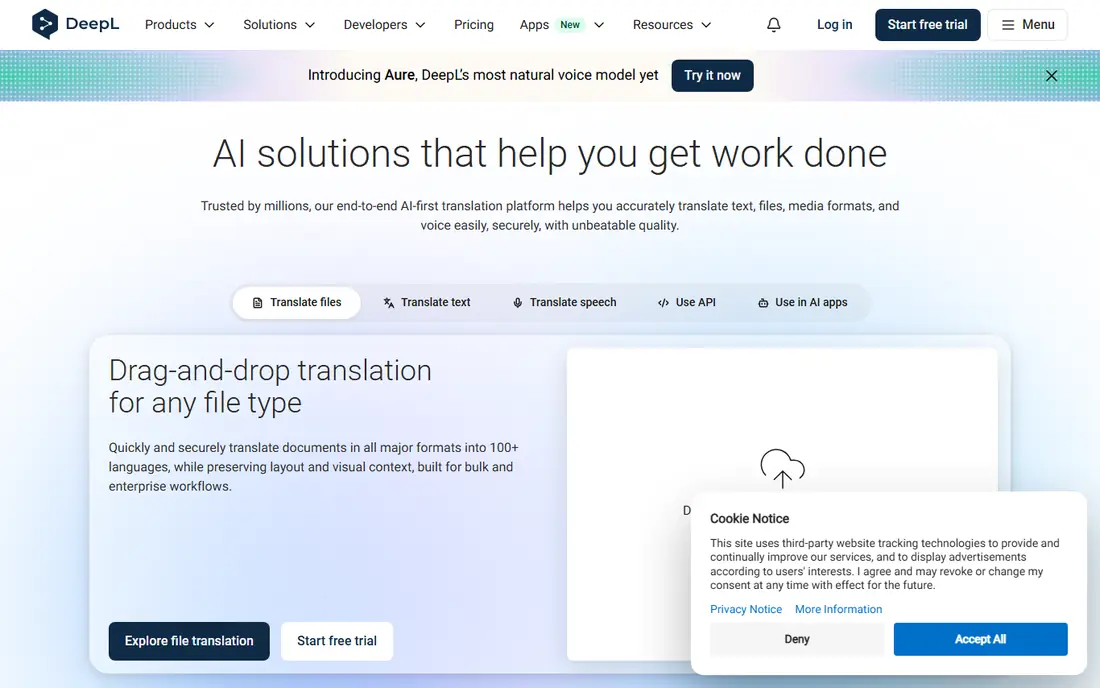
DeepL is our pick for most people translating business, academic, or formal PDFs between European languages. Upload a PDF, choose the target language, and download a translated version that keeps much of the original layout. The Starter plan is listed from $8.74 per user per month in some comparisons, with a set number of document translations per month, while higher plans raise that limit.
The main limit is language coverage, with around 30 languages supported for full translation, far fewer than Google Translate. DeepL also offers a glossary feature on paid plans, which helps companies keep product names and legal terms consistent across documents. For a contract, report, or manual in a supported language, DeepL usually needs less editing after translation than a general-purpose tool.
- Natural phrasing in supported languages
- Document translation keeps formatting
- Glossaries lock in key terms
- Fewer languages than Google Translate
- Free document translation is limited
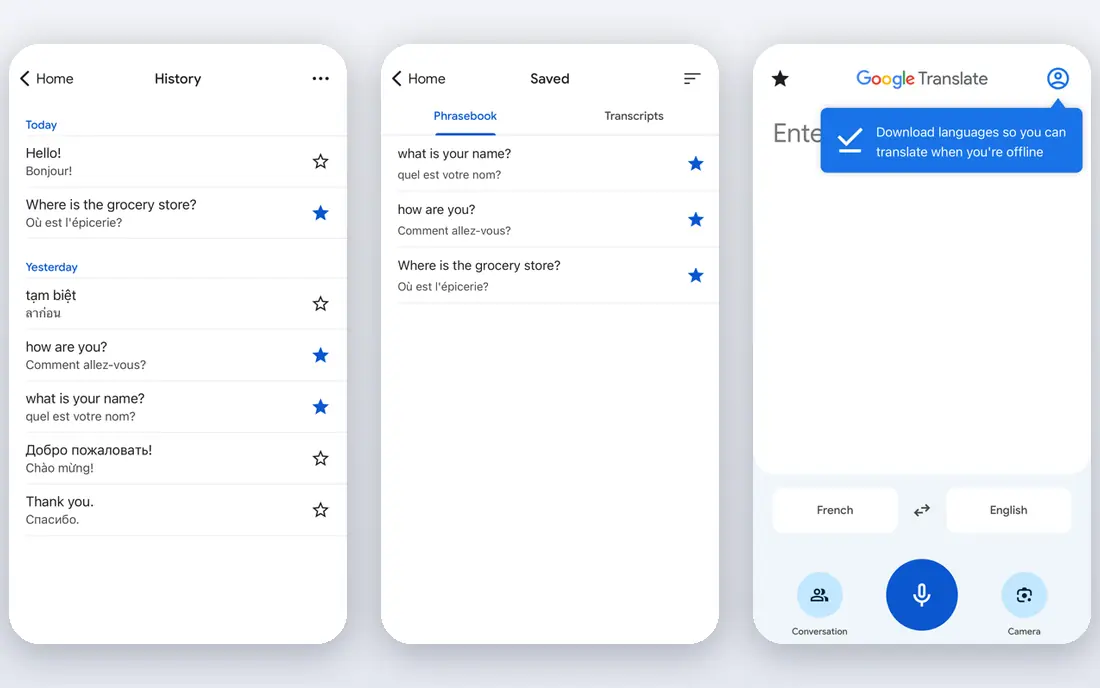
Google Translate is the best starting point when the language pair is uncommon or the budget is zero. The web tool accepts document uploads, including PDFs, and returns a translated copy in the browser. It supports well over 200 languages and dialects in text translation, which makes it useful for personal documents, school work, and quick checks of foreign-language files.
Quality varies by language pair. For major European languages, results are readable and often good, while idioms and formal tone can come out literal. Complex layouts, scanned images, and multi-column tables may not survive cleanly, so check the output before sharing it. For a polished business document, use Google Translate for a first draft and edit carefully, or move to DeepL or a human reviewer.
- Supports a very large number of languages
- Free document upload in a browser
- Fast for short and medium documents
- Tone can be flat or literal
- Layout can shift on complex PDFs
- No glossary on the free web tool
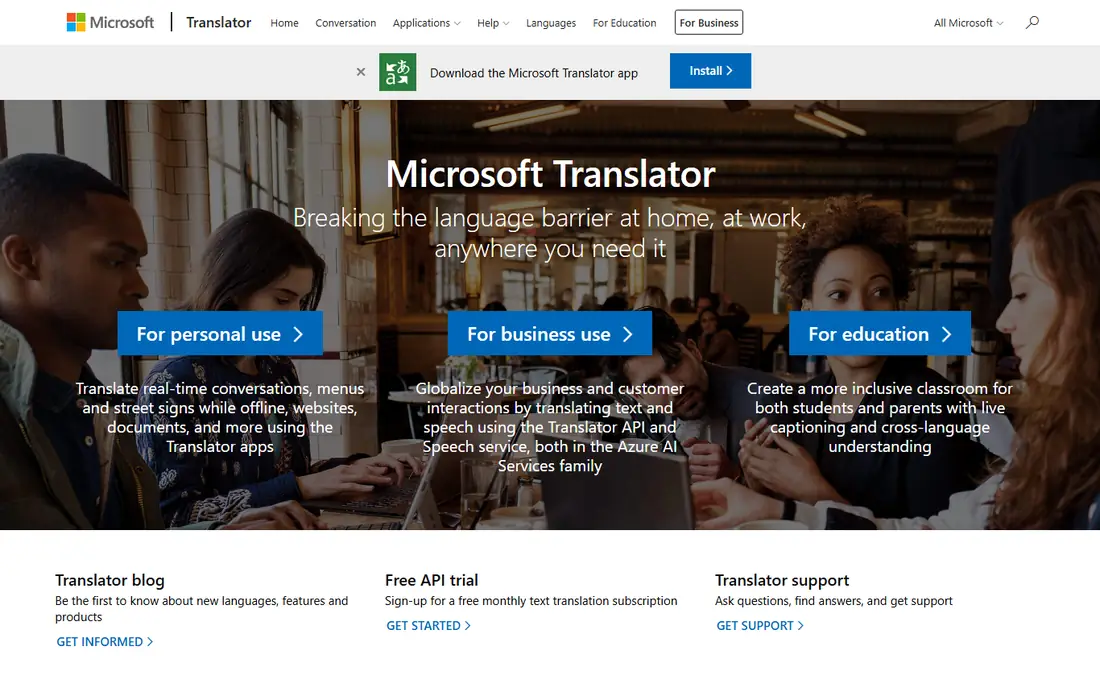
Microsoft Translator suits households and offices already inside the Microsoft world. Translation is built into Word, Edge, Teams, and other Microsoft products, and document translation is available through Azure Translator for larger or automated jobs. The free tier for API use is generous, with paid use priced per million characters.
The catch is that the best document features are not all in one simple web page. A casual user may find the web translator easy, while a team needing batch PDF translation will need to use Azure or a Microsoft 365 app. Translation quality is solid for common languages, though idiomatic phrasing can feel plainer than DeepL output. For Microsoft-centered teams, the integration alone can justify the choice.
- Strong Microsoft 365 and Teams links
- Document translation through Azure
- Generous free tier for API use
- Nuance can lag behind DeepL in some languages
- Document features are split across products
DocTranslator is a simple online service built for one job: upload a document, pick languages, and download a translation. It handles PDFs and other office formats, and it aims to keep the original layout, including headings and images. That focus makes it easier than pasting text paragraph by paragraph into a general translator.
Free use is limited, and the service is not a substitute for a certified translator. Machine output should be checked, especially for names, numbers, and legal terms, which can be mistranslated without an obvious warning. For a short, non-sensitive PDF that needs a quick translation, DocTranslator is a practical free option.
- No account needed for basic use
- Keeps document layout where possible
- Supports many languages
- Free use has limits
- Not suited to confidential or certified documents
Pairaphrase is aimed at companies that translate documents regularly and need consistent wording. It offers translation memory, glossaries, and file translation for PDFs and office documents, so a term translated one way in January stays the same way in June. That consistency matters for manuals, policies, and product guides, where a shifting term can confuse readers.
Pairaphrase is not the best pick for a one-off personal PDF, since setup and pricing suit teams rather than casual users. Pricing is available on request for some plans, so request a quote before committing. For a small business with repeat document translation, the time saved on editing and terminology checks can outweigh the cost.
- Built for business document translation
- Translation memory and glossaries
- Supports PDF and office files
- Pricing is not fully public for all plans
- Overkill for a single short PDF
Smartcat is a translation platform, not just a one-file tool. Teams can upload PDFs, run machine translation, assign human editors, and track progress in one place. That workflow suits companies that translate product documentation, help centers, or marketing PDFs into several languages at once.
The trade-off is complexity. A single PDF does not need project management, roles, and vendor tools, so casual users should pick DeepL or Google Translate instead. Smartcat pricing depends on usage and services, so check the current plans before starting a project. When human review is part of the plan, Smartcat makes that step easier to manage.
- Combines machine translation with human review
- Workflow and vendor management
- Handles many file types
- Platform pricing varies
- Setup takes longer than a simple web translator
GroupDocs Translation offers an online document translator that covers PDFs plus Word, Excel, PowerPoint, and other formats. Files can be uploaded in a browser, translated, and downloaded, with an API option for teams that want to build translation into their own apps. That breadth helps offices that deal with mixed file types, not only PDFs.
The interface feels more technical than DeepL or Google Translate, and free use is limited, so it is better as a specialist tool than a daily translator. Quality depends on the underlying engine and language pair, so test it on a sample document first. For format coverage and developer use, GroupDocs earns a place on this list.
- Translates PDFs and many other formats
- Online app needs no install
- API available for developers
- Interface is more technical
- Free use is limited
Yandex Translate is a simple free route for short PDFs, with the same caution that applies to all free web translators. Upload a document, choose languages, and download a translated copy without creating an account or installing software. For students, travelers, and readers checking a foreign document, that low friction is the appeal.
Controls are basic, with no glossary or translation memory, and output should be checked for numbers, names, and layout shifts. Do not use a free web translator for confidential, legal, or medical documents without a human review step. For a quick, non-sensitive translation, it does the job with little effort.
- Free and simple to use
- No software to install
- Supports document translation in a browser
- Limited controls for terminology
- Not suited to sensitive or legal documents
How we picked these
We compared official product pages, language coverage, document handling, and pricing for services that translate PDF files in October 2026. We favored services that accept a PDF upload and return a translated document, rather than tools that only translate pasted text. We left out tools that could not be verified as active, tools that only translate websites, and services that require a full localization project for a single file. Prices change, so confirm limits and language support before a large job.
What to check before you translate
Start with the source file. A text-based PDF translates far better than a scanned image, so run OCR first if the PDF is a scan, or the translator may return a blank or partial result. Check whether the service keeps tables, footnotes, and images in place, and test it on two pages before sending a 100-page manual through.
Next, match the tool to the stakes. A personal letter or school reading can go through a free web tool with a quick read-through afterward. A business contract, medical form, or immigration document needs human review, and in some cases a certified translation, because machine output can miss legal meaning even when it reads smoothly. Finally, check privacy. Free web translators process your file on their servers, so avoid uploading confidential documents unless the service offers a business plan with clear data handling terms.
Frequently asked questions
Can I translate a PDF for free?
Yes, for short documents. Google Translate, DeepL free, DocTranslator, and Yandex Translate all offer free document translation with limits on size, pages, or frequency. Longer documents, glossaries, and batch translation usually need a paid plan.
Will a translated PDF keep its original layout?
Often, but not always. DeepL and DocTranslator aim to preserve layout, including headings and images, while complex tables, multi-column pages, and scanned images are more likely to shift. Always review the translated PDF page by page before sharing it.
Can machine translation be used for legal documents?
Machine translation can help with understanding, but it should not be the final version for legal, medical, or certified use. Have a qualified human translator review the result, and use a certified service where an official translation is required.
What if my PDF is a scanned image?
Scanned PDFs need optical character recognition before translation, since the text is stored as an image. Some services handle this step, while others need a text-based PDF. Convert the scan with OCR first if the translator returns empty pages.
How many languages do these services support?
Google Translate supports the widest range, with well over 200 languages for text, while DeepL covers around 30 languages with stronger quality in those pairs. Check the exact pair you need, since support varies between text and document translation.
Is it safe to upload a confidential PDF to a free translator?
No, not for highly sensitive files. Free web tools process files on their servers, and their data terms vary. Use a business plan with clear privacy terms, a desktop tool where available, or a human translator under a confidentiality agreement for confidential work.
Sources
See where you really rank - block by block
ProMapRanker scans Google Maps across a grid of your service area. Simple monthly plans from $19, white-label on every plan.
Start freeKeep reading
 which software is best for pdf page removal
Which Software Is Best for PDF Page Removal in 2026
Find which software is best for pdf page removal, from free online tools to desktop editors, with page controls, privacy, safety, and pricing compared.
Read → when i work alternatives
Best When I Work Alternatives in 2026
Looking for when i work alternatives? We compare 8 scheduling apps for hourly teams, covering pricing, free plans, time clocks and the best fit for business.
Read → the best tool for keyword analysis
The Best Tool for Keyword Analysis in 2026
Find the best tool for keyword analysis with our 2026 comparison of 10 keyword analysis software tools on data depth, difficulty scores and price today.
Read →